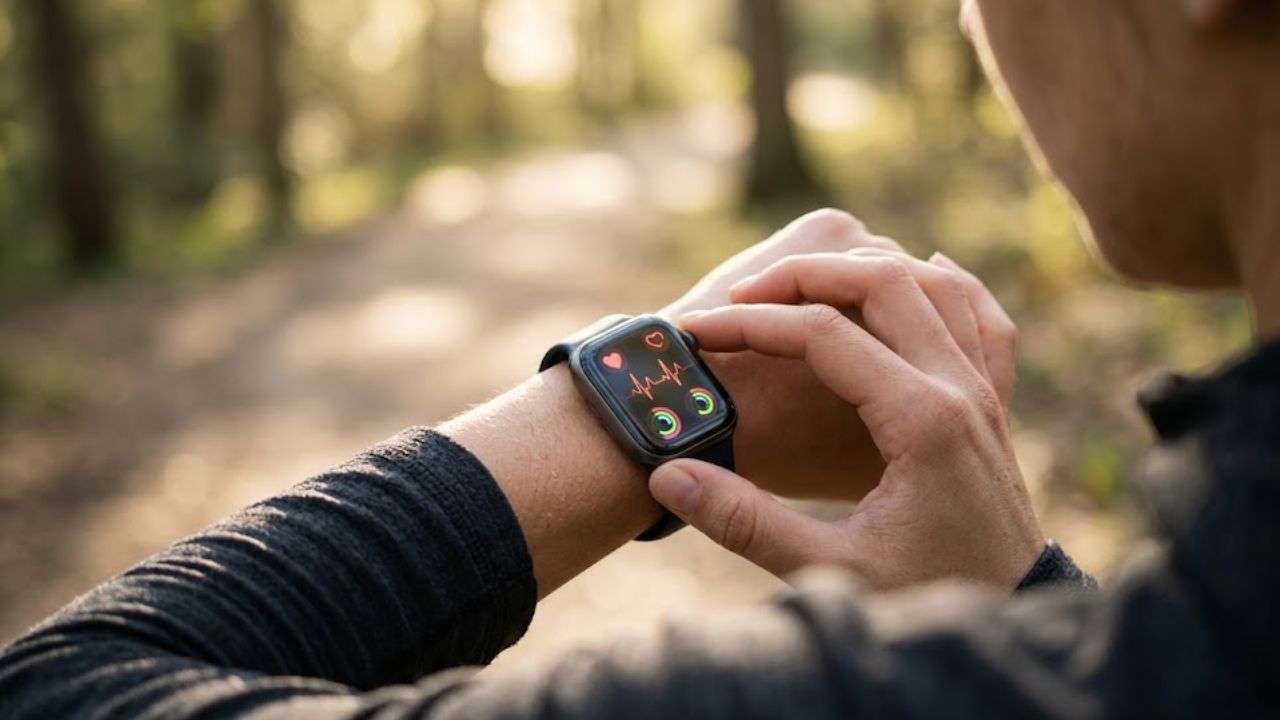
A watch can show you a heart-rate spike or a week of short sleep. It cannot tell you, by itself, what caused either one. For most people, wearable devices for health monitoring are more useful for noticing patterns and deciding what to ask a healthcare professional than for interpreting a single reading.
That distinction matters. Consumer devices estimate many measurements, and accuracy varies by device and metric. Use the information as context, not a diagnosis or a substitute for medical care.
1. Track daily movement
Step counts and activity records can make an inactive routine easier to see. If your work keeps you at a desk, for example, a tracker may reveal that most of your movement happens in one short stretch after work. You can then try a brief walk at lunch and see whether your weekly pattern changes.
This is one of the more practical uses of wearable devices for health monitoring: they make everyday activity visible without requiring a detailed log. But don’t treat the step count as exact. Device placement, arm movement and the kind of activity can affect what gets recorded. Use the same device consistently and compare your own weeks rather than competing with someone else’s number. Research reviews find that accuracy varies across devices and activity measures.
2. Follow heart-rate trends
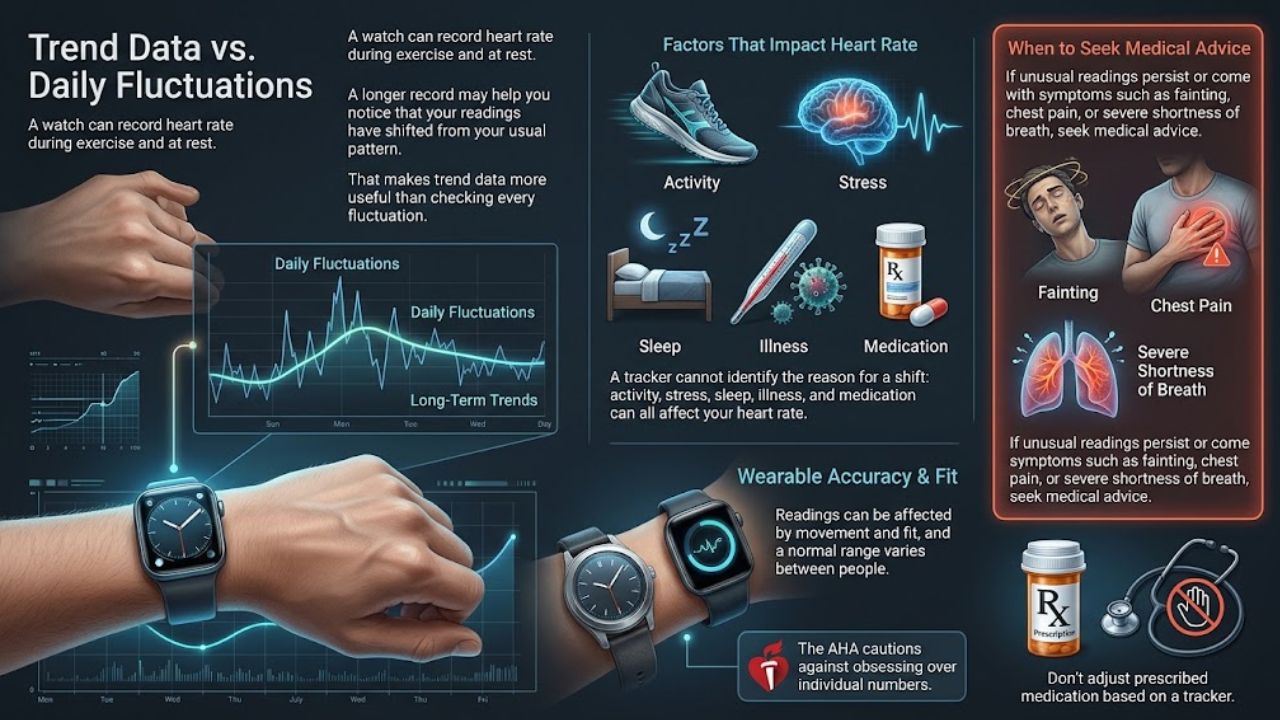
A watch can record heart rate during exercise and at rest. A longer record may help you notice that your readings have shifted from your usual pattern. It cannot identify the reason: activity, stress, sleep, illness and medication can all affect heart rate.
That makes trend data more useful than checking every fluctuation. Wearable readings can also be affected by movement and fit, and a normal range varies between people. The American Heart Association cautions against obsessing over individual numbers. If unusual readings persist or come with symptoms such as fainting, chest pain or severe shortness of breath, seek medical advice. Don’t adjust prescribed medication based on a tracker.
3. See how your sleep routine shifts
Sleep tracking can help answer a simple question: is your schedule becoming more regular or less regular? A wearable may estimate when you fell asleep, how long you slept and how often you woke. If you tend to go to bed later after evening work, several weeks of records may make the pattern easier to spot.
Sleep-stage estimates deserve less confidence. Consumer devices infer them from signals such as movement and heart rate; they don’t record all the signals used in a clinical sleep study. A sleep score is not a medical assessment. If you regularly wake unrefreshed, struggle to stay awake during the day or have ongoing concerns about your sleep, discuss them with a healthcare professional. Wearable devices for health monitoring can show a pattern; they cannot rule out a sleep disorder.
4. Record certain heart rhythms
Some smartwatches can record a single-lead electrocardiogram (ECG). Some also alert users to a possible irregular rhythm, including patterns associated with atrial fibrillation. These features may give you information to share with a clinician.
An alert does not confirm a condition. The FDA notes that wearable cardiovascular notifications can sometimes be false and may lead to additional testing. The American Heart Association advises users to tell a healthcare professional if a wearable reports an abnormal rhythm. Check what the feature is designed to detect and whether it is available in your region. If you have symptoms, don’t wait for a watch alert.
5. Check oxygen and breathing estimates
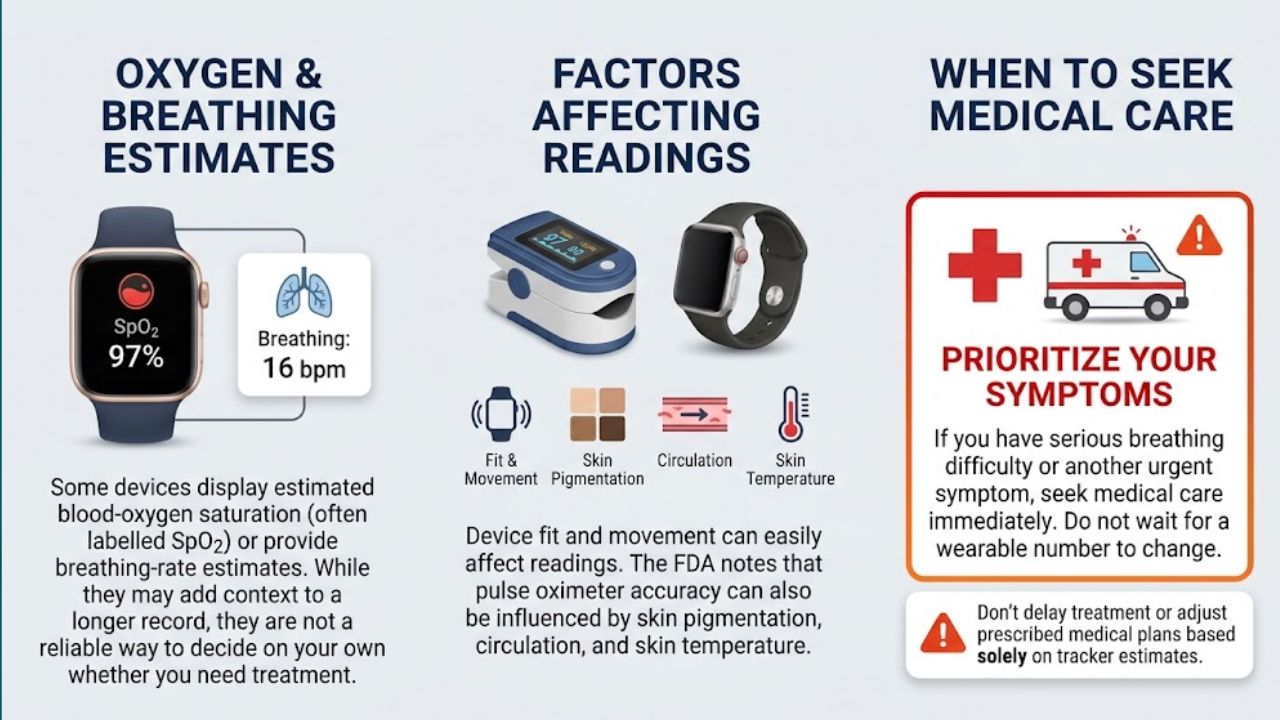
Some devices display estimated blood-oxygen saturation, often labelled SpO₂. Others provide breathing-rate estimates. These readings may add context to a longer record, but they are not a reliable way to decide on your own whether you need treatment.
Fit and movement can affect readings. The FDA also notes that pulse oximeter accuracy may be affected by factors including skin pigmentation, circulation and skin temperature. If you have serious breathing difficulty or another urgent symptom, seek medical care rather than waiting for a wearable number to change.
6. Notice temperature changes
Some rings and watches track changes in skin temperature, often during sleep. A shift from your usual pattern may be worth noticing, and some devices use temperature as one input for menstrual-cycle features.
Skin temperature is not the same as core body temperature. Room conditions, bedding, circulation and device fit may affect it. If you feel feverish, use a suitable thermometer instead of relying on a wrist or ring reading. And if you use a wearable for cycle awareness, check how the feature works; don’t rely on it alone for contraception or medical decisions without advice from a qualified professional. Wearable devices for health monitoring are most useful here as a source of context, not a definitive answer.
7. Support care with specialized monitors
A continuous glucose monitor (CGM) is a specialized wearable used by some people with diabetes as part of a care plan. It uses a sensor worn on the body to track glucose and send readings to a compatible phone or reader. A clinician can help determine whether a particular monitor suits someone’s needs.
A CGM is not the same as a smartwatch or ring that claims to measure glucose on its own. The FDA warns consumers not to use smartwatches or smart rings that claim to measure blood glucose without piercing the skin; those devices have not been authorized, cleared or approved by the agency to measure glucose independently. If you need glucose readings, ask a healthcare professional about an appropriate device. Authorization and availability can vary by country.
Use wearable data with care
Wearable devices for health monitoring are easier to use well when you have a specific question: Am I moving more than last month? Has my sleep schedule shifted? Should I mention a rhythm alert at my appointment?
A few habits help keep the data in perspective:
- Wear and charge the device as instructed.
- Look for patterns across days or weeks, not one surprising result.
- Note symptoms or major changes in sleep, activity or medication.
- Bring relevant records to a healthcare professional.
- Review privacy settings before syncing health data with other apps.
If checking the app makes you anxious or disrupts your sleep, turn off nonessential alerts or take a break from tracking. More measurements do not always lead to better decisions.
Final Thoughts
The best starting point is one measurement tied to a real question. Track it consistently, see whether a pattern emerges, and bring concerns to a healthcare professional. Wearable devices for health monitoring can make those conversations more specific, but the device should support your judgment—not replace medical care.
Frequently Asked Questions (FAQs) About Wearable Devices for Health Monitoring
Can a smartwatch diagnose a heart condition?
No. Some devices can record an ECG or alert you to certain rhythm patterns. A healthcare professional must interpret the information and decide whether further testing is needed.
Can a smartwatch measure blood sugar?
Do not rely on a watch or ring that claims to measure glucose on its own without piercing the skin. Ask a healthcare professional about an appropriate glucose monitor if you need one.
What should I do about an unusual reading?
Consider whether it repeats and how you feel. Contact a healthcare professional about persistent or concerning readings. For severe or sudden symptoms, seek urgent care instead of waiting for a wearable alert.