In the world of First-Person Shooter (FPS) games, precision and accuracy often mean the difference between victory and defeat. Whether you’re a casual player or dreaming of climbing the competitive ranks, mastering your aim is essential.
For beginners, aiming can feel daunting, but with the right techniques and consistent practice, anyone can improve.
This guide, “10 Tips to Improve Your Aim in FPS Games (Even if You’re a Beginner),” will break down actionable steps to help you level up your gameplay. Let’s dive in!
Understanding the Basics of FPS Aiming
FPS aiming refers to your ability to target and hit opponents accurately in First-Person Shooter games. It’s a combination of hand-eye coordination, reflexes, and technique.
Good aim not only increases your chances of securing eliminations but also improves overall gameplay efficiency, making you a valuable asset to your team.
Common Beginner Mistakes
Many beginners struggle with issues such as:
- Overcorrecting aim: Making excessive mouse movements that overshoot the target.
- Poor crosshair placement: Keeping the crosshair too low or too high instead of at head level.
- Inconsistent sensitivity settings: Using unsuitable DPI (dots per inch) and in-game sensitivity, leading to erratic aim. Recognizing and addressing these mistakes is the first step toward improvement.
Setting Realistic Goals for Improvement
Improving your aim takes time and practice. Set small, achievable goals, such as increasing your accuracy percentage or consistently landing headshots in training sessions. Regularly track your progress to stay motivated.
10 Tips to Improve Your Aim in FPS Games (Even if You’re a Beginner)
1. Master Crosshair Placement
Crosshair placement is the cornerstone of good aim. Keeping your crosshair at head level and pre-aiming at common enemy positions reduces the time needed to adjust your aim when an enemy appears.
For example, instead of aiming at the ground while walking, keep your crosshair aligned with potential threats. This reduces reaction time and increases your chances of landing a headshot, especially during quick encounters.
Practicing proper crosshair placement in training maps or bot matches is an excellent way to build muscle memory for in-game scenarios.
Tips:
- Practice keeping your crosshair steady while moving through maps.
- Watch professional players’ gameplay to understand optimal crosshair positioning.
| Mistake | Solution |
| Aiming too low | Always aim at head level. |
| Reacting late to enemies | Pre-aim common corners and angles. |
2. Find Your Optimal Sensitivity Settings
Sensitivity settings are crucial for consistent aim. High sensitivity allows for quick turns but can be hard to control, while low sensitivity provides precision at the cost of slower movements.
Finding a balance that suits your playstyle is key. Test different DPI and in-game sensitivity levels to see which feels most natural. Many pros prefer lower sensitivity paired with a large mousepad, as this allows for fine control over smaller adjustments.
Stick to your chosen sensitivity to develop muscle memory and avoid constantly adjusting it, which can hinder progress.
Tips:
- Use tools like Aim Lab to test various sensitivity settings.
- Stick to one setting to build muscle memory.
Example: Most professional FPS players use low sensitivity combined with a large mousepad for precise aiming.
3. Warm-Up Before Playing
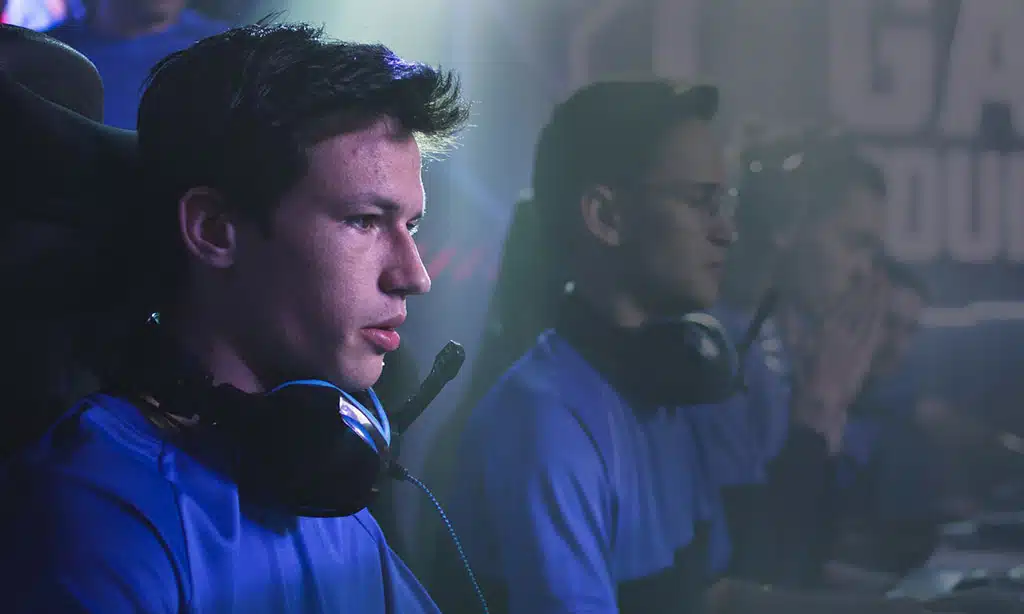
A proper warm-up routine helps you get into the groove before jumping into competitive matches. Aim training tools like Kovaak’s or Aim Lab offer tailored exercises to improve tracking, flick shots, and reaction time.
Starting your gaming session with a warm-up not only boosts your confidence but also reduces the likelihood of poor performance early on. Focus on consistency during warm-ups instead of speed, as this ensures better control when transitioning to actual gameplay.
Over time, warm-ups help reinforce good habits, making your aim more reliable.
Tips:
- Spend 10-15 minutes in an aim trainer or practice range.
- Focus on specific skills, such as tracking moving targets or hitting stationary ones.
4. Focus on Small, Controlled Movements
Precision in FPS games often comes down to mastering micro-adjustments. Instead of moving your mouse erratically, practice making small, deliberate movements to align your crosshair with targets.
These controlled movements allow you to aim more accurately, especially in long-range encounters. Exercises in aim trainers that emphasize micro-adjustments are particularly useful.
Developing this skill can also help you in tracking moving enemies and landing consistent shots in high-pressure situations, where control matters most.
Tips:
- Use exercises in aim trainers that emphasize micro-adjustments.
- Practice shooting at distant targets to develop control.
5. Practice Recoil Control
Understanding and controlling recoil is essential in FPS games where weapons have specific spray patterns. Learning how to counteract recoil by pulling your mouse in the opposite direction ensures more bullets hit their mark.
Recoil control becomes especially important during sustained gunfights, where accuracy can give you a critical edge. Spend time in the practice range with each weapon to understand its behavior.
As you master recoil control, you’ll find it easier to handle intense engagements and secure eliminations in difficult situations.
Tips:
- Spend time in the practice range learning spray patterns for each weapon.
- Start with weapons that have manageable recoil before progressing to more challenging ones.
Example: In CS: GO, the AK-47 has a predictable recoil pattern that can be mastered with practice.
6. Utilize Aim Training Tools
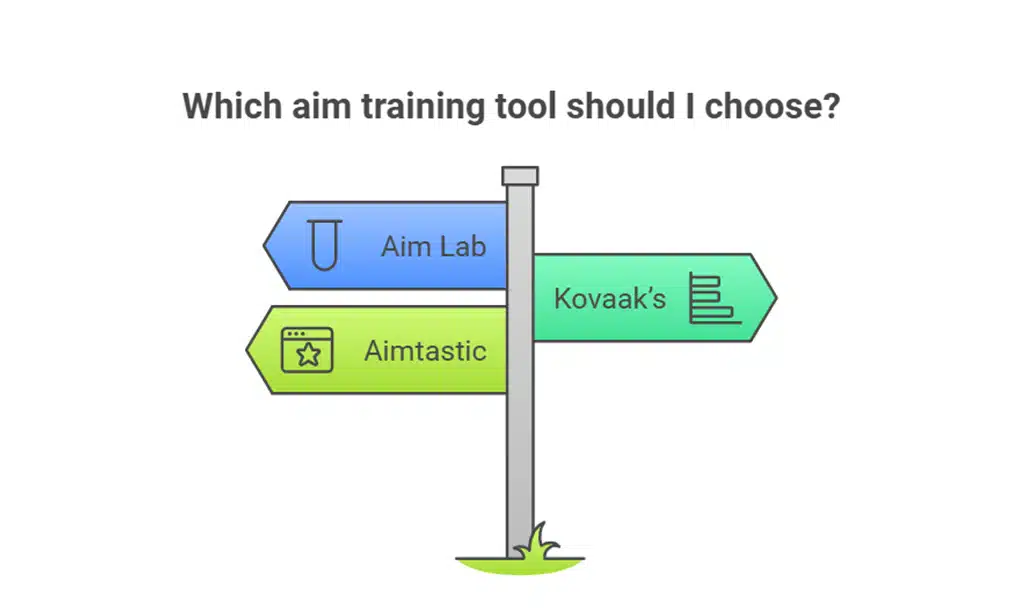
Aim trainers are dedicated software designed to help players improve their aim. Tools like Aim Lab, Kovaak’s, and Aimtastic provide customizable drills to target specific weaknesses, such as flick shots or tracking.
These tools simulate in-game scenarios, allowing you to focus on areas that need improvement. Regular practice in aim trainers complements the in-game experience, making you a more versatile and accurate player.
Whether you’re working on quick reactions or precision, aim trainers are a valuable addition to your routine.
| Tool | Features | Cost |
| Aim Lab | Free; customizable scenarios | Free |
| Kovaak’s | Advanced drills; detailed analytics | Paid ($10) |
| Aimtastic | Beginner-friendly; lightweight drills | Free |
7. Improve Your Reaction Time
Fast reaction times are critical for FPS success. Reflex training exercises, such as reaction time tests or playing fast-paced games like Osu!, can help sharpen your responses.
Improved reaction time enables you to act quickly in unexpected situations, giving you a significant advantage over slower opponents.
Incorporating these exercises into your training routine helps develop the hand-eye coordination needed to make split-second decisions. Faster reactions often translate to winning crucial duels, especially in high-stakes matches.
Tips:
- Use online reaction time tests to benchmark your speed.
- Incorporate exercises that improve hand-eye coordination.
8. Analyze Your Gameplay
Reviewing gameplay footage allows you to identify patterns and areas for improvement. Tools like OBS or in-game replay systems make it easy to record and analyze matches.
By observing your own performance, you can pinpoint mistakes such as poor positioning, missed shots, or ineffective crosshair placement.
Consistently analyzing gameplay helps you adapt to different situations and refine your strategy. This reflective practice is invaluable for long-term growth and becoming a smarter, more precise player.
Tips:
- Look for missed shots and understand why they happened.
- Evaluate your positioning and crosshair placement.
9. Stay Calm Under Pressure
In high-stakes situations, staying calm ensures precision. Nervousness can lead to overcorrection or missed shots, so developing mental resilience is key.
Practicing mindfulness techniques, such as deep breathing or visualization, can help maintain focus during intense moments.
Staying composed allows you to think clearly and react appropriately, even in clutch situations. As you develop this skill, you’ll find yourself excelling in scenarios that previously felt overwhelming.
Tips:
- Practice breathing techniques to stay relaxed during intense moments.
- Focus on one target at a time to avoid feeling overwhelmed.
10. Maintain Proper Posture and Equipment Setup
Your physical setup plays a significant role in aiming accuracy. Ensure your desk, chair, and peripherals are ergonomically arranged to reduce strain and improve comfort.
A proper setup not only enhances performance but also prevents long-term discomfort during extended gaming sessions. Using a large mousepad provides ample space for movement while adjusting your chair height ensures a neutral wrist position.
These small adjustments make a big difference in improving consistency and accuracy over time.
Tips:
- Use a large mousepad for unrestricted movements.
- Adjust your chair and monitor to maintain a neutral posture.
Advanced Tips for Continued Improvement
Experiment with Different Playstyles
Adapting your aim for aggressive versus defensive playstyles broadens your skill set. Practice both styles to handle diverse in-game scenarios effectively.
Communication and Teamwork
Great aim alone doesn’t win games. Coordinate with teammates to set up advantageous positions and maximize your impact.
Joining a Community or Aim Group
Engaging with other players helps you exchange tips, participate in challenges, and stay motivated. Join forums, Discord groups, or aim training communities to learn from others.
Final thoughts
Improving your aim in FPS games takes dedication, practice, and the right strategies. By implementing these 10 tips to improve your aim in FPS games (even if you’re a beginner), you’ll see steady progress and enjoy a more rewarding gaming experience.
Remember to stay consistent, track your progress, and, most importantly, have fun as you hone your skills. Now, pick up your mouse and get to work—those headshots won’t hit themselves!