Listen to the Podcast:
Generating top-notch video content for social media audiences is one thing, and making it by the needs of your audience is another.
You might have to enhance the quality of your video to make it picture-perfect and worth watching.
While shooting a video through your camera, it might have happened that the videos you created weren’t clicked appropriately.
That’s where a video upscaler comes in, helping you to enhance the video quality amazingly.
We’ve decided to introduce the 7 massive video quality enhancers for Windows, Mac, Android, iOS, and Online.
Top 1: HitPaw Video Enhancer (Most Recommended)
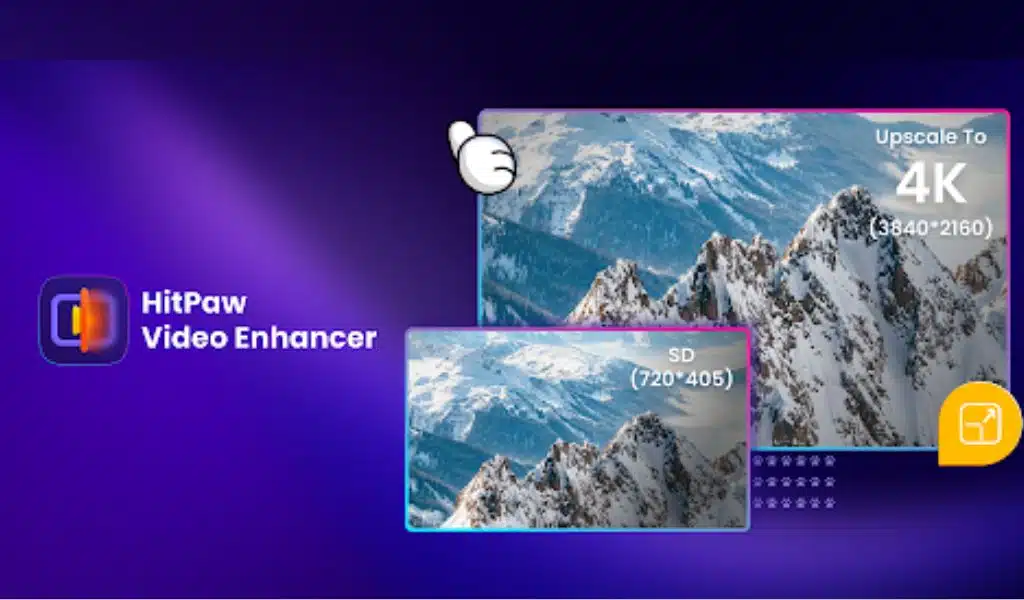
Although finding the best AI video enhancer is difficult, the emergence of HitPaw Video Enhancer helps you access the best possible video quality enhancer.
It brings in four amazing AI models that empower you to reduce the noise from a video, remove the blur from a video, Colorize the black and white video, and more.
Rating: 4.9/5
Available: Windows/Mac
Standout Features:
- Allows you to enhance the quality of video automatically
- Powered by AI technology
- Allows you to remove the noise from your videos
- Colorize the black-and-white videos with high quality
- Offers the 4 mind-blowing AI models
- Doesn’t come up with the watermark
Pros:
- Easy to use
- Supports the batch processing
- GPU acceleration feature speeds up the upscaling video process
- 100% safe for your PC
Cons:
Not yet
Top 2: Remini Video Enhancer
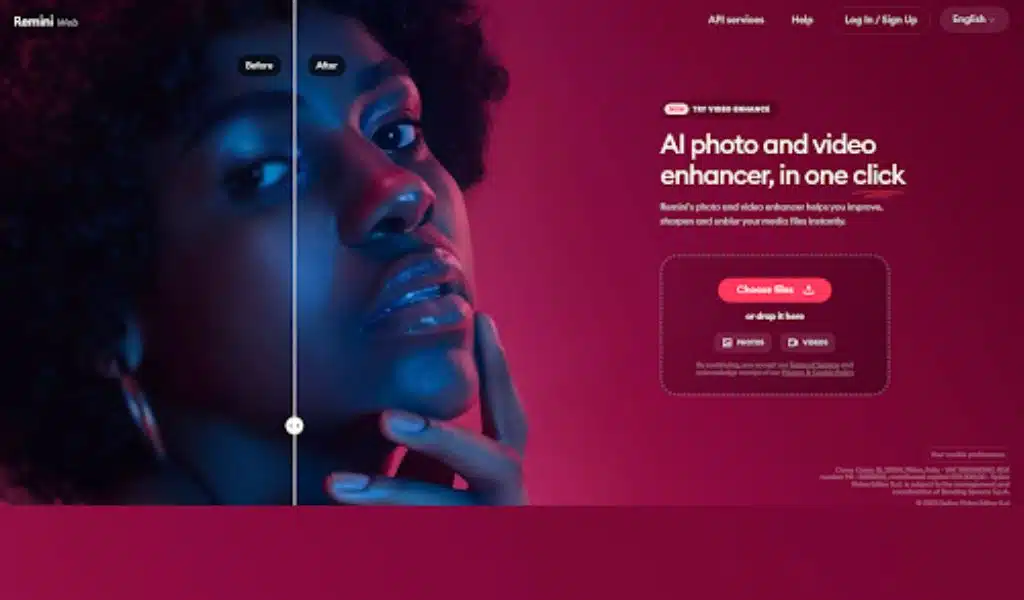
Another immaculate video enhancer that offers the massive ability to upscale your video is Remini Video Enhancer.
The best thing about this online video enhancer is that you don’t need to install any software, as visiting the official website of Remini Video Enhancer will be enough to serve your purpose. Using this video upscaler, you can remove the blur from your video and generate flawless videos with minimal effort.
Rating: 4.8/5
Available: Online
Standout Features:
- It is an AI-based video enhancement tool.
- Allows you to improve the quality of video in one click
- Allows you to add more pixels to your videos
- Offers high-performance computing to speed up editing the videos
Pros:
- Easy to use
- Compatible with various devices
- Powered by AI technology
Cons:
- Only subscribers can use Remini Video Enhancer
Top 3: Topaz Video Enhance AI
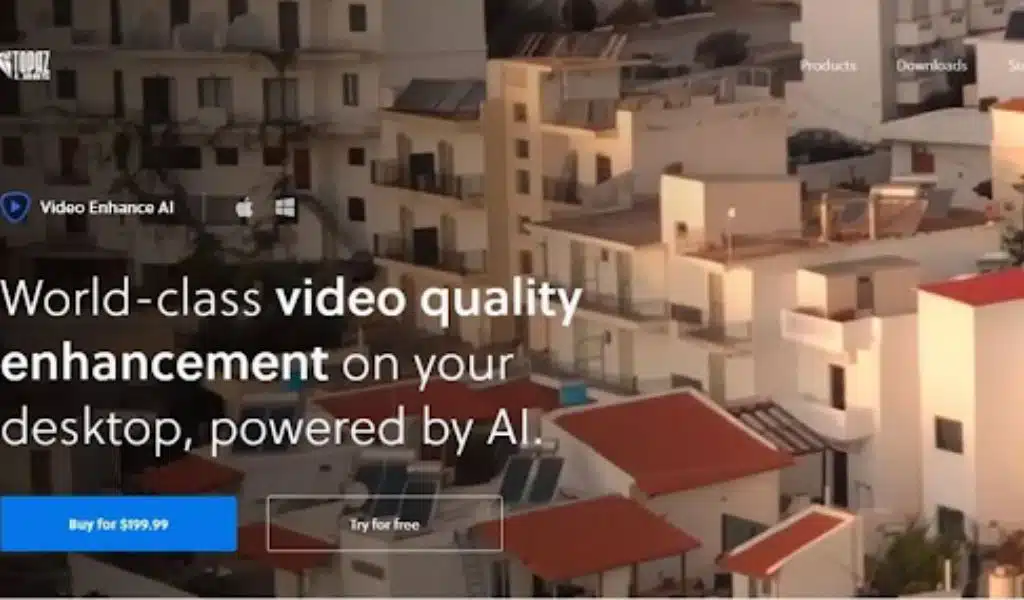
Topaz Video Enhance AI will help you generate high-quality video regardless of your current camera.
It uses artificial intelligence to take your video to the next level by applying AI techniques. Topaz Video Enhance AI is a flawless 4K video enhancer with the credentials to increase the video resolution to 4K or 8K.
Rating: 4.7/5
Available: Windows/Mac
Standout Features:
- Allows you to enhance the quality of videos automatically
- Improve the video quality to up to 8K.
- Allows you to remove the noise from video
Pros:
- Offers the brilliant enhancement technology
- Allows you to detect the original video quality
- Offers the manageable user interface
Cons:
- Expensive
Top 4: PowerDirector
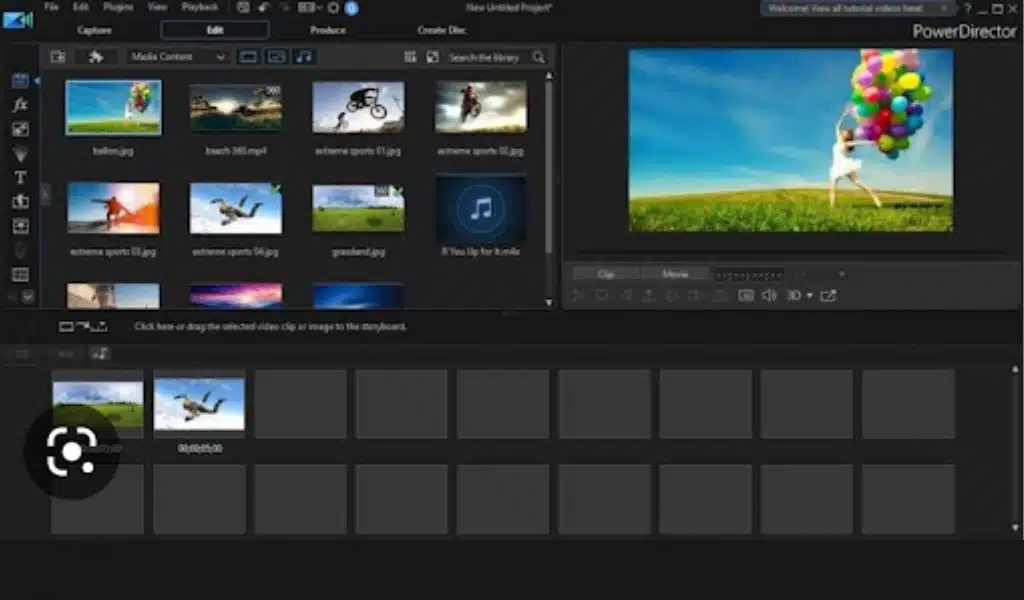
Apart from helping you to improve the video quality on Mac and Windows, PowerDirector video quality increaser also works on mobile devices. With PowerDirector, you’ve got the chance to make your video look top-notch and fascinating.
Since it is powered by AI technology, using the PowerDirector won’t be an issue, as all you need to do is import the video clip to the tool’s main interface to get things going.
Rating: 4.7/5
Available: Windows/Mac/Android/iOS
Standout Features:
- Allows you to enhance the video quality to up to 8K
- Comes up with various ready-made templates.
- Enables you to stabilize the shaky footage
Pros:
- PowerDirector is available for Android, iOS, Mac, and Windows 10
- Allows you to import and upscale the video in a few clicks
- Offers the brilliant free trial version
Cons:
- It might take some while exporting the edited videos.
Top 5: Canva
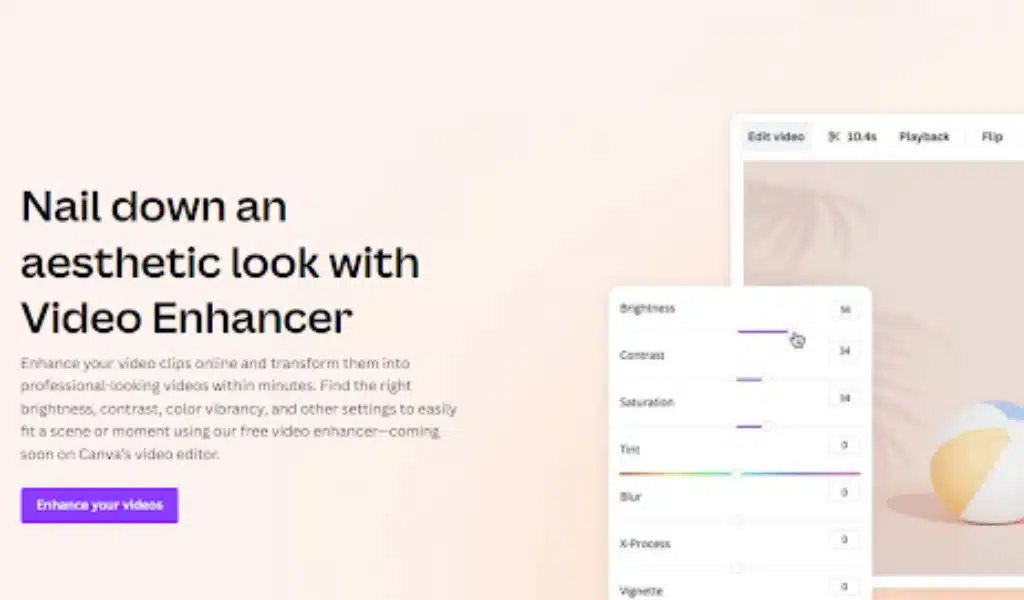
Another free video enhancer that makes it into our list of sensational video quality enhancers is Canva. It is an outstanding video editing tool with amazing features like cutting, splitting, and trimming videos.
Apart from customizing the video, Canva is also efficient at enhancing the quality of the video and adding terrific colors to your video content.
Rating: 4.6/5
Available: Online
Standout Features:
- Supports the multiple video formats
- Allows you to upscale the video
- Offers the mesmerizing video editing features
Pros:
- Blesses you with the simple user interface
- No installation is required.
- Free to use
Cons:
- It might tinker with the resolution of your video.
Top 6: Neural Love
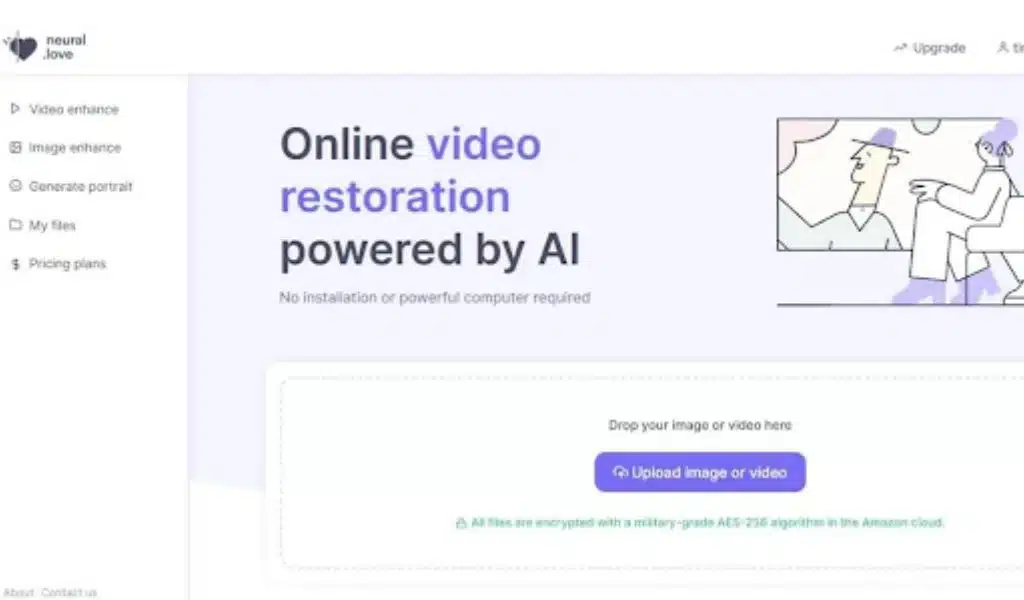
If you’re worried about the software taking up too much storage on your PC, you can opt for the video quality enhancer online free to enhance the video quality.
Neural. love is such a fantastic online video quality enhancer that allows you to increase the quality of your video without even installing any software.
Rating: 4.6/5
Available: Online
Standout Features:
- Allows you to upscale the video to up to 4K
- Helps you to fine-tune facial details
- Colorize black-and-white videos
Pros:
- Easy to use
- No installation required
Cons:
- Expensive to upscale long videos
Top 7: Avclabs Video Enhancer AI

If you want to try out more AI video enhancement tools, you shouldn’t ignore the Avclabs Video Enhancer AI.
It is yet another sublime video upscaler with the quality to improvise the video direction and size of your video courtesy of AI-powered technology.
Turning the lower-quality video into 4K technology will be pretty simple using this tool. Luckily, AVCLabs also helps you to get rid of the artifacts by using deep compression computing.
Rating: 4.5/5
Available: Windows/Mac
Standout Features:
- Deep Compression algorithm
- Cut, crop, and de-interlace videos
- Multi-frame enhancement
- Video resolution upscaling
Pros:
- Supports the multiple video formats
- Enhance the video through AI technology.
- Offers the manageable user interface
Cons:
- The edited videos of AVCLabs Video Enhancer AI come up with the watermark.
Summary
This post sums up the credentials and quality of all the mentioned AI video quality enhancers have to offer you.
You can explore all the listed tools to take your video content to the next level, and that aspect will surely help you attract millions of eyeballs in the marketing field. HitPaw Video Enhancer remains the best, citing its mind-blowing 4 AI models and effortless user interface.