Android users, there’s some good news for you! Google just dropped a blog post this Tuesday announcing a bunch of cool new features that’ll make your life easier. If you’ve got a Google Pixel 3 or newer, and you’re running Android 12 or above, you’re in for a treat.
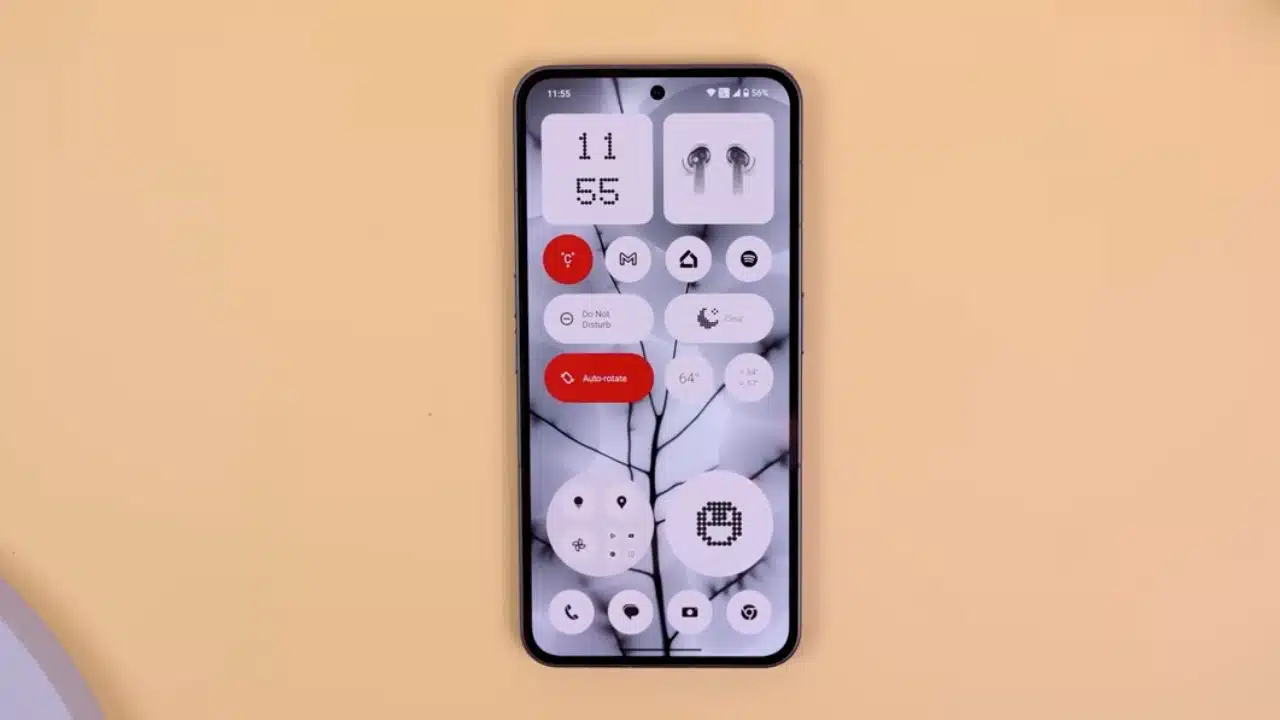
First up, let’s talk about this snazzy new widget called Assistant At a Glance. This isn’t your average widget; it’s got some AI magic sprinkled in. Basically, it puts all the info you need right on your home screen. Need to know the weather? It’s there. Got a flight to catch? Travel updates are just a tap away. Oh, and don’t worry about forgetting Aunt Susan’s birthday—this widget will remind you of any upcoming events, too.
You’ve got this shiny new Assistant At a Glance widget popping up on your Android screen, right? If you’re wondering how to fine-tune it, it’s pretty simple. Just press down on the weather bit at the top of your home screen and hit ‘Customize.’ From there, you’ll find a gear icon labeled ‘At a glance,’ and that’s your gateway to customizing what you see. Want to get earthquake alerts or track your Uber? You can set all of that up there.
But wait, there’s more! Google has rolled out another thoughtful feature, this time for folks who have trouble seeing. Imagine scrolling through your photos, group chats, or even social media and not being able to recognize what’s in the images. That’s where the Lookout – Assisted Vision app steps in. This handy app aims to describe the images in as much detail as possible, making it a whole lot easier for those with visual impairments to understand what’s going on.
Lookout up and running on your phone. Now what? Simply aim your camera at whatever you’re curious about, or pull up an image from your gallery. The app will do the talking and tell you what’s in the picture. The cherry on top? You can even ask follow-up questions through its Q&A feature. Curious if that’s a Golden Retriever in the picture? Just ask! And the best part is, it supports a whopping 34 languages.
But let’s not forget about the latest addition to Google Wallet. Ever find yourself fumbling around with physical passes, tickets, or loyalty cards? Well, those days are over. Just snap a pic of any pass with a barcode or QR code, and boom—it’s in your Google Wallet. If you haven’t got Google Wallet yet, it’s about time you download it. Once it’s up, hit ‘Add to Wallet,’ pick what kind of pass or card you’re adding, give it a name, and scan away. Now, you’ve got a digital copy handy for whenever you need it.
Android Auto users? Zoom and Webex are coming to a dashboard near you! Whether you’re running late to a meeting or just want to multitask, you can now start or join conference calls right from your car. Don’t worry, it’s audio-only for obvious safety reasons. Need to mute yourself because you’re ordering at the drive-thru? Easy-peasy. And when you’re done gabbing, just hit ‘end call’ and go on your merry way.
And for all you health-conscious folks, Google has a nifty trick up its sleeve. If you’re using a Fitbit or Google Fit, you can now integrate your sleep stats into your morning routine. Just tell Google when you went to bed and how long you snoozed for. The next morning, say “Hey Google, good morning,” and it’ll give you a quick rundown of how well you slept. It’s like having a personal wellness coach, but without the steep price tag.
So there you go, a couple of cool new features to make life a bit more convenient.