Small claims court is built for regular people, not litigators, which means the rules are simpler, the hearings are short, and the judge rarely has more than fifteen minutes to figure out who owes whom. When people lose a winnable small claims case, it usually is not because the law was against them.
It is because they showed up with a grocery bag full of crumpled invoices, or tried to hand an unlocked phone to the bailiff so the judge could scroll through three months of text messages.
Judges will not scroll through your phone, and court clerks will not sort your receipts. Whether you have to upload a digital evidence packet before a Zoom hearing or bring three physical binders into a courtroom, your job is to make your timeline obvious in under five minutes.
Here are seven practical tools that help you pull messy records together into clean, court-ready exhibits without spending a fortune on legal software.
1. Adobe Scan or Microsoft Lens for Paper Receipts and Contracts
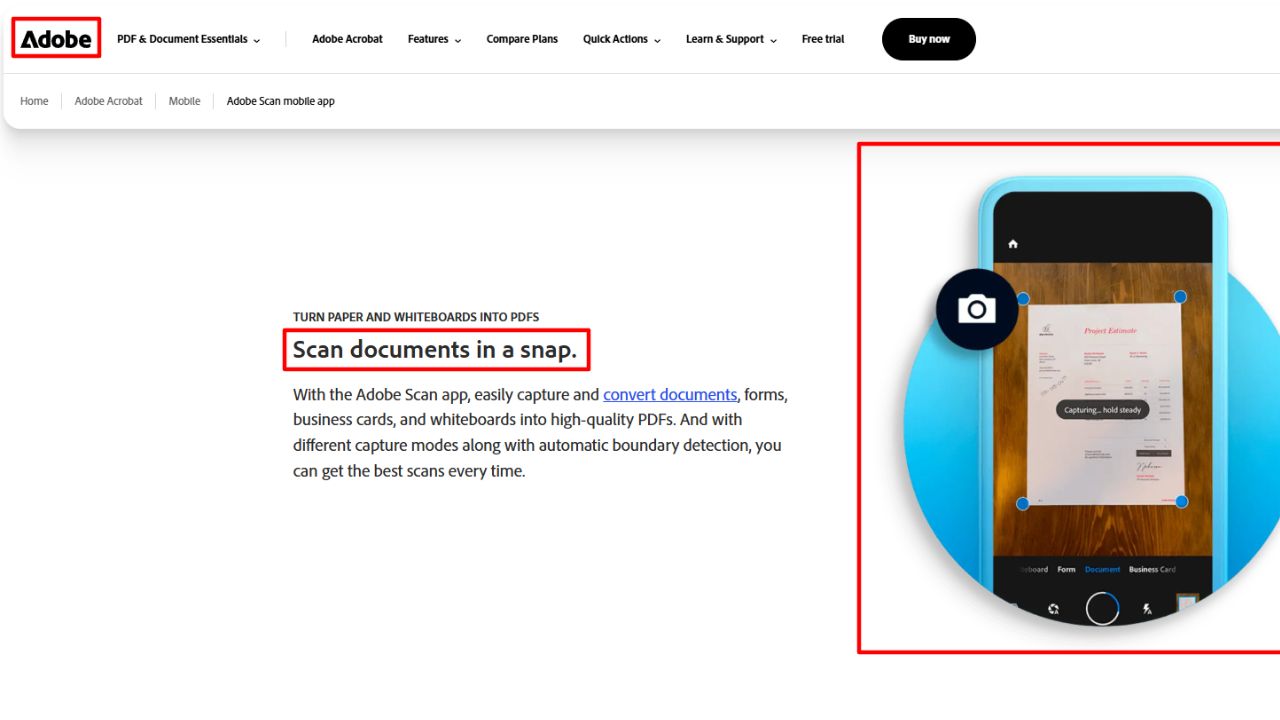
Taking a regular smartphone photo of a lease agreement on your kitchen table almost always results in shadows, skewed angles, and blurry small print. Dedicated document scanner apps like Adobe Scan and Microsoft Lens use edge detection to flatten the page, strip out glare, and boost contrast so faded ink actually reads like a clean photocopy.
This matters most for thermal paper receipts from hardware stores or auto shops, which fade fast and look gray on camera. Both apps also run automatic optical character recognition (OCR), turning your stack of paper into searchable PDFs so you can find a specific date or dollar amount in seconds.
The catch: Adobe Scan tries to nudge you into paid cloud upgrades if you click the wrong button, though the core scanning and PDF export features remain completely free. Microsoft Lens is simpler and has zero upsells, making it the faster pick if you just want to scan twenty pages and email them to yourself.
2. iMazing or Decipher TextMessage for Exporting Text Threads
Screenshots are the worst way to present text messages in court. Five screenshots of a heated conversation with a contractor rarely show the contact’s actual phone number at the top of every image, often cut off dates, and make it easy for the other side to claim you left out a message in the middle.
Desktop tools like iMazing (for iPhone) and Decipher TextMessage pull the raw message database from your phone backup and export the entire thread as a clean, continuous PDF. Every single message prints with the date, exact timestamp, sender name, and phone number attached, along with inline photos that were sent in the thread.
One practical tip: These programs cost around $30 to $45 for a license, which is well worth it if your whole case hinges on an agreement made over text. Export only the specific date range relevant to your dispute rather than printing three years of unrelated chatter.
3. PDFgear for Merging and Labeling Your Exhibit Packet
Once you have bank statements, scanned receipts, and exported emails, most courts want them combined into either a single chronological PDF packet or neatly labeled individual exhibits (Exhibit A, Exhibit B, and so on). Paying for an Adobe Acrobat Pro subscription just to prepare for one small claims hearing does not make much sense.
PDFgear is a free desktop program for Windows and Mac that handles page merging, rearranging, and annotations without slapping watermarks across your documents or limiting you to two files a day. You can drop in a cover page, insert bold red “Exhibit A” text boxes in the top right corner of your first document, and add page numbers across the entire packet so you can tell the judge, “Please look at page 14.”
Because it runs locally on your computer rather than in a web browser, you are also not uploading your bank account numbers or private contracts to a random free PDF website.
4. Google Sheets or Excel for an Itemized Damages Ledger
If you are suing a landlord over an unreturned security deposit or a contractor over a botched $4,000 bathroom remodel, do not make the judge do math from the bench. Every strong small claims packet starts with a one-page summary sheet right behind the cover letter.
A basic spreadsheet in Google Sheets or Excel lets you build a clean damages ledger with four columns:
- Date of Expense: When the cost was incurred or paid.
- Item / Vendor: What you paid for (for example, “Emergency water extraction by Servpro”).
- Exhibit Reference: Which page or tab in your packet proves the cost (for example, “Exhibit D, Page 12”).
- Amount: The exact dollar figure, summed automatically at the bottom.
When the judge asks how you arrived at $3,420.50, you point straight to the spreadsheet total, and every line item links directly to a receipt behind it.
5. Gmail or Outlook “Print to PDF” for Email Chains
People frequently forward relevant emails to themselves or copy-paste the text into a Word document before printing. Both habits strip away the original metadata and make the email look edited.
Instead, open the original conversation thread in Gmail, Outlook, or Apple Mail, expand all the collapsed messages inside the chain so nothing is hidden, and use the built-in Print function to save the thread as a PDF. That preserves the full sender and recipient headers, exact timestamps, and subject lines across the whole conversation. If an email had an attachment, print the attachment right behind the email and label them together as a single exhibit (such as Exhibit C-1 and Exhibit C-2).
6. Canva or Google Slides for Photo Comparison Boards
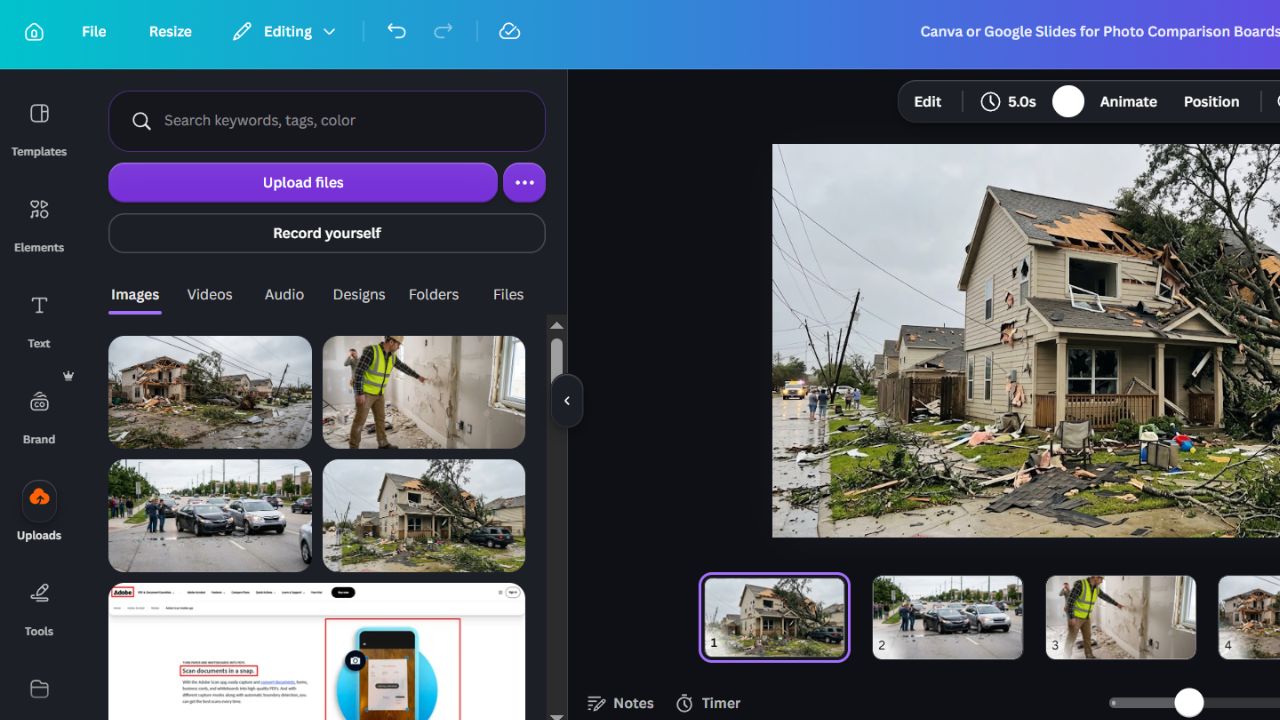
Property damage, auto accidents, and defective work cases usually involve dozens of photos. Handing a judge twenty loose 4×6 prints from a pharmacy photo kiosk is a fast way to lose control of your narrative, because the judge has no idea what angle they are looking at or when the picture was taken.
Using a simple layout tool like Google Slides or Canva, set your page size to standard 8.5 x 11 inches and place two photos per page. That gives you plenty of white space underneath each image to type a clear, factual caption:
- What is in the photo: “North living room wall showing water staining along baseboard.”
- When it was taken: “Taken October 12, 2025, two days after roof leak.”
- Who took it: “Photo taken by Plaintiff.”
- Side-by-side comparisons: Put the move-in photo on the left and the move-out photo on the right on the exact same page so the contrast speaks for itself.
Avoid writing angry arguments in the captions. Stick to dates, locations, and what the camera is pointed at.
7. WayBack Machine (Internet Archive) and Full-Page Screen Capture for Vanishing Ads
When disputes involve a used car listing on Craigslist, a misleading product description on a boutique website, or a contractor’s website promising a “5-year workmanship warranty,” that webpage tends to disappear the moment you threaten legal action.
If the page is still live, use a browser extension like GoFullPage (for Chrome or Edge) to capture the entire webpage from top to bottom as a PDF with the URL and date stamped in the header. If the other party has already scrubbed their site, plug their web address into the Internet Archive’s Wayback Machine (web.archive.org) to see if an older snapshot of the page was saved while the promise was still up. Courts regularly accept dated printouts showing how a business advertised its terms at the time you paid them.
Putting the Final Packet Together
Before you print or upload anything, check your local court’s website for its specific small claims evidence rules. Many counties now require you to submit digital exhibits through an online portal five to ten days before a remote hearing, AND mail or email an exact copy to the person you are suing.
If your hearing is in person, the safest rule of thumb is the “Rule of Three”: bring one complete, organized set of exhibits for the judge, one identical set for the opposing party, and one set for yourself so you can follow along by page number when presenting your side.