The store page for FPV Freerider FREE opens with a warning, and it means it. “This is an RC flight simulator, not a game.” Anyone who arrives expecting a drone racer with power-ups and a progression tree is going to bounce off it inside two minutes, usually upside down in a field.
That bluntness is the best thing about it. The simulator exists so that people who own, or want to own, a racing quadcopter can crash a few hundred times without spending money on carbon fiber. Everything in it points at that goal.
The First Thirty Seconds Are Supposed to Be Bad
Spawn in, nudge the throttle, and the quad leaves the ground faster than you expect. Nudge it again to correct, and you have already overcorrected. The horizon tilts, the camera follows, and you are looking at grass.
This is not clumsy design. Real racing quads respond to stick input with that same immediacy, and the simulator is modeling the physics rather than smoothing them out for comfort. The learning curve is the product.
What makes it tolerable is that there is no penalty loop. No lives, no respawn timer worth mentioning, no scolding. You reset, and you are hovering again, which is exactly how practice should work.
Self-Leveling and Acro Mode, Side by Side
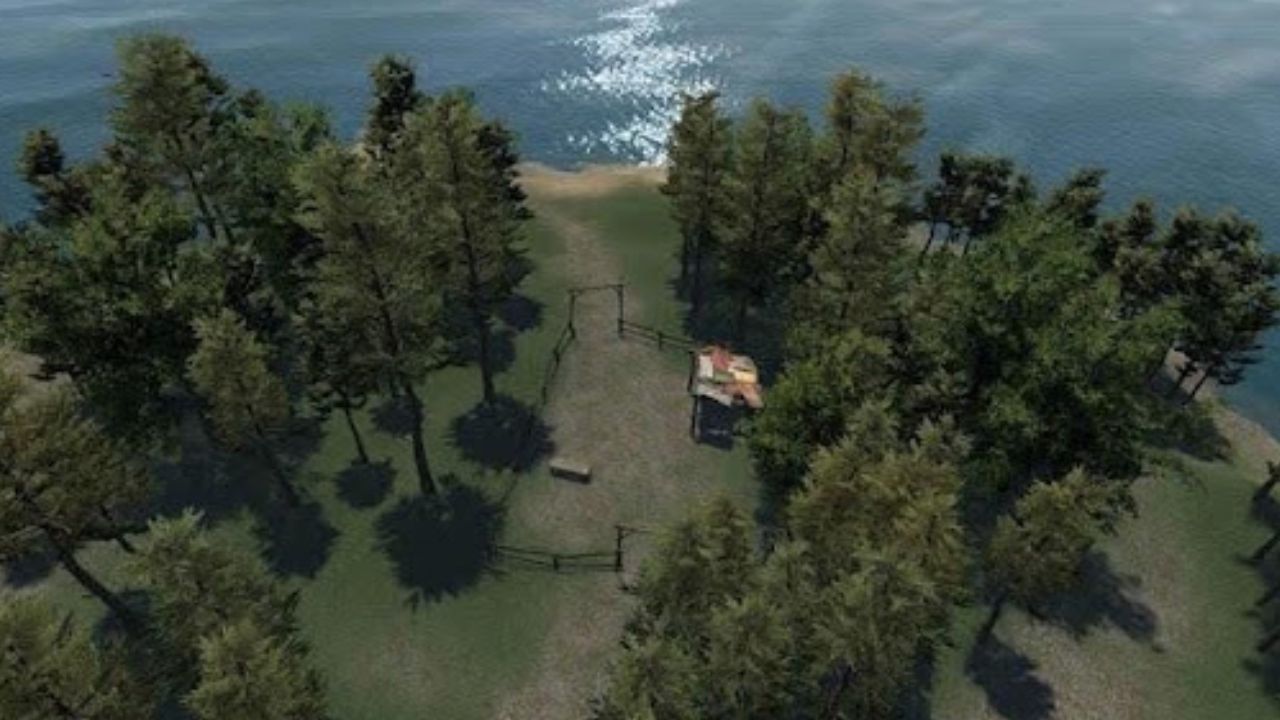
The simulator includes both self-leveling and acro mode, and the gap between them is where most of the learning happens.
In self-leveling, releasing the sticks brings the quad back to a flat attitude. It feels forgiving, almost like a camera drone, and it is the mode where you can concentrate on throttle management and basic orientation without the aircraft quietly rolling away from you.
Acro is the honest one. The quad holds whatever angle you leave it at, so every input has to be undone by a counter-input. Pilots who fly freestyle or race live in acro, and the first hour there feels like learning to ride a bike on ice.
Flipping between the two in the same session is the practical way to use the sim. Learn a line in self-leveling, repeat it in acro, then notice how much of your muscle memory was borrowed from the software rather than your thumbs.
FPV and Line of Sight Are Two Different Skills
The simulator supports first-person view and line-of-sight flying, and treating them as interchangeable is a mistake a lot of newcomers make.
FPV puts you behind the camera. Orientation is easy because the quad always points where you are looking, and the whole thing starts to feel like a flying video feed, which is exactly what it is in real life.
Line of sight is the harder discipline. You watch the aircraft from a fixed outside viewpoint, which means that when it flies toward you, left and right invert in your head. Practicing LOS in a simulator is far cheaper than practicing it in a park.
Weather is not a factor here either. Rain, wind, sleet or snow outside, the sim does not care, and that is the reason many pilots keep it installed between flying seasons.
Running FPV Freerider FREE on a Windows PC
There is a familiar moment with this simulator on a phone. The touchscreen controls technically work, but your thumbs sit on the same glass that shows the flight view, and in acro mode you end up blocking the horizon with your own hand. The developers say it outright in the description: a good physical controller makes flying easier and more enjoyable. That realization, usually arriving right after your tenth crash into the same gate, is when an FPV Freerider download for PC starts to look like the sensible next step, since a desktop gives you both a gamepad port and a screen big enough to judge distance.
The Android build runs on Windows through an emulator such as BlueStacks, and two setup details matter most for this particular app. The rest of the usual emulator fiddling is beside the point.
- Plug the controller in before launching the simulator. The app supports physical controllers, and detection is far more reliable when the gamepad is already present at startup rather than connected mid-session.
- Pass the controller through to the Android layer instead of letting the emulator remap it to virtual touch zones. Keyboard mapping defeats the purpose entirely, because analog stick travel is the thing you are trying to learn.
- If frames stutter, use the simulator’s own low resolution mode rather than cutting emulator graphics quality. The app notes that it requires a high end device, and its internal low-res option exists precisely to buy framerate back.
- Calibrate your stick center in the simulator’s control settings once the gamepad is recognized. A drifting center feels identical to bad piloting, and you will blame yourself for twenty minutes before checking.
A twin-stick gamepad is a reasonable starting point. A proper RC transmitter in USB mode is better, because the stick throw and spring tension are the actual things you will be holding at the field, and that transfer of feel is most of the reason to run a simulator at all.
Where the Desktop Version Gets Clunky
Not everything translates cleanly. Menu navigation in the simulator is built for touch, so on a desktop you are clicking with a mouse on buttons sized for fingertips, which looks odd at full screen.
Controller detection can also drop if you unplug and replug mid-session, and the fix is usually a restart of the app rather than anything clever. Minor, but worth knowing before you assume your gamepad has died.
Resolution scaling is the other rough edge. Stretching a mobile build across a large monitor shows its limits, and the environments were not drawn for that pixel count. The flight model does not care, but your eyes might.
The Free Build Covers the Basics, Not the Variety
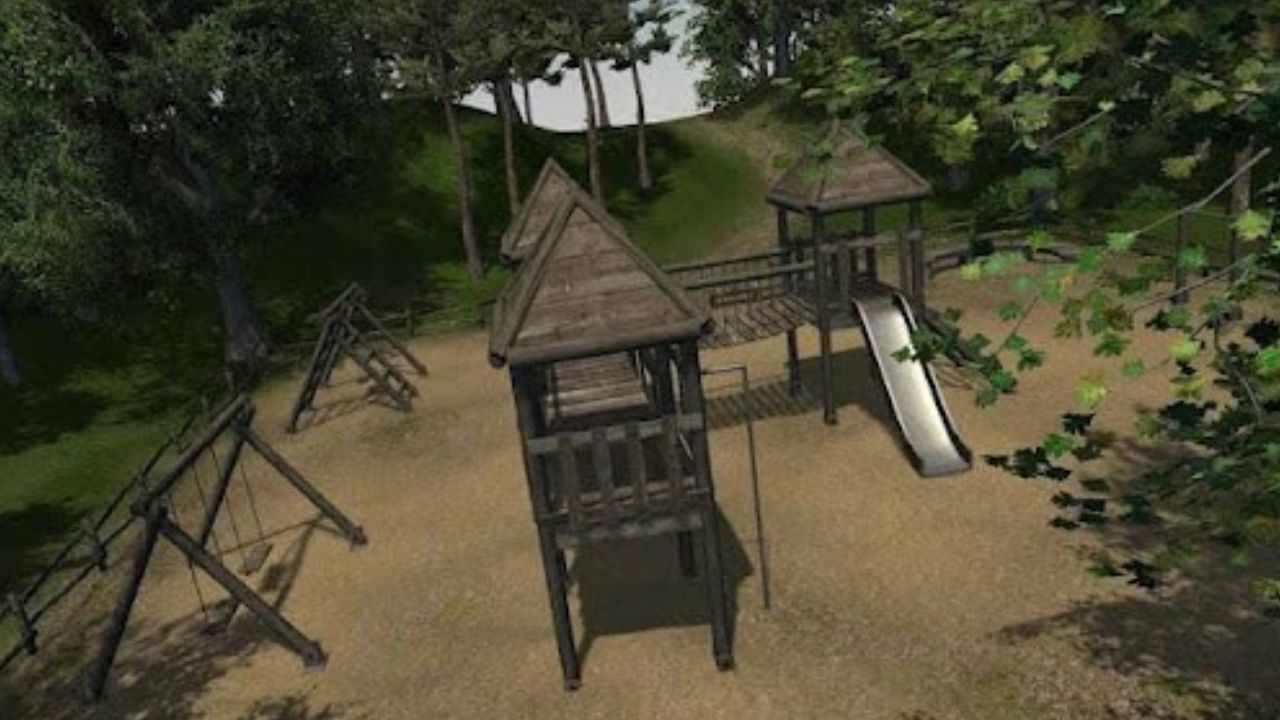
FPV Freerider FREE, published under the name FPV Freerider, is the trial-sized slice of the full simulator. You get a flying environment, both control modes, both viewpoints, and unlimited crashes, which covers the part of training that matters most: hovering, orientation, and the first clean figure eight.
What it does not give you is variety. Pilots who stick with it tend to move to the paid version for more locations and gates, and that upgrade path is the whole business model.
Still, the free build does the job it was written for. Spend a week doing self-leveling hovers with a gamepad plugged into a Windows machine, switch to acro, and the thirty seconds that once ended face down in the grass will end with the quad still in the air.