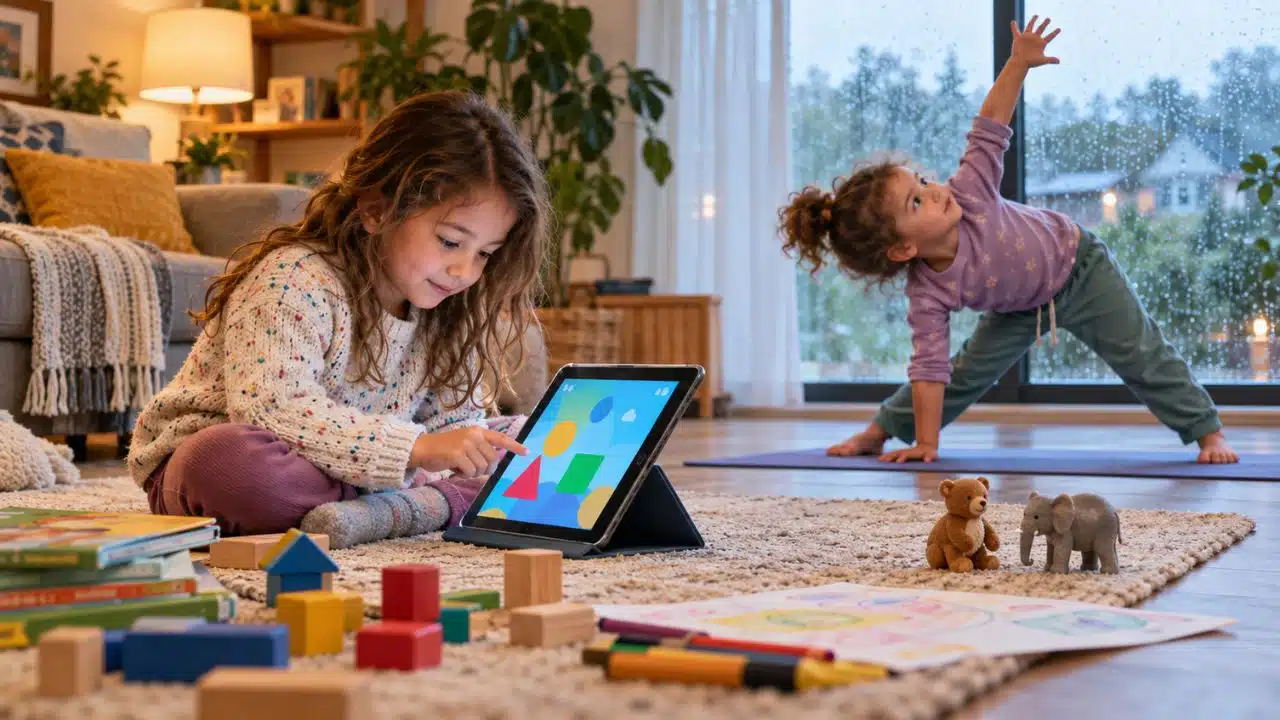
The best apps for stir-crazy kids on rainy days should do more than keep the room quiet. A useful app can get children moving, give them something to create, offer a satisfying problem to solve, or inspire play that continues after the screen is turned off.
I do not think every indoor hour needs to become a lesson. Sometimes children need to dance around the living room. Sometimes they need a calm puzzle while the rain hits the windows. On another day, turning toys into a homemade movie may work better than either of those.
That is why this list is deliberately varied. It includes movement, yoga, pretend play, art, filmmaking, coding, puzzles, and early learning. I considered age suitability, cost, advertising, purchase pressure, platform support, and whether each app has a clear purpose in a balanced rainy-day routine.
How I Chose the Best Rainy-Day Apps for Kids
I looked for apps that give children something meaningful to do rather than relying only on constant rewards. I also favored choices that can lead naturally into movement, storytelling, drawing, building, or conversation away from the device.
Age ranges below are approximate. Prices, privacy labels, advertisements, and availability can differ by platform and country, so parents should check the current store listing before downloading.
The order is not an overall ranking. Each app is here for a different rainy-day need, from releasing physical energy to practicing letters or numbers.
Disclosure: Alphabet Magic Trace & Phonics and 123 Magic Number Fun: Math Kid are developed by our team at Editorialge. I included them because I have used and observed both apps firsthand. They were assessed using the same practical criteria as the other apps in this guide.
| App | Best for | Suggested ages | Cost model |
| GoNoodle | Active movement | 5–9 | Free; includes advertising |
| Cosmic Kids Yoga | Yoga and calming down | 3–9 | Free download; subscription for full access |
| Toca Boca World | Imaginative role-play | 4+ | Free with optional purchases |
| Pok Pok | Gentle, open-ended play | 2–7 | Seven-day trial; subscription |
| Crayola Create & Play | Art and creative activities | 3–8 | Seven-day trial; subscription |
| Stop Motion Studio | Making movies with toys | 5+ with help | Free basic version; one-time Pro upgrade |
| Thinkrolls 1 | Logic and physics puzzles | 3–8 | Paid app; no in-app purchases |
| Alphabet Magic trace & phonics | Letter tracing and phonics practice | 3–5 | Free |
| 123 Magic Number Fun | Varied number practice | 2–8 | Free with ads and optional purchases |
| Khan Academy Kids | A quiet learning session | 2–8 | Free; no ads or subscription |
| PBS KIDS Games | Curriculum-based games | 2–8 | Free |
| ScratchJr | Coding and interactive stories | 5–7 | Free |
1. GoNoodle
Best for: Burning off restless energy
Platforms: iOS, Android, Apple TV, Roku, and Amazon devices
When the real problem is bottled-up energy, GoNoodle is one of the clearest choices. Its videos cover dancing, exercise, stretching, yoga, deep breathing, and mindfulness. Children follow along with their bodies instead of simply tapping a screen.
It works particularly well as a short reset between quieter activities. Clear enough floor space first, especially around tables and sharp furniture. GoNoodle is free, but its family experiences can include kid-appropriate advertising, so I would not describe it as ad-free.
2. Cosmic Kids Yoga
Best for: Moving and gradually calming down
Platforms: iOS, Android, and Apple TV
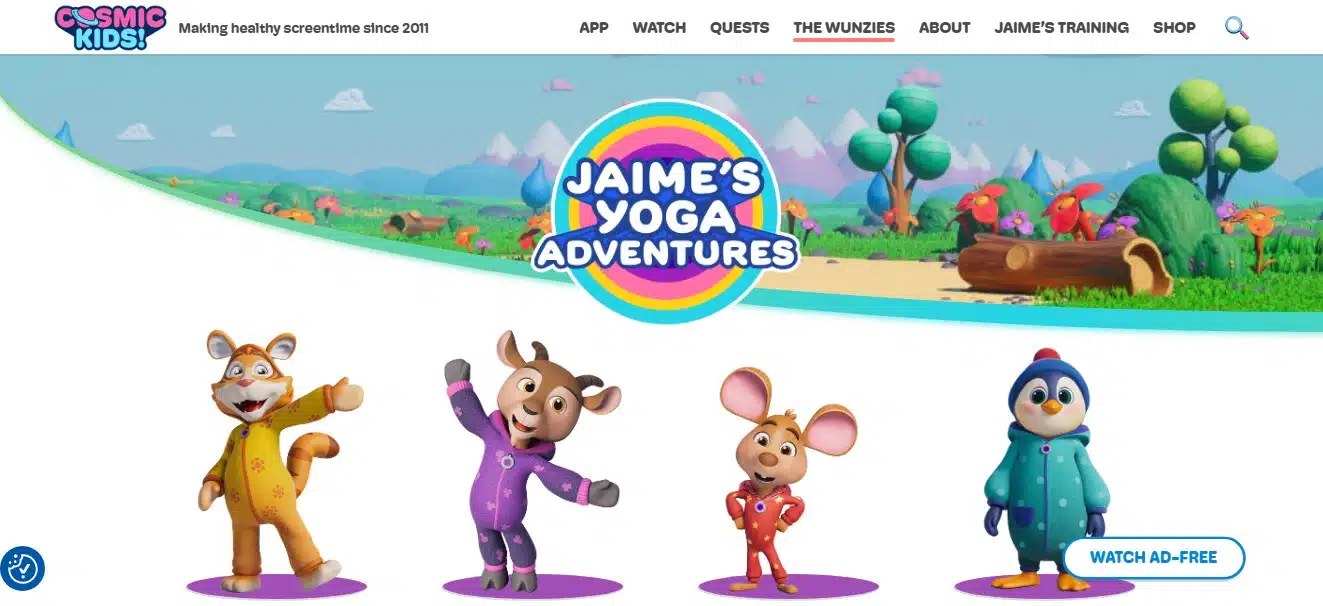
Cosmic Kids Yoga combines movement with storytelling. Many sessions take children through an imaginative adventure rather than presenting a disconnected series of poses. The library also includes mindfulness and guided relaxation.
This makes it useful when children need activity without making the room even more chaotic. The app is free to download, but complete access requires a monthly or annual subscription. Subscribers can download videos for offline viewing, and the app states that its viewing space contains no commercials or external links.
3. Toca Boca World
Best for: Digital pretend play and storytelling
Platforms: iOS and Android
Toca Boca World gives children characters, homes, shops, pets, clothing, and other objects with which to invent their own stories. There are no scores or fixed endings. A child can run a café, decorate a room, create a family, or make up an entirely different scenario.
The game is single-player and does not include chat with strangers or third-party advertising. However, the in-app shop is prominent and sells many optional packs. Purchase controls are important. Parents can extend the play by asking the child to retell the story or recreate a favorite scene with physical toys.
4. Pok Pok
Best for: Calm, low-pressure exploration
Platforms: iOS, Android, and supported Amazon Fire tablets
Pok Pok feels more like a digital playroom than a conventional game. There are no points, timers, levels, winners, or losers. Children explore Montessori-inspired digital toys and decide what to do with them.
That slower approach makes Pok Pok a useful counterweight to louder, reward-heavy games. Children do not see advertisements or in-app purchase prompts inside the play area, and the app works offline after the initial download and subscription setup. A seven-day trial is available before the monthly or annual subscription begins automatically.
5. Crayola Create & Play
Best for: Drawing, coloring, and creative experiments
Platforms: iOS, Android, Amazon, and selected Samsung devices
Crayola Create & Play goes beyond digital coloring. It includes drawing tools, creative challenges, pets, educational games, and introductory activities involving coding logic, reading, spelling, and math.
Its best rainy-day use is as the beginning of a larger project. A child can design a creature on the screen and then draw it on paper, model it from clay, or build a cardboard home for it. Full access requires a subscription after the trial. Commercial disclosures differ by platform, so parents should check whether their version contains advertising or additional purchases.
6. Stop Motion Studio
Best for: Turning toys into a homemade film
Platforms: iOS, Android, Amazon Fire, Chromebook, Windows, and macOS
Stop Motion Studio is one of the strongest screen-to-floor choices on this list. Children build a physical scene, position toys, take a photograph, move the characters slightly, and repeat. The app joins those frames into an animation.
The project can involve storytelling, art, planning, patience, and voice acting. Siblings can divide the jobs instead of competing for one device. The basic version is free, while Pro features require a one-time purchase rather than a subscription. Younger children will probably need help stabilizing the camera and learning the timeline. Any public sharing should remain under adult control.
7. Thinkrolls 1: Puzzles for Kids
Best for: Logic, sequencing, and problem-solving
Platforms: iOS, Android, and Kindle Fire
Thinkrolls 1 uses obstacle-based puzzles to introduce ideas involving gravity, heat, buoyancy, elasticity, and momentum. Children work out what needs to move first and how each object will react.
The app contains 207 levels, with an easier mode for ages three to five and a harder mode for ages five to eight. Children can retry without penalties, which keeps experimentation from feeling like failure. It is a paid app with no third-party advertising or in-app purchases, making its cost structure unusually simple.
8. Alphabet Magic Trace & Phonics
Best for: Short letter-tracing and phonics practice
Platforms: iOS and Android
Affiliation: Developed by the Editorialge team
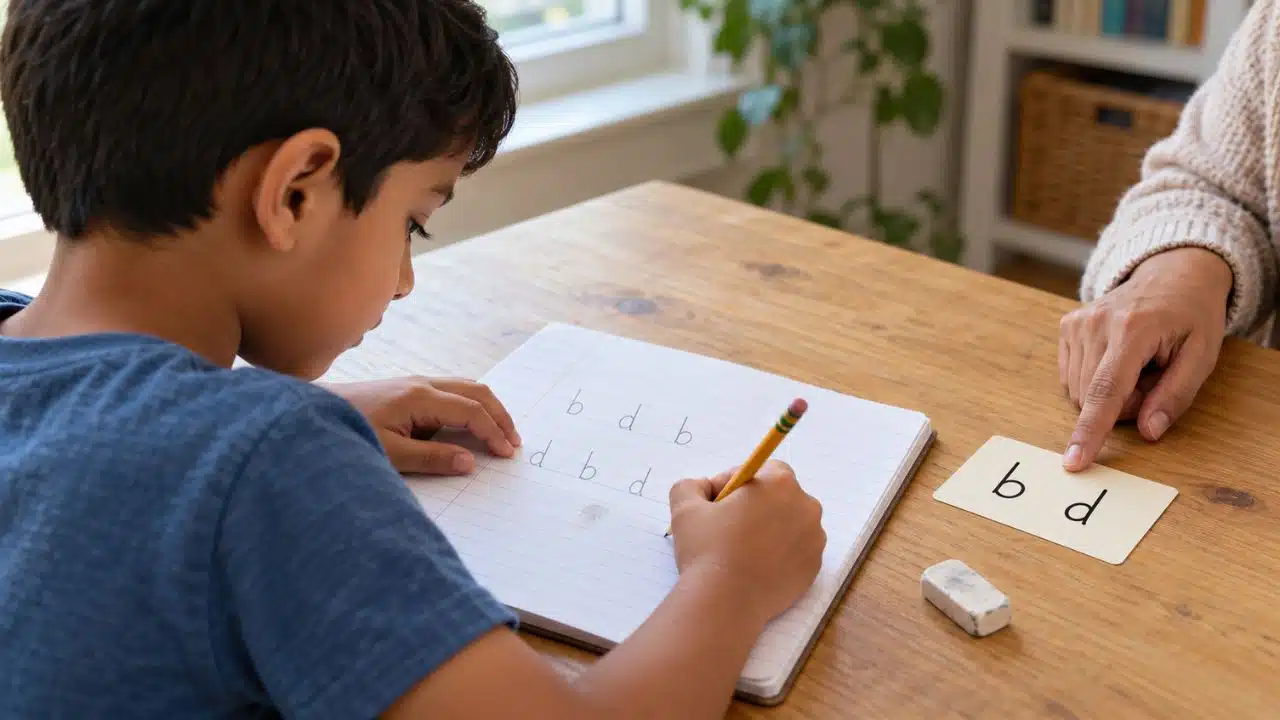
My experience with Alphabet Magic Trace is more direct than with most apps in this guide. My nephew Fariz began using it at age three, when he mainly recognized uppercase letters. Over roughly a year and a half, I watched him become more comfortable with lowercase letters, letter sounds, tracing, simple spelling, and identifying letters in books and other places outside the app.
I also observed around 12 children, mostly ages three to four, use it for approximately six months, with some continuing longer. Most needed adult help initially and later navigated the activities more independently. I noticed progress in letter recognition and uppercase-lowercase differentiation, but I would not credit the app alone. The children also learned through books, toys, preschool activities, and adult guidance.
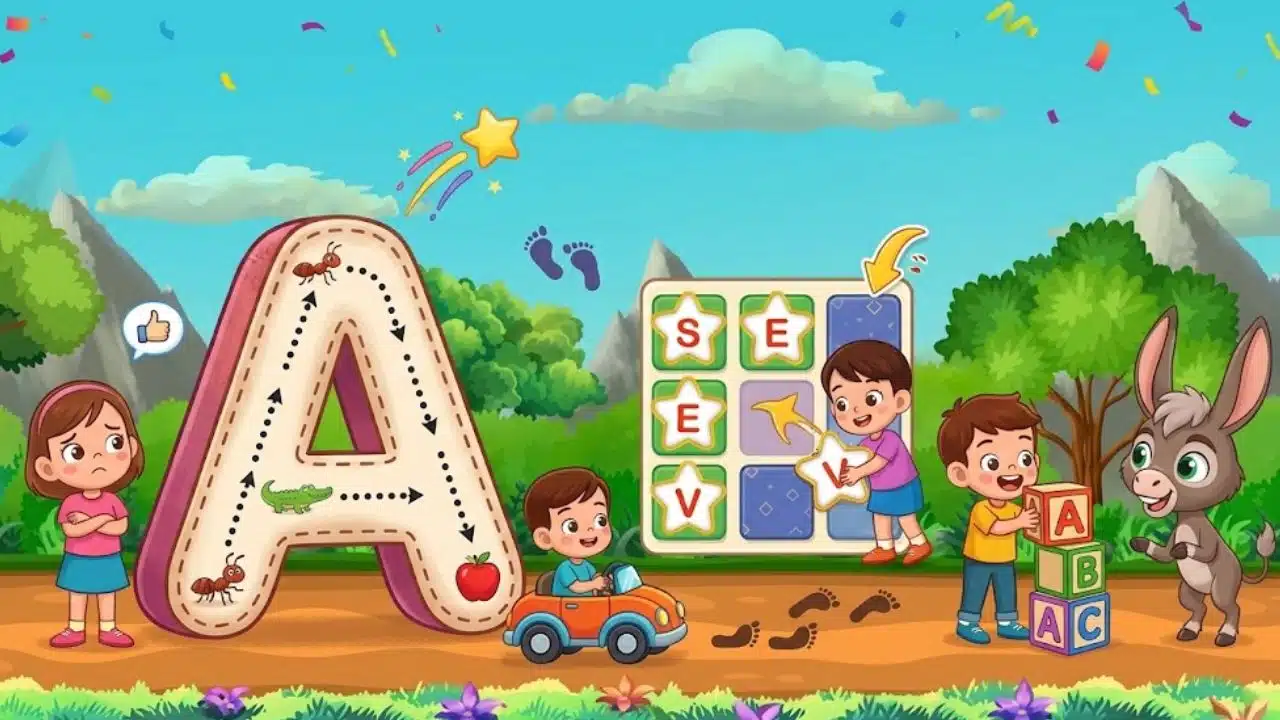
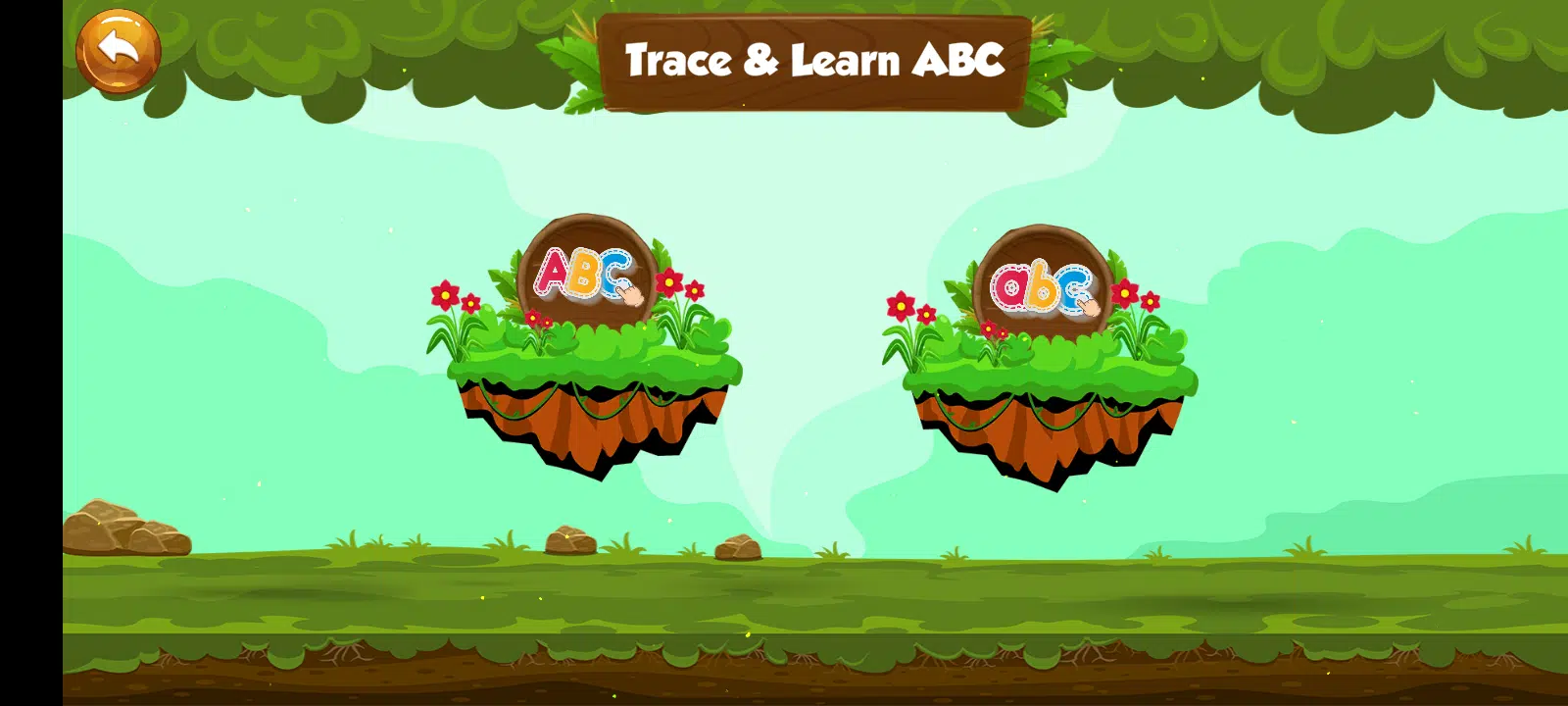
Alphabet Magic Trace includes uppercase and lowercase tracing, phonics, matching, spelling, and mini-games. It fits best as a short literacy-practice option rather than a full rainy-day activity. Handwriting styles can differ, so parents should check that its tracing forms match the method their child is being taught.
9. 123 Magic Number Fun: Math Kid
Best for: Switching between different kinds of number practice
Platforms: iOS and Android
Affiliation: Developed by the Editorialge team
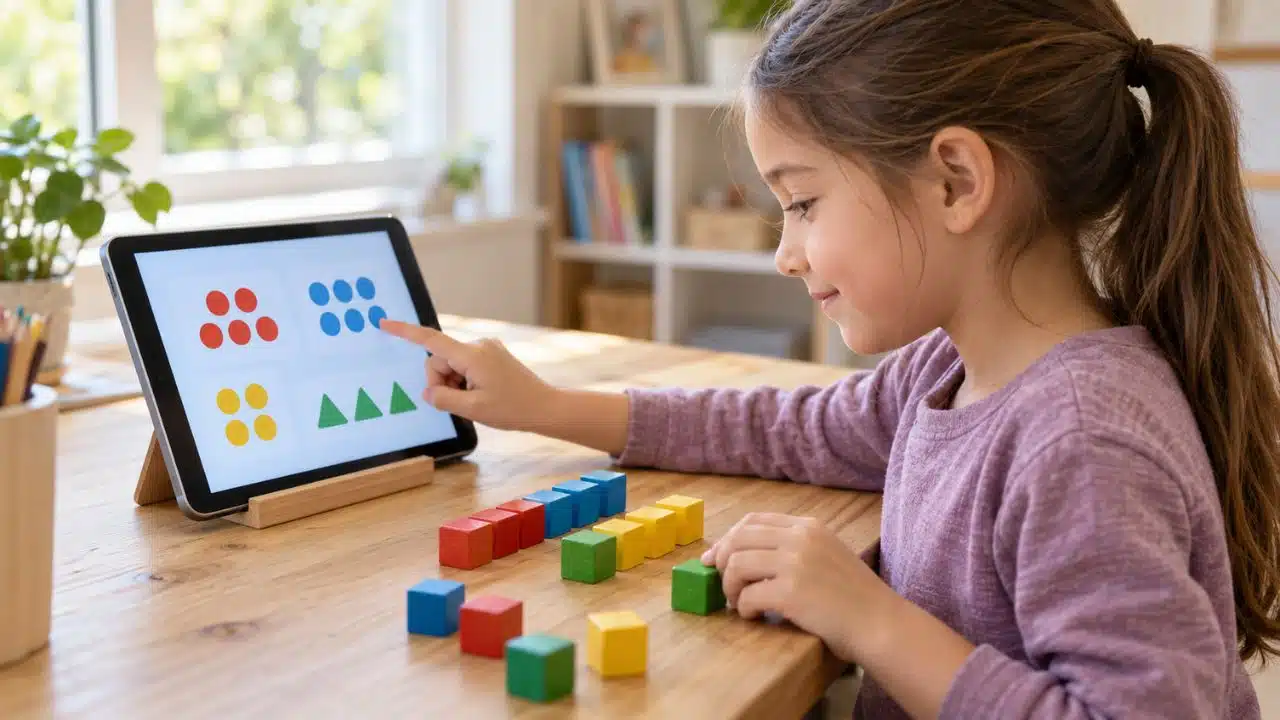
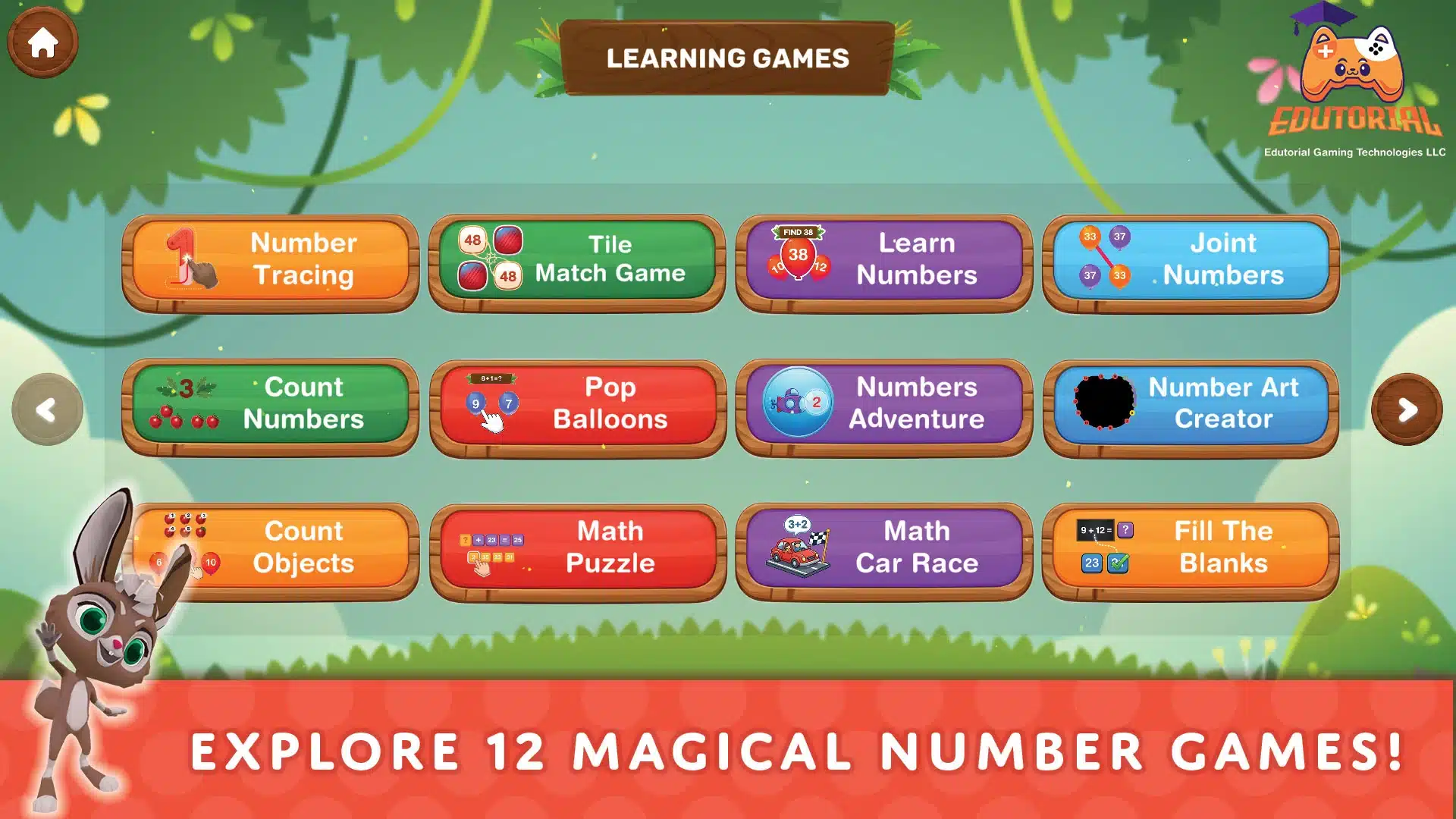
I have tested the activities in 123 Magic Number Fun, including number tracing, tile matching, balloon games, counting objects, number sequencing, puzzles, a math car race, and the number art creator. That variety is useful when a young child loses interest in one type of task but still wants to continue playing.
In my testing, incomplete tracing attempts and incorrect answers did not simply count as completed tasks. The child needed to correct the response before moving forward. I still see the app as a short practice tool rather than a substitute for counting blocks, sorting toys, or finding numbers around the room.
The app is designed for children ages two to eight, although younger users will need more guidance. Its free version contains advertising and in-app purchases, so parents should enable purchase authentication before allowing independent use.
10. Khan Academy Kids
Best for: A structured but gentle learning session
Platforms: iOS, Android, and Amazon devices
Khan Academy Kids covers early reading, phonics, writing, math, books, puzzles, and social-emotional learning. Children can follow a guided path or choose activities from the wider library.
The biggest practical advantage is that it is genuinely free, with no advertising or subscription. It also allows families to download selected books and activities for offline use. Even so, I would not turn an entire rainy afternoon into extra school. One focused session followed by free play, conversation, or building something is a healthier rhythm.
11. PBS KIDS Games
Best for: Free games with familiar children’s characters
Platforms: iOS, Android, Amazon, and Kindle devices
PBS KIDS Games offers more than 280 curriculum-based games for children ages two to eight. Its subjects include reading, math, science, engineering, art, puzzles, and social-emotional skills. More than 50 games are available in Spanish.
Familiar characters can help younger children settle into an activity quickly. The app is free, and current iOS versions allow games to be downloaded for offline play. Because offline functions can differ by platform and version, I would test them on the actual device before relying on them during a trip or internet outage.
12. ScratchJr
Best for: Creating interactive stories with code
Platforms: iOS, Android tablets, Chromebooks, and Kindle Fire
ScratchJr introduces programming through visual blocks. Children can make characters move, jump, speak, dance, and change scenes, then combine those actions into an interactive story or simple game.
Its value on a rainy day is that children create the entertainment themselves. A prompt such as “Make a story about someone who cannot go outside because of the rain” provides direction without deciding the plot for them. ScratchJr is free and designed for ages five to seven, although most beginners will need an adult to demonstrate the first few blocks.
What Parents Should Check Before Downloading
App-store details can change. Before giving a child any app, check:
- Whether it contains advertising
- Whether payment is one-time, recurring, or optional
- What its current privacy label says about collection and sharing
- Whether children can communicate, upload, or open external links
- Whether it needs Wi-Fi, a large screen, or open floor space
Open the app yourself first. Complete the parent setup, require authentication for purchases, and download offline content in advance. That small preparation prevents many avoidable interruptions.
A Rainy Day Needs Rhythm, Not Endless Screen Time
The best rainy-day app is not necessarily the one that keeps a child occupied for the longest time. It is the one that meets the need of the moment. One child may need to move; another may want to create, solve a puzzle, or settle into a quiet story.
I would choose an app with a clear purpose, stay involved long enough to help the child begin, and look for a natural stopping point. Used that way, technology does not have to take over the rainy day. It can simply help open the door to the next useful kind of play.
Frequently Asked Questions on the Best Apps for Stir-Crazy Kids on Rainy Days
1. How much app time is reasonable on a rainy day?
There is no single number that fits every child and age. Look at what the app is asking the child to do and what it may be displacing. Defined sessions work better than open-ended access, and meals, sleep, conversation, school responsibilities, and physical play should remain protected.
2. Are educational apps always better than videos?
No. The word “educational” does not guarantee good design or an appropriate challenge level. A well-chosen movement video may be more useful than a repetitive learning game. Judge the child’s actual activity, not just the app-store category.
3. Which apps on this list work offline?
Pok Pok and Thinkrolls can be used offline after setup. Stop Motion Studio can create projects locally. Cosmic Kids subscribers, Khan Academy Kids users, and current PBS KIDS Games users on supported versions can download selected content. Test offline mode before depending on it, because support can vary by device.
4. How can I prevent accidental purchases?
Require a password, PIN, fingerprint, or face authentication for every purchase. Do not give the child that passcode. It also helps to explain which buttons lead to paid content rather than relying only on the device restriction.
5. How can an app lead to offline play?
Choose the next activity before screen time begins. A dance can lead to a water break, a drawing app to paper and crayons, Stop Motion Studio to building a physical set, and a literacy app to a letter hunt. Transitions feel easier when the offline activity continues the same idea.