Every May, parents face the same predictable panic: the dreaded “summer slide.” We all want our kids to retain what they spent the last nine months learning, but handing them a stack of dusty workbooks usually ends in a battle of wills by the second week of June.
Tablets and smartphones are the obvious modern solution, but the app stores are an absolute minefield. You download a “free” educational app, only to realize three minutes later that your child is locked out of the next level unless you pay a $9.99 monthly subscription or sit through a barrage of unskippable, noisy ads.
As a relief to parents everywhere, educators and district curriculum coordinators have a shortlist of digital tools they actually trust. The apps below are highly recommended by teachers because they rely on proven educational pedagogy, respect your child’s data privacy, and most importantly, are either completely free or offer a massive, genuinely usable free tier.
Here are the 10 best free educational apps for summer to keep your child’s brain engaged, broken down by subject.
Reading and Early Literacy
Fostering a love for reading is the single most important thing you can do over the summer. These tools remove the barriers to accessing great books and provide patient, pressure-free reading practice for early learners.
1. Sora (by OverDrive)
Best for: K-12 students
The Deep Dive: Sora is essentially a digital library card that connects directly to your child’s school or local public library. It provides instant, completely free access to thousands of e-books, audiobooks, and graphic novels.
Why Teachers Love It: It completely removes the barrier of having to buy new books every week to keep voracious readers fed. Educators especially love Sora’s inclusive accessibility tools, it includes built-in dyslexia-friendly fonts, translation tools, and reading-time trackers. During the summer, they even run a “Sora Sweet Reads” program offering free, simultaneous-use books so kids never have to wait in a digital hold line.
2. Read Along by Google
Best for: Ages 5+
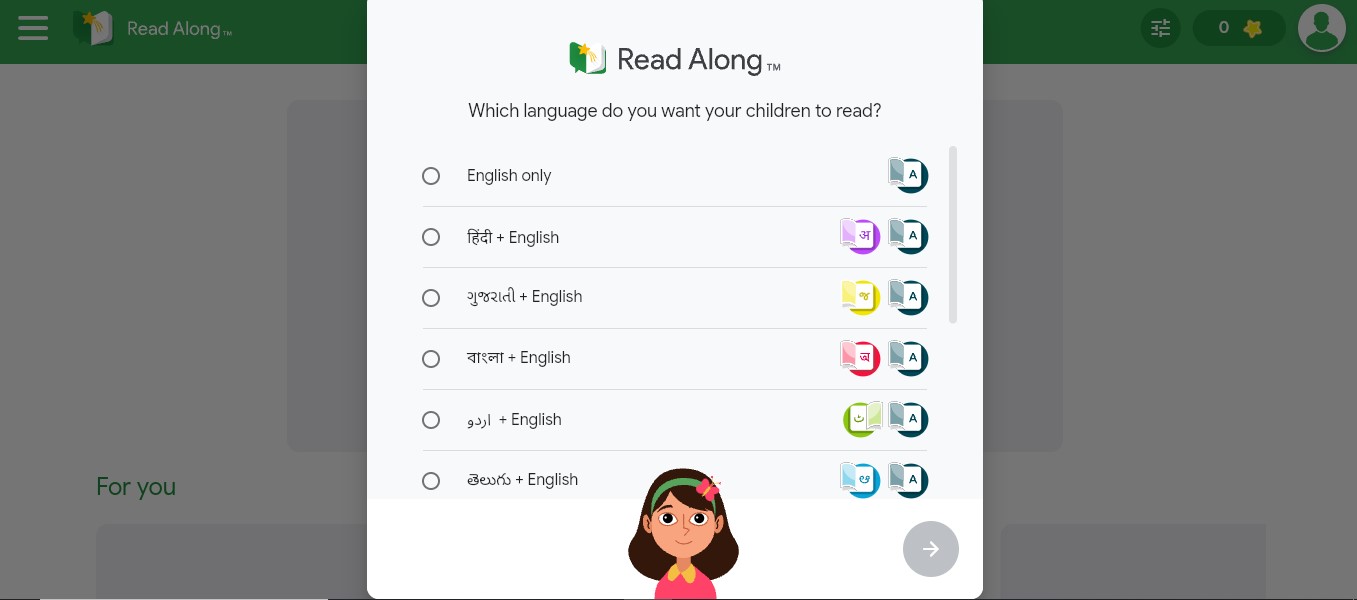
The Deep Dive: This app is a brilliant, AI-powered reading buddy. Your child reads stories out loud, and a virtual assistant named Diya listens. If they stumble on a word, Diya gently steps in to help them sound it out in real time.
Why Teachers Love It: It removes the frustration that often happens when parents try to correct their kids’ reading. It is incredibly safe, it requires no sign-in, features zero ads, and once you download the initial story library, the entire app processes speech directly on the device and works 100% offline. It is the perfect tool for long summer road trips.
3. Duolingo ABC
Best for: Ages 3–8
The Deep Dive: While the main Duolingo app is a staple for high schoolers learning foreign languages, Duolingo ABC is a hidden gem for early English literacy. It uses bite-sized, gamified lessons to teach the alphabet, phonemic awareness, and sight words.
Why Teachers Love It: It is 100% free with absolutely no ads or “Super Duolingo” up-sells. It removes the pressure of traditional reading drills by turning letter tracing and word building into a colorful, engaging game. If a child struggles with a specific letter sound, the app’s adaptive algorithm naturally revisits that concept in future lessons.
Comprehensive Math and Core Subjects
Math skills are notoriously the first to slip during the summer months. These comprehensive platforms keep kids thinking critically, solving problems, and building emotional intelligence without feeling like homework.
4. 123 Magic Number Fun: Math Kid
Best for: Ages 2–8.
The Deep Dive: Earning a “Teacher Approved” badge on Google Play, this app turns early arithmetic into a vibrant jungle adventure. Guided by a cheerful 3D animated bunny, kids explore 12 distinct mini-games. Activities range from tracing numbers (1-50) and popping sequence balloons to high-speed “Math Car Races” and crossword-style math puzzles.
Why Teachers Love It: It brilliantly bridges the gap between basic counting and foundational arithmetic. Because it covers everything from fine motor tracing and dot-to-dot drawing to actual addition, subtraction, multiplication, and division, it grows with your child from the toddler years right up to early elementary school. It makes practicing math operations feel exciting and competitive rather than repetitive
5. Khan Academy Kids
Best for: Ages 2–8 (Main app for ages 9+)
The Deep Dive: If there is a gold standard for free early education, this is it. Developed in partnership with Stanford University experts, this app is famously 100% free forever. It covers math, reading, logic, executive function, and even social-emotional learning.
Why Teachers Love It: It is incredibly comprehensive but feels like a whimsical storybook. Kids follow a personalized learning path guided by a bear named Kodi, naturally cycling through different subjects. For older students (ages 9+), the flagship Khan Academy app remains the ultimate free tool for reviewing last year’s math concepts or getting a head start on the fall curriculum.
STEM, Science & Coding
Summer is the perfect time for kids to explore their natural curiosity. These apps turn passive screen time into active creation, teaching the foundational logic and design skills required for modern STEM careers.
6. Scratch & ScratchJr
Best for: Ages 5–7 (Jr) and Ages 8+ (Scratch)
The Deep Dive: Developed by MIT, Scratch is the exact tool most elementary and middle schools use to introduce computer science.
Why Teachers Love It: ScratchJr allows pre-readers to snap together colorful coding blocks to animate characters and build simple interactive stories. The older version, Scratch, lets kids build surprisingly complex video games and animations. Instead of just consuming media, kids are learning sequencing, logic, and the resilience required to debug a problem when their code doesn’t work the first time.
7. Tinkercad
Best for: Ages 9+
The Deep Dive: Run by Autodesk, this is a web-based app (and highly tablet-friendly) used in school makerspaces across the globe. It allows older kids to design 3D models, simulate electronic circuits, and learn block-based coding.
Why Teachers Love It: If your child is constantly building things out of cardboard or is interested in engineering, Tinkercad is an incredibly robust, free sandbox for them to explore. They can design everything from a custom keychain to a functioning virtual circuit board, keeping their spatial reasoning skills incredibly sharp.
8. NASA Space Place
Best for: Ages 7–12
The Deep Dive: Science teachers love pointing families to NASA’s official educational platform. It features a massive library of games, hands-on craft instructions, and videos.
Why Teachers Love It: It breaks down incredibly complex concepts, like astrophysics, black holes, the Mars rover, and the solar system, into digestible, highly interactive activities. It is the perfect antidote to the “summer brain drain” for kids who naturally gravitate toward the stars, offering screen-based learning that frequently encourages off-screen DIY science experiments.
Study Skills & World Exploration
Older kids need summer learning too, but they require tools that respect their independence. These apps help middle and high schoolers retain complex vocabulary and explore the globe on their own terms.
9. Quizlet
Best for: Ages 11+
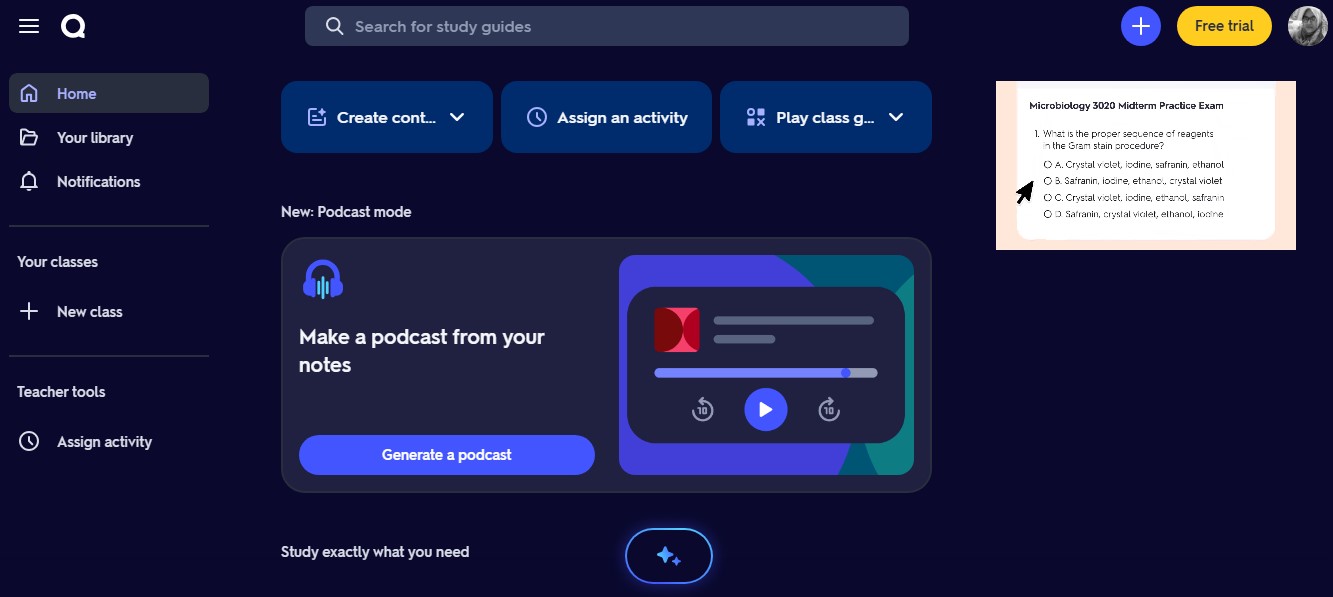
The Deep Dive: Summer isn’t just about math and reading; middle and high schoolers often need to keep their foreign language vocabulary or historical dates fresh. Quizlet is the ultimate digital flashcard and study tool.
Why Teachers Love It: While there is a premium tier, the free core version provides full access to millions of public study sets created by real teachers. The spaced-repetition algorithms and matching games make memorizing high-school-level biology terms or Spanish verb conjugations highly efficient and surprisingly addictive.
10. Google Earth
Best for: All ages
The Deep Dive: It sounds basic, but teachers use the modern iteration of Google Earth constantly for virtual field trips. It is a wildly powerful, 3D interactive globe.
Why Teachers Love It: Over the summer, kids can use the “Voyager” feature to take guided, interactive tours of national parks, historical landmarks, deep-sea ecosystems, and different biomes. They can measure the distance between two countries or drop into Street View in Paris. It keeps geography and history skills incredibly sharp while sparking natural curiosity about the world outside their neighborhood.
Wrapping Up Your Summer Learning Strategy
You don’t need to download all 10 of these apps to have a successful summer. In fact, doing so will probably just overwhelm both you and your child.
The secret to beating the summer slide is consistency, not volume. Pick two tools, perhaps one for daily reading (like Sora) and one for math or logic (like Khan Academy Kids or ScratchJr), and make them a natural, low-stress part of your weekly routine. By leaning on the tools that teachers already trust, you can keep your child’s mind sharp without spending a dime, ensuring they walk into their new classroom this fall confident, curious, and ready to learn.
Frequently Asked Questions (FAQs) on the Best Free Educational Apps for Summer
1. How do I balance screen time with educational apps during the summer?
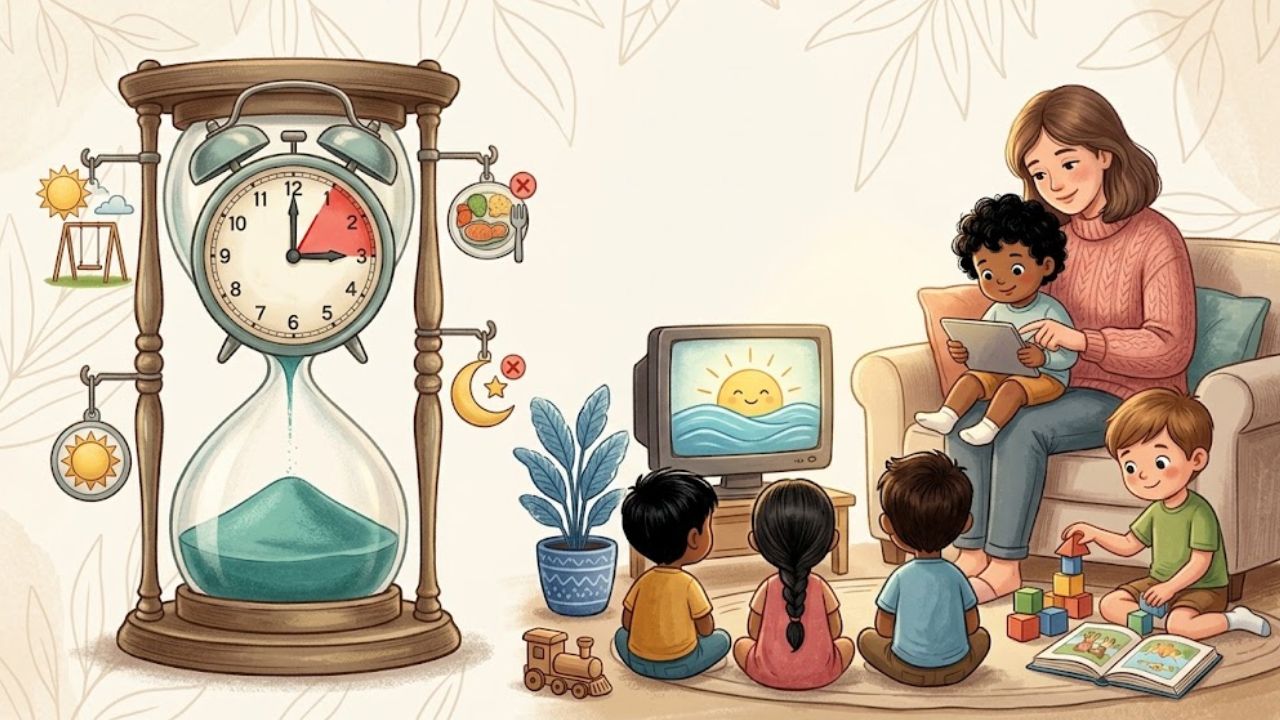
The goal isn’t to replace outdoor play with tablet time; it’s to replace mindless screen time with purposeful screen time. Teachers highly recommend the “vegetables before dessert” approach: require 20 to 30 minutes of engagement on an app like Khan Academy Kids or Sora before unlocking access to YouTube Kids or standard video games.
Every app on this list is either entirely free (like Khan Academy, ScratchJr, and Read Along) or operates through a school/library institution (like Sora). A few, like Duolingo or Quizlet, have premium tiers for older users, but their core free features are completely robust, functional, and do not require a credit card to set up.
3. Which of these apps work offline for long summer road trips or flights?
Read Along by Google and ScratchJr are the absolute best choices for offline play. Once downloaded, they require zero internet connection to function. Sora also allows you to download e-books and audiobooks while on home Wi-Fi, making them fully accessible from the backseat of a car.
4. Do these educational apps collect or sell my child’s personal data?
The apps highlighted here are largely compliant with strict school privacy laws (like COPPA in the US). Apps like Khan Academy Kids and PBS KIDS Games are famously strict about protecting user privacy and never selling data. Read Along by Google goes a step further by processing all voice recognition data directly on the device rather than sending your child’s voice to the cloud.
5. How can I tell if an app is truly educational and not just “edutainment”?
Look for apps that require active creation or problem-solving rather than passive tapping. If an app rewards a child with a loud, flashing animation just for tapping the screen randomly, it’s likely just entertainment. True educational apps (like ScratchJr or Tinkercad) require the child to think, make a choice, and see the logical outcome of that choice.