
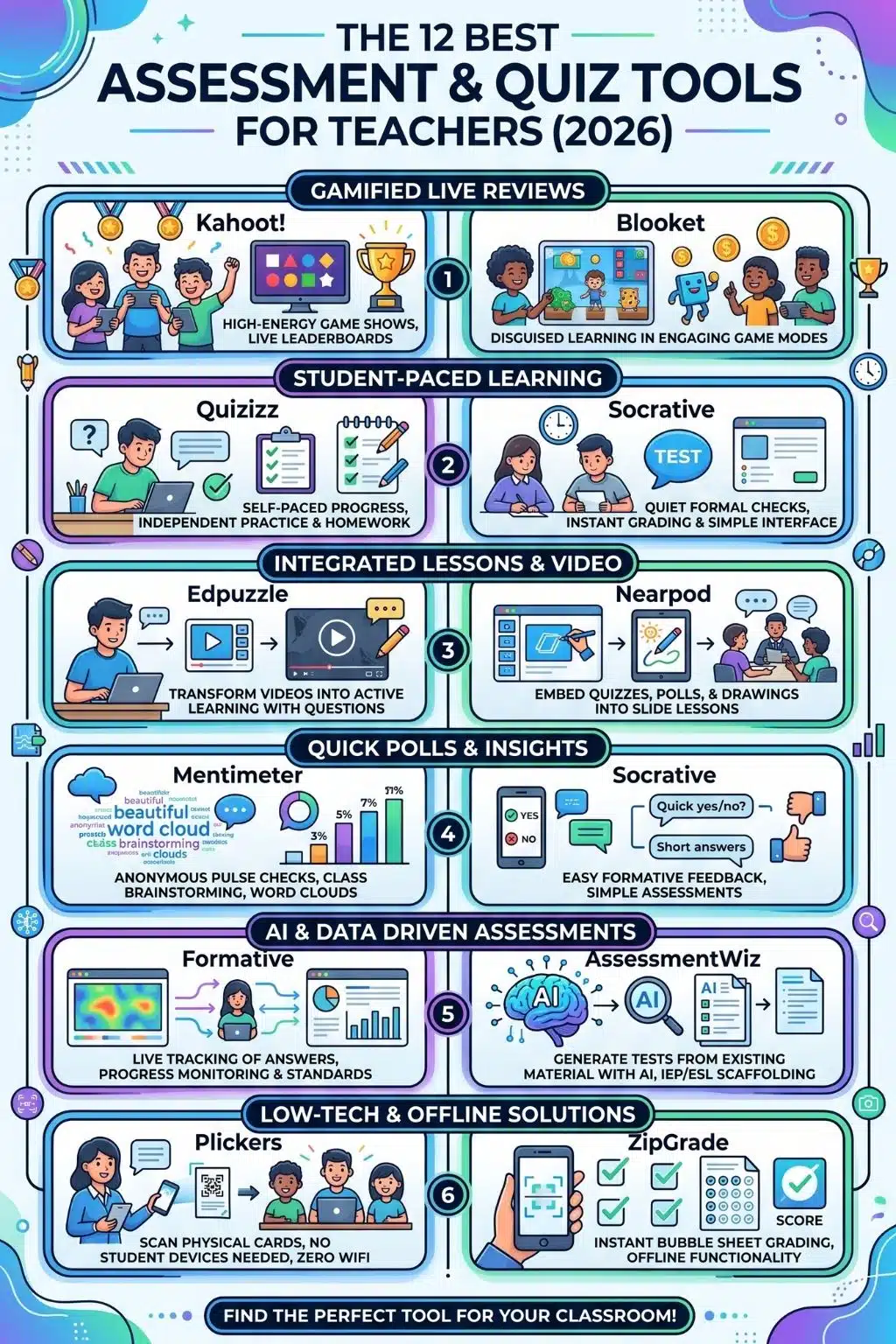
The days of grading stacks of multiple-choice paper quizzes by hand are largely behind us, but the modern classroom presents a new challenge: choosing the right tool from an overwhelming sea of ed-tech options. Assessment has evolved from simple right-or-wrong quizzes into a dynamic ecosystem of gamified learning, live tracking, and AI-powered test generation.
Whether you are running a high-energy review game on a Friday afternoon, checking for understanding mid-lecture, or designing a rigorous state-standard benchmark, the tool you choose changes the energy in the room. Here is the ultimate breakdown of the 12 best assessment and quiz tools for teachers, categorized by exactly how they work in a real classroom.
A Note on Student Data Privacy (FERPA & COPPA)
In the ed-tech landscape, student safety is non-negotiable. Before adopting any digital tool, educators must ensure it complies with the Family Educational Rights and Privacy Act (FERPA) and the Children’s Online Privacy Protection Act (COPPA). While all the tools on this list offer compliant features, the safest approach is to utilize platforms that allow students to join via a generic game code or through your established Learning Management System without requiring them to create personal accounts with their private email addresses.
Assessment Tool Quick-Reference Matrix
| Tool | Best For | Tech Requirement | Pricing Model |
| Kahoot! | High-energy live reviews | 1:1 Devices | Freemium |
| Quizizz | Self-paced gamification | 1:1 Devices | Freemium |
| Google Forms | Simple quizzes & exit tickets | 1:1 Devices | 100% Free |
| Formative | Live tracking & standards | 1:1 Devices | Freemium |
| Edpuzzle | Video-based comprehension | 1:1 Devices | Freemium |
| Nearpod | Interactive lesson slides | 1:1 Devices | Freemium |
| Socrative | Distraction-free checks | 1:1 Devices | Freemium |
| Plickers | Classrooms without laptops | Teacher Device Only | Freemium |
| Mentimeter | Anonymous pulse checks | 1:1 Devices | Freemium |
| Blooket | Highly gamified mini-games | 1:1 Devices | Freemium |
| ZipGrade | Paper bubble sheets | Teacher Device Only | Paid (Low Cost) |
| AssessmentWiz | AI-generated benchmark tests | Teacher Device Only | Free |
The 12 Top Assessment Tools
Navigating the sheer volume of ed-tech platforms can be overwhelming, which is why this list is categorized by real-world classroom applications. From high-energy gamified review sessions to robust AI-powered test generators, here is a detailed look at the 12 best tools designed to meet the diverse needs of modern educators and their students.
1. Kahoot!
Best for: High-energy live reviews and workshop icebreakers.
Kahoot! remains the undisputed champion of gamified, whole-class review. It turns a standard quiz into a lively game show where students compete for a spot on the podium. Because questions are displayed on the main board and students tap colors/shapes on their devices, it forces everyone to look up and engage together.
- Pros: Massive library of pre-made quizzes; highly engaging and competitive for whole-class review.
- Cons: Can trigger anxiety for slower readers; advanced question types are locked behind premium plans.
- Data Privacy: FERPA/COPPA compliant, allowing students to play via a PIN code without needing an account.
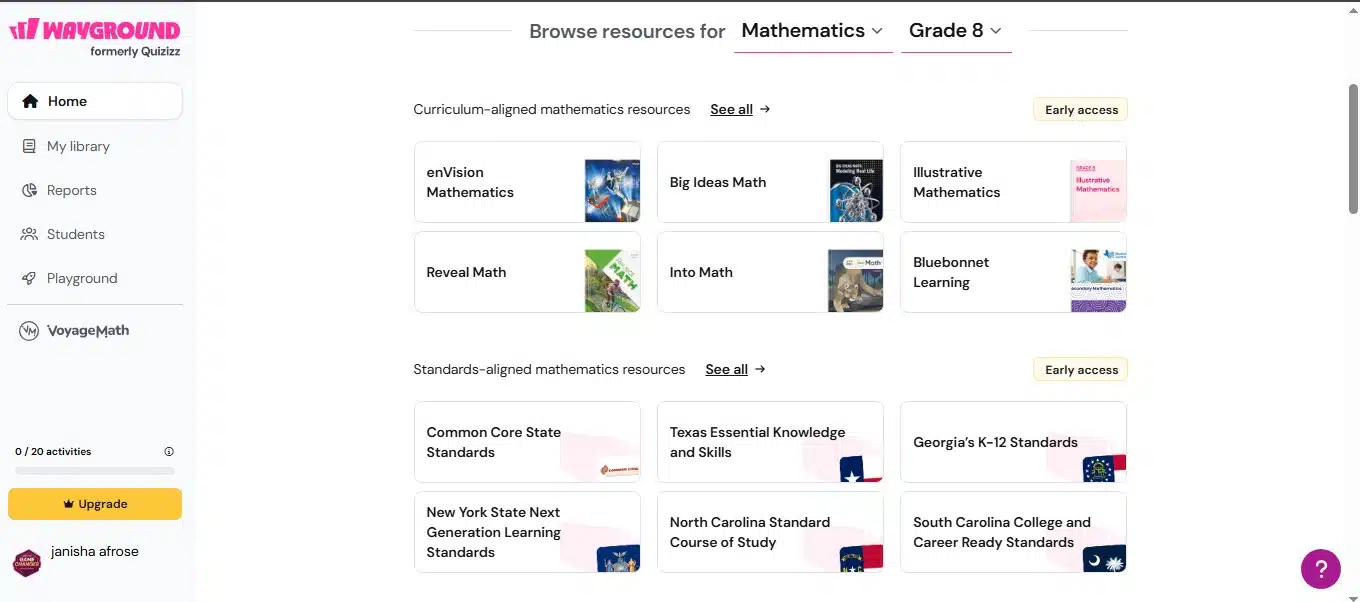
2. Wayground formerly Quizizz
Best for: Student-paced gamification and homework.
While Kahoot! forces the whole class to move at the same speed, Quizizz allows students to answer questions on their own screens at their own pace. This significantly reduces anxiety for students who need an extra ten seconds to read a complex question.
- Pros: Self-paced answering reduces test anxiety; excellent for asynchronous homework assignments.
- Cons: The heavy gamification elements (memes and power-ups) can sometimes distract from the learning material.
- Data Privacy: Strong COPPA compliance with options for anonymous, account-less play.
3. Google Forms
Best for: Simple auto-graded quizzes and seamless integration.
Not every assessment needs a pulsing soundtrack and a leaderboard. When you need a straightforward quiz, exit ticket, or survey, Google Forms is incredibly reliable. Because it lives inside Google Workspace, it integrates flawlessly with Google Classroom.
- Pros: 100% free with no limits; seamless integration with Google Workspace.
- Cons: Lacks gamification; visual design options are very basic.
- Data Privacy: Highly secure and fully FERPA compliant under Google Workspace for Education.
4. Formative (GoFormative)
Best for: Live response monitoring and standard tracking.
Formative is a powerhouse for teachers who want to see exactly what students are doing in real-time. You can watch students type their answers, draw math equations, or map out diagrams live on your dashboard. This allows you to catch misconceptions the exact moment they happen.
- Pros: Real-time monitoring of student typing; excellent longitudinal standards tracking.
- Cons: The teacher interface can feel overwhelming at first; the free tier has strict limitations.
- Data Privacy: Strict adherence to FERPA and COPPA with enterprise-grade data security.
5. Edpuzzle
Best for: Flipped classrooms and interactive video comprehension.
Edpuzzle takes passive video viewing and turns it into an active assessment. You can take any video from YouTube, TED-Ed, or your own screen recordings and embed multiple-choice or open-ended questions directly into the timeline.
- Pros: Prevents students from skipping video lessons; integrates easily with most LMS platforms.
- Cons: The free tier heavily restricts how many video lessons a teacher can store.
- Data Privacy: Does not require students to create accounts if properly integrated via an LMS, ensuring COPPA compliance.
6. Nearpod
Best for: Embedding pulse checks directly into lesson delivery.
Nearpod isn’t just an assessment tool; it’s an entire lesson delivery platform. Instead of stopping your slide deck and asking students to log into a separate quiz site, Nearpod lets you embed polls, quizzes, short-answer boards, and matching games directly into your slides.
- Pros: Keeps instruction and assessment in one unified place; highly interactive slide types (like “Draw It”).
- Cons: Has a steeper learning curve for teachers building lessons from scratch compared to simple quiz makers.
- Data Privacy: Fully COPPA and FERPA compliant, allowing students to join live sessions using only a code and a first name.
7. Socrative
Best for: Instant exit tickets and distraction-free checks.
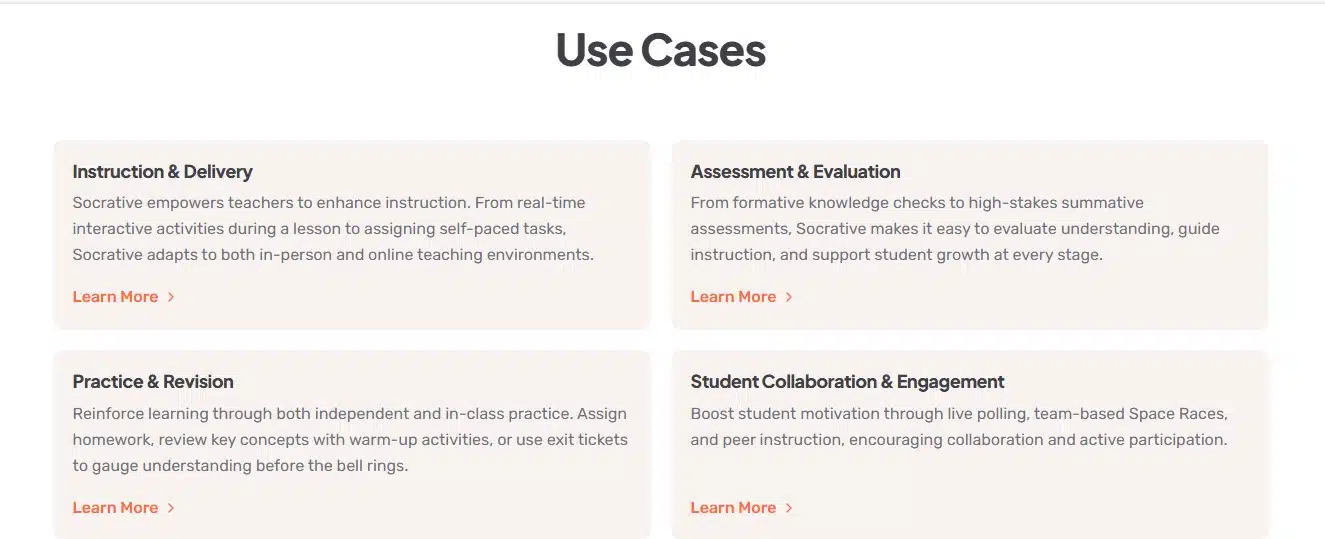
Socrative was built by educators who wanted a quick, effective way to gauge student understanding without the bells and whistles of gamification. It offers a clean, professional interface for multiple-choice, true/false, and short-answer questions.
- Pros: Clean, distraction-free interface; instant grading and comprehensive reporting.
- Cons: Lacks the high-energy gaming elements younger students prefer; mathematical formula support is limited.
- Data Privacy: Excellent data privacy standards; students never need accounts to join a room.
8. Plickers
Best for: Classrooms without 1:1 devices or spotty Wi-Fi.
Ed-tech often assumes every student has a working laptop and flawless internet. Plickers solves the digital divide beautifully. Students hold up printed paper cards with a unique shape. They rotate the card so their answer is facing up, and you pan across the room with your smartphone camera to instantly grade the room.
- Pros: Requires zero student devices; great for high-pacing and environments with poor Wi-Fi.
- Cons: Requires the teacher to print and manage physical cards; limited strictly to multiple-choice formats.
- Data Privacy: Highly secure, as it collects minimal student data and relies on physical cards rather than online student accounts.
9. Mentimeter
Best for: Anonymous pulse checks and class brainstorming.
Mentimeter shines when you want to gather opinions, activate prior knowledge, or do a social-emotional check-in. It focuses less on scored quizzes and more on dynamic visualizations of student input, like generating beautiful word clouds in real-time.
- Pros: Generates beautiful visual data; encourages high participation through anonymity.
- Cons: Not designed for formal, graded assessments; the free version limits the number of interactive slides.
- Data Privacy: Anonymous responses make it inherently safe and COPPA compliant for classroom use.
10. Blooket
Best for: Disguising learning as play.
Blooket took the gamification model and cranked it up. Instead of just answering questions to get points, students use their correct answers to earn resources in mini-games. They might be running a virtual cafe, defending a tower from enemies, or stealing “crypto” from classmates.
- Pros: Incredibly addictive game modes keep students engaged all year; allows for independent pacing.
- Cons: The chaos of the games can sometimes overshadow the academic content; detailed reports require a paid tier.
- Data Privacy: Offers COPPA-compliant account creation options and allows guest play without an account.
11. ZipGrade
Best for: Instant grading for traditional paper assessments.
Sometimes, a traditional paper bubble sheet is exactly what you need, especially for final exams or state test prep. ZipGrade turns your smartphone into an optical grading machine. You simply point your phone at a student’s bubble sheet, and it grades it instantly, even offline.
- Pros: Instantly grades paper assessments offline; extremely affordable for individual teachers.
- Cons: Only works for multiple-choice bubble sheets; not suitable for digital or remote learning.
- Data Privacy: Data is stored locally on the teacher’s device by default, maintaining strict FERPA compliance.
12. AssessmentWiz
Best for: Comprehensive AI-generated assessments and benchmark tests.
Representing the newest wave of ed-tech, AssessmentWiz uses AI to actually do the heavy lifting of test creation. Instead of writing questions from scratch, you can upload a PDF lesson plan, paste a YouTube link, or type a standard, and the AI will generate a fully formatted, standards-aligned assessment in seconds.
- Pros: Generates rigorous, multi-section assessments directly from lesson materials; one-click IEP/ESL scaffolding.
- Cons: As a newer platform, it currently lacks the massive community-built libraries found in older tools.
- Data Privacy: Built specifically for K-12 with strict privacy guidelines; it does not use student data to train its AI models.
The Final Grade on Assessment Tech
There is no single “perfect” assessment tool, only the right tool for your specific classroom moment. Gamified platforms like Blooket and Kahoot! are brilliant for injecting energy into a Friday review, while Formative and AssessmentWiz do the heavy lifting for rigorous, data-driven academic tracking.
The secret to a great tech toolkit isn’t using all of them; it’s mastering two or three that cover your diverse needs. Pick one tool for high-energy review, one for quiet, independent checking, and one for heavy-duty test creation. When you rotate them thoughtfully, you keep your students on their toes, protect your own planning time, and ensure that every learning gap is caught before the final bell rings.
Frequently Asked Questions About Assessment Tools
1. What is the best completely free assessment tool for teachers?
Google Forms remains the undisputed king of free tools. As long as you have a Google Workspace account, it is 100% free with no premium paywalls, offering unlimited quizzes and seamless Google Classroom integration.
2. How can I prevent students from cheating on digital quizzes?
The best defense is randomizing the question and answer order, a feature available in Quizizz and Google Forms. For higher-stakes assessments, Formative allows you to watch students type their answers in real-time, making it immediately obvious if they are pasting from another tab.
3. What if my classroom doesn’t have a 1:1 laptop ratio?
You don’t need a cart full of Chromebooks to run a modern digital assessment. Plickers is the ultimate solution here. Students use printed, QR-style paper cards to answer questions, and the teacher simply scans the room with their smartphone camera to instantly grade everyone.
4. Which tool is best for introverted or test-anxious students?
High-energy platforms with public leaderboards (like Kahoot!) can trigger anxiety for some learners. For a calmer environment, Blooket’s independent-pace modes or Quizizz work beautifully because they remove the pressure of a ticking clock. Mentimeter is also fantastic because all student responses are entirely anonymous.
5. How is AI actually changing classroom assessments?
Instead of relying on static, generic question banks, modern AI tools like AssessmentWiz allow teachers to upload their specific lesson plans, PDFs, or even YouTube links. The AI then instantly writes standards-aligned questions based only on that exact material, saving hours of prep time while ensuring the quiz matches what was actually taught.