


Having Google Search Console errors decoded into plain language helps you fix critical site issues without wasting time on routine exclusions. GSC reports indexing barriers, but it rarely clarifies urgency—a 5xx server failure on a top landing page needs an immediate fix, whereas a 404 for an intentionally deleted post is usually working as intended. Treating every alert as a crisis leads to risky redirects and broken index settings.
This guide ranks common GSC status errors by priority, starting with urgent access failures and moving to standard canonical choices, so you can triage issues efficiently and keep your search visibility intact.
Check the URL Before You Fix the Status
Start by asking whether the page should appear in search results. An original article, product page, service page, or useful category hub probably should. Login screens, internal search results, duplicate filter URLs, expired campaign pages, and thin tag archives often should not.
For each group of affected URLs, check:
- Does the page contain useful public content?
- Can it load without a login?
- Is it linked from another relevant page?
- Is the preferred URL included in the XML sitemap?
- Is it the version you want Google to index?
Search Console shows sample URLs, not necessarily every affected URL, and an issue report can provide no more than 1,000 examples. Inspect several pages before making a sitewide change.
Google Search Console Errors Decoded: What Each Message Means
Search Console errors decoded in plain English help website owners separate serious indexing problems from harmless exclusions. Some warnings require immediate action, while others simply confirm that Google is handling redirects, duplicate pages, or removed content correctly. Understanding each status prevents unnecessary changes and helps prioritize the pages that genuinely need attention.
1. Server Error (5xx)
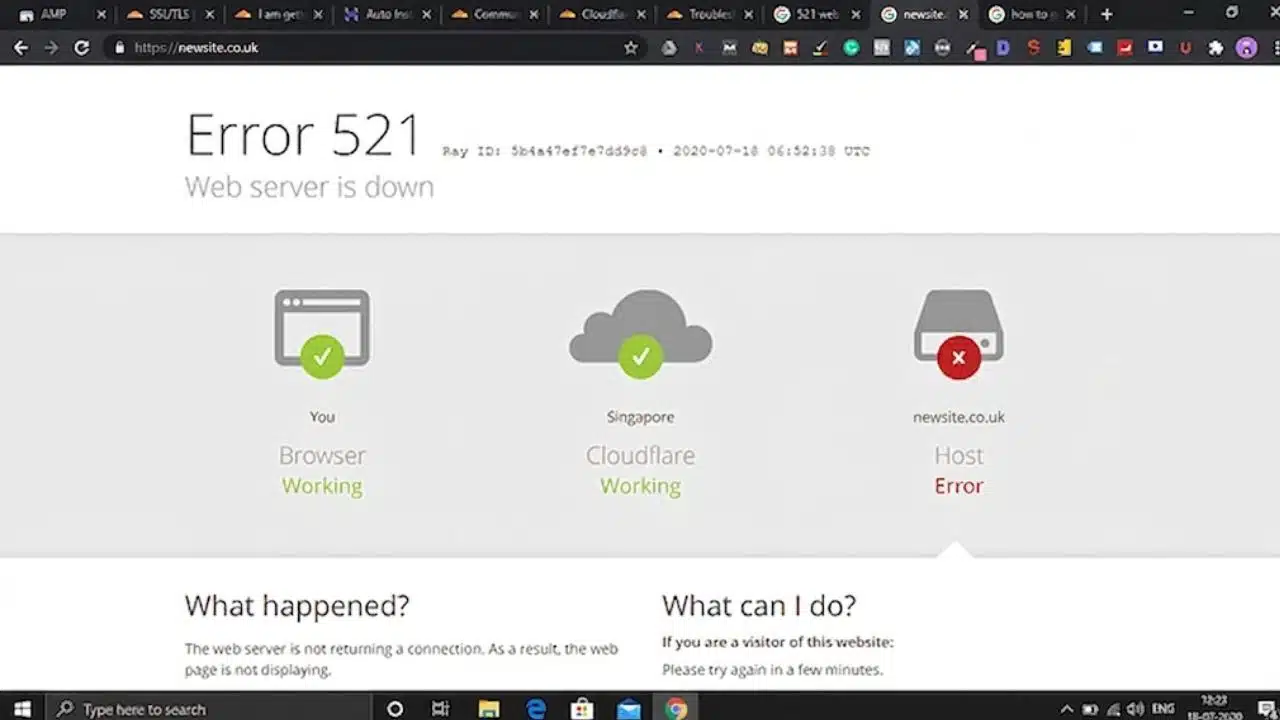
This is one of the statuses worth investigating promptly. It means the server returned a 500-level error when Google requested the URL. Timeouts, overloaded hosting, and connectivity failures can produce related access problems.
Run URL Inspection > Test Live URL, then check the host information in the Crawl Stats report. A successful test now does not prove that an earlier failure was imaginary; server errors are often intermittent.
If the issue affects many URLs, review recent hosting, CDN, caching, firewall, theme, or plugin changes. When contacting the hosting provider, send affected URLs and approximate crawl times. Specific examples are much easier to investigate than a general report that Google “cannot see the site.”
2. Redirect Error
A redirect error is not the same as the normal “Page with redirect” status. It means Google encountered a loop, an invalid destination, an empty URL, or a chain it could not complete.
Conflicting settings are a common cause. A WordPress redirect plugin may send one version of a URL elsewhere while the server or CDN applies a different rule.
Trace the complete route and, where possible, replace it with one direct redirect to the final working page. Googlebot can follow multiple redirect hops, but long chains are slower to troubleshoot and easier to break. Update internal links and sitemap entries so they use the destination directly.
3. URL Blocked by robots.txt
The site’s robots.txt instructions are stopping Googlebot from crawling the page. That may be intentional for duplicate filters or unimportant site areas. It is a real problem when the affected URL is an article, product, or service page intended for search.
Find the Disallow rule covering the URL and remove or narrow it. On WordPress, the instruction may come from a plugin, hosting configuration, or generated robots file.
Do not use robots.txt to protect private information. Google can sometimes list a blocked URL after discovering it through links, even though it cannot crawl the page’s content. Sensitive pages need authentication or another genuine access restriction.
4. URL Marked “noindex”
Google reached the page, found a noindex directive, and excluded it. If that was intentional, nothing is broken. For an important WordPress page, check Settings > Reading > Search Engine Visibility first. The “Discourage search engines from indexing this site” setting is sometimes left enabled after a staging site goes live.
Next, inspect the page-level settings in the active SEO plugin. A noindex instruction can also appear in the HTML or an X-Robots-Tag response header. If the setting has been removed but Google still reports it, clear relevant site and CDN caches before testing again.
Keeping Google Search Console errors decoded also means leaving sensible exclusions alone. Checkout, account, and weak archive pages rarely need to be opened to search merely to make a report look cleaner.
5. Soft 404
A soft 404 usually returns a successful response even though the page looks empty, missing, or unusable to Google. A permanently removed page with no replacement should return 404 or 410. Content that has genuinely moved should redirect to a closely equivalent page. Sending every deleted URL to the homepage is poor practice because the destination does not answer the visitor’s original request.
Sometimes a legitimate page is classified as a soft 404 because it contains very little useful information. An unavailable product page may remain worthwhile if it still includes the product details, explains availability, and offers relevant alternatives. Adding generic filler is unlikely to solve the underlying weakness.
6. Not Found (404)
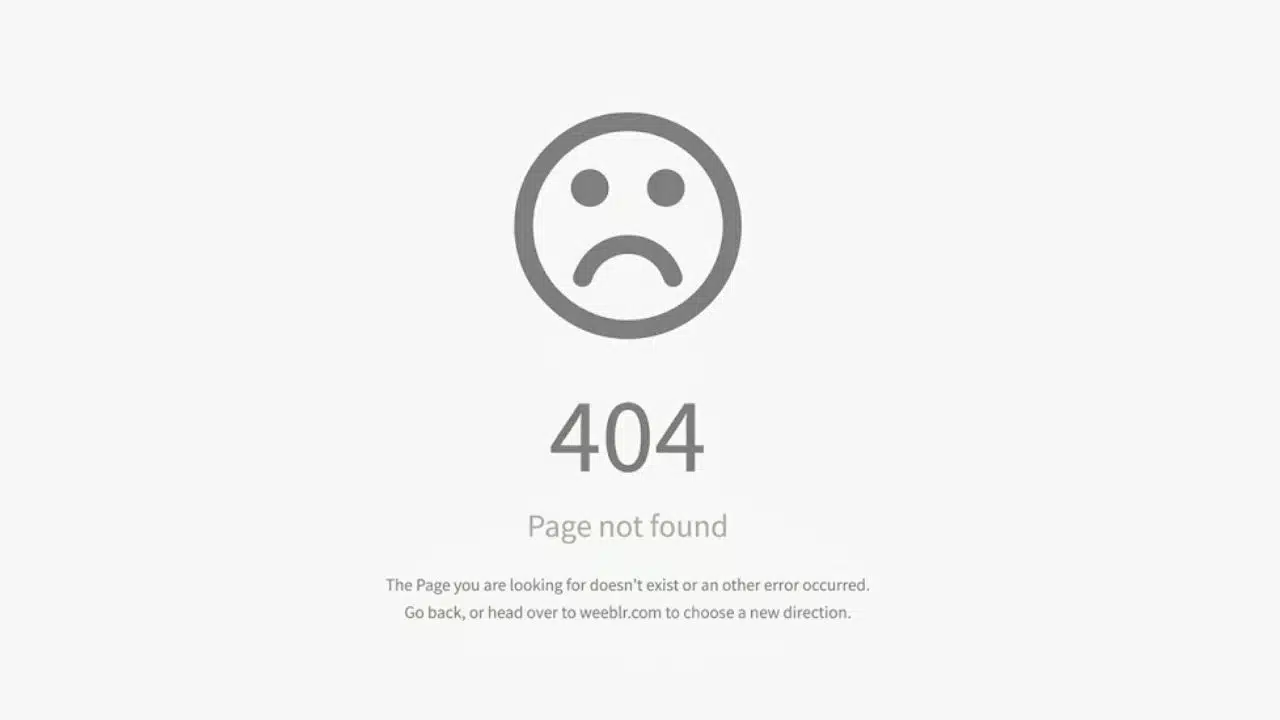
A valid 404 is not an SEO emergency. It is the correct response when a page no longer exists and has no suitable replacement. Take action if the URL is still linked from navigation, articles, canonical tags, or the XML sitemap. Correct a mistyped link or redirect the URL when equivalent content has moved elsewhere. Otherwise, leave the 404 in place and remove obsolete internal references.
An unrelated redirect only hides the error code. It does not preserve the deleted page’s relevance.
7. Page With Redirect
This is usually an informational exclusion rather than a fault. Google normally evaluates the destination instead of indexing the redirecting URL.
Confirm that the destination is correct, publicly accessible, and eligible for indexing. Then update internal links and the sitemap to use that destination. If the redirect is intentional and direct, there is little else to fix.
8. Crawled—Currently Not Indexed
Google visited the page but did not add it to the index. Requesting indexing repeatedly does not resolve whatever led to that decision.
For an important page, inspect its rendered content, canonical URL, internal links, and similarity to other pages. A location page with only the city name changed, a nearly empty archive, or an article that closely repeats an existing post may not offer enough distinct value to be indexed separately.
A successful live test confirms that Google can access the current page. It does not test every indexing condition, determine which canonical Google will choose, or guarantee inclusion. Any useful explanation of Google Search Console errors decoded needs to preserve that distinction.
9. Discovered—Currently Not Indexed
Google knows the URL exists but has not crawled it. Search Console normally shows no last crawl date for this status. Google may postpone crawling when it expects the request to place too much load on the site. A few new pages may simply need time. A large, persistent group calls for a broader check.
Make sure important pages have internal links, appear in the current sitemap, and load reliably. Also look for excessive filter, attachment, calendar, search, or parameter URLs. These can create large pools of low-value addresses, although Search Console does not confirm one universal cause for this status.
Use URL Inspection for a few priority pages and a sitemap for larger groups. Repeated submissions of the same URL will not make Google crawl it faster.
10. Duplicate and Canonical Problems
Canonical reports need more judgment than most entries on this list.
“Duplicate without user-selected canonical” means Google found similar pages and selected one to index. “Duplicate, Google chose different canonical than user” means the site named a preferred version, but Google’s other signals supported another. “Alternate page with proper canonical tag” is generally expected and needs no repair.
Use URL Inspection to compare the user-declared canonical with Google’s choice. If Google selected the right page, leave it alone. If it selected the wrong one, align the signals:
- Add a self-referencing canonical to the preferred page.
- Use that URL in internal links and the sitemap.
- Remove conflicting canonical instructions.
- Redirect obsolete duplicates when an appropriate replacement exists.
- Make separate pages substantially different if both deserve indexing.
A canonical annotation is a strong signal, not a command. Pointing unrelated pages to the homepage is not a sensible way to reduce duplicate reports.
Final Thoughts
With the main Google Search Console errors decoded, open the Page indexing report and start with one issue affecting an important URL. Give 5xx failures, broken redirects, and accidental blocking priority. Do not spend the afternoon repairing intentional 404s or correctly excluded duplicates.
Inspect a representative page, identify the shared cause, apply the fix, and confirm that the live version is accessible. Start validation only after the known examples have been addressed. A clean-looking report is useful, but getting the correct versions of important pages crawled and indexed matters more.
Frequently Asked Questions
How long does Search Console take to show a fix?
The Page indexing report is not real-time. A change may not appear until Google crawls the URL again. After validation begins, Google says the process typically takes up to about two weeks, although some checks take longer.
Does “URL is available to Google” mean the page will be indexed?
No. It means the live page can be accessed and no tested condition prevents indexing. Google may still decide not to index it because of canonical selection, quality, duplication, security issues, manual actions, or other conditions the live test does not cover.
Should every important page be submitted through Request Indexing?
Request Indexing is useful for a small number of new or substantially changed pages. It has a submission quota, does not guarantee indexing, and repeated requests for the same URL do not speed up crawling. For larger groups, use a properly maintained sitemap and internal links.






















