

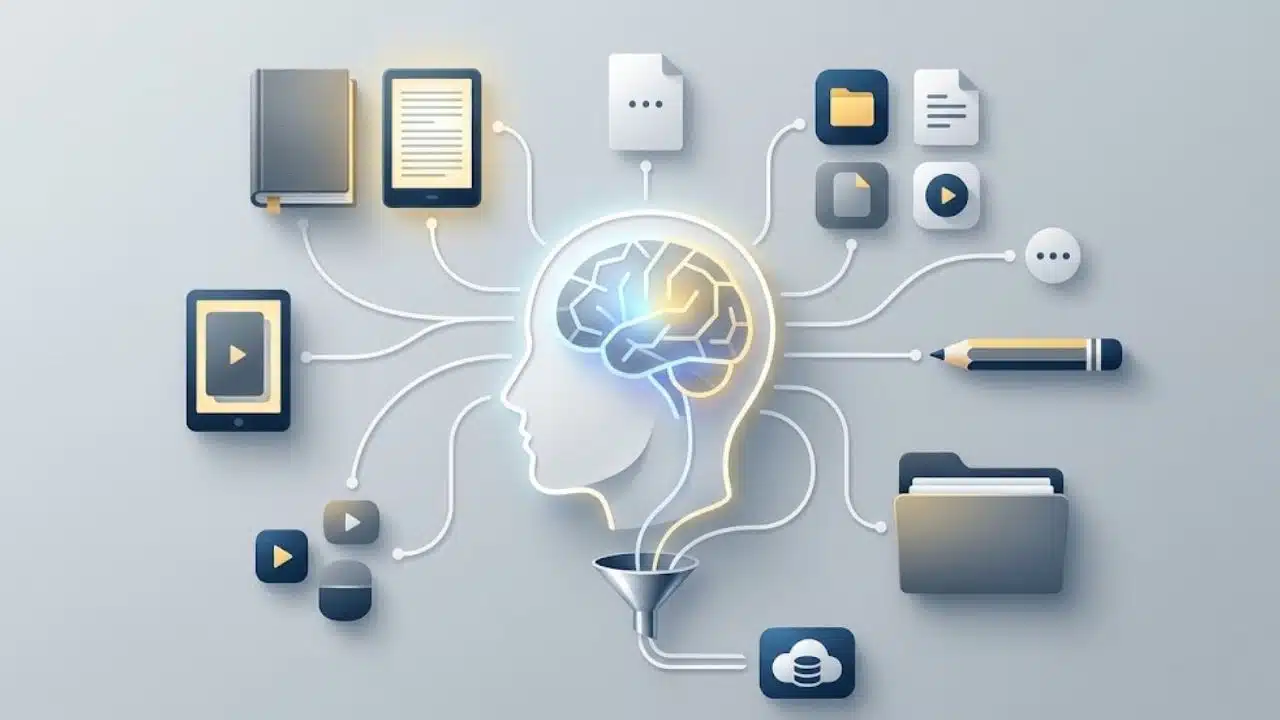
Personal Knowledge Management (PKM) is a structured approach to capturing, organizing, and retrieving information so it stays actionable when you need it. Instead of letting notes, research, and meeting decisions gather digital dust across scattered apps, a PKM system connects your ideas into a searchable personal database.
If information overload leads to repeated searches, lost context, or forgotten decisions, adopting a personal knowledge management workflow helps you turn random content into long-term assets. By streamlining how you collect, process, and apply information, PKM ensures your knowledge works for you—not against you.
Personal Knowledge Management Is a Process, Not a Product
Personal knowledge management, usually shortened to PKM, has no single prescribed workflow. Broadly, it refers to the practices an individual uses to collect, interpret, organize, retrieve, and apply information.
That distinguishes it from organizational knowledge management. A company may maintain shared policies, documentation, training material, and institutional records. A personal system is arranged around one person’s projects, responsibilities, questions, and retrieval habits.
A practical PKM workflow usually involves four activities:
| Stage | What Happens | Example |
| Capture | Potentially useful material is saved | Recording an observation from a customer interview |
| Process | Meaning and context are added | Explaining how the observation affects a product decision |
| Organize | The note is filed or connected | Linking it to the relevant project and customer problem |
| Retrieve and apply | The material supports new work | Using it while preparing a product brief |
This is a working model, not an official PKM standard. Processing deserves particular attention. A bookmark preserves a location, but it does not preserve why the page mattered. Months later, its title may offer little help.
For an important source, add a short summary, the original link or citation, and a sentence explaining where the information could be used. Routine reference material does not need that much effort. Notes that support decisions, published work, or academic research usually do.
Signs That You May Need a PKM System
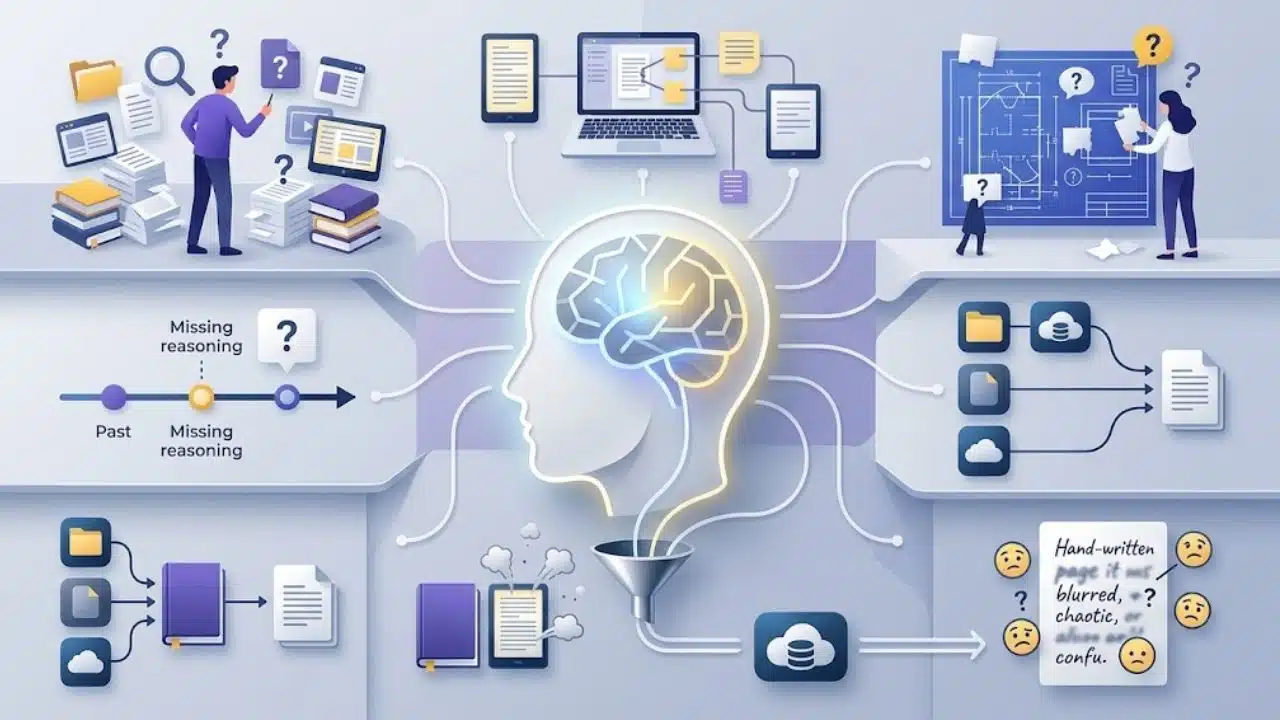
If ordinary search reliably finds your material and your projects rarely depend on older information, a formal system could create more maintenance than value.
Personal knowledge management becomes useful when several of these problems keep returning:
- You remember saving something but cannot remember where.
- Notes are scattered across several apps and devices.
- Old research must be reconstructed whenever a topic returns.
- Earlier decisions have no recorded reasoning.
- Several projects depend on the same ideas or sources.
- Citations or publication details disappear before they are needed.
- Your notes become difficult to understand once the subject is no longer fresh.
Repeated rework is the clearest signal. If finding or recreating information regularly interrupts current work, start with a small system. PKM will not fix an overloaded schedule, unclear responsibilities, or poor priorities. Adding a sophisticated notes app to those problems can hide them without resolving them.
Organize Around How You Search
Many people begin by asking where a note belongs. A better question is how they are likely to look for it later. A student might search by course, concept, assignment, or author. A content creator may look by audience question, article topic, or publishing project. A product manager may need evidence connected to a customer problem, feature decision, metric, or initiative.
Folders provide one retrieval path. Search, a restrained set of tags, and meaningful links provide others. This matters because one useful note may relate to several subjects.
Researchers use the term cognitive offloading for external actions or resources that reduce the immediate mental demands of a task. Notes and reminders can serve that purpose, but preserving information does not guarantee understanding.
Students should be especially careful about this distinction. In a controlled experiment using prose passages, retrieval practice produced stronger delayed retention than repeated study under the conditions tested. Organized notes can support learning, but they should not replace self-testing, practice questions, or recalling an idea without looking at the page.
Choosing Tools Without Creating Another Project
For most readers, the best starting point is the notes app they already open regularly. A new platform is justified when the current one has a specific limitation—not because somebody else’s elaborate dashboard looks impressive.
Microsoft OneNote uses a familiar hierarchy of notebooks, sections, pages, and subpages. It is a sensible choice for people who think in subjects or binders and want flexible pages for class notes, meetings, images, and longer reference material.
Google Keep is better for quick capture, short lists, and temporary notes. It supports labels, colors, pins, and archiving, but its current documentation limits users to 50 labels. That is rarely a problem for a lightweight inbox. It makes Keep less suitable for a heavily classified research collection.
Notion becomes more useful when notes require properties, filters, templates, or different database views. A content planner, for example, could sort research by topic, publication status, source type, or intended article.
Its Web Clipper can save pages into a selected page or database, although that convenience encourages indiscriminate collection. Notion’s current desktop documentation lists the clipper for Chrome and Safari; mobile capture uses the device’s sharing menu. Because websites are parsed differently, formatting or content may be missing from a saved page. Preserve the original URL and inspect anything important.
Obsidian is a more specialized choice. It suits people who want linked notes and control over files rather than a database-driven workspace. Notes are stored as Markdown-formatted plain-text files inside a local vault, and backlinks show which notes refer to the page being viewed.
The network graph receives plenty of attention, but it is not proof that a system is useful. A large collection of links can still fail the practical test: can you find the evidence needed for the document open in front of you?
Local storage also requires planning. It does not automatically provide a backup or make notes available on every device. Backup location, synchronization method, account security, and recovery all need separate decisions.
For academic or citation-heavy work, Zotero is usually a better choice than forcing a general notes app to become a reference manager. It stores bibliographic metadata, files, snapshots, tags, and notes, and it supports citation insertion in Microsoft Word, LibreOffice, and Google Docs.
Automatic metadata capture still needs checking. Author names, publication dates, titles, DOIs, and item types can be incomplete or incorrect when a page is not recognized properly.
Two tools are reasonable when their jobs are distinct—for example, Zotero for sources and OneNote or Obsidian for analysis. Several overlapping inboxes usually recreate the problem PKM was supposed to solve.
A Small Setup Built Around Current Work
Do not begin by importing every note and bookmark you have collected. Choose one active course, research assignment, article, or workplace project. Give the first setup session about 20 minutes.
Create a few broad locations:
- Inbox: Captured material awaiting review
- Projects: Notes tied to defined outcomes
- Areas: Ongoing subjects or responsibilities
- Reference: Material kept for possible future use
- Archive: Completed or inactive material
The names are flexible. Each location simply needs a clear purpose.
For an important note, record:
- A descriptive title
- The original source or citation
- A short summary in your own words
- Why the information matters
- The question or project it supports
“Remote work study” is a weak title. “Delayed replies do not necessarily indicate disengagement” gives the reader a useful claim to retrieve. A research note should also preserve the study’s author, publication details, method or sample limitations, and DOI when available.
Review the inbox often enough that it does not become permanent storage. Delete weak captures, correct incomplete source details, and move useful material into active work. If the backlog grows every week, save less.
Mistakes That Quietly Undermine PKM
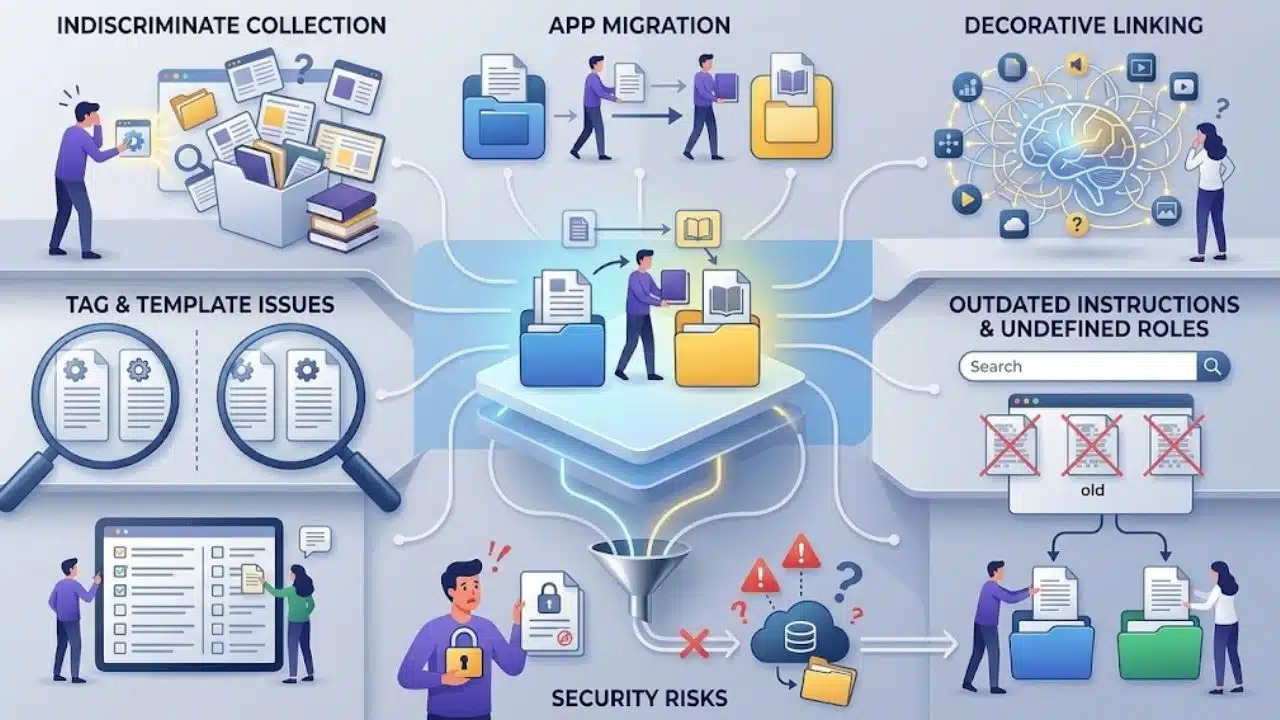
Indiscriminate collection causes more trouble than poor filing. A browser extension can save hundreds of pages with almost no effort, but an unread archive contributes little to a project.
Other problems appear more gradually:
- Near-duplicate tags divide material that should appear together.
- Demanding templates make small notes tedious to record.
- Constant app migration changes the container without improving the content.
- Decorative linking creates busy graphs without useful retrieval paths.
- Outdated instructions make search results less trustworthy.
- The same source is saved in several apps because none has a defined role.
Sensitive information requires a separate check. Employer-owned, confidential, or regulated material should remain in approved systems. A personal cloud account may violate workplace rules, while a local folder can still be exposed through a lost device, weak access controls, or poor backup practices.
Final Thoughts
Personal knowledge management is worth trying when scattered information leads to repeated searching, lost context, or duplicated research. Begin with one capture point, a few broad categories, and an active project that gives the system something useful to support.
Do not build for every possible future need. Build around the work already in front of you. If the system helps you recover and apply information without demanding constant maintenance, it is doing enough.
Frequently Asked Questions
Can paper notes be part of personal knowledge management?
Yes. Paper works well for thinking, sketching, and focused study. Retrieval becomes harder as the collection grows, so an index or short digital record can help locate important notebooks and pages.
Should personal and work knowledge use the same system?
They can follow the same method without sharing the same account or storage location. Keeping them separate is usually safer when workplace ownership, confidentiality, retention, or account access is involved.
How often should a PKM system be reviewed?
There is no required schedule. Review it when the inbox begins to obscure useful material or when active projects are no longer easy to navigate. For many people, a brief weekly cleanup is enough; a quiet system may need less attention.






















