

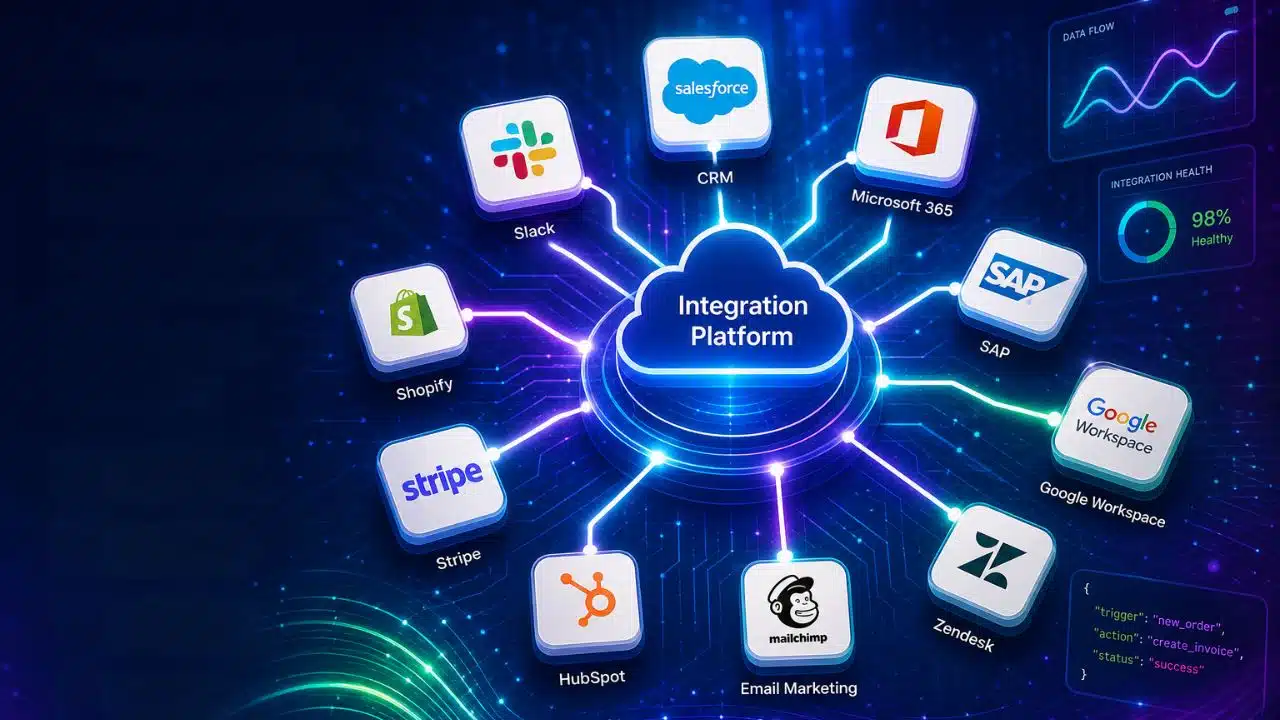
Your billing tool does not talk to your CRM. Your support inbox does not talk to either one. So somebody on the team copies rows by hand every morning, and nobody counts the cost until a paying customer falls through the gap.
I run into this from both sides. I build SaaS products, and I also sell to people who buy them. The list of SaaS integration platforms to connect apps is long, and most articles rank them as if they all do the same job. They do not. Picking the wrong type wastes months, not just money.
Here is how I sort them and which ten are worth your time.
Two Different Jobs But One Confusing Category
The first job is internal. You want your own stack to work together. Form fills go to the CRM, paid invoices go to Slack, and cancelled trials go to a sheet your team actually reads. Zapier, Make and n8n live here.
The second job is customer-facing. Your users want your product to connect to their tools. When a prospect asks, “Does this sync with HubSpot?” they are not asking you to build a Zap. They want a button inside your app. That needs an embedded platform, which is a different purchase with a different price tag.
Most teams only need the first one. Agencies and freelancers almost always live in the first group. But if you sell B2B software, the second question arrives eventually, and it usually arrives during a sales call.
1. Zapier
Zapier is still the default, and for good reason. It connects more apps than anything else, roughly 8,000 at last count, so the odd tool your client insists on using is probably supported.
The pricing is where people get hurt. Zapier bills by task, and a task is one action that runs, not one workflow. The trigger is free. Filters and formatting steps are free. Every real action costs you. A five-step workflow that fires 200 times a month is not 200 tasks. It is 800.
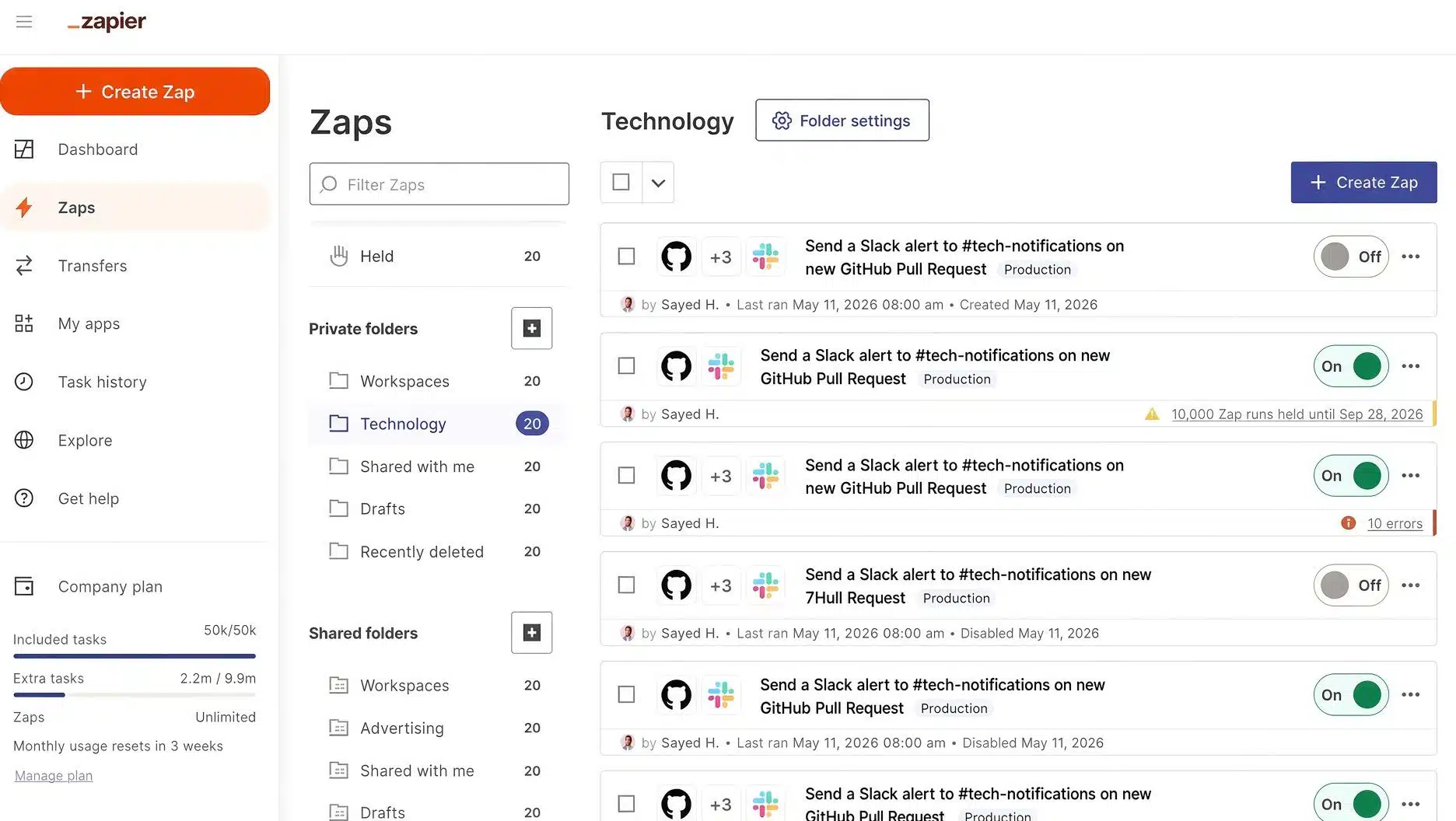
The free plan gives 100 tasks a month and only two-step Zaps, so treat it as a test drive. Paid plans start around twenty dollars a month on annual billing for 750 tasks and climb from there.
I still recommend Zapier to clients who have nobody technical on staff. When one person owns the automations and that person is not a developer, this is the safest choice.
2. Make
Make is the better value if you can read a flowchart. It bills by credit, one credit per module run, and the entry-paid plan gives you around 10,000 credits for roughly the price of two coffees.
The visual canvas handles branching, loops and routers far better than Zapier does. That matters once a workflow has more than one “if”.
One trap worth naming: polling. If a scenario checks Gmail every minute, that is over 43,000 checks a month, and you have burned the whole plan before a single useful thing happens. Use webhooks when the source app supports them. Make also renamed operations to “credits” in 2025, so older tutorials will use the wrong word.
3. n8n
n8n bills per execution. One run of a workflow is one execution, whether the workflow has three nodes or fifty. For anything multi-step, that math beats task billing badly.
You can self-host the Community Edition for free under its fair-code license and run unlimited executions. You pay for the server, which is a few dollars a month, plus the time of whoever keeps it patched. Cloud plans start at about twenty euros a month for 2,500 executions.
This is what I use for RankPilot.ai. The product is still in development, and internal reporting jobs run fine on a small self-hosted instance. I would not put a customer’s money path through it, but for pulling data into a dashboard nobody outside the team sees, it is hard to beat.
One warning. Cloud plans stop when you hit the execution cap. No overage, no grace. Watch anything that runs on a tight schedule.
4. Pipedream
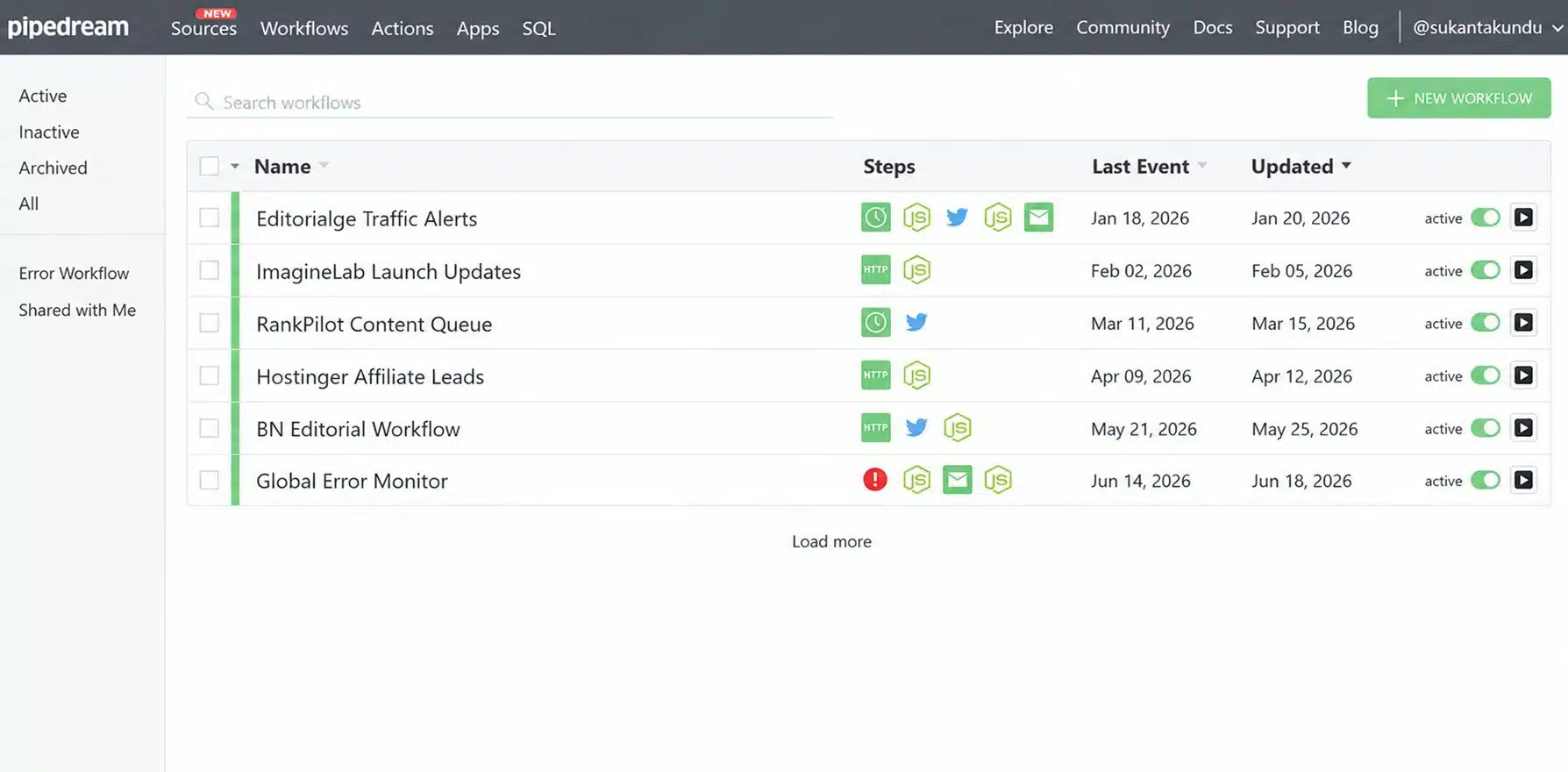
Pipedream is for people who would rather write ten lines of Node than drag twelve boxes. You get real code steps in JavaScript, Python, Go or Bash, sitting between normal connectors.
It bills on compute, not steps. One credit covers thirty seconds of run time at the default memory setting, so a long workflow with many steps usually still costs one credit. That is friendly for glue code and awkward for anything that waits on a slow API.
Workday announced an agreement to acquire Pipedream in late 2025. Self-serve pricing has stayed in place so far, but if you are betting client infrastructure on it, keep an eye on the changelog.
5. Activepieces
The open-source option with the friendliest license. The core is MIT, so you can self-host it, fork it and use it commercially without arguing with a lawyer. Around 700 connectors, a clean builder and strong support for MCP if you are wiring AI agents into things.
Agencies like it because you can run it on your own server and put your own brand on it. Read the fine print first: white-label, SSO, and audit logs sit in the paid commercial layer, not the free one. The cloud pricing model also changed during 2026, so check the current page rather than a comparison post.
6. Workato
Enterprise territory. Recipes instead of Zaps, deep connectors into systems like SAP, NetSuite and Workday, and governance features that compliance teams ask for by name.
There is no public price. Quotes are negotiated, mid-market deals commonly land in the tens of thousands per year, and premium connectors can cost extra on top. Discounts of a third off the first quote are normal, so never accept the opening number.
Skip this unless a real IT department is signing the check.
7. Celigo
Celigo is the one to look at when the stack has an ERP in the middle of it. NetSuite work, Shopify and Amazon order flows, and finance processes that break loudly when they break.
Pricing is quote-based too, but it is built around endpoints and flows rather than per-task counting, which makes the bill less jumpy month to month. There is a free edition with two endpoint apps if you want to poke at it first.
8. Tray.ai
Tray sits between Workato and the self-serve crowd. It’s a flexible builder, API-first, and it has pushed hard into agent orchestration recently. Quote-based pricing again.
The thing to check at renewal is packaging. Tray has changed how it meters usage before, and buyers have found their old contract shape no longer exists when the renewal lands. Ask what the model will be in two years, not just this year.
The next two are the customer-facing group. Different job, different budget.
9. Paragon
Paragon is an embedded platform. Your customers connect their own Salesforce or Slack account through a portal that carries your branding, and Paragon handles the OAuth flow, the token refresh and the retries behind it.
That last part is the real value. Per-tenant token management is boring, endless work, and it is what sinks in-house integration projects six months after launch. The catalogue is smaller than a general automation tool, roughly 130 connectors, because it is built for depth rather than breadth. Pricing is annual and sales-led, with a short trial.
If your product roadmap says “native integrations” and your engineering team is four people, this is the honest build-versus-buy conversation.
10. Merge
Merge takes a different route. Instead of one connector per app, you write to one normalised API per category, and Merge maps the vendors underneath. Connect once to the CRM schema and get a long list of CRMs.
It is the fastest way to ship twenty integrations. The trade-off is depth, because a normalized schema only covers fields that every vendor has. Custom objects and unusual field mappings run out of road quickly. Public write-ups put entry pricing in the mid hundreds per month once you pass the free linked accounts.
How I Choose SaaS Integration Platforms to Connect Apps
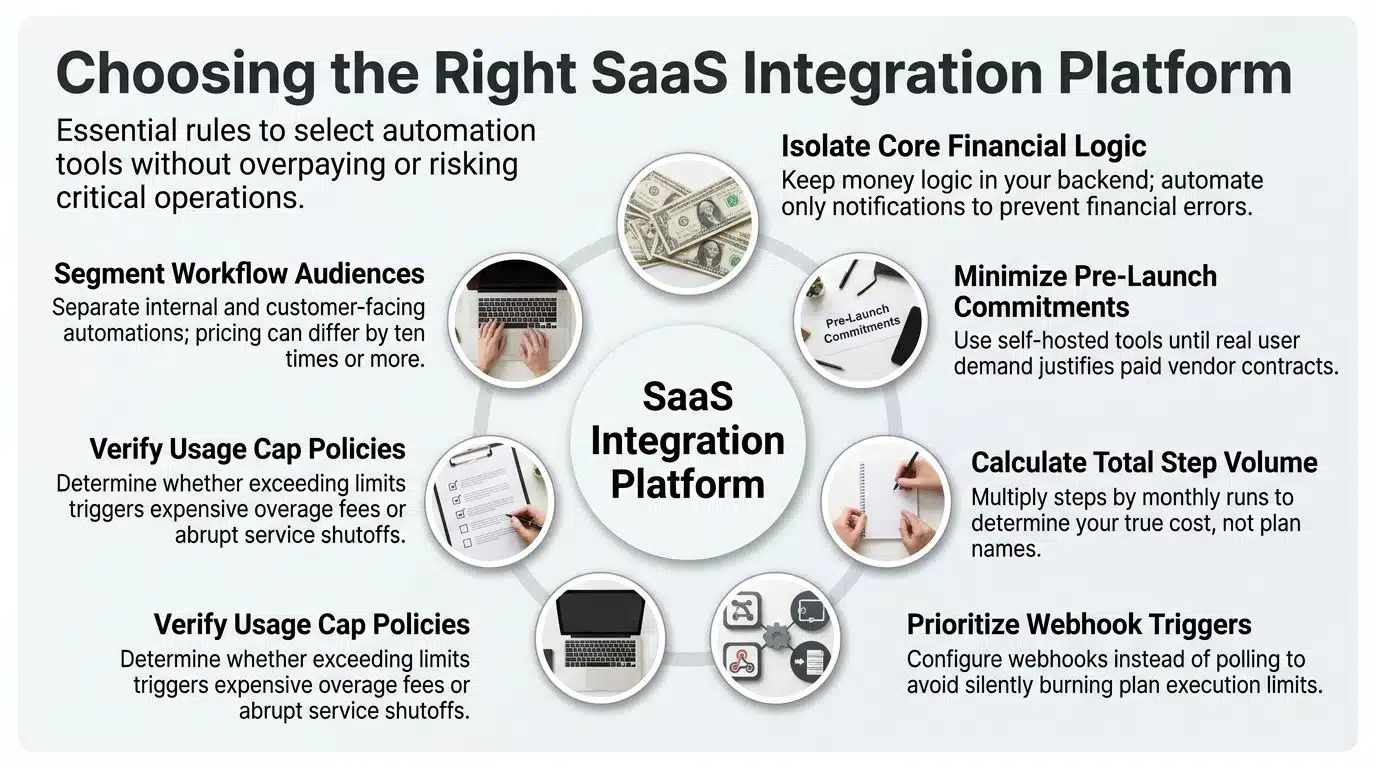
I have been through this twice now, and the questions that actually decided it were not on any feature page.
For ImagineLab Art, the important decision was what stays out. Our billing runs on tokens, and some customers pay by manual transfer through bKash or UPI, which a human has to verify. It was tempting to automate that whole path. I did not. Money logic lives in our own backend, where I can test it, log it and fix it at 2am. The automation platform only handles the human layer around it: alerts when a transfer notice arrives, a nudge when a verification has been sitting too long, a weekly summary. If that layer breaks, nobody loses money. That split has saved me twice.
RankPilot.ai gets the opposite treatment because it is smaller and pre-launch. Self-hosted n8n, boring jobs, and no vendor commitment until real users ask for something specific.
Before you sign up for any of these, work through this list:
- Count your steps, not your workflows. Multiply steps by monthly runs. That number, not the plan name, is your bill.
- Check whether your triggers can use webhooks. Polling quietly eats plans.
- Ask what happens when you hit the cap. Some tools charge overage; some just stop.
- Decide whether the work is internal or customer-facing before you compare prices, because the two groups differ by ten times or more.
- If you are an agency, check the white-label terms before the demo, not after.
Small Mistakes that Cost Real Money
Filters placed after actions instead of before them. You pay for the action, then throw the result away. Moving one filter to the top of a workflow can cut usage by a third.
Retries counted as new runs. A flaky third-party API that fails twice before it works is three runs on your bill, not one.
Test workflows left switched on. Every platform I have used has a story like this, usually discovered on an invoice.
And the expensive one: building integrations in-house because a platform looked pricey. A single connector takes weeks to build and never stops needing maintenance, because the other company will change their API and will not ask you first.
Final Thoughts
Most teams do not need the strongest tool on this list. They need the one that matches how their workflows are shaped. If your automations are short and your team is not technical, Zapier earns its price. If they are long and branchy, Make or n8n will cost a fraction of that. If your customers are the ones asking for connections, you are shopping in the embedded group and should stop comparing task prices altogether.
The best of the SaaS integration platforms to connect apps is whichever one you can still afford at ten times your current volume. Run that number before you buy, not after your third invoice.























