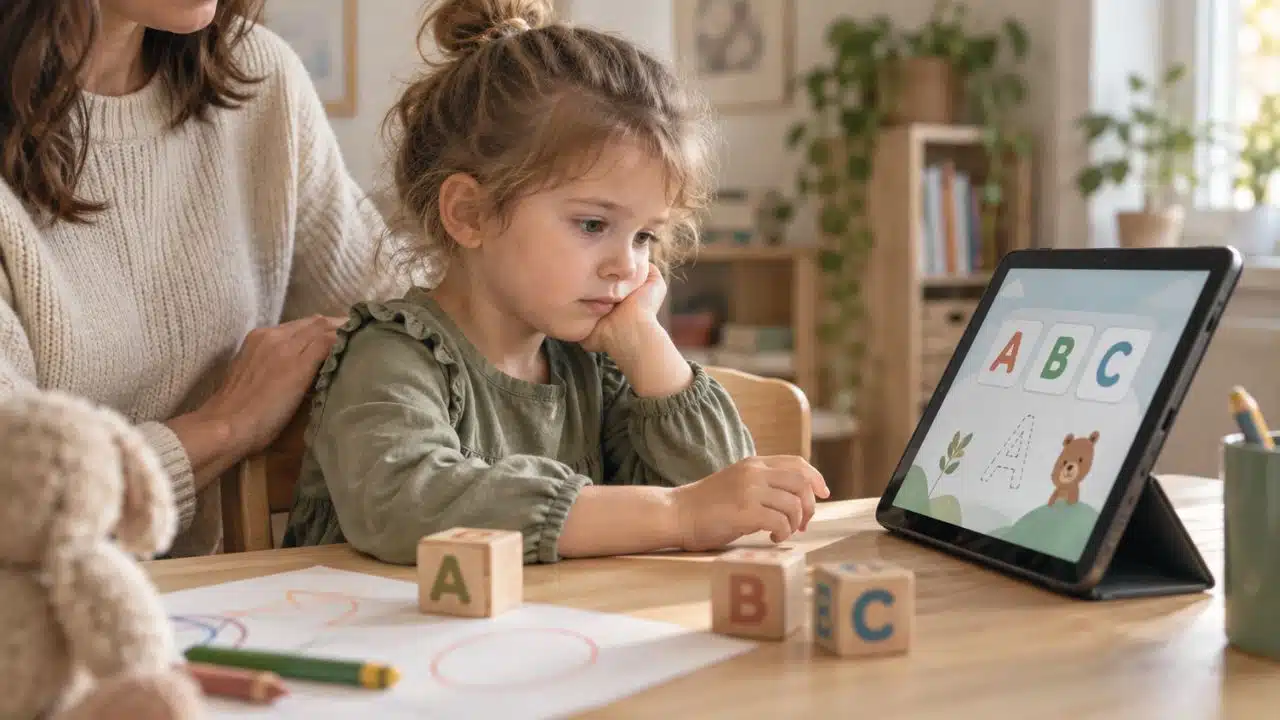
Families do not usually struggle because there are no STEM resources online. They struggle because there are too many of them.
One parent searches for “free science activities” and gets a mix of worksheets, coding games, app ads, old classroom PDFs, YouTube experiments, paid trial offers, and resource lists that may not have been checked in years. Another parent wants their child to build real skills but does not know whether to start with math practice, coding, robotics, science experiments, or career exploration.
That is where free STEM resources families can trust become useful. The best options are not always the flashiest. They are clear, age-appropriate, genuinely free to start, and practical enough to use at home without turning the kitchen table into a laboratory every evening.
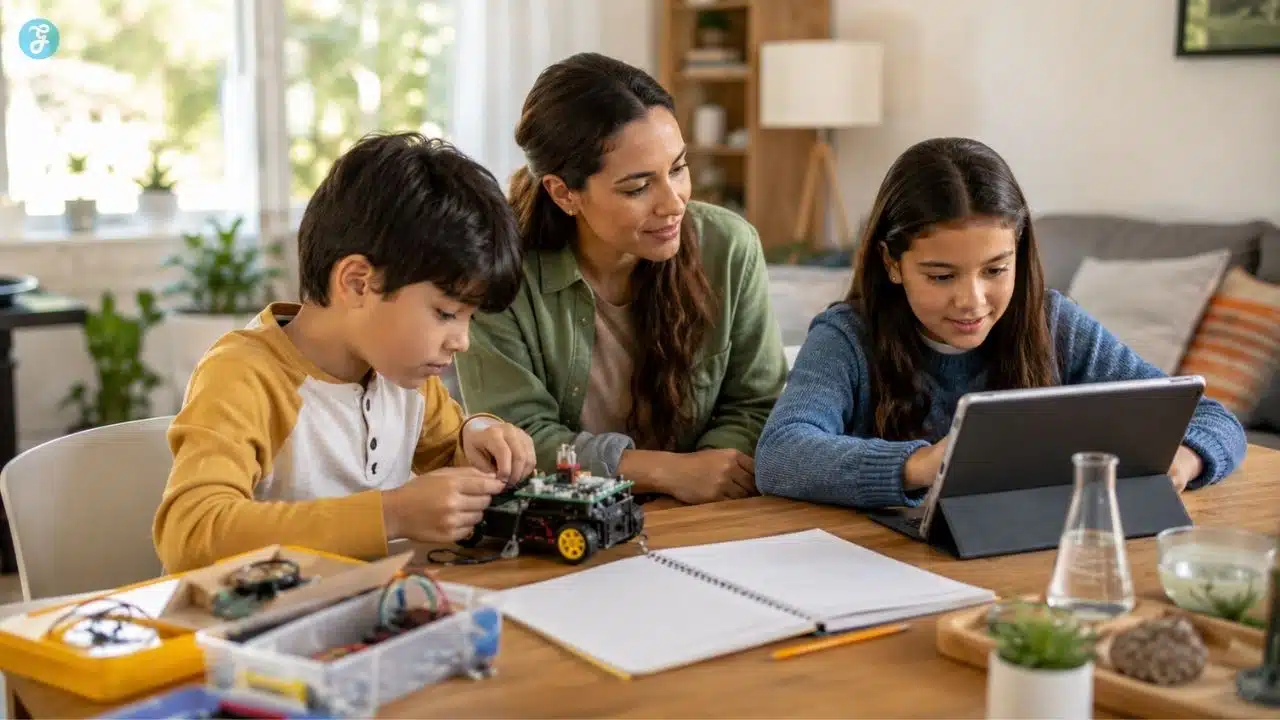
Parents do not need to recreate school. They need a small, reliable set of resources that can help children explore science, technology, engineering, and math through practice, projects, curiosity, and real-world problem-solving.
This guide focuses on free STEM websites, no-cost STEM activities kids can use at home, and free science resources that are useful without pretending every family has unlimited time, devices, supplies, or teaching experience.
Why Free STEM Resources Need a Filter, Not Just a List
A long list of free STEM links looks helpful at first. Then the problems show up.
Some resources are free only for teachers. Some require accounts. Some work better on laptops than phones. Some are excellent but too advanced for younger children. Some are fun but shallow. Others are academically strong but dry enough to lose a child in ten minutes.
There is also a difference between “free to access” and “easy to use at home.” A classroom-ready biology resource may be accurate and well-designed, but it may still need an adult who can guide vocabulary, background knowledge, and discussion. A coding platform may be free, but a child may need a keyboard, stable internet, and patience with debugging.
A better way to choose is to ask what the family actually needs today:
- Does the child need math practice?
- Are they curious about space, animals, climate, or the human body?
- Do they want to build something?
- Are they ready for coding?
- Do they prefer videos, games, simulations, projects, or reading?
- Does the family have supplies at home?
- Will an adult be available to guide the activity?
- Is the child learning independently, homeschooling, supplementing school, or just exploring?
The right resource depends on the answer. Free is helpful. Fit matters more.
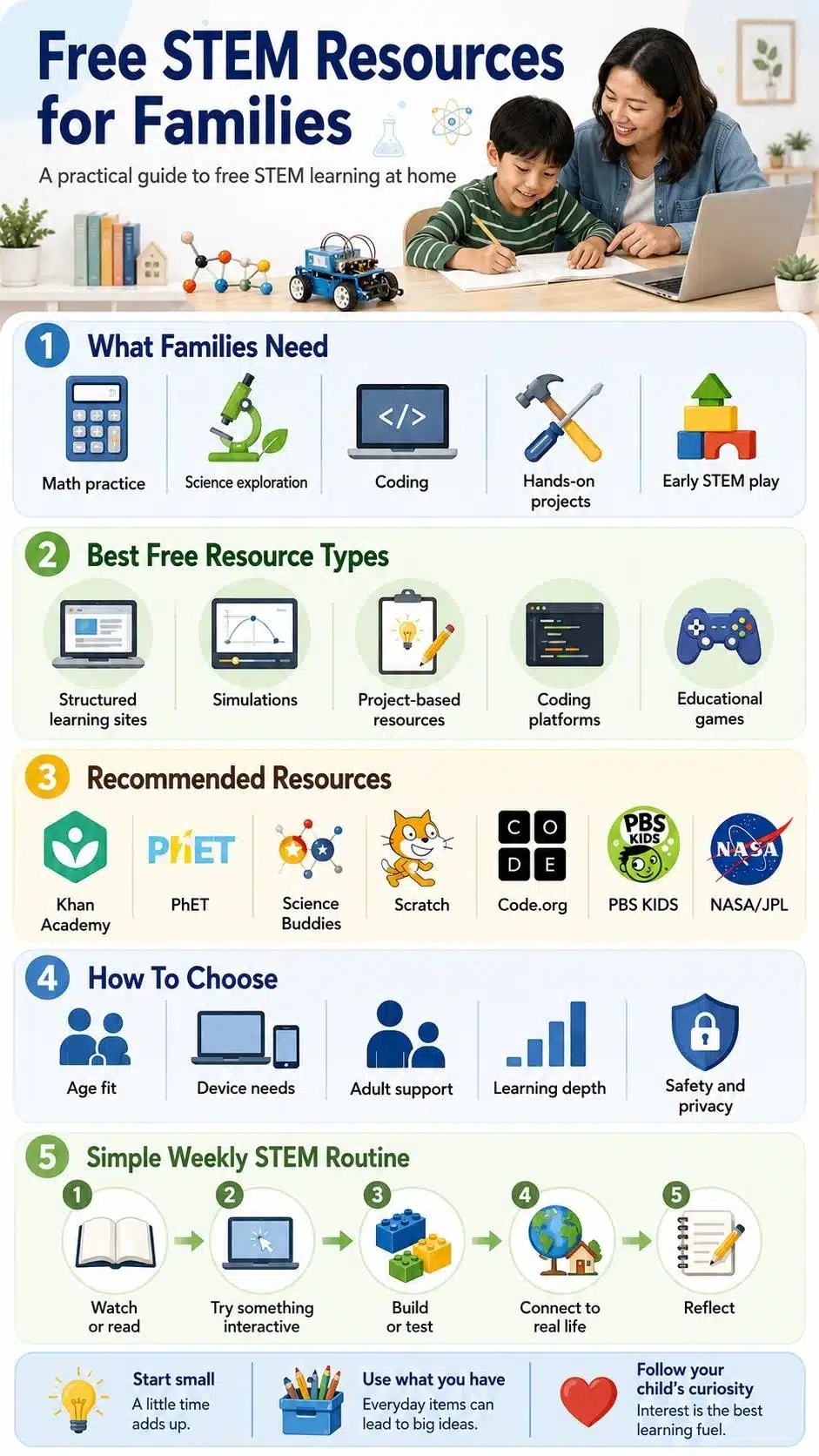
What Makes a Free STEM Resource Worth Using?
A good free STEM resource should do more than fill time. It should help a child understand, test, build, question, or practice something.
Parents can use this simple filter before choosing a website or activity.
| What To Check | Why It Matters |
|---|---|
| Age fit | A resource that is too easy feels boring. One that is too advanced creates frustration. |
| True cost | Some sites are fully free. Others mix free content with paid upgrades, kits, or teacher plans. |
| Device needs | Simulations and coding tools often work better on laptops or tablets than small phones. |
| Adult support | Hands-on experiments, account creation, and online communities may need supervision. |
| Learning depth | A game can introduce an idea, but deeper learning often needs discussion or follow-up practice. |
| Safety and privacy | Parents should review accounts, community features, ads, downloads, and data collection settings. |
The best approach is not to collect every possible resource. Pick two or three that match the child’s current interest, then build a routine around them.
Best Free STEM Websites for Families in Need
Different STEM resources solve different problems. A family looking for math practice does not need the same tool as a teen planning a science fair project or a younger child who wants science games.
When Your Child Needs Math or Science Practice
Khan Academy is one of the safest starting points for families who want structured, no-cost practice. It covers math, science, computing, economics, and other subjects through lessons, videos, and practice questions. It is especially useful when a child needs to strengthen school-related concepts at their own pace.
The strength of Khan Academy is its structure. A child can practice a topic, see mistakes, and continue gradually. This is more useful for skill-building than casual STEM entertainment.
It is not perfect for every child. Some students find video-and-practice learning repetitive. Others need a parent, tutor, or teacher to help when they keep making the same mistake. Still, for families looking for a reliable free learning base, it is one of the strongest options.
CK-12 is another useful resource, especially for families who want digital textbooks, concept explanations, practice, videos, and simulations. It can be helpful for older students who need more subject depth or want to review science and math topics beyond short videos.
CK-12 is best for families comfortable with a more school-like learning environment. It offers flexibility, but younger children may need help choosing the right lesson and staying focused.
When Your Child Learns Better by Seeing Concepts Move
Some STEM ideas are hard to understand from a flat diagram. Electricity, fractions, forces, molecules, waves, probability, and chemical changes often make more sense when a child can manipulate variables and see what happens.
That is where PhET Interactive Simulations is useful. It offers free interactive simulations in science and math. Children can explore topics such as physics, chemistry, biology, earth science, and mathematics by changing conditions and observing results.
PhET is especially good for “what happens if” learning. What happens if mass changes? What happens if friction increases? What happens if the temperature rises? This kind of exploration can make abstract ideas easier to grasp.
Parents should not simply hand over a simulation and expect learning to happen automatically. Ask the child to predict before changing a variable. Then ask what happened and why. A five-minute conversation can turn a simulation from screen play into real STEM thinking.
When Your Child Wants Hands-On STEM Projects
Hands-on work is where many children start to feel that STEM is real.
NASA/JPL STEM Activities for Families is a strong choice for space, engineering, science, technology, computer science, and math activities. It includes family-friendly projects such as rockets, hovercraft-style activities, space-related lessons, and science fair support. It is especially useful for children who enjoy space, planets, missions, building, and testing.
The advantage is motivation. NASA-themed activities often feel exciting before the lesson even begins. That matters, especially for children who do not respond well to textbook-style learning.
The limitation is set up. Some activities require materials, printing, time, or adult help. Parents should check the activity before promising it to a child. Nothing kills enthusiasm faster than starting a project and realizing the key supplies are missing.
Science Buddies is one of the most practical free science resources for projects. It offers a large library of experiments, engineering challenges, science fair ideas, and STEM activities. Many activities use common materials and can be filtered by grade, subject, difficulty, time, cost, and materials.
This is useful for families because it respects real constraints. A parent can look for a project that fits the child’s grade level and available time instead of guessing.
Science Buddies is especially helpful for science fairs, weekend experiments, and children who want to test a real question. The best use is not to copy a project exactly and stop there. Ask the child to change one variable, compare results, or explain what they would test next.
Free Coding Resources for Kids and Teens
Coding is often the first thing people think of when they hear STEM. It is useful, but it should not be treated as the only path.
Some children love coding because they enjoy building games, animations, and logic systems. Others find it frustrating at first. That does not mean they are “bad at STEM.” It may mean they need a different entry point, such as robotics, design, data, engineering, or science experiments.
1. Scratch
Scratch is a strong starting point for younger coders and beginners because it uses a visual block-based interface. Children can create stories, games, and animations without typing complex syntax. That makes it less intimidating than starting with a text-based programming language.
Scratch works best when children make something personally meaningful: a simple game, an animated story, a quiz, a music project, or an interactive scene. It is also useful for learning basic programming ideas such as sequences, loops, events, variables, and conditional logic.
Parents should know that Scratch includes an online community. That can be positive, but it also means adults should review privacy, sharing settings, usernames, comments, and expectations for online behavior.
2. Code.org
Code.org provides free computer science and AI-related learning resources, including structured curriculum and self-paced activities for different age groups. It is useful for families who want a more guided coding pathway instead of open-ended creation from the start.
Code.org can work well when a child needs clear steps. It is less ideal for children who only want to explore freely and make their own projects immediately. In that case, Scratch may feel more playful.
A good family approach is to use Code.org for structured practice and Scratch for creative projects. One builds foundations. The other gives children space to make something of their own.

Free STEM Resources for Younger Children
Younger children usually do not need formal STEM lessons every day. They need curiosity, observation, play, and simple cause-and-effect experiences.
PBS KIDS offers science and engineering games that can introduce early STEM ideas through familiar characters and child-friendly play. It can be useful for younger learners who are not ready for structured lessons or long explanations.
The strength of PBS KIDS is approachability. The limitation is depth. Games can introduce ideas, but parents should add simple follow-up questions:
- What did you notice?
- What changed when you tried again?
- Why do you think that happened?
- Can we find something like that at home?
A short conversation can make the difference between screen time and learning time.
For younger kids, no-cost STEM does not need to look formal. Sorting leaves, building with cardboard, measuring water, observing shadows, comparing magnets, counting steps, or testing which paper shape falls slower can all support early STEM thinking.
The website helps. The adult conversation helps more.
Free Science Resources for Older Students
Older students often need more than games and basic experiments. They may need credible content, real data, deeper biology, environmental topics, or research-style resources.
HHMI BioInteractiveIt
It is especially useful for high school students, advanced middle school learners, homeschool families, and educators looking for biology resources. It includes videos, animations, virtual labs, interactives, and classroom-ready materials.
This is not the best first stop for a seven-year-old who wants a quick activity. It is stronger for older learners who are ready to think through life science topics more seriously.
National Geographic Education
It is useful for geography, biology, climate, exploration, maps, videos, interactives, and real-world environmental learning. It is a good fit for families who want STEM connected to the planet, people, ecosystems, and global issues.
Smithsonian Learning Lab
It gives access to digital museum resources, objects, collections, and learning materials. It can be especially useful for families who want STEM connected with history, culture, nature, invention, space, design, and object-based learning.
These resources are excellent, but they require more adult judgment. A motivated teen may use them independently. Younger students may need a parent to choose a topic, frame the question, and help turn the material into an activity.
How To Match Resources to Your Child’s Learning Style
The mistake many families make is choosing resources by subject alone. Learning style matters too.
A child who hates worksheets may still enjoy engineering challenges. A child who struggles with math facts may enjoy simulations that show patterns visually. A teen who is bored by coding tutorials may enjoy building a game in Scratch. A child who does not like science videos may become absorbed in a messy kitchen-table experiment.
Use this quick guide:
- For visual learners: PhET, National Geographic Education, Smithsonian Learning Lab
- For hands-on learners: NASA/JPL activities, Science Buddies, household experiments
- For structured practice: Khan Academy, CK-12, Code.org
- For creative builders: Scratch, robotics-style activities, design challenges
- For younger kids: PBS KIDS, nature observation, and simple building tasks
- For older science-focused students: HHMI BioInteractive, Science Buddies, CK-12
If a resource fails, do not assume the child is not interested in STEM. The format may be wrong.
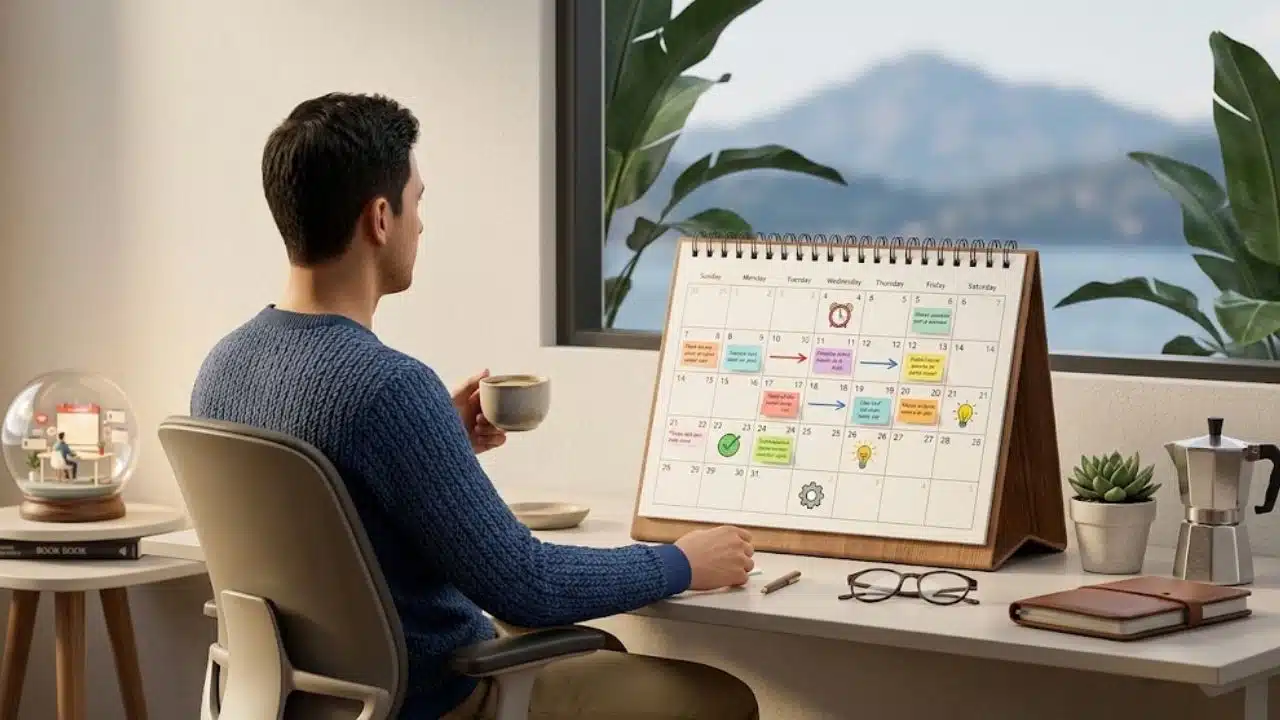
A Simple Weekly STEM Routine for Families
Families do not need a complicated STEM schedule. A simple weekly rhythm is easier to maintain.
Day 1: Watch or Read
Choose one short lesson, video, simulation, or article. Keep it focused. Ten to twenty minutes is enough for many children.
Good options include a Khan Academy lesson, a National Geographic Education video, a CK-12 concept page, or a Smithsonian collection.
Day 2: Try Something Interactive
Use a PhET simulation, PBS KIDS science game, Scratch project, or Code.org activity. Ask the child to explain what they changed, built, or noticed.
The explanation matters. It shows whether they are thinking or just clicking.
Day 3: Build or Test
Pick one small project. It could be a paper bridge, a seed-growing test, a balloon rocket, a magnet experiment, a water filter model, or a simple data chart.
Keep the project small enough to finish. Families often quit STEM routines because the activities are too ambitious.
Day 4: Connect It to Real Life
Ask where the same idea appears outside the activity.
A bridge project can connect roads and buildings. A plant project can connect to food. A coding project can connect to apps and games. A weather activity can connect to climate and safety.
This step turns STEM from schoolwork into a way of seeing the world.
Day 5: Reflect
End with three questions:
- What was interesting?
- What was difficult?
- What should we try next?
This is where career exploration begins quietly. Children start noticing what they enjoy, what frustrates them, and which problems they want to understand better.
What Parents Should Check Before Using Any Free STEM Website
Free resources are not automatically the right resources. Parents should still check a few things.
Look at the account requirements first. Some websites can be used without an account. Others may require sign-up to save progress, join a community, or access teacher tools.
Check whether the resource works on the device your child will actually use. A laptop may be better for coding, writing, simulations, and research. A tablet may work well for videos and games. A phone is often the least comfortable option for deeper STEM learning.
Review online community features. Platforms that allow sharing, commenting, remixing, or posting projects can be valuable, but children need guidance on privacy and respectful behavior.
Watch for hidden costs. A website may offer free lessons but charge for kits, advanced tools, printed materials, tutoring, classroom management, or premium features. That does not make it bad. It just means families should know what is free and what is not.
Finally, check whether the resource matches your child’s school system or learning goal. Many free resources use U.S. grade levels or curriculum language. Families in other countries can still use them, but they may need to adapt the order or vocabulary.
Common Mistakes Families Make With Free STEM Resources
The first mistake is collecting too many links. A child does not need twenty websites. They need one good resource, one activity, and one reason to care.
Another mistake is starting too advanced. A difficult simulation or coding course may look impressive, but it can damage confidence if the child is not ready. Begin slightly easier than you think. Momentum matters.
A third mistake is treating STEM as screen-only learning. Websites are useful, but STEM also lives in cardboard, water, plants, shadows, tools, toys, maps, weather, cooking, repairs, and questions.
Parents also sometimes over-teach. If every activity becomes a lecture, children lose the joy of discovery. Ask questions before giving answers.
The final mistake is looking for a perfect resource. There is no single free STEM website that does everything well. The best setup is usually a small mix: one structured learning site, one project-based site, and one creative or interactive tool.
A Practical Starter Pack of Free STEM Resources Families Can Use
A family does not need to start everywhere. This starter pack is enough for most homes.
- Use Khan Academy or CK-12 for structured math and science practice.
- Use PhET when a concept needs to be seen, changed, and tested visually.
- Use Science Buddies or NASA/JPL when your child wants hands-on projects.
- Use Scratch or Code.org for beginner coding and creative computer science.
- Use PBS KIDS for younger children who need playful science and engineering exposure.
- Use HHMI BioInteractive, National Geographic Education, or Smithsonian Learning Lab for older students, deeper science, geography, real-world topics, and research-style exploration.
That is more than enough to begin.
Free STEM Learning Works Best When It Feels Real
Free STEM resources families choose carefully can do more than fill a homework gap. They can help children notice patterns, ask better questions, test ideas, build confidence, and see possible futures.
The resource matters, but the routine matters more. A child who spends ten focused minutes testing a simulation, building a small project, or explaining a result may learn more than a child who passively scrolls through an hour of educational content.
Parents do not need to become science teachers. They need to create small openings for curiosity: one good question, one simple project, one useful website, one reflection afterward.
That is how no-cost STEM kids can enjoy at home becomes more than a list of links. It becomes a habit of exploring how the world works.