

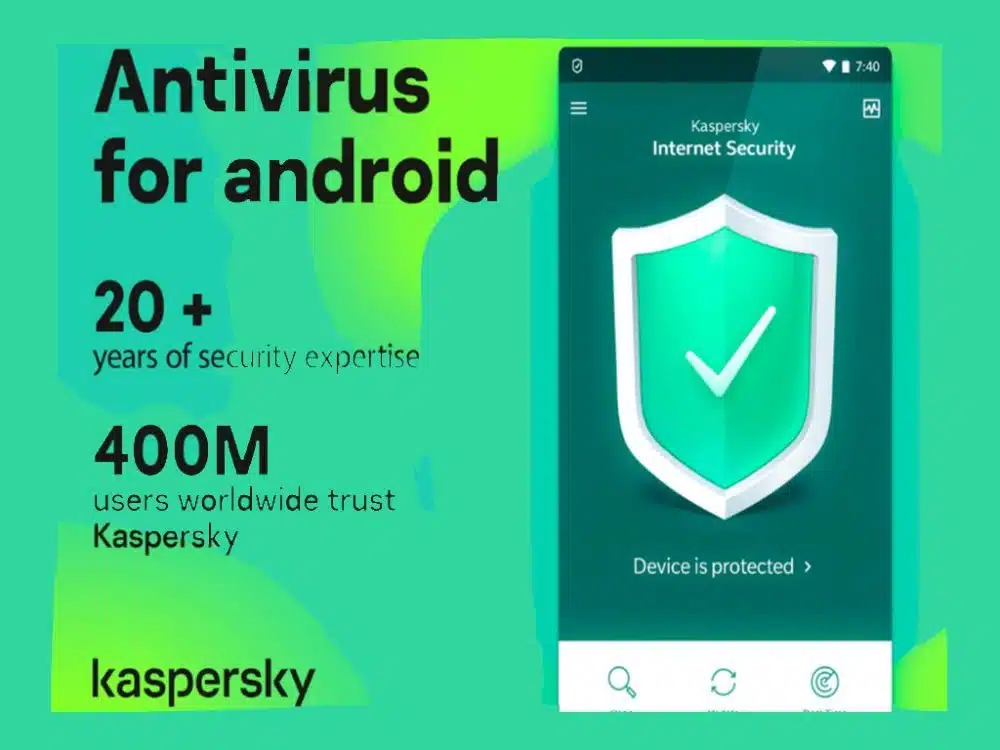
Do you know which is the best antivirus for the android smartphone? In this article, we are describing the best 5 antiviruses that can be helpful for your android smartphone.
Currently, digital media, devices, platforms, and systems are under constant attacks on their security systems. However, this is not just a problem of large companies or large caliber computer systems. Since, in general, private users are the easiest and most sought-after targets by malicious Internet agents.
Due to the presence of these constant threats, there is a need to always have a program or application that can keep them at bay, the antivirus for Android. Which brings us to the antivirus applications that have emerged in recent times to keep electronic devices protected from any attack.
It should be noted that many of the applications are programmed from recognized security companies that produce these computer systems. So, be very careful and pay attention to the following information so that you protect your equipment, data, and information.
What is the best antivirus for Android?
Electronic devices based on the Android operating system are the most popular these days. Due to the versatility of the software, the ease of use, and the editing functionalities.
Now, being one of the most used, it is also one of the targets to overcome computer viruses. Therefore, it is necessary to have an antivirus for Android, to keep the computer safe from any threat.
Among the best online Android antivirus, the following stand out a lot:

Avast Security & Antivirus
Definitely the Avast company has the best free Android antivirus of 2020 since it has versions for PC and mobile devices. As for the mobile version, it has the ability to block unwanted calls.
It also offers the functionality of the image vault, a block for applications and equipment optimization. To complete, it has a web filter for Android 6.0 that protects the computer from Malwares on the network.
Kaspersky
With Kaspersky, we find the application of one of the most prestigious computer security companies in the world. It has quite simple functionalities such as the equipment analyzer and the security locator.
The first is responsible for analyzing any existing file on the computer for dangerous agents. The second is responsible for locating the phone in case it has been lost or stolen.
It is worth mentioning that there are functional features that are paid. However, they are worth it because it has excellent performance. In addition, this is the free antivirus for Samsung mobile with higher ratings among consumers of the Asian brand.

AVG Antivirus
Finally, we have the AVG free antivirus, which has a wide variety of features for free. It is one of the most popular in the Android application store for maintaining real-time protection on the computer.
Similarly, it is responsible for analyzing applications and files in memory to rule out the existence of threats.
Additionally, this application allows you to optimize the equipment’s battery consumption, hide photos, and even analyze Wi-Fi networks in search of dangerous sources or connections.
What is the best Antivirus for a smartphone?
Selecting the best free Android antivirus of 2020 depends largely on the equipment you use. Since there are several aspects that must be taken into account to qualify some system as the best.
Then, check the following information so you can choose the best free Android antivirus for its prestige and in turn a simple discard.
First, there is the software your device has since there are systems for all platforms. However, there are some that only offer their services to the most recent versions of the mentioned operating system.
Read More: Android Phone Spy Software
Secondly, each application has its own weight, which can be increased by the download of additional functionalities. Therefore, it is important that you verify the storage capacity of your smartphone.
Finally, you have to dedicate yourself to inquire about the functions you need to keep your device, information, and data safe. Because each of the applications will present you with basic functions and some customized ones that are not found in the rest.
So, look for all this information and check the availability of your smartphones, and the antivirus that suits you will be the best for that device.
Is there free Antivirus for Windows 10?
Over the years Windows has sought to make its operating system a multitasking platform of optimal security. However, many specialists criticize it and support the idea that you should always have an antivirus when using this software.
It should be mentioned that the Windows 10 system at the time of installation, already has a defense system. It is called Windows Defender and is responsible for constantly analyzing the computer to face any threat. The installation of the same is done in parallel to the installation of the software and it starts working as soon as the equipment starts up.
Now, in case you want to install some antivirus in addition to the Windows Defender, you can do it quietly. The installation of these systems is extremely simple, in principle you only need to download the installation package from its website.
Next, you must run it on the computer and let it install automatically. Then you boot it to verify that it is installed correctly.
The antivirus you download may work alongside Windows defend, however, the performance of the computer may be compromised. Since both systems will work in real-time and will be generating work constantly.
Are there Antivirus for iPhone?
Apple company devices have always boasted of not needing antivirus applications or programs. However, this has been denied by several studies that have proven otherwise and, in this post, you can see the best antivirus for the iPhone of 2020.
Of course, it is worth clarifying that if it is true that the company strives to offer almost inviolable security protocols. Which, allows to protect strongly the information, data, and other files of each user.
However, in the studies mentioned, it was found that there are errors in the equipment codes that function as windows or entrance doors. Obviously, threats seek access through them to infect the entire operating system.
Which is quite remote and difficult, but sometimes it may be possible.
So, it is not at all necessary to use an antivirus, but if you want to do so you can take into account any of these.
- Kaspersky Safe Browser
- McAfee Security
- Norton Internet Security
What does antivirus protection protect against?
Over time they have developed a host of computer viruses that seek to steal information, damage equipment, among other things. They have evolved to violate security systems and so that their attacks have a greater impact.
However, in many cases the enemy is almost unknown and when they realize it is already too late.
Electronic devices need to use antivirus to protect themselves from viruses, Trojans, worms or spyware. These are malicious codes that seek to generate some impact on your computer or get some information and that is why we install antivirus for Android.
Something important is that the centers where these systems are studied, have proven that they have very high efficiency. In fact, the response rate is 99.5% effective, which is quite high. However, that 0.05 is a significant percentage that must be eradicated to provide stronger and stronger protection.
Do I need to buy and use paid versions?
Free antivirus for Android has also paid versions and completely free versions. The difference between the two is mainly in the functionalities they offer.
In addition to the ability to respond, safeguard, and backup the information deposited in the equipment. So, investigate well and identify the one that best suits your needs.
Android antivirus in its various presentations manages to protect in a way that means each device that uses them. Therefore, they must be very aware when wanting to protect the information on any equipment.
In addition, it is not only the information but the integrity of the equipment, which can benefit from these security systems.






















