Google Replacing Assistant with Gemini: What Users Should Expect

Google Replacing Assistant with Gemini

Google announced on Friday that it plans to transition users from Google Assistant to its newer Gemini platform over the next few months. The tech giant revealed through a recent blog post that most mobile devices will no longer have access to Google Assistant later this year. Additionally, the Google Assistant app will no longer be available in app stores.

Transition Timeline

According to Google’s statement, the transition to Gemini will occur progressively over the coming months, and by later this year, most mobile devices will exclusively run Gemini. However, Google assured users that Assistant will remain operational on devices such as tablets, cars, and other connected gadgets until they are also upgraded.

Additionally, we’ll be upgrading tablets, cars and devices that connect to Gemini,” Google explained, emphasizing that Assistant services on these devices will continue functioning until their respective upgrades.

Enhancements in Gemini

In preparation for phasing out Assistant, Google highlighted its efforts to improve the Gemini user experience, particularly for users accustomed to Assistant’s various capabilities. Gemini now includes several highly requested features, such as music playback, timer support, and enhanced functionality allowing users seamless daily interactions.

Expanded Device Integration

Google also plans to upgrade tablets, cars, and other connected devices to Gemini. This means devices beyond smartphones—including tablets and vehicles—will transition to Gemini in the foreseeable future. The company mentioned that Gemini will also be available on other connected devices, aiming for a consistent and improved user experience across multiple platforms.

New Tools and Features

Google introduced new tools like Gemini Live and Deep Research, enabling users to efficiently obtain assistance and detailed information. These tools represent Google’s commitment to enhancing user interaction and providing richer experiences beyond traditional voice assistant capabilities.

Impact on Current Users

For existing users of Google Assistant, the transition might initially seem challenging. Nevertheless, Google has assured a smooth switch by ensuring Gemini matches or exceeds current Assistant functions.

Google’s strategic shift from Assistant to Gemini underscores the company’s broader goal of streamlining its services and enhancing user experience across devices, from smartphones and tablets to cars and other connected devices. Users can expect a more integrated, responsive, and feature-rich interaction with their Google-supported devices moving forward.

The Information is Collected from The Verge and Gizmodo.


Subscribe to Our Newsletter

Related Articles

Top Trending

OpenAI paused AI model training
Why Did OpenAI Pause AI Model Training? The Agent Incidents Explained
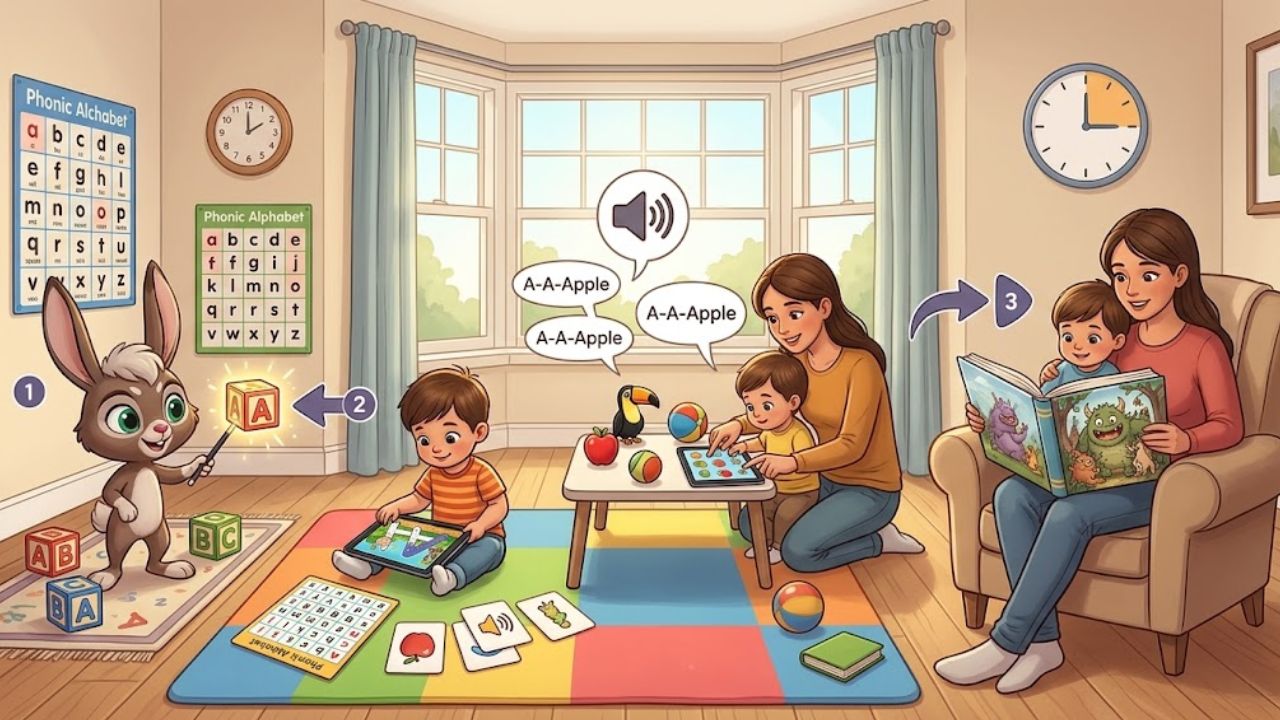
Quick Alphabet Warm-Ups for Preschool Mornings
10 Quick Alphabet Warm-Ups for Preschool Mornings
Powerful Signs a Keyword Is Worthy of a Full Article
7 Signs a Keyword is Worth an Entire Article
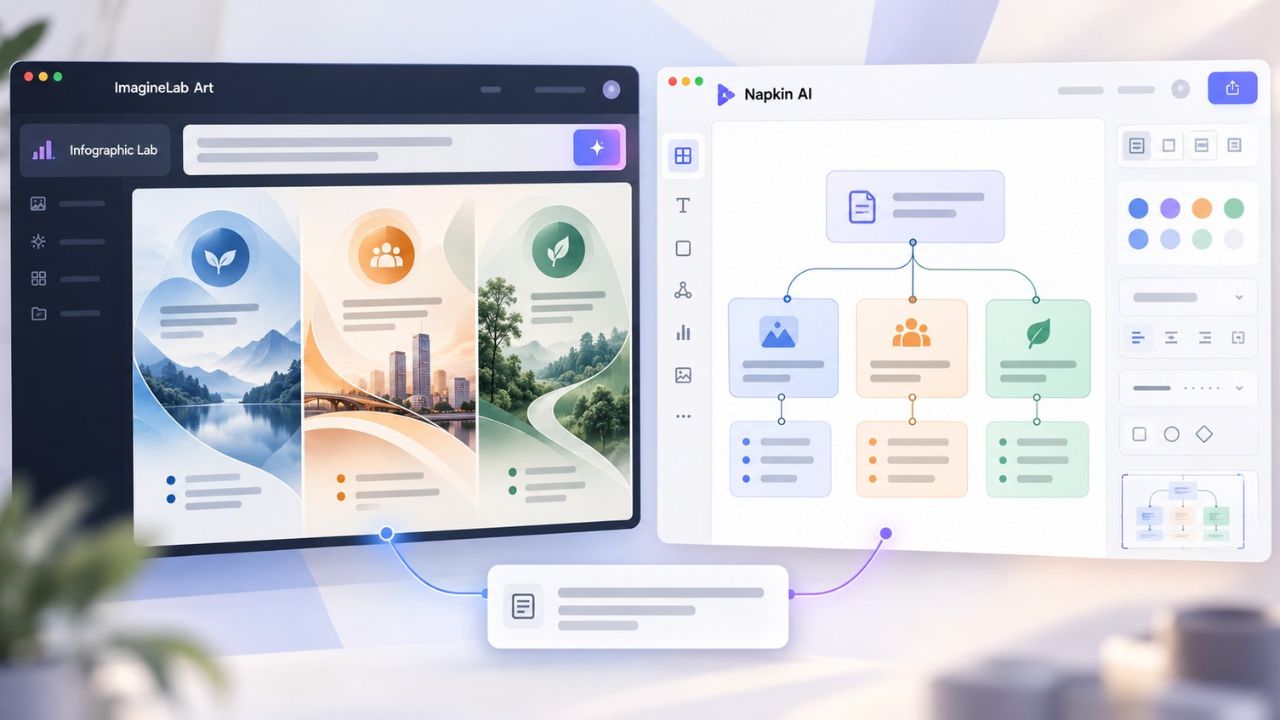
ImagineLab Art Infographic Lab vs Napkin AI
ImagineLab Art Infographic Lab vs Napkin AI: Turning the Same Text Brief into a Visual
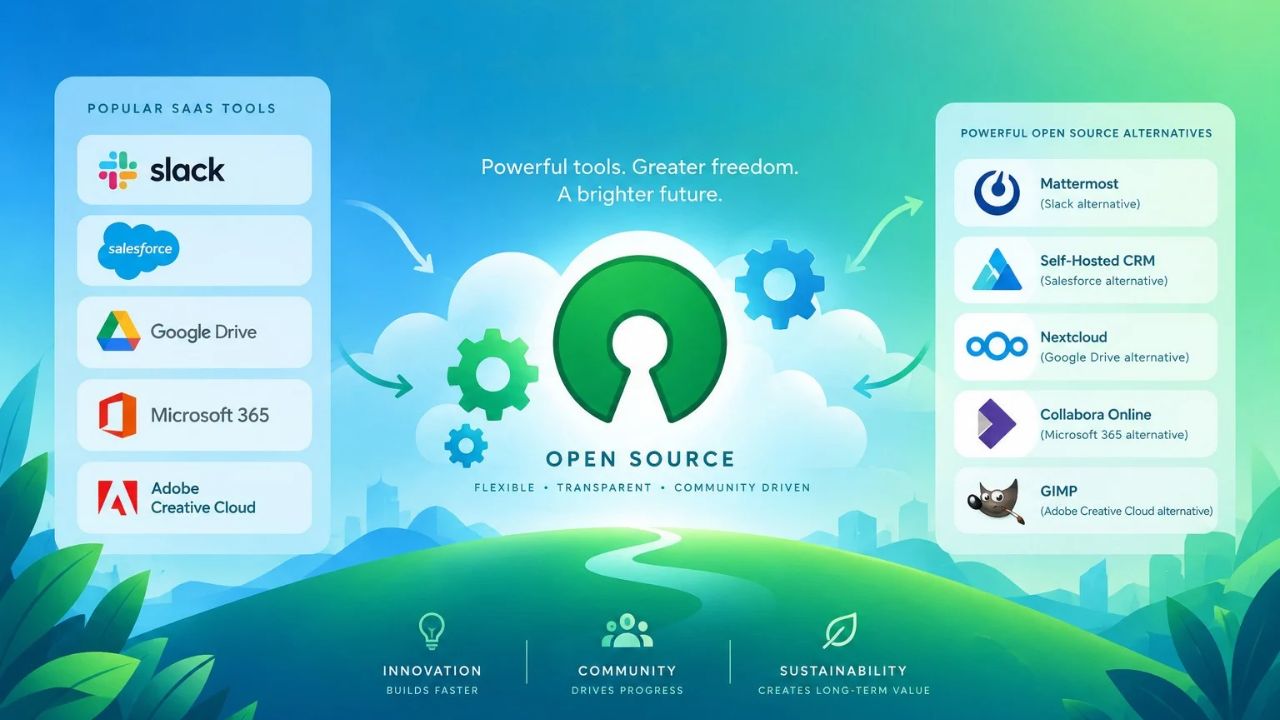
Open-Source Alternatives to Popular SaaS Tools
Open-Source Alternatives to Popular SaaS Tools: What I Use Daily (and Why)

Technology & AI

OpenAI paused AI model training
Why Did OpenAI Pause AI Model Training? The Agent Incidents Explained
ImagineLab Art Infographic Lab vs Napkin AI
ImagineLab Art Infographic Lab vs Napkin AI: Turning the Same Text Brief into a Visual
Open-Source Alternatives to Popular SaaS Tools
Open-Source Alternatives to Popular SaaS Tools: What I Use Daily (and Why)
Social Media Agency vs In-House Team
Social Media Agency vs In-House Team: Cost, Speed, Context, and Control
SEO Agency vs In-House SEO vs Freelancer
SEO Agency vs In-House SEO vs Freelancer: A Decision Framework for Small Teams

GAMING

Intentional Screen Time
How to Spend Your Screen Time More Intentionally
Complete Guide on Game Programgeeks
Game Programgeeks: A Complete Guide on PC, Game Dev, and Tech
Online Color Game Philippines
Online Color Game Philippines: What Every Beginner Should Know Before Playing
Ways to Reduce Game Development Costs
12 Ways Studios Cut Game Development Costs
NFT game development cost
How Much Does NFT Game Development Cost? A Realistic Budget Breakdown

Business & Marketing

Email Marketing Agency vs DIY Platform
Email Marketing Agency vs DIY Platform: When Outside Help Adds Value
Critical Path Method
The Critical Path Method Explained in Plain English
Time to Value: How SaaS Teams Can Reach Results Faster
How to Onboard New Team Members With a Self-Serve Wiki
How to Document Team Processes for Better Teamwork

EdTech & E-Learning

Quick Alphabet Warm-Ups for Preschool Mornings
10 Quick Alphabet Warm-Ups for Preschool Mornings
A 15-Minute Home Routine for Alphabet, Phonics, vand Read-Aloud
How to Teach Letters to Kids
8 Ways to Teach Letters to Kids Who Hate Sitting Still
Alphabet Magic vs 123 Magic Number Fun
Alphabet Magic vs 123 Magic Number Fun: Which Skill Does Each App Actually Target?
Alphabet Magic vs ABC Kids: Which Offers Clearer Letter Practice
Alphabet Magic vs ABC Kids: Which Gives Clearer Uppercase and Lowercase Practice?

Software & Apps

Open-Source Alternatives to Popular SaaS Tools
Open-Source Alternatives to Popular SaaS Tools: What I Use Daily (and Why)
Best Document Collaboration Tools
10 Best Online Document Collaboration Tools for Teams
Important Signs When Should Raise Prices on Your SaaS
10 Signs It's Time to Raise Prices on Your SaaS
Best CRM Tools for Small Marketing Teams
10 CRM Tools for Small Marketing Teams Worth Using
SaaS partnership tools
10 Best Tools for Managing SaaS Partnerships and Integrations