
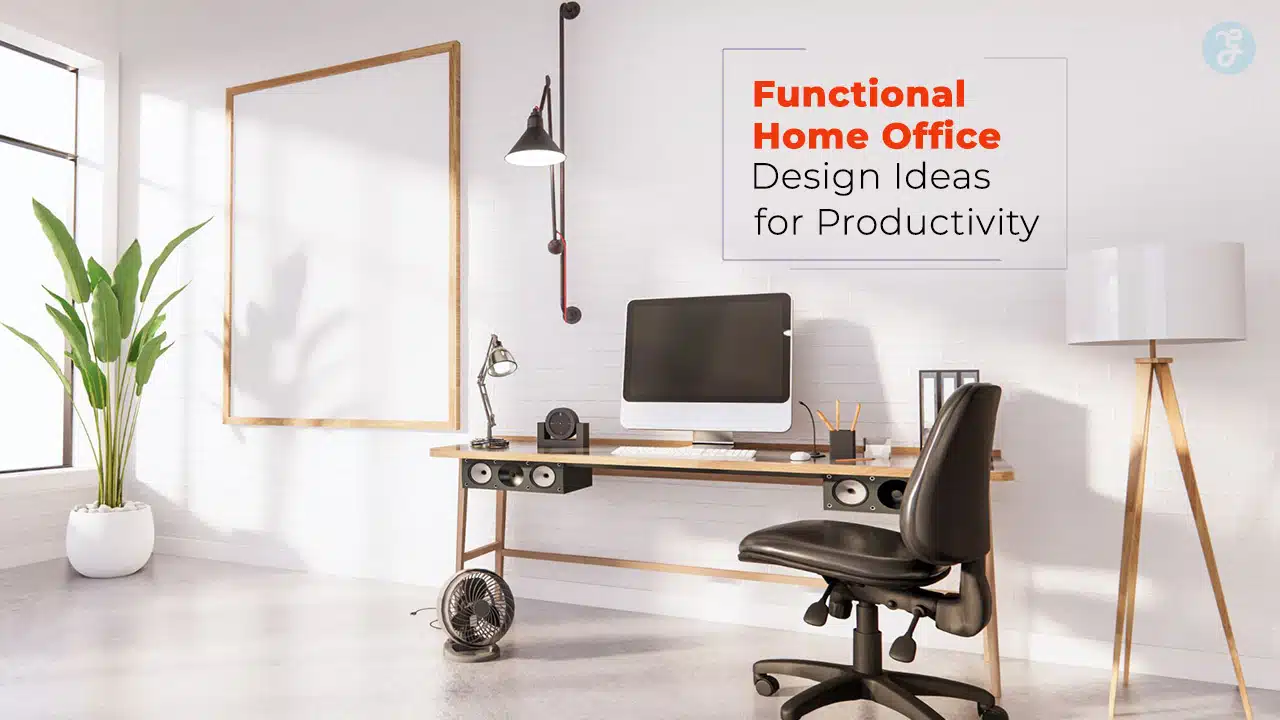
With the rise of remote work, having a well-designed home office has become essential. A functional workspace can significantly impact productivity, focus, and overall work satisfaction. By implementing functional home office design ideas, you can create a space that enhances efficiency and comfort, helping you maintain a strong work-life balance.
This guide will explore seven effective functional home office design ideas to help you optimize your workspace for maximum productivity. Whether you have a dedicated office or need to carve out a spot in your living room, these tips will help you build an ideal work environment.
Each section includes practical details, tables for quick insights, and real-world applications to enhance your understanding.
1. Choose the Right Location for Your Home Office
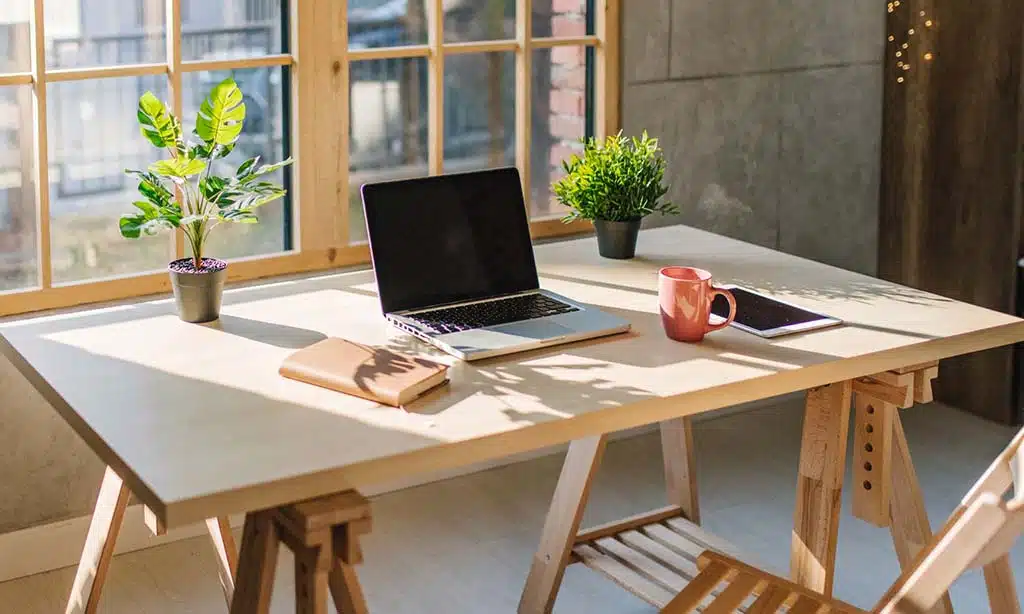
Selecting the right location is the foundation of functional home office design ideas. Your workspace should be strategically chosen to enhance focus, minimize distractions, and promote a seamless workflow.
An ideal home office setup provides access to natural light, ensures proper ventilation, and is ergonomically designed to support long work hours without discomfort. Whether you have a separate room or need to repurpose an existing space, making informed choices about your workspace location will significantly impact productivity and work efficiency.
Factors to Consider When Selecting a Workspace
- Quiet and distraction-free environment – Avoid high-traffic areas like the kitchen or living room.
- Access to natural light – A well-lit space reduces eye strain and boosts mood.
- Proximity to power outlets and Wi-Fi – Ensure your workspace is well-connected.
- Room ventilation – Fresh air circulation prevents fatigue.
Dedicated vs. Multi-Functional Spaces
If you have an extra room, setting up a dedicated home office is ideal. However, if space is limited, consider using a multi-functional area like a corner in your bedroom or living room. Utilize room dividers or furniture placement to create a distinct work zone.
Comparison of Dedicated vs. Shared Office Space
| Feature | Dedicated Home Office | Multi-Functional Space |
| Privacy | High | Moderate |
| Distractions | Minimal | Potentially High |
| Customization | Full Control | Limited |
| Storage Availability | Plenty | Limited |
2. Invest in Ergonomic Furniture for Comfort
Comfort is key when spending long hours working. An ergonomically designed workspace not only enhances comfort but also boosts efficiency, reduces fatigue, and prevents long-term health issues.
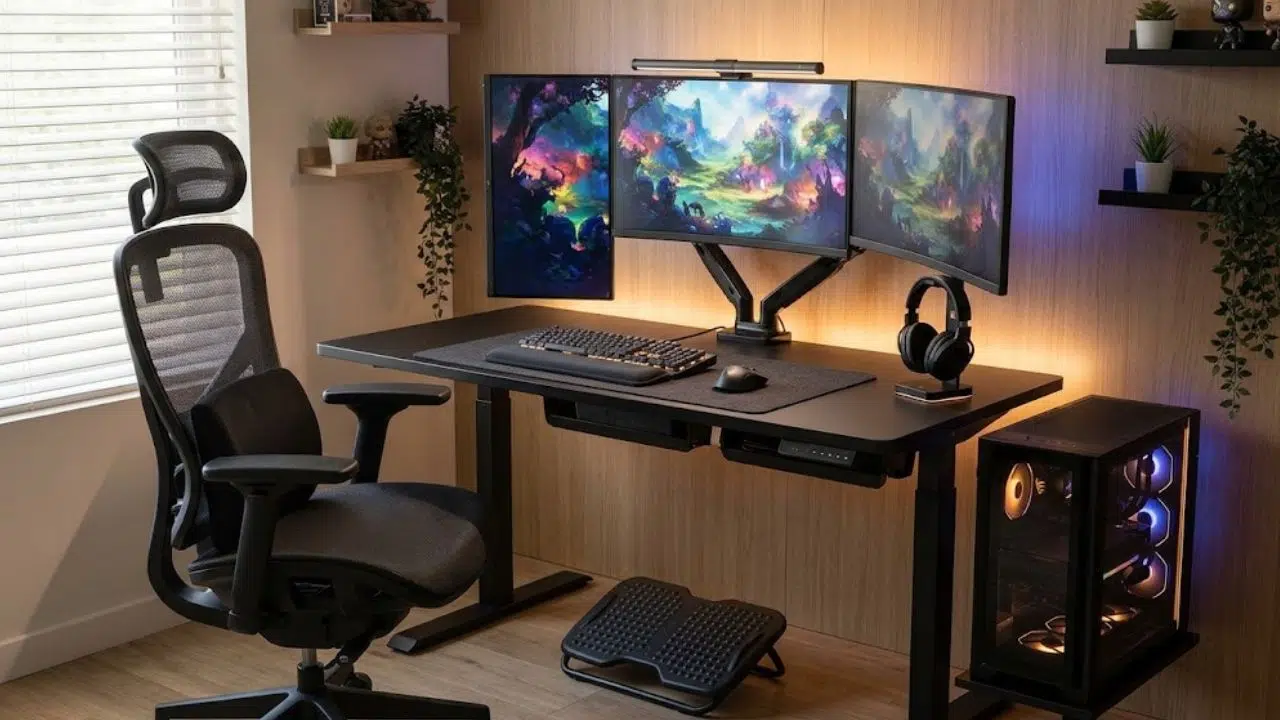
Investing in ergonomic furniture is one of the most crucial functional home office design ideas that can prevent strain and improve productivity.
A well-chosen chair, adjustable desk, and properly positioned monitor can make a significant difference in maintaining good posture and preventing musculoskeletal problems.
Must-Have Ergonomic Essentials
| Item | Benefit |
| Adjustable Desk | Allows switching between sitting and standing |
| Ergonomic Chair | Supports posture and reduces back strain |
| Monitor Stand | Keeps the screen at eye level |
| Wrist Support | Minimizes wrist strain during typing |
| Footrest | Encourages better leg positioning |
Best Practices for Maintaining Good Posture
- Keep feet flat on the floor or on a footrest.
- Sit with a straight back and relaxed shoulders.
- Ensure your screen is at eye level and arm’s length away.
- Adjust armrests to prevent shoulder strain.
3. Optimize Lighting for Better Focus
Lighting plays a crucial role in functional home office design ideas. Proper lighting enhances focus, reduces strain, and creates a more inviting workspace. Studies have shown that well-lit work environments can increase productivity by up to 20%, making it an essential component of any home office.
Poor lighting can cause headaches, eye strain, and overall fatigue, which can hinder work efficiency and lower morale over time.
Lighting Comparison
| Lighting Type | Benefits |
| Natural Light | Reduces eye strain, boosts mood |
| LED White Light | Energy-efficient, enhances focus |
| Warm Light | Provides a relaxing work environment |
4. Keep Your Workspace Organized and Clutter-Free
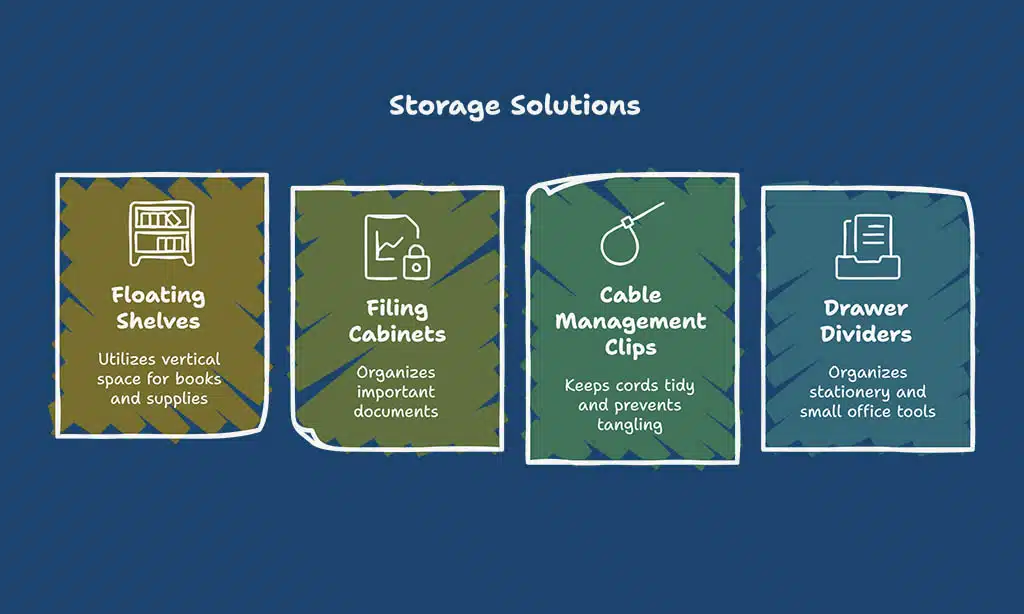
A tidy workspace enhances productivity and focus. An organized home office creates a sense of order, making it easier to find documents, reduce stress, and maintain efficiency. Keeping your home office organized is a key functional home office design idea that prevents distractions and fosters a professional atmosphere.
Clutter can cause unnecessary delays, so implementing effective storage solutions, such as shelves, filing cabinets, and digital organization tools, can streamline your workflow and make daily tasks more manageable.
Smart Storage Solutions
| Storage Solution | Purpose |
| Floating Shelves | Utilizes vertical space for books and supplies |
| Filing Cabinets | Organizes important documents |
| Cable Management Clips | Keeps cords tidy and prevents tangling |
| Drawer Dividers | Organizes stationery and small office tools |
5. Personalize Your Workspace for Motivation
Your work environment should inspire you and reflect your personality. Adding personal elements is a great functional home office design idea to boost motivation and creativity, making your workspace feel more inviting and engaging.
Incorporating elements like framed family photos, a favorite piece of art, or a decorative lamp can make the space feel uniquely yours. Additionally, choosing a theme or color scheme that resonates with you can improve your mood and enhance productivity.
Ways to Personalize Your Workspace
| Personalization Item | Benefit |
| Indoor Plants | Improves air quality and adds a natural touch |
| Motivational Quotes | Provides daily inspiration |
| Vision Board | Keeps track of goals and achievements |
| Custom Desk Setup | Enhances comfort and personalization |
6. Ensure a Distraction-Free Work Environment
Eliminating distractions is critical in implementing functional home office design ideas that boost concentration. A well-structured workspace, free from noise and interruptions, enables deeper focus and enhances productivity.
Simple adjustments such as setting up a dedicated work area, using productivity tools, and implementing time management techniques can drastically reduce distractions.
Additionally, incorporating mindfulness techniques like the Pomodoro method or scheduled breaks can keep the mind fresh and engaged throughout the workday.
Noise Reduction Strategies
| Strategy | Effect |
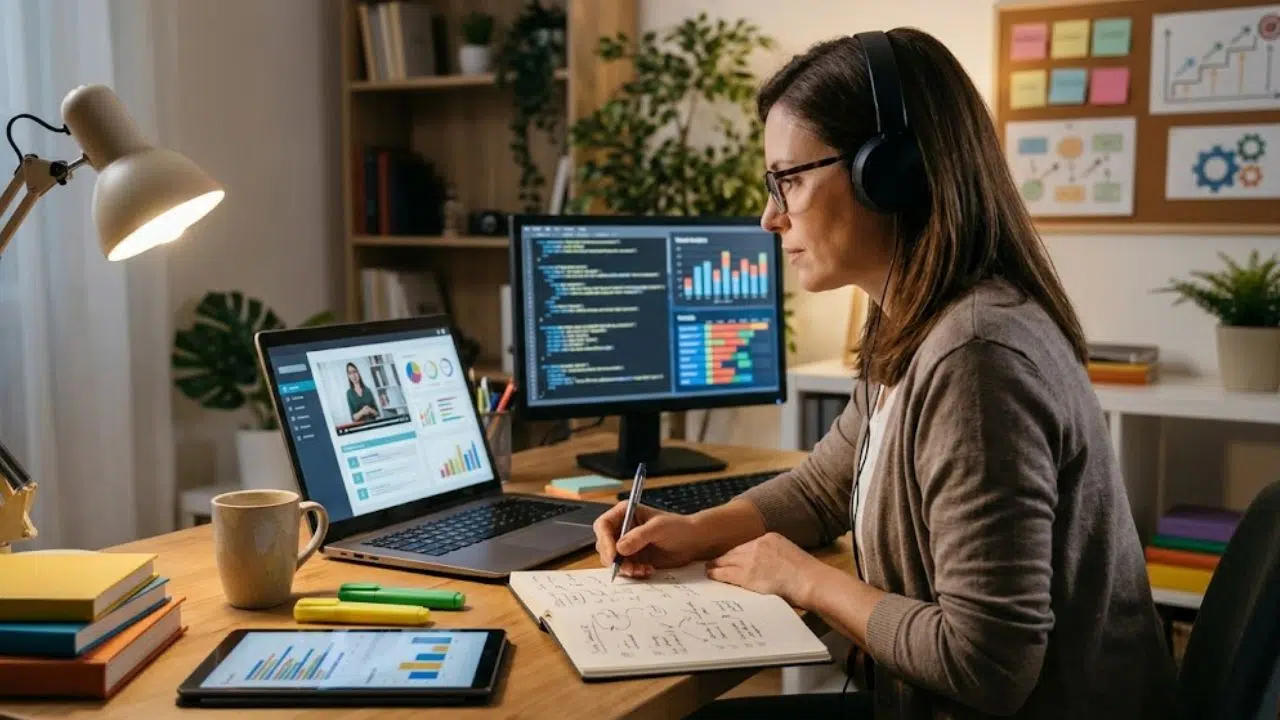
| Noise-Canceling Headphones | Blocks background noise |
| Soundproofing Elements | Minimizes echoes and external sounds |
| White Noise Machines | Helps maintain focus in noisy environments |
7. Leverage Technology for Productivity Enhancement
In today’s digital era, technology plays a crucial role in enhancing productivity and streamlining work processes. From task management apps to smart home office gadgets, leveraging the right tools can make a significant difference in efficiency, organization, and overall work performance.
Implementing technology-driven solutions can help automate repetitive tasks, improve communication, and create a seamless workflow.
Essential Tech Tools for Productivity
| Tool Type | Purpose |
| Task Management | Trello, Asana – Organizes and tracks tasks efficiently |
| Time Tracking | Toggl, Clockify – Helps monitor work hours and improve time management |
| Communication | Slack, Zoom – Facilitates seamless team collaboration and meetings |
| Cloud Storage | Google Drive, Dropbox – Ensures easy access and backup of important files |
Tips for Using Technology Efficiently
- Automate repetitive tasks using AI-powered tools.
- Set up cloud backups to prevent data loss.
- Use focus apps to minimize digital distractions.
- Invest in high-speed internet for seamless virtual meetings.
By integrating these technological advancements into your home office, you can create a highly efficient and smart workspace that optimizes productivity while reducing manual effort.
Takeaways
Creating an efficient workspace with functional home office design ideas can significantly boost productivity and well-being.
By choosing the right location, investing in ergonomic furniture, optimizing lighting, keeping your workspace organized, personalizing your setup, minimizing distractions, and leveraging technology, you can build a home office that enhances focus and work efficiency.
Apply these functional home office design ideas today and transform your work-from-home experience!