

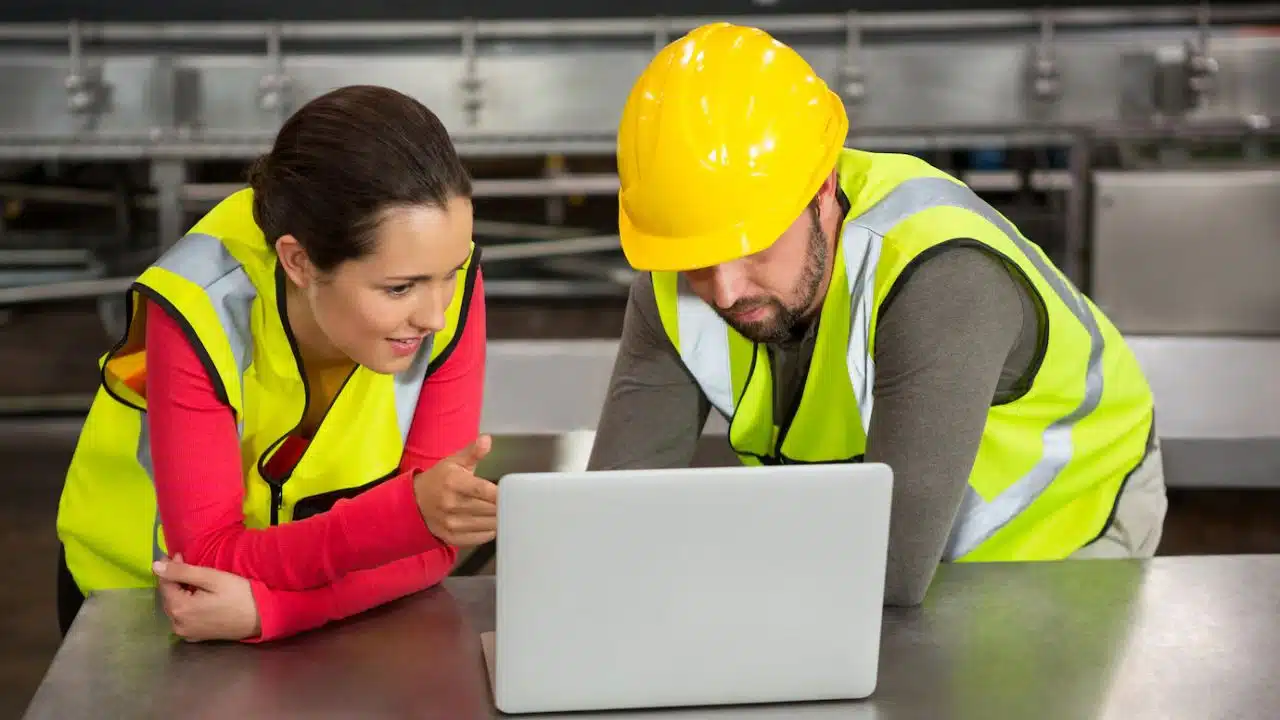
With the rapid advancement of technology, business owners now have a broad range of tools to help protect their employees more effectively. From wearable devices to enhanced communication systems, these innovations are helping reduce workplace hazards and improve response times during emergencies. In particular, industries with higher risks—such as construction, manufacturing, and logistics—are seeing significant benefits. Here, we’ll explore some of the key technologies transforming employee safety, including a focused look at lone-worker solutions, which are critical for those who often work in isolated or high-risk environments.
1. Wearable Safety Technology
Wearable safety technology has emerged as a game-changer in protecting workers on the job. These devices, worn by employees, can monitor environmental conditions and provide alerts to both the employees and supervisors. For instance, wearables equipped with sensors can detect falls toxic gases, or extreme temperatures, triggering immediate notifications to supervisors if any danger is detected.
Smart helmets and connected vests are also becoming popular, offering GPS tracking and real-time health monitoring for employees. For example, sensors in smart helmets can detect impact, helping supervisors know if an accident has occurred and where. This technology is especially valuable in sectors such as construction and mining, where workers are exposed to dynamic, potentially hazardous environments daily.
2. Advanced Surveillance and Monitoring Systems
Modern surveillance systems go beyond traditional security cameras. Equipped with artificial intelligence (AI), these systems can now analyze live video feeds to detect unusual patterns, behaviors, or unsafe practices. For instance, an AI-powered camera can alert a supervisor if a worker isn’t wearing the required safety gear, or if they enter restricted areas, helping prevent accidents before they occur.
These systems are also beneficial in safeguarding against theft, vandalism, and unauthorized access, allowing business owners to protect their employees and property simultaneously. Integrating these monitoring systems with mobile devices can further enhance their value, providing business owners with immediate alerts even when they are offsite.
3. Lone-Worker Technologies
For employees who work alone or in isolated environments, such as maintenance technicians, security personnel, or field service workers, traditional safety measures may fall short. Lone-worker technologies are specifically designed to protect these individuals by enabling real-time communication and providing emergency assistance if needed.
Portable devices have become a popular option because they offer a more accessible and cost-effective solution for smaller businesses. For example, a lone worker phone app can include periodic check-ins, geolocation tracking, and emergency alerts, allowing employers to monitor their lone workers without requiring additional devices. Additionally, geofencing features in some apps alert supervisors if a worker leaves a designated area, helping to prevent potential risks associated with unauthorized locations.
4. Internet of Things (IoT) for Workplace Safety
IoT technology is increasingly being leveraged in workplace safety, especially for monitoring environmental factors and equipment. In manufacturing, IoT-enabled sensors can track the conditions of machinery, identifying early warning signs of malfunction before they become hazards. By doing so, companies can minimize downtime and reduce the risk of injuries caused by faulty equipment.
Environmental sensors can also be set up to monitor air quality, temperature, humidity, and noise levels within a facility. For example, sensors detecting high levels of dust or toxic fumes can trigger ventilation systems and alert workers, ensuring that indoor air remains safe. These real-time insights allow business owners to make proactive adjustments, protecting their employees from hazardous conditions.
5. Real-Time Communication Tools
In any safety-sensitive industry, timely communication is essential for effective response to incidents. Today’s communication tools are far more sophisticated, allowing business owners to maintain constant contact with their employees and share crucial safety updates quickly. Push-to-talk (PTT) devices, for instance, offer a more reliable alternative to mobile phones in areas with limited connectivity. These devices work over radio frequencies or dedicated networks, providing real-time, one-touch communication.
Additionally, apps designed for emergency response allow team members to notify each other during an incident. Some apps enable live video streaming, allowing supervisors to view the situation and make informed decisions remotely. These tools improve coordination between employees and management, making it easier to handle emergencies effectively.
6. Virtual and Augmented Reality (VR/AR) for Safety Training
Training is an essential component of workplace safety, and VR/AR technology has transformed how companies conduct safety training programs. With VR, employees can experience simulated high-risk scenarios, such as handling hazardous materials or operating heavy machinery, in a safe and controlled environment. This immersion helps workers learn how to respond effectively to dangers without the risk of actual exposure. Awards for innovations in VR/AR safety training highlight the growing recognition of their impact in reducing workplace accidents.
Augmented reality (AR) is also useful, especially in scenarios where real-time guidance is required. For example, an AR device can display step-by-step instructions on how to fix machinery, reducing the likelihood of errors that could lead to injuries. Both VR and AR offer a highly engaging, interactive approach to training, helping employees retain critical safety protocols.
Final Thoughts
As technology advances, business owners are better equipped to protect their employees from workplace hazards. From wearables and IoT devices to specialized lone-worker solutions, these innovations enhance safety and foster a more secure environment. The responsibility of adopting the right technologies and training employees on their use ultimately lies with business leaders. By investing in these tools, business owners can not only reduce workplace risks but also build a culture of safety, where employees feel valued and protected in their roles.






















