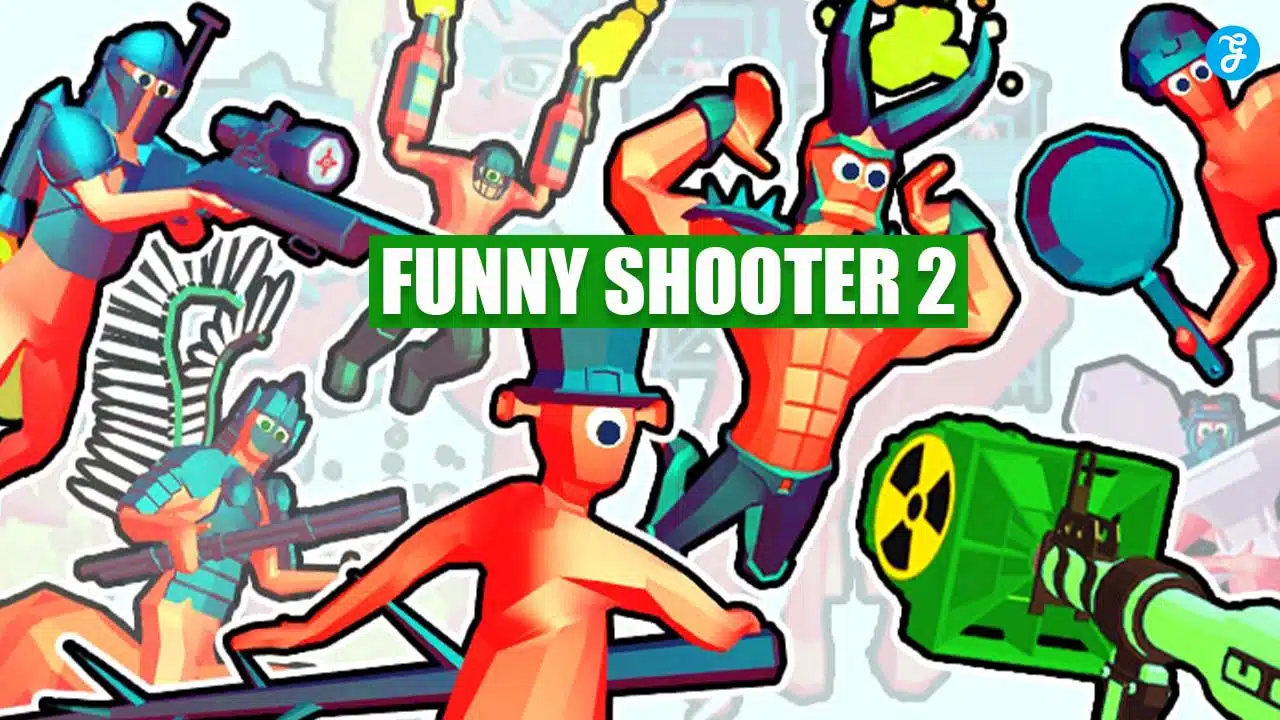
Do you love shooting games but want something new? Funny Shooter 2 is here to change the game. This quirky first-person shooter game mixes humor with action, making it a unique pick.
With a high rating of 9.4 based on votes, it shows that players enjoy this mix.
Our article will guide you through how to play Funny Shooter 2. You will learn about game features and controls. Keep reading for an exciting adventure ahead in gaming!
Overview of Game Features
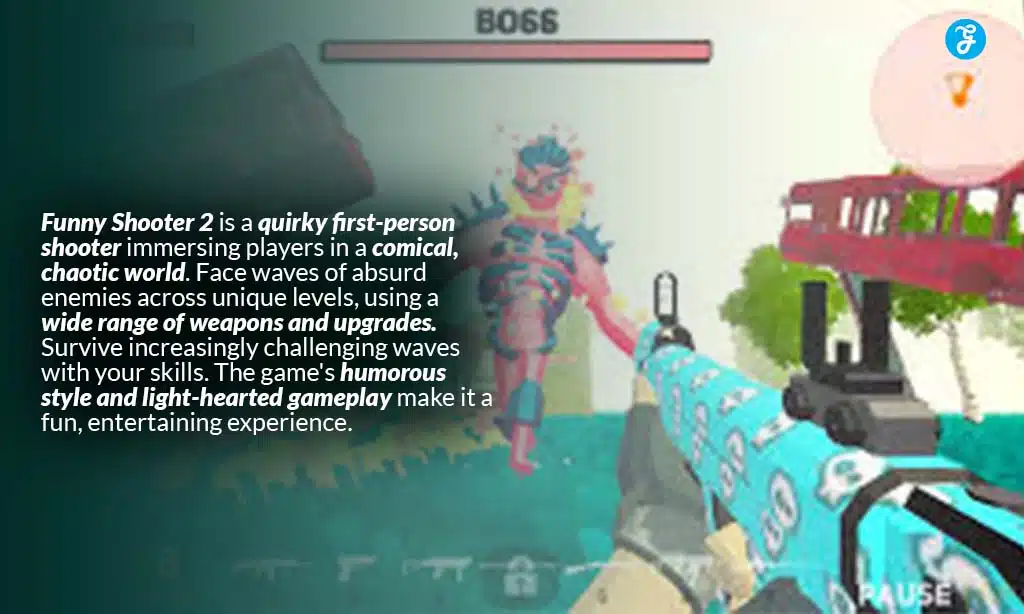
Funny Shooter 2 offers a rich game world. It has many levels that get harder, lots of different foes, a place to buy guns, and rewards for reaching goals.
Progressive gameplay
Progressive gameplay in Funny Shooter 2 means the game gets harder as you play. Every few levels, you meet new enemies. And every ten levels, a new boss fights you. This keeps the game exciting and challenging.
You never know what to expect next.
As you beat bosses and win levels, the game does not end. It goes on with no limit to the levels. This makes sure players always have something new to tackle. Your skills get better as the game progresses, pushing you to master using your mouse button for sharpshooting or rolling the mouse wheel for changing weapons fast.
Diverse enemies
In Funny Shooter 2, players face off against a wide range of foes. You’ll battle redmen, toiletmen, and giants. These enemies keep the game exciting. Every few levels, you meet new challenges as different opponents appear.
This variety tests your skills and keeps you on your toes.
You need to use various weapons to defeat these foes. From bazookas with explosive-loaded ammo to sharpshooting techniques with fps games’ precision. Each enemy type demands a different strategy.
So, players must think fast and act faster to win.
Weapons shop
In Funny Shooter 2, players visit the weapons shop to buy new tools for battle. You can get guns, grenades, and even explosive-loaded weapons here. Use gold from your achievements to make these purchases.
Looking for more power? The shop offers upgrades like RPGs and grenade launchers right on the home screen.
This place is key for those wanting to become sharpshooters or just have more fun blasting enemies away. Keep playing, earn gold, and return to the shop often. New weapons mean you can tackle tougher enemies and enjoy your game even more.
Achievements and upgrades
In Funny Shooter 2, you can earn gold by doing well in the game. This gold lets you buy upgrades and new guns to make your character stronger. It’s like a reward for being good at playing.
You get more options as you keep getting better.
The achievements are goals that challenge you. They give you something to aim for while playing. Once you reach these goals, you use the gold to make your game even more fun. Upgrading means your weapons get better, helping you defeat enemies easier.
How to Play Funny Shooter 2
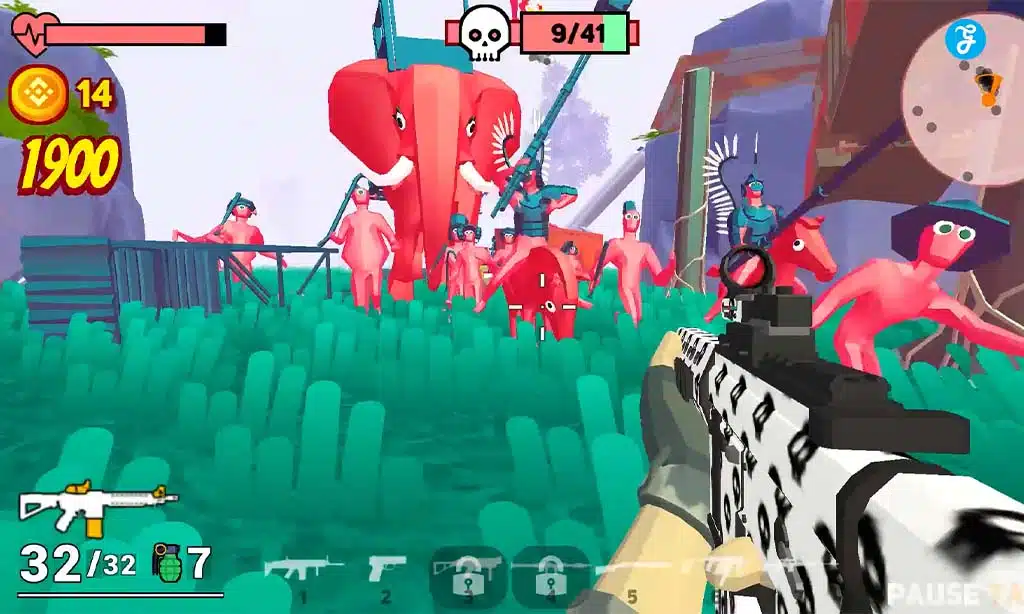
Playing Funny Shooter 2 is both fun and easy. You move with WASD keys and aim with your mouse to defeat quirky enemies. This game works well on Chrome and Firefox, including desktops and other mobile devices, giving you many ways to play.
Keep going to learn more!
Basic controls
Playing Funny Shooter 2 is easy once you get the hang of it. Here are the basic controls to help you start playing:
- Use your mouse to look around. This helps you aim and shoot at enemies.
- Press WASD keys for moving. W is for going forward, A is for left, S is back, and D is right.
- To run faster, hold W and Shift together.
- Press Space to make your character jump over obstacles.
- Click the Left Mouse Button to shoot your weapon at enemies.
- Hold the Right Mouse Button to aim better before shooting.
- Scroll your Mouse Wheel to change weapons quickly during battle.
- Press numbers 1-7 on your keyboard to pick a specific weapon fast.
- Hit R to reload your gun when you run out of bullets.
- Press G to throw a grenade at a group of enemies for more damage.
- Use T if you want to inspect or have a closer look at your weapon.
- Press E when you need to swap or remove the weapon you are holding.
With these controls, you’re ready to play Funny Shooter 2 on desktops with Firefox or Chrome browsers and other compatible mobile devices.
Tips and strategies for advanced play
Mastering Funny Shooter 2 can be a blast. Getting better means knowing the game inside and out. Here are some tips and strategies for advanced play:
- Learn every enemy’s weak point. Each type of foe in Funny Shooter 2 has a specific weakness. Find it to beat them faster.
- Mix up your weapons. Don’t stick to just one gun. Try all the different types to find what works best against each enemy.
- Keep moving. Standing still makes you an easy target. Move around a lot to avoid enemy attacks.
- Use the environment to your advantage. Hide behind objects to dodge bullets and surprise your enemies.
- Aim for headshots. Shooting enemies in the head does more damage, so aim carefully.
- Manage your ammo and reload wisely. Running out of ammo during a fight can be bad news, so keep an eye on it.
- Upgrade your gear regularly at the weapons shop. Enhanced gear means you’re stronger, faster, and tougher.
- Pay attention to achievements—they offer clues about what to do next and boost your score.
- Read player guides and watch tutorial videos for extra tricks and hidden features in the game.
- Practice makes perfect, so keep playing to get better.
Supported Platforms
Funny Shooter 2 works on both computers and other gadgets you like to play games on. Find out more to see where you can join in the fun!
Desktop
Desktop gamers can play Funny Shooter 2 on their computers. The game works best on Chrome, Edge, and Firefox. This means you can have a smooth playing experience without problems. Just open your favorite browser and start playing right away.
Playing Funny Shooter 2 on a desktop is easy. Most desktops are powerful enough to handle the game’s graphics and speed. You won’t need any special hardware—just a good internet connection.
Enjoy the quirky world of Funny Shooter 2 from the comfort of your desk or at home on your computer setup.
Other compatible platforms
You can play Funny Shooter 2 on Android devices. This makes it easy to enjoy the game while on the go. Just download it from a place where apps are found for your phone.
It also works with a Chrome extension. You can add it to your browser and start playing right away. This is great for those who like to play games on their computers without downloading extra software.
Related Games and Recommendations
If you love Funny Shooter 2, check out other awesome games like it. Explore more to find your next favorite game!
More games in this series
If you like Funny Shooter 2, check out other games in this series. They bring more fun and challenges. Each game offers new enemies and weapons. You will enjoy different levels too.
Fans of the first game will find more to love. These games keep the humor alive while adding fresh features. Try them for more shooting action and laughs.
Similar games you might enjoy
You might like Krunker, Shell Shockers, Moto X3M 5 Pool Party, and Tiny Fishing. These games share fun with Funny Shooter 2. Krunker lets you battle in fast-paced rounds. Shell Shockers has you fight as eggs with guns.
In Moto X3M 5 Pool Party, you race bikes through tricky courses. Tiny Fishing is about catching fish to earn money for better gear.
Each game offers a unique twist on play. They keep the fun going long after you start. You can shoot, race, or fish in these games. This means more ways to enjoy your time online.
Takeaways
Jump into Funny Shooter 2 and enjoy a world filled with bizarre enemies and exciting weapons. With its easy controls, anyone can start playing right away. You’ll find yourself battling through colorful levels, earning gold for upgrades along the way.
This game works on many devices, making it easy to play anywhere. If you like action and humor, give Funny Shooter 2 a try—it’s sure to bring lots of fun moments!