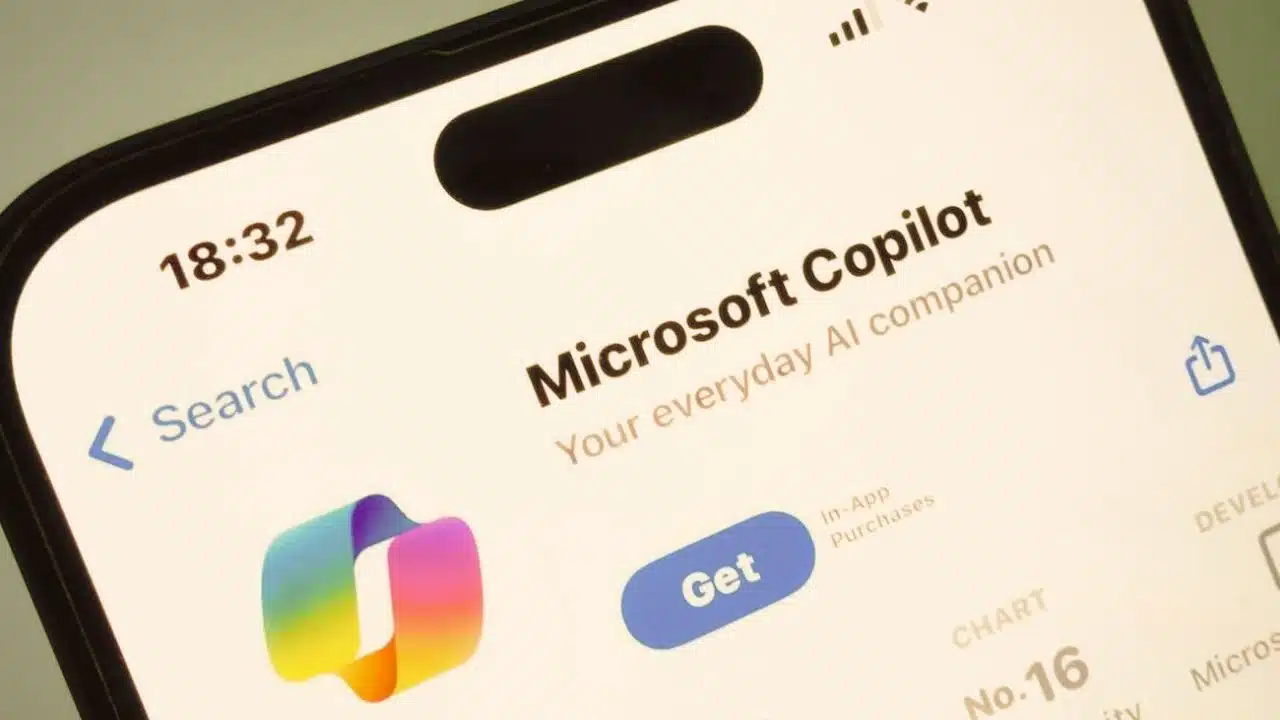
In a significant advancement for mobile productivity, Microsoft has finally integrated its Copilot AI into the Microsoft Launcher app for Android smartphones.
This update is part of Microsoft’s ongoing effort to enhance its suite of applications with AI-powered features, thereby providing users with more intuitive and efficient tools for managing their daily tasks.
The latest update, version 6.240402.2.1139391, has been rolled out to beta testers via the Google Play Store, bringing a suite of AI-powered features directly to users’ fingertips.
The integration of Copilot AI into the Microsoft Launcher app has been highly anticipated. Over the past year, Microsoft has been progressively incorporating Copilot AI into nearly all its applications, including Microsoft Office and other productivity tools, to enhance functionality and the user experience.
However, the Android Launcher had lagged behind in development, causing some frustration among users who eagerly awaited these enhancements. This update marks a significant milestone, finally bringing the benefits of Copilot AI to Android Launcher users and aligning it with the rest of Microsoft’s AI-integrated ecosystem.
A Long-Awaited Update
The integration of Copilot AI into the Microsoft Launcher app has been highly anticipated. Over the past year, Microsoft has progressively incorporated Copilot AI into nearly all its applications, enhancing functionality and the user experience.
However, the Android Launcher had lagged behind in development, causing some frustration among users. This update marks a significant milestone, finally bringing the benefits of Copilot AI to Android Launcher users.
What’s New in Microsoft Launcher v6.240402.2.1139391?
Effortless Access: The update embeds Copilot AI directly into the launcher’s feed, making it easily accessible with a simple swipe. Users can now interact with Copilot for quick answers and content creation without needing to switch apps.
Creative Power: Users can generate images and text directly from their mobile feed using simple commands. This feature is designed to enhance creativity and streamline the content creation process.
Pro Performance: For Copilot Pro users, the integration promises a more responsive and swift interaction, ensuring that professional tasks are handled efficiently.
Enhanced User Experience
The update replaces the Bing search icon with the Copilot icon, aligning the launcher with the rest of Microsoft’s AI-integrated ecosystem. This change, though small, resolves a long-standing inconsistency and improves the user interface.
The Feed feature in Microsoft Launcher has also seen a significant upgrade. By swiping right, users can now access Glance, News, and the new Copilot section.
The Copilot UI is consistent with its web and standalone app versions, allowing users to ask questions via audio, typing, or photo upload. This uniformity ensures a seamless user experience across different platforms.
Customization Options
Understanding that not all users may want to use Copilot, Microsoft has provided customization options. Users can choose to hide Copilot from their Feed or reorder it to appear first or last.
This flexibility ensures that the Launcher remains user-centric and adaptable to individual preferences.
Comparison with Standalone Copilot App
While the Launcher version of Copilot offers numerous benefits, it lacks some of the advanced features available in the standalone Copilot app. Missing functionalities include Designer, Vacation Planner, Cooking Assistant, Fitness Trainer, and Notebook, which require a Copilot Pro subscription.
Despite these omissions, the integration into the Launcher provides a robust set of tools that significantly enhance productivity.
Microsoft’s Vision for Copilot AI
Microsoft Launcher, known for its sleek design and integration with Microsoft services like Microsoft To Do and Microsoft 365, now offers an even more powerful user experience with Copilot AI. This move aligns with Microsoft’s broader vision of making AI a seamless part of everyday tasks, enhancing productivity and creativity.
Copilot for Android: The integration of Copilot AI into the Launcher underscores Microsoft’s commitment to delivering secure, AI-powered assistance across all platforms. Whether through the Launcher or the standalone app, Copilot aims to help users discover, create, and accomplish tasks efficiently.
Conclusion
The successful integration of Copilot AI into Microsoft Launcher for Android smartphones marks a pivotal moment in mobile productivity.
By bringing AI capabilities directly into the Launcher, Microsoft has enhanced the user experience, making it easier for users to access powerful tools and streamline their daily tasks.
As this update rolls out to more users, it promises to significantly impact how people interact with their Android devices, further blurring the lines between desktop and mobile productivity.
For those eager to experience the new features, the updated Microsoft Launcher is currently available in the beta channel on the Google Play Store.
As Microsoft continues to refine and expand its AI capabilities, users can look forward to even more innovative features in future updates.
The Information is Taken from Yahoo and Times of India