

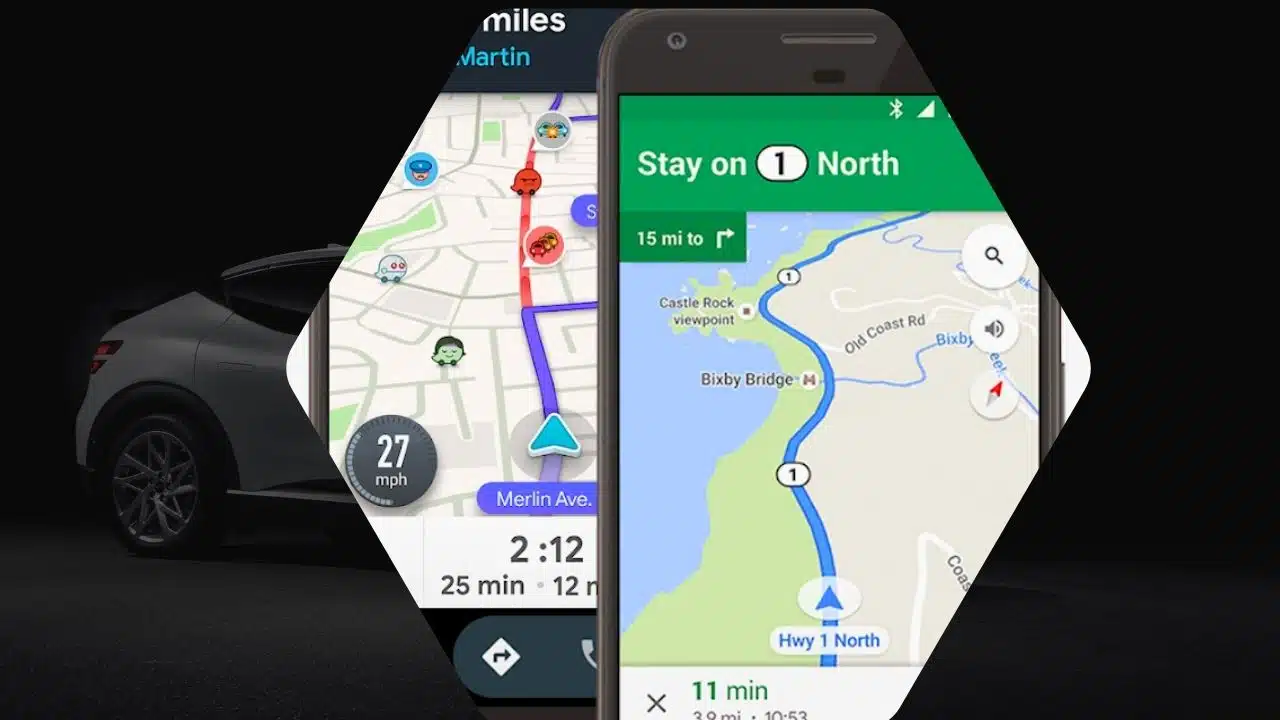
Many companies are recognizing the importance of investing in navigation software that is compatible with Android Auto. By providing turn-by-turn navigation on the infotainment screen, drivers can easily use their apps while on the road.
Wain, an application with a navigation component tailored for Qatar, has revealed its intention to enter the Android Auto realm by the end of 2019. The parent company acted swiftly, and this week it revealed that the long-awaited feature is now available for use.
The newest release of Wain now includes compatibility with Android Auto, in addition to the CarPlay support that was introduced last year. The application will display navigation on the larger screen in the cabin, providing speed camera locations and warnings while you drive.
Wain offers similar features to Waze, including alerts for speed cameras, although it doesn’t have as many hazard alerts as Google’s app. In addition, Wain offers real-time traffic information, parking data, local points of interest, and roadside assistance.
Due to its limited coverage, Wain can only be used as a local alternative to Google Maps. Unfortunately, users in other countries will have to rely on other navigation software. Wain’s reach is limited due to its exclusive focus on Qatar. However, the app has managed to gain over 100K downloads, according to Google Play Store statistics.
In order to install the app, your Android device should have a minimum version of Android 7. However, for Android Auto functionality, it is required to have Android 8 or a newer version. For wireless Android Auto to work, you’ll need to have a more recent operating system on your mobile device.
Getting Wain on Android Auto is a breeze; no special steps are required. After the installation of the latest update, which now includes Android Auto support, you will notice the app’s icon conveniently appearing in the app drawer on the infotainment screen.
Additionally, Google Maps is introducing fresh features on Android Auto, which now include the ability to locate parking spots. Users can easily find their parked car and get detailed walking directions from their chosen address to the location. This feature is quite useful, especially if the parking spot is not the same as the destination set in the navigation. It allows Google Maps to be a helpful companion even when the user leaves the car.
Google is adding a new feature to Google Maps that will make navigation easier when driving in unfamiliar areas. They are introducing a 3D building layer to provide more straightforward route guidance. Later this year, Android Auto will introduce new features along with other improvements. These include the ability to set phone wallpapers and synchronize the default icon pack on your mobile device.
Google did not provide any specific estimated time of arrival, so it is advisable to ensure that your Android Auto is always up-to-date. This way, you can enjoy the latest improvements as soon as they are released.





















