

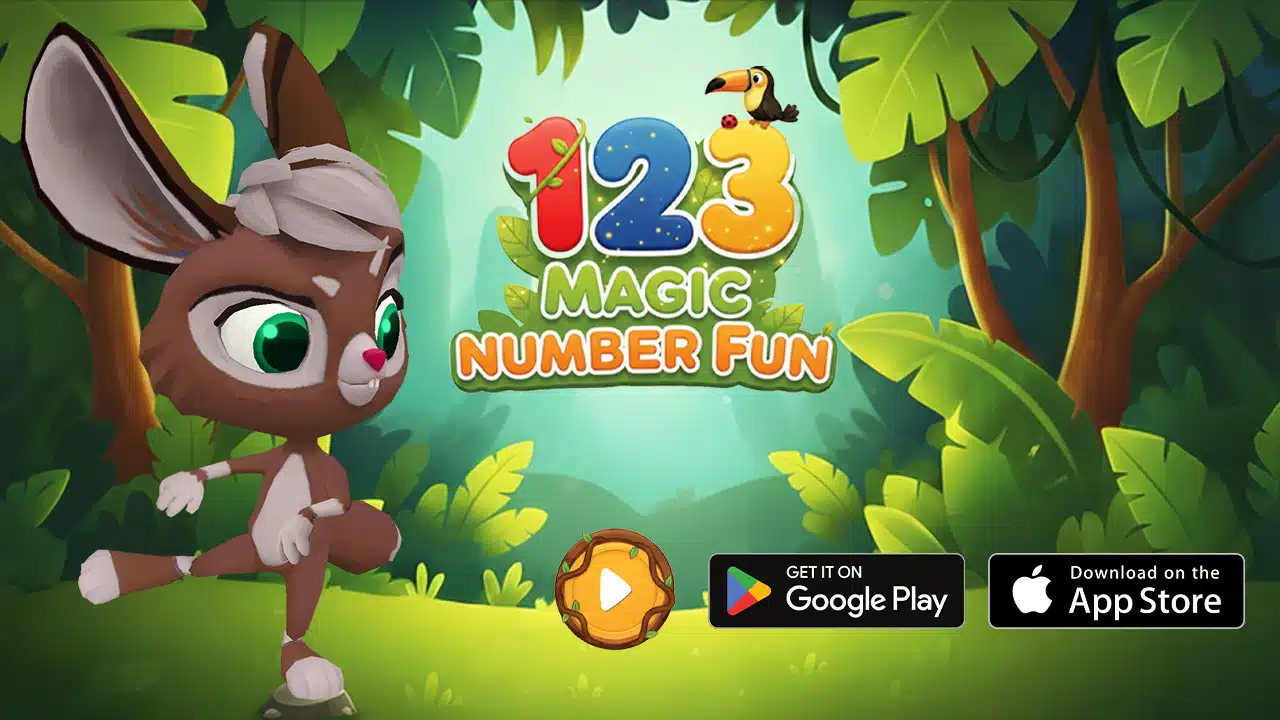
Parents are becoming more careful about what they allow children to play on phones and tablets. A kids’ app cannot only be colorful or entertaining. It also needs to feel useful, age-appropriate, and worth the time. 123 Magic Number Fun offers that kind of better screen-time option by turning number learning, counting, tracing, and simple math practice into an engaging mobile game for children ages 2 to 8.
A notable early achievement is that Google Play already shows 123 Magic Number Fun: Math Kid as Teacher Approved, even though the Android listing was launched recently. This gives the app stronger credibility for parents and educators looking for child-friendly educational apps.
What Is 123 Magic Number Fun?
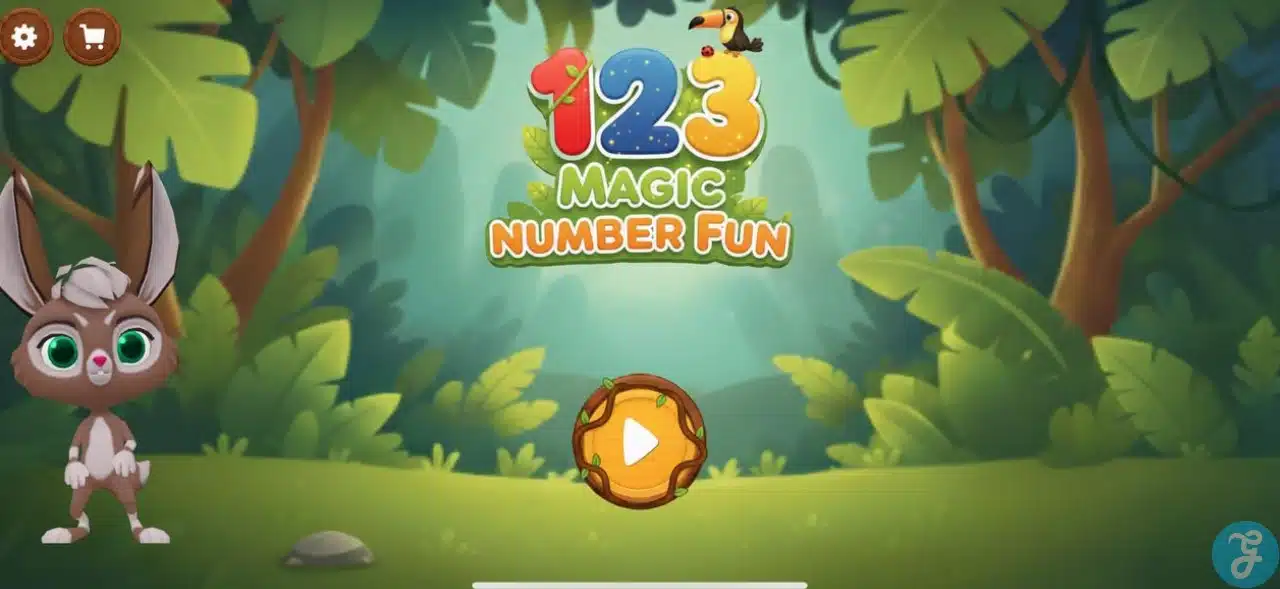
123 Magic Number Fun is an educational learning game launched by Edutorial, the ed-tech venture of Editorialge Media LLC. It helps young children learn numbers through tracing, counting, matching, sequencing, and basic math activities.
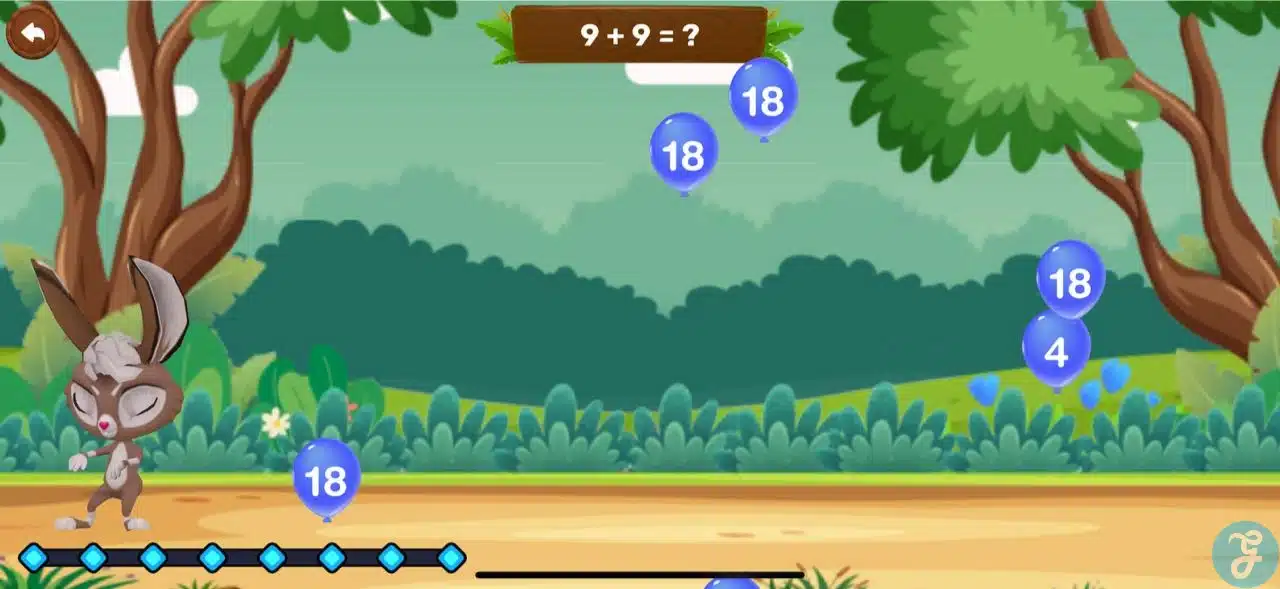
The Google Play listing describes the app as a learning game for toddlers, preschoolers, and kindergartners ages 2 to 8. It also mentions that children can explore 12 fun-filled number games with guidance from a 3D animated bunny in a colorful jungle world.
The app is useful for parents who want their children to enjoy screen time while still practicing early learning skills. It can also help teachers and caregivers introduce number practice in a more playful way.
| Platform | Store | Availability | Release / Store Date | Device Compatibility |
|---|---|---|---|---|
| Android | Google Play Store | Available for Android users | April 7, 2026 | Android phones, tablets, and other Google Play-supported Android devices. The public Google Play page confirms Android availability but does not clearly show a minimum Android version in the visible listing. |
| iOS / iPadOS | Apple App Store | Available for iPhone and iPad users | May 8, 2026 | Requires iOS 15.0 or later for iPhone and iPod touch, iPadOS 15.0 or later for iPad, macOS 12.0 or later with Apple M1 chip or later for Mac, and visionOS 1.0 or later for Apple Vision. |
123 Magic Number Fun for Toddlers, Preschoolers, and Early Learners
For toddlers, the app can introduce simple number recognition, sounds, and visual familiarity. At this stage, the goal is not formal math learning. The goal is playful exposure.
For preschoolers, the tracing, counting, and matching activities can help connect written numbers with real quantities. For example, when a child sees the number 5 and counts five objects, they start understanding that numbers represent real amounts.
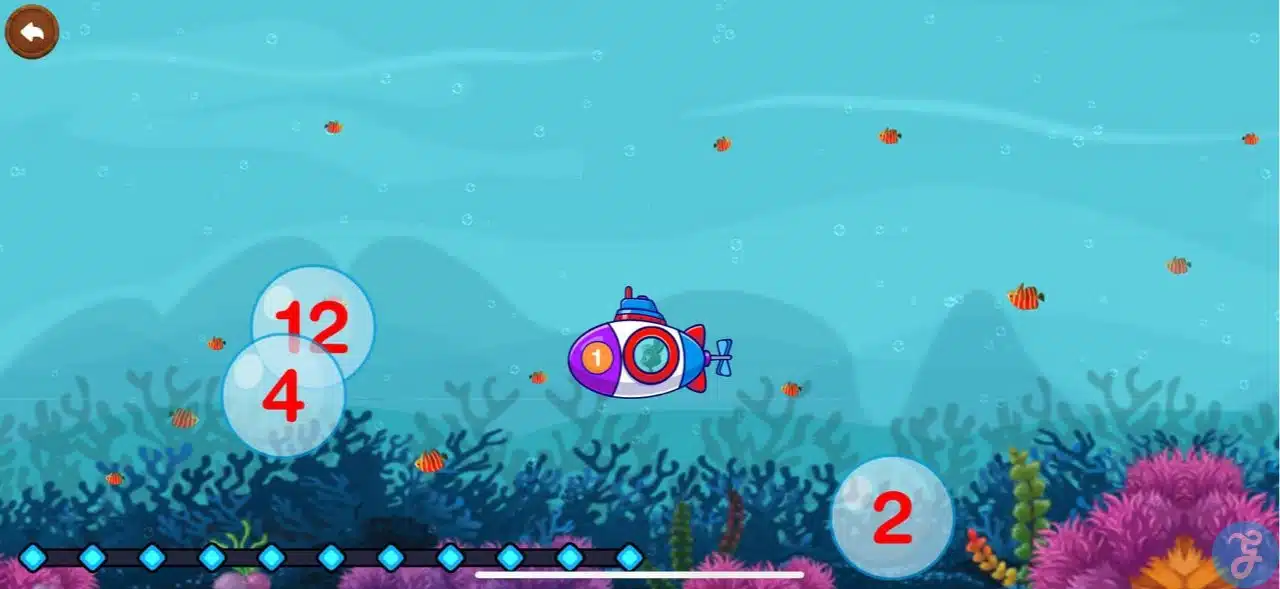
For kindergartners and early learners, the app offers more advanced practice through number sequencing, missing-number activities, math puzzles, and simple operations such as addition, subtraction, multiplication, and division.
Why Should Parents Choose 123 Magic Number Fun?
Many parents allow screen time, but they want it to serve a purpose. They want their children to stay engaged, but they also want that engagement to build something useful.
That is where this app feels helpful. Children are not only watching animations. They are tracing numbers, counting objects, matching tiles, following sequences, and solving small math challenges. This makes the screen-time experience more active and learning-focused.
I do not have kids myself, but I have seen children in my family use this game and genuinely benefit from it. What impressed me was not just that the children enjoyed the activities. It was also that the parents felt comfortable allowing them to play because the game worked as a distraction while still supporting focus, memory, and cognitive development.
More Complete Than a Basic Number Game
Some children’s number apps only teach counting or basic recognition. That can be helpful, but children often outgrow those apps quickly.
This app feels more complete because it includes several types of number activities in one place. A younger child can begin with tracing and recognition. A preschooler can move into counting and matching. An older early learner can try missing-number activities and basic math challenges.
That flexibility makes it more useful for families because children can return to different activities as their skills improve.
A Healthy Distraction With Real Learning Benefits
Sometimes parents need a few quiet minutes. That is normal. The important thing is choosing a distraction that does more than simply keep a child busy.
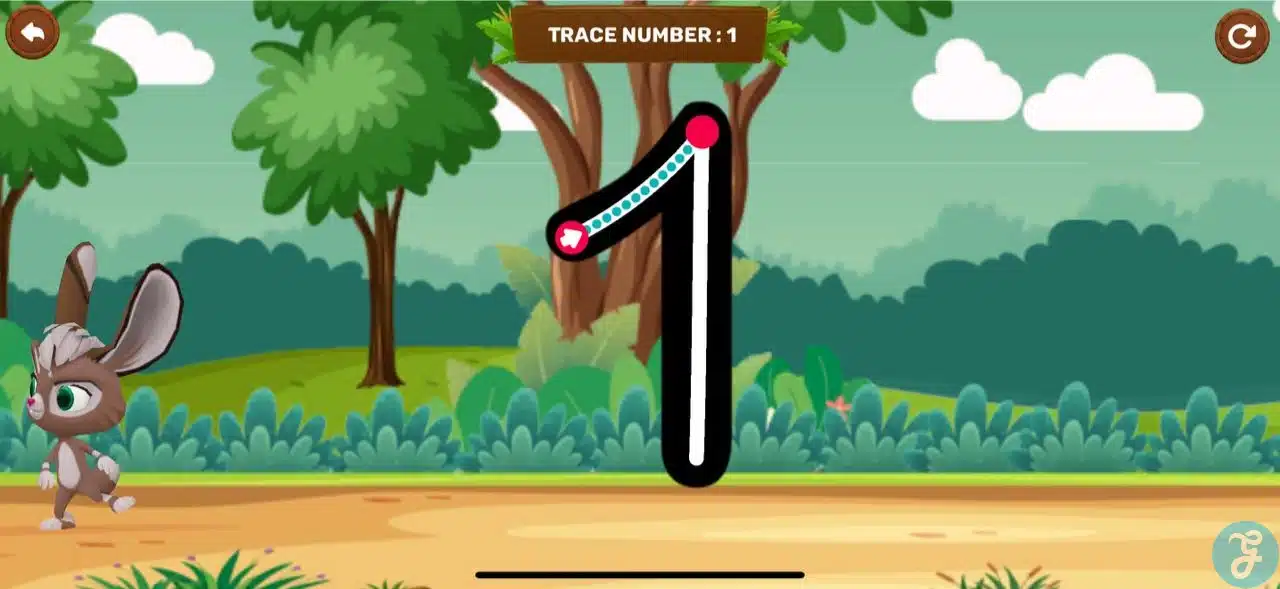
This game gives children something meaningful to focus on. They can trace, count, match, sequence, and solve small problems. These activities can support attention, hand control, memory, number recognition, and early logical thinking.
From my own observation, children in my family responded well because the game did not feel like homework. They were having fun, but they were also practicing useful skills. That balance is exactly why parents felt more comfortable with it.
Useful for Mobile Learning on Android and iOS
One of the biggest advantages of the app is that it is available across the major mobile ecosystems. Google Play lists it as 123 Magic Number Fun: Math Kid, while the App Store lists it as 123 Magic Number Fun for iPhone and iPad.
For young children, a phone or tablet screen can be helpful because it gives them space to trace numbers, connect items, and interact with learning activities. This makes the app suitable for short practice sessions at home, during travel, while waiting, or during supervised breaks.
The key is balance. Parents should guide the experience, limit session length, and connect app learning with real-world number practice.
How Parents Can Take Advantage of 123 Magic Number Fun at Home?
The best way to use the game is through short and focused sessions. Parents do not need to turn it into a strict lesson. A few minutes of guided play can be enough for young children.
After a counting game, parents can ask the child to count fruits, toys, books, or cups at home. After a number tracing activity, they can ask the child to find the same number on a clock, calendar, page, door, or remote control.
This helps children understand that numbers are not only part of a game. They are part of everyday life.
Parents can also mix digital learning with hands-on practice. For example, a child can trace a number in the app, write the same number on paper, and then count real objects around the room.
How Teachers and Caregivers Can Use 123 Magic Number Fun?
Teachers and caregivers can use the app as a short support activity for preschool, kindergarten, or early primary learning. It can work well as a learning center activity, a supervised screen-time option, or extra number practice for children who need more exposure.
It should not replace teacher-led instruction, books, toys, blocks, counters, number charts, or real-world counting. Instead, it can add another layer of practice.
Teachers can also observe how children respond to different activities. If a child can trace numbers but struggles with counting objects, that may show the child recognizes number shapes but needs more practice connecting numbers with quantities.
Important Note About Ads and In-App Purchases
Parents should know that the app is not fully ad-free by default. Google Play lists it as containing ads and in-app purchases. The App Store also lists it as free with in-app purchases.
So, it is better not to describe the app as completely ad-free or fully distraction-free. A more accurate description is that it is a child-focused educational game with ads and optional purchases depending on the platform.
Parents should check the app store details, review purchase options, and use parental controls where needed.
Final Thoughts
For parents looking for a better screen-time choice, 123 Magic Number Fun offers a thoughtful way to introduce numbers, counting, tracing, sequencing, and early math through play. It is entertaining enough to keep children interested, but it also supports focus, memory, fine motor skills, number recognition, and problem-solving. From what I have seen in my own family, children can enjoy it as a fun distraction while parents feel more comfortable because the experience has real learning value.
Frequently Asked Questions (FAQs) on 123 Magic Number Fun
What age is the app designed for?
The app is designed for children ages 2 to 8, including toddlers, preschoolers, kindergartners, and early learners.
How many games are included?
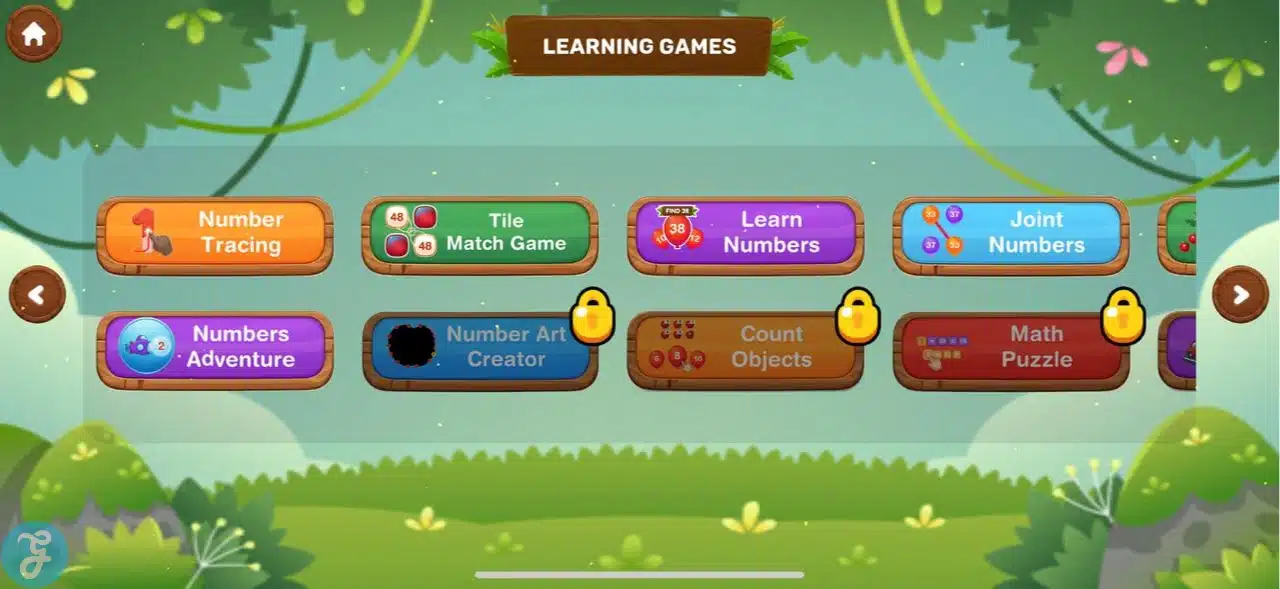
The app includes 12 mini-games, including Number Tracing, Pop Balloons, Tile Match, Learn Numbers, Joint Numbers, Count Numbers, Count Objects, Numbers Adventure, Number Art Creator, Math Puzzle, Math Car Race, and Fill The Blanks.
What numbers can children learn?
Children can practice numbers from 1 to 50 through tracing, counting, recognition, matching, and sequencing activities.
Does the app include basic math?
Yes. Some activities include addition, subtraction, multiplication, and division practice, especially through Math Puzzle, Math Car Race, and Fill The Blanks.
Does the app have ads?
Yes. Google Play lists the app as containing ads, and the App Store also mentions advertising-related purchase options.
Does the app have in-app purchases?
Yes. Google Play lists in-app purchases, and the App Store lists the app as free with in-app purchases.
Can this app replace traditional learning?
No. It works best as a supplement to books, classroom teaching, toys, hands-on activities, and real-world counting.






















