

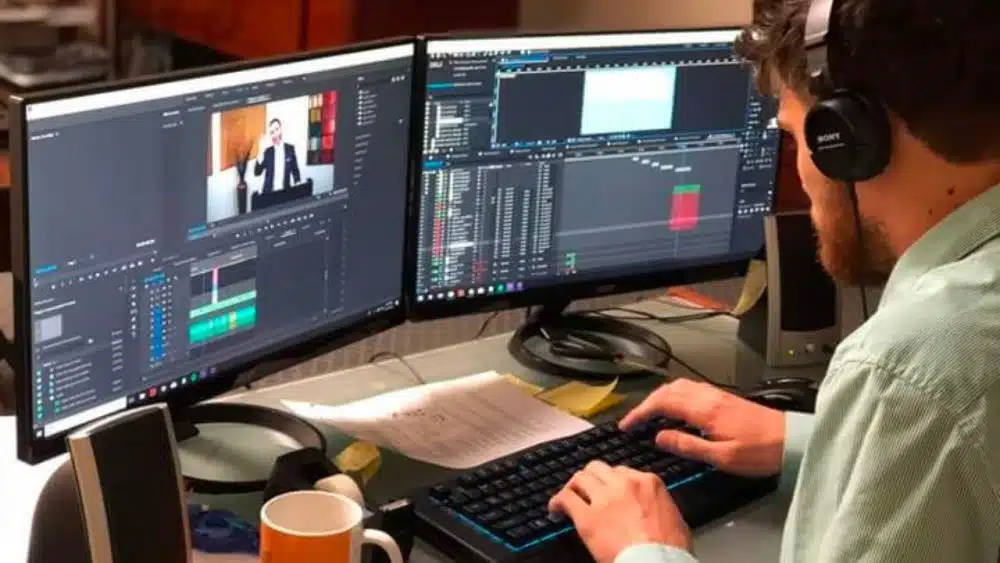
Features of video editing software you need to check as a beginner
There are many features that you should check before buying video editing software. Here are some of the most important features that you need to look out for:
1. Split video into parts:
This is super important because it lets you split video into parts and then edit them separately. For example, if you want to show two different perspectives of a scene, this feature is perfect for that. It also comes in handy when you want to cut out an entire scene from your video.
2. Audio options:
If there’s one thing I love about video editing software, it’s that it gives me the ability to add sound effects and music to my videos! This means that I can make my videos more fun and engaging, which is super important for any type of content marketing campaign or business promotion. Voice acting is important too to step up your video quality, and the cost of voice actors can be reasonable so long as you know where to look.
3. Video editor compatibility:
Check whether your new video editor supports all the file formats that your camera uses. For example, if you have an SD memory card from a DSLR camera and need to edit videos on an iPhone, make sure the software supports those formats.
4. Multiple video tracks:
Most video editors allow you to add multiple tracks in separate windows so that you can work on different aspects of your videos simultaneously. This helps save time because you don’t have to wait for one track to finish while another is still being edited.
5. Resizing options:
Most video editors have options for resizing videos based on their original size (for example), which makes it easier for you when exporting them into other formats.
Adobe Premiere Pro Cc
Adobe premiere pro cc is among the best editing software for beginners. You can easily edit video files (without any plugins) and create a professional video. If you are looking for free video editing and processing software, then you can easily use this software. You can easily change the video quality and resolution in this software. Adobe Premiere Pro CC is a professional video editing suite that features the ability to add transitions, transitions, and transitions. This is a video production service that is used in almost every arena – right from big players to work-from-home editors. It is an application that can be used for editing and video creation.
Avid Media Composer
The Avid Media Composer is an audio and video editing software. It is a complete audio-video editing software with a powerful audio-video editor. It can be used to edit the audio and video files or to create and edit the audio and video files. It also has the ability to record audio and video files, which can be used to create a movie. Avid Media Composer is an application that has been developed to enable the creation of professional music videos. It is a fully-featured media composition software that allows users to create and edit music videos in a variety of formats. In addition to the ability to edit audio and video, it also features a tool for creating and editing audio and video clips.
Final Cut Pro
Final Cut Pro is an amazing audio and video editing software. Final Cut Pro is a professional audio and video editing software that is an application that can be used for editing and video creation. It is a powerful music video creation suite that has been developed to enable the creation of professional music videos. It is an application that has been developed to enable the creation of professional music videos. Final Cut Pro is a professional video editing program. In this program, you can create, edit, and save your videos, audio, and images. It is a complete video editing software that allows users to create, edit, and save their videos, audio, and images.
Hit Film Pro
“Hit Film Pro” is an advanced application that allows users to create and edit music videos. It is an advanced video editing software that allows users to create, edit, and save their videos, audio, and images. It is a complete video editing software that allows users to create, edit, and save their videos, audio, and images. Hit Film Pro is an all-encompassing audio and video editing software. Hit Film Pro is a professional audio and video editing software that is an application that can be used for editing and video creation. It has been developed to enable the creation of professional music videos. It is an application that has been developed to enable the creation of professional music videos.
Autodesk Smoke
The Autodesk Smoke is a computer application that allows users to create, edit, and save music videos. Autodesk Smoke is a premium general-purpose video editing software. It has been developed to enable the creation of professional music videos, corporate videos, and films. This is a great video production service that you can use to start understanding editing.
Filmora
Filmora is a computer application that allows users to create, edit, and save music videos. It is an advanced audio and video editing software that allows users to create, edit, and save their videos, audio, and images. It is a complete video editing software that allows users to create, edit, and save their videos, audio, and images. Filmora is a powerful audio and video editing software.
Filmora is an application that allows users to create, edit, and save their videos, audio, and images. It is an application that has been developed to enable the creation of professional music videos.
Want to take your video editing skills to the next level? Check out EditMentor for expert tutorials and courses. Learn from industry professionals and master the art of video editing.

























