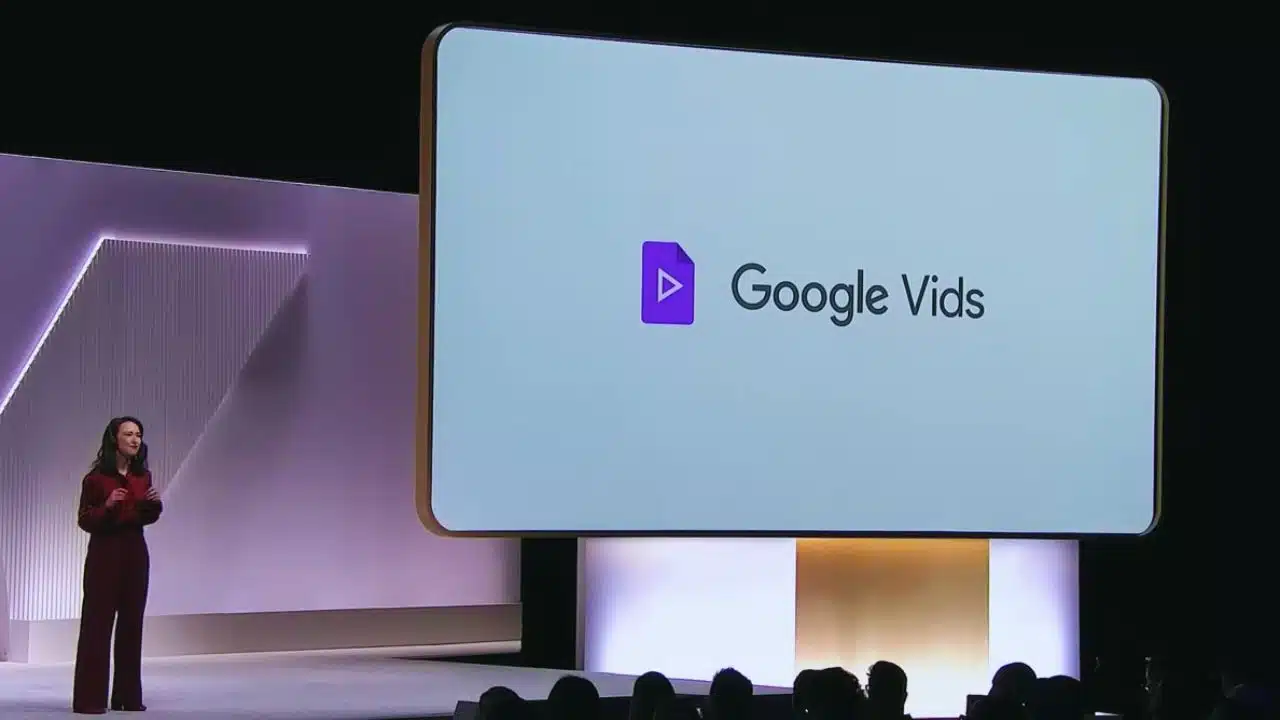
Google has introduced Google Vids, a cutting-edge AI-powered video creation tool integrated into the Google Workspace suite. This innovation aims to revolutionize video content creation for businesses, offering a streamlined process from conception to completion. Earlier this year, Google unveiled Google Vids as part of its ongoing efforts to enhance productivity tools within Google Workspace.
Positioned as an all-in-one solution for video creation, Google Vids combines writing, production, and editing functionalities into a single platform. It seamlessly integrates with existing Google applications like Docs, Slides, and Sheets, ensuring a cohesive workflow for users.
Key Features and Functionality
Google Vids harnesses the power of Gemini AI, Google’s advanced artificial intelligence system, to automate various aspects of video production. Users can initiate projects from scratch or utilize AI assistance to generate slides, scripts, and storyboard layouts.
The AI also facilitates the incorporation of relevant stock footage from sources such as Shutterstock, significantly expediting the video creation process.
AI Integration and Workflow Efficiency
Upon starting a new project, users are greeted with an intuitive interface where they can input video themes or objectives.
This prompts the AI to recommend templates or utilize documents stored in Google Drive, tailoring the video creation experience to specific needs. Alternatively, users can opt to begin with pre-existing templates to jumpstart their projects.
Testing Phase and User Experience
Recent developments indicate that Google Vids has entered a testing phase that is accessible through Workspace Labs. This phase allows interested users to explore the tool’s capabilities at no cost, providing valuable feedback to Google for further refinement.
While the current AI functionalities are basic, Google plans to enhance these features in the coming weeks ahead of a broader rollout.
Comparison and Practical Utility
Google Vids is akin to popular consumer-level editing tools like iMovie or Windows Movie Maker but with a distinct focus on short-form, functional videos tailored for educational or professional settings.
The integration of Gemini AI sets it apart by automating labor-intensive tasks such as scriptwriting and storyboard creation, thereby reducing overall production time and enhancing efficiency.
Future Developments and Accessibility
As Google continues to iterate on Google Vids through Workspace Labs, it aims to introduce additional features in a phased manner.
Although a specific timeline for public release remains unspecified, Google is committed to ongoing improvements based on user feedback and internal testing. Interested users can join Workspace Labs to access Google Vids and experience its capabilities firsthand.
In summary, Google Vids represents a significant advancement in video content creation within the digital workspace.
With its powerful AI integration and seamless compatibility across Google’s suite of productivity tools, Google Vids promises to redefine how businesses approach and execute video production tasks.
The information is taken from Times of India and Android Authority