Your paralegal just spent another afternoon retyping the same client name into 14 places in a retainer. For most small and midsize firms, Gavel is the best pick, and if you already run Clio, Clio Draft is the easier buy.
Below is a price chart and an honest look at 10 document automation tools for law firms.
Quick Comparison: Prices and Best Fit
Prices move fast in legal tech, and half these vendors hide them. Here’s what the public pages and review sites showed for each of these document automation tools for law firms as of October 2026.
| Tool | Best for | Starting price | Free trial |
|---|---|---|---|
| Gavel | No-code workflows for small and midsize firms | $83/mo (1 builder seat) | 7 days, no card |
| Clio Draft | Firms already on Clio, court forms | About $99/user/mo | Ask sales |
| Woodpecker | Solos who live in Word | $59/user/mo | Yes |
| Knackly | Complex estate planning logic | $99/user/mo | Yes |
| Smokeball | All-in-one practice management | Quote (Grow tier) | 30 days |
| HotDocs | Large firms with heavy template libraries | Quote | Ask sales |
| Lawmatics | Intake plus retainers | Quote | No |
| Spellbook | AI contract drafting in Word | Quote | 7 days |
| PatternBuilder MAX | NetDocuments shops | Quote (add-on) | Ask sales |
| docassemble | Tech-savvy firms on a $0 budget | Free (open source) | N/A |
Key takeaway: only half the list shows a price anywhere. Budget an hour of demo calls for the rest.
What to Check Before You Pick One
Document automation is one slice of law firm automation, and it’s the slice that breaks first when you buy the wrong tool. Picture this: you build 40 templates, then learn the tool can’t handle a repeating list of heirs. Big mistake.
Before you sign, test document automation tools for law firms against these five questions:
- Can it repeat? Multiple defendants, children, or properties need repeating items, not copy and paste.
- Does it talk to your case system? A tool that can’t pull matter data from Clio, MyCase, or Filevine means double entry.
- Word or PDF? Court forms are PDFs. Contracts are Word. Some tools only do one well.
- Who builds templates? No-code tools suit staff. HotDocs and docassemble suit someone with real patience.
- What happens to client data in AI features? ABA Formal Opinion 512 (July 2024) says lawyers must understand the tool, review its terms, and sometimes get client consent.
The 10 Best Document Automation Tools for Law Firms, Ranked
Rankings weigh price, logic depth, and how often real users complain. Not every pick fits every firm. Not even close.
1. Gavel — best overall for small and midsize firms
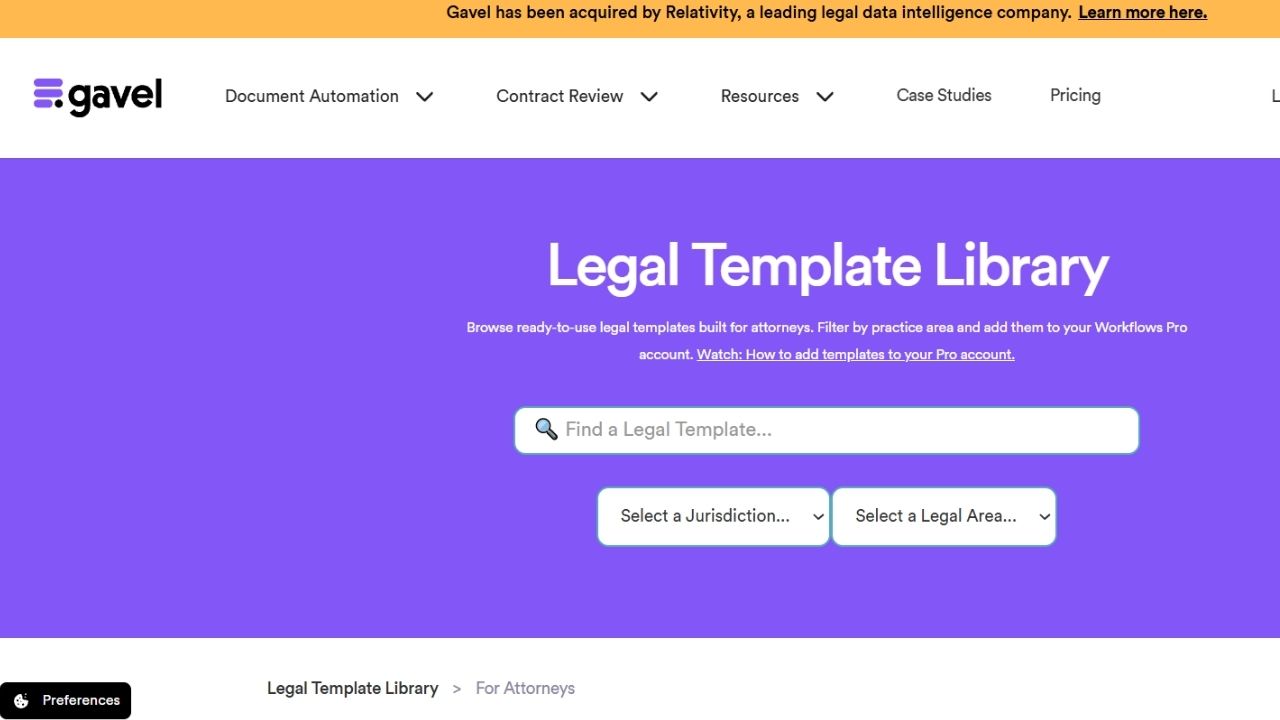
Gavel turns Word and PDF templates into client questionnaires, with logic, calculations, repeating items, e-sign, and payments. Lite runs $83 a month with one builder seat, 10 workflows, and 100 sessions a month, and Pro is $290. It’s 4.9 on Capterra (51 reviews) is the top score among these document automation tools for law firms.
Here’s the catch: Relativity bought Gavel in June 2026. It promised continuity, but nobody knows yet what happens to self-serve pricing.
Real complaints:
- One reviewer said a plan change removed features and blocked template edits until they upgraded.
- Some users couldn’t upload Excel files or larger PDFs through a workflow.
Who Should Skip This: big teams on a budget. Extra builders cost $50 a month each on Pro.
2. Clio Draft — best for Clio Manage users
Formerly Lawyaw, Clio Draft turns Word files into templates, fills PDF court forms, sends AI client questionnaires, and handles e-signatures. Clio’s pricing page lists roughly $99 per user per month. If your matters already live in Clio Manage, it’s the lowest-friction document automation for law firms you’ll find.
Real complaints:
- Reviews cited in head-to-head comparisons flag limited conditional logic and no repeating items.
- Users on other systems, like MyCase, report weak integrations and no Zapier hooks.
Who Should Skip This: firms that don’t use Clio, or that draft long, branching agreements.
3. Woodpecker — best for solos who live in Word
Woodpecker runs as a Word add-in, so templates stay where you already draft. Starter is $59 per user per month, and it holds a 4.7 from 35 Capterra reviews. For a solo, it’s the gentlest entry into document automation for law firms.
Real complaints:
- The basic version caps you at 10 template slots.
- Users report accidentally saving over templates and a learning curve around local versus cloud storage.
Who Should Skip This: firms with several people building templates, where overwrite mix-ups multiply.
4. Knackly — best for heavy branching logic
Knackly handles deep if/then logic and connects to Clio, Filevine, NetDocuments, and OneDrive. Basic is $99 per user per month. Its 4.7 rating comes from only seven Capterra reviews, so treat it as a small sample among document automation tools for law firms.
Real complaints:
- Setting up conditional logic has a real learning curve, and hidden variables sometimes show up in client interviews.
- Moving old HotDocs templates over can mean starting from scratch.
Who Should Skip This: firms that need something running this week.
5. Smokeball — best all-in-one practice suite
Smokeball bundles billing, matters, and automation, with 20,000+ court forms and 200+ matter types. Bill ($49) and Boost ($89) don’t include automated forms. You need the quote-only Grow or Prosper+ tiers, so this document automation for law firms comes bundled with a full platform switch.
Real complaints:
- Reviewers report slow loading, freezing, and high RAM use.
- One reviewer says the Archie AI assistant “hallucinates.”
Who Should Skip This: firms happy with their current case software.
6. HotDocs — best for large template libraries
Now owned by Mitratech, HotDocs is the long-time heavyweight for big firms with hundreds of templates. Pricing is quote only. On Capterra it sits at 4.1 from 59 reviews, with a 3.6 for ease of use — the lowest of these document automation tools for law firms.
Real complaints:
- Reviewers describe a steep learning curve and an interface that needs an update.
- Several call the licensing cost prohibitive and support slow.
Who Should Skip This: solos and small firms. Not even close to worth it at that size.
7. Lawmatics — best for intake plus retainers
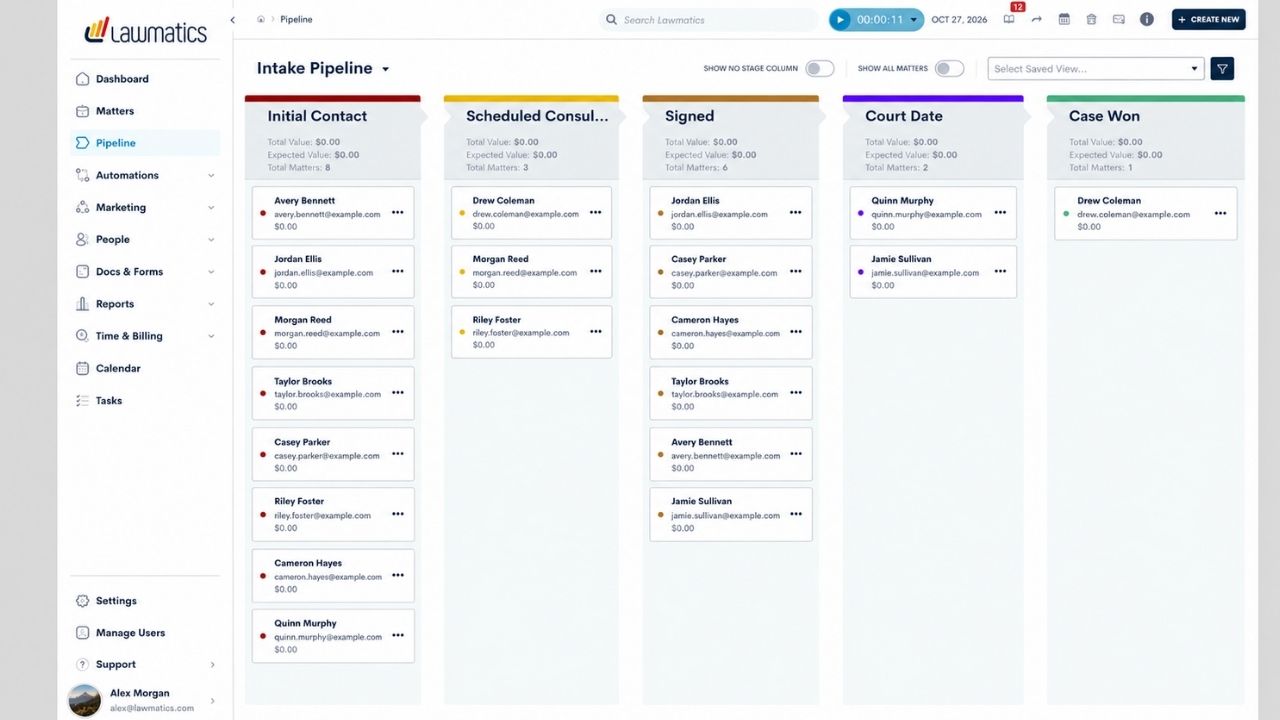
Lawmatics is a CRM first, and its document automation for law firms is built around intake: it fires retainers out for signature the moment a lead converts. It pairs well with other legal intake software for small law firms. Pricing is quote only, with a 4.6 from 50 reviews.
Real complaints:
- One firm said customizing forms and automations took about six months.
- There’s no test environment, so automations go live the moment you switch them on.
Who Should Skip This: firms that only want document assembly, not marketing automation.
8. Spellbook — best for AI contract drafting
Spellbook drafts and redlines contracts inside Word using large language models, and it’s SOC 2 Type II compliant. Pricing is quote only, with a seven-day trial. The truth is, it’s drafting help, not template assembly, so it complements rather than replaces document automation tools for law firms.
Real complaints:
- No public price list, and features like benchmarks may cost extra.
- It isn’t a full contract management system: no approvals or renewal tracking.
Who Should Skip This: litigation shops that mostly fill court forms.
9. NetDocuments PatternBuilder MAX — best for NetDocuments firms
This generative AI add-on lets firms build apps, templates, and workflows from their own documents, with prebuilt Studio Apps to start. It lives inside NetDocuments, which makes it the natural document automation for law firms already storing files there.
Real complaints:
- It doesn’t connect directly to most practice management software. You’ll need Zapier or API work.
- It’s a paid add-on with no public pricing, and Lawyerist shows zero user reviews so far.
Who Should Skip This: anyone not on NetDocuments.
10. docassemble — best free option
docassemble is free, open-source (MIT license) software for guided interviews that output PDF, RTF, or DOCX files. A lawyer-programmer built it to automate legal practice. Of all the document automation tools for law firms here, it’s the only one with a $0 license.
Real complaints:
- You host and maintain the server yourself.
- Interviews are written in YAML with some Python, so non-technical staff get stuck fast.
Who Should Skip This: firms without someone technical on staff.
Mistakes That Sink Document Automation Projects
That brings us to the biggest mistake people make: automating messy templates. If your retainer has three versions floating around, any of these document automation tools for law firms will just produce messes faster.
- Clean before you build. Pick one master version of each form. Old paper forms? Digitize them first with one of the best document scanner apps.
- Start with five documents. The ones you draft weekly, not the rare ones.
- Name one template owner. Two people editing the same file is how overwrites happen.
- Keep a lawyer on review. AI clauses and automated output still need a human check under ABA Opinion 512.
Bottom line: the tool matters less than the discipline around it.
Frequently Asked Questions (FAQs)
What is legal document automation?
Software that turns your templates into fill-in forms or questionnaires. You answer once, and names, dates, and clauses land in every document automatically.
Is document automation worth it for a small law firm?
Usually, yes, if you draft the same documents every week. A $59 to $99 monthly tool pays off fast once it saves a few billable hours.
What’s the difference between document automation and document management?
Automation creates documents. Management, like NetDocuments, stores and versions and secures them.
Is Clio Draft the same as Lawyaw?
Yes. Clio bought Lawyaw and renamed it Clio Draft.
Can AI tools replace document automation software?
Not yet. AI tools like Spellbook help draft, but template tools give you the same verified language every time, which matters for court forms and retainers.
Final Thoughts
Most firms don’t need the most powerful option. They need the one their staff will actually use. Among document automation tools for law firms, start with Gavel’s free trial or Clio Draft if you’re on Clio, and move up to HotDocs only when your template library outgrows them.
Pick your five most-used documents this week. Automate those first, then decide.