


You need someone you can trust with your kids by Friday. Asking around got you two names, and both are booked. So you open the app store, and suddenly there are a dozen babysitter and nanny finder apps, each promising “vetted” sitters and asking for $35 a month before you can send one message.
Most of them don’t deserve your money. A few do. This list sorts them by what you actually need: a date night sitter, a full-time nanny, or free swaps with other parents. It also covers what the “background checked” badge really means, because that one surprises almost everyone.
What “Background Checked” Really Means on These Apps
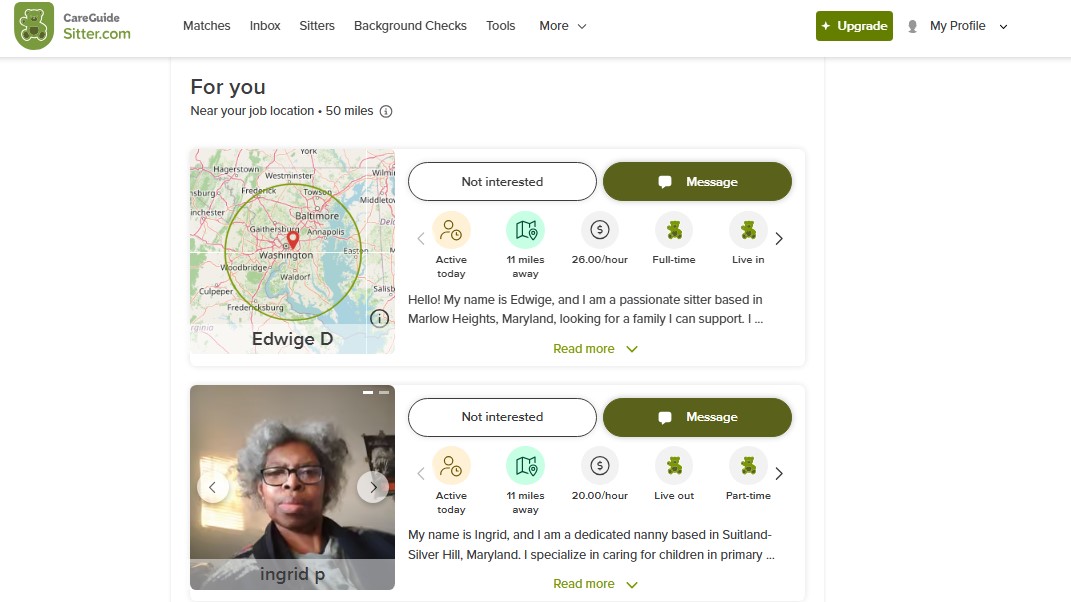
Most babysitter and nanny finder apps run some kind of criminal check before a sitter’s profile goes live. On Care.com, the basic check covers an SSN trace, the national sex offender registry, and federal, multistate, and county criminal searches. Sounds thorough.
Here’s the catch: families can see that the check happened, but they can’t read the report.
Care.com’s own safety page admits these checks aren’t always accurate. Some states only report seven years of records. Some only report felonies. And the whole check relies on the name and details the sitter typed in, so false info can hide real records.
The truth is, a badge is a starting point. Parents who’ve hired for years treat it like a smoke detector, not a security guard. You still do the interview, call two references, and pay for a deeper check (driving records, alias search) before anyone drives your kids.
The 10 Best Babysitter and Nanny Finder Apps, Ranked
These babysitter and nanny finder apps are ranked on three things: how many real sitters show up in an average US city, what the paid plan costs, and what parents still complain about after six months. Prices move often (and some vary by city), so check the app’s own pricing page before you pay.
1. UrbanSitter: Best for City Parents Who Trust Other Parents
UrbanSitter shows you which sitters other parents at your school, daycare, or neighborhood group have already booked and rated. That one feature beats any badge. Sitters post short intro videos, and you can add your own screening questions.
It costs about $34.95 a month or $99.95 a year. The yearly plan is the better deal if you book more than twice a month. Long-term users say it shines in big metros and runs thin in small towns, so search your zip code before you subscribe.
2. Care.com: Biggest Pool, Biggest Headaches
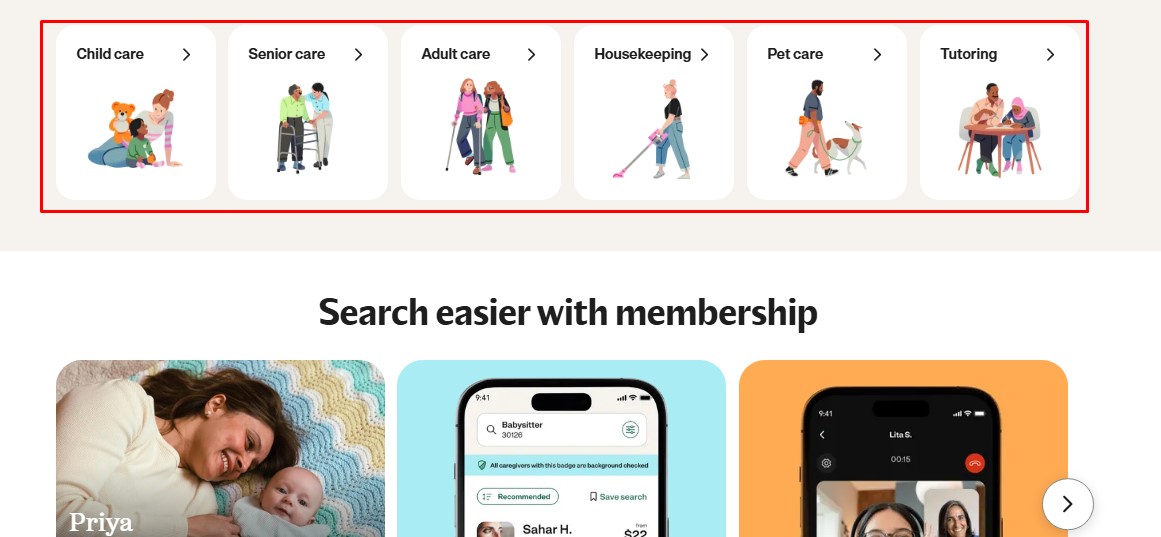
Care.com has the largest network in the US, and it covers nannies, tutors, pet sitters, and senior care too. If you live somewhere small, it may be the only app with real sitter numbers.
But go in with your eyes open. In 2024, the FTC made Care.com pay $8.5 million in refunds over inflated job listings and a cancellation process the agency called hard to use. The settlement forced a simpler way to cancel. Still, set a calendar reminder the day you sign up.
Premium runs roughly $37 a month or $147 a year. Pay for one month, hire, and cancel. Most families don’t need the yearly plan.
Nanny Lane focuses on long-term nanny hires, not Saturday night sitters. Its standout feature is nanny share matching, where two nearby families split one nanny. With the national average around $19.39 an hour in 2026, a share can cut your cost almost in half. Paid access runs about $55 a month.
4. Sittercity: The Cheaper Annual Option
Sittercity works like Care.com with a smaller crowd and a smaller bill, at around $140 a year. You post a job, sitters apply, you interview. Simple. It’s a solid pick for families who hire a few times a year and hate monthly charges.
5. Bambino: Neighbor Recommended Sitters
Bambino builds your sitter list from neighbors and friends, and it lets you book teen sitters for lighter jobs. There’s no subscription. You pay a small booking fee per job. Coverage varies a lot by city, so check yours first.
6. Wyndy: College Students Only
Wyndy only accepts full-time college and grad students as sitters, and its app handles booking, timing, and payment. It grew up in Southern cities like Birmingham and Nashville. Great if it’s in your area. Useless if it isn’t.
7. Sitter: For Families Who Already Know Their Sitters
Sitter helps you message and book sitters you’ve already found, with private calling so your number stays hidden. It costs about $1.50 a day monthly or $0.50 a day yearly. The big caveat? It doesn’t run its own background checks. You handle vetting.
8. Sitting Around: Free Babysitting Swaps
Sitting Around runs babysitting swaps. You watch a neighbor’s kids for two hours, earn points, then spend those points on a free night out. A yearly plan costs about $15. Komae works on the same idea, with one hour of care equal to one point. Both need a group of parents who actually show up.
9. Au Pair in America: Live-In Childcare
This isn’t really an app. It’s a government-designated au pair program that places a young adult from abroad in your home for a year. Expect a five-figure yearly cost once you add program fees and the weekly stipend, plus a spare bedroom. It only makes sense for full-time care.
10. Nextdoor and Local Facebook Groups: The Free Route Parents Swear By
If you ask anyone who’s hired sitters for years, half found their best one through a neighborhood post. “Looking for a sitter for two kids, Friday nights, $20 an hour, references required” gets replies within a day in most suburbs. No fees. You run the background check yourself.
Check out holiday screen time limits for kids here.
Which Babysitter and Nanny Finder App Fits Your Family?
Most families only need one or two babysitter and nanny finder apps. Start with your situation, not the brand:
| Your situation | Start here | Backup |
|---|---|---|
| Date nights in a big city | UrbanSitter | Bambino |
| Small town or rural area | Care.com (one month only) | Nextdoor |
| Full-time nanny | Nanny Lane | Care.com |
| Tight budget | Sitting Around or Komae | Facebook groups |
| Live-in help | Au Pair in America | Nanny Lane |
See the pattern? Nobody here needs a yearly plan on day one.
Where to Spend Money Instead of Premium Badges
Babysitter and nanny finder apps love to upsell “featured” listings, priority messaging, and fancy profile badges. Skip them. A paid trial shift is worth more than all three.
A Vetting Routine That Actually Works
- Do a 15-minute video call before you meet in person.
- Call two references yourself (texts are too easy to fake).
- Buy the deeper background check with driving records if the sitter will drive.
- Book a paid two-hour trial while you’re home.
That trial tells you more than any profile. Most beginners make the mistake of skipping it to save $40. Big mistake.
The Nanny Tax Nobody Mentions
Hire a regular sitter or nanny through any of these babysitter and nanny finder apps, and the IRS may see you as an employer. For 2026, if you pay one household worker $3,000 or more in a year, you owe Social Security and Medicare taxes. Pay $1,000 or more in any quarter, and federal unemployment tax kicks in too.
You’ll file Schedule H and hand your nanny a W-2 by the end of January. Payroll services like Care.com HomePay start around $59 a month. For a full-time nanny, that’s money well spent. For a once-a-month date night sitter, you likely won’t cross the line.
Final Thoughts
Pick one app that matches your real need, pay for a single month, and hire before you cancel. UrbanSitter for city date nights. Nanny Lane for a full-time nanny. A neighborhood group if money is tight. The best babysitter and nanny finder apps get you a shortlist, but your interview, reference calls, and paid trial shift do the real vetting.
Frequently Asked Questions about Babysitter and Nanny Finder Apps
What is the best app to find a babysitter?
UrbanSitter works best in big cities because you see which sitters other local parents booked. In smaller towns, Care.com usually has more sitters.
Is Care.com free to use?
You can create a profile and browse for free. Messaging and hiring usually require premium, about $37 a month.
How much should I pay a babysitter in 2026?
It depends on your city and number of kids. Nanny Lane puts the 2026 national nanny average around $19.39 an hour, and big cities run higher.
Are babysitters on apps background checked?
Most apps run a basic criminal check, but it can miss records. Run your own deeper check and call references.
Can I find a babysitter for free?
Yes. Neighborhood Facebook groups, Nextdoor, and swap apps like Sitting Around cost little or nothing.
Do I have to pay taxes for my nanny?
If you pay one household worker $3,000 or more in 2026, yes. You’ll owe Social Security and Medicare taxes and file Schedule H.





















