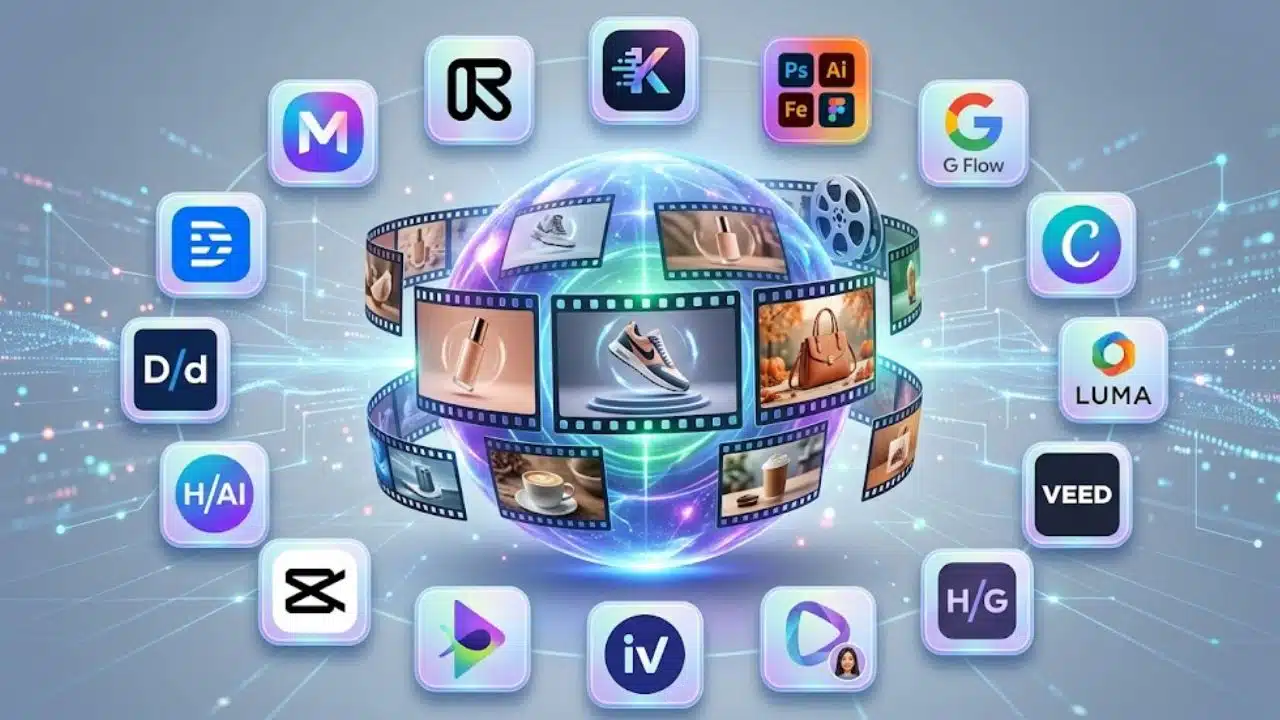
Ecommerce teams have a simple reason to care about AI video: products need more motion than most brands can afford to shoot. A single SKU can need a homepage hero, a short social ad, a marketplace clip, a vertical video, a seasonal variation, and several different hooks for paid media.
The hard part is not creating motion. It is keeping the product recognizable while changing the scene, angle, or pace. A video that makes the bottle taller, changes the logo or invents a new zipper is not a creative variation. It is unusable.
We ranked these platforms around product fidelity, image-to-video workflows, editing, repeatability, and how well they fit into a real ecommerce production process.
1. Magnific: Best overall for product-to-video workflows
Magnific takes first place because ecommerce video often starts with a still image, and its wider creative suite makes that transition unusually practical.
The Magnific Video Generator gives users access to a broad set of video model families, with current documentation covering more than 30 models across providers such as Google Veo, Kling, Runway, MiniMax, Seedance, Wan, Luma, Sora, PixVerse, and others. That variety matters because one product shot may need precise motion while another needs a faster, cheaper model for testing.
The image side is equally important. A team can generate, edit, relight, reframe or upscale the product image before using it as the visual reference for the video. That gives the model a much more controlled starting point than a text-only prompt.
Magnific also provides video editing, upscaling, and relighting tools around the generation step. In Spaces, teams can connect those stages into a reusable workflow. A product image can enter, generate several motion directions, move through enhancement, and then branch into different versions. Flows can make that workflow easier for teammates to rerun on the next SKU.
That combination of model choice and repeatable production is why Magnific works so well for catalog-scale creative teams.
2. Runway: Best for premium product motion and directed shots
Runway is the strongest dedicated alternative when the creative team wants to direct the shot rather than simply animate a product image.
Its current video models are designed around text-to-video and image-to-video workflows with strong attention to motion, camera behavior, and prompt adherence. That makes Runway a good fit for premium product launches, mini commercials, and scenes where the camera movement is part of the creative idea.
A beauty brand might want a slow push-in through floating particles. A sneaker company may need the product to rotate while lighting changes. A furniture brand might want a controlled camera move through a styled room. These are the kinds of shots where a specialist video environment earns its place.
We still rank Magnific first because ecommerce teams often need to move between stills, variants, upscaling, and several model families. Runway is more focused, which is an advantage when video itself is the main job.
3. Kling AI: Best for dynamic motion around products
Kling has become one of the video model families creators watch closely for movement quality. It is a strong option when a product video needs more than a subtle zoom or parallax effect.
Dynamic camera motion, object movement, and cinematic scenes are where Kling can be especially useful. For ads, that means a static packshot can become a more energetic piece of creative rather than feeling like an image with motion added on top.
Direct access to Kling makes sense for teams that know they like the model and want to stay close to its newest features. The drawback is workflow fragmentation. Ecommerce teams rarely use only one video model, so accessing Kling inside a broader suite may be more convenient.
Still, for motion-heavy product concepts, Kling belongs near the top of the shortlist.
4. Adobe Firefly: Best for product videos that need professional finishing
Adobe Firefly is a natural choice when the AI-generated clip will be treated as raw material rather than the final export.
Product video usually needs cleanup, brand graphics, captions, color work, compositing, and exact timing. Adobe users already have professional tools for those jobs, so Firefly can fit into a workflow the team understands.
Adobe has also expanded its generative environment to include partner video models, giving teams more choice at the generation stage while keeping the result close to the rest of Creative Cloud.
For established ecommerce brands with in-house editors, that integration can be more important than having the flashiest standalone generator. We rank it fourth because AI-native teams may prefer a platform that connects product still generation and multi-model video more tightly from the beginning.
5. Google Flow: Best for realistic product scenes with Veo
Google Flow is a strong option for teams specifically interested in Veo. Google’s video models have become known for realistic motion, physics, and native audio, all of which can help product clips feel less synthetic.
Flow also supports structured workflows using frames and scene-building features, which can be helpful when a product needs to move through a controlled sequence rather than a random animation.
For lifestyle ecommerce, Veo can be particularly interesting because the product often needs to exist convincingly in a real-world environment. A kitchen appliance, outdoor product, or piece of furniture benefits from believable physics and camera behavior.
The limitation is model breadth. Flow is centered on Google’s ecosystem. A multi-model platform gives the team more freedom when another engine handles a specific product or shot better.
6. Canva: Best for turning product clips into channel-ready ads
Canva does not need to win the model race to be useful for ecommerce. Its strength is what happens after the clip exists.
A marketer can combine footage, add product copy, pricing, logos, and calls to action, resize the result for different placements, and create multiple campaign versions without opening a professional editing suite.
That is a major advantage for small brands and performance teams. Most ecommerce video is not a cinematic brand film. It is a practical creative unit that needs to be shipped, tested, and replaced quickly.
Canva ranks sixth because its generation depth is not as strong as the platforms above it. But for daily ad production, it may be used more often than some technically superior tools.
7. Luma Dream Machine: Best for atmospheric product concepts
Luma is a good choice when the team wants a product film to feel expressive rather than purely functional. Its generative video tools are well suited to atmospheric motion, visual experimentation and cinematic mood.
That can work particularly well for fragrance, fashion, design objects, and lifestyle products where the surrounding world is as important as the product itself.
We would use Luma for campaign exploration, transitions, and mood-heavy clips rather than strict catalog production. It can produce ideas that make a creative team think differently about how the product could move or appear on screen.
For repeatable, high-volume ecommerce work, a broader platform is more practical. But for creative direction, Luma has a useful role.
8. VEED: Best for finishing simple ecommerce videos in the browser
VEED is more valuable as a production and editing environment than as a pure generative-video benchmark winner.
Ecommerce teams constantly need captions, voiceovers, trims, layouts, and fast exports. A browser-based workflow makes those tasks accessible to marketers who are not professional editors.
That matters when an AI-generated product clip is only one component of the final asset. The team can combine it with text, additional footage, and audio without creating another complicated handoff.
We rank VEED eighth because the generation stage itself is not the main reason to choose it. Its value is getting rough material into a publishable state quickly.
9. HeyGen: Best for scalable spokesperson content
HeyGen solves a different problem from cinematic generators: repeatable presenter-led video. It is useful for marketing, localization, and explainers where a clear on-camera message matters more than complex scene generation.
10. InVideo: Best for script-to-video production
InVideo makes sense for teams that need to turn written material into finished video quickly. It is less about directing individual AI shots and more about assembling a complete piece with minimal friction.
11. CapCut: Best for creator-friendly editing and effects
CapCut remains one of the easiest places to turn rough footage into a fast, modern social edit. Its value comes from practical editing and effects rather than leading the text-to-video model race.
12. Hailuo AI: Best for creative motion tests
Hailuo AI is a useful option for teams comparing how different video engines handle movement and visual style. It is strongest as a generation specialist rather than a full editing environment.
13. Descript: Best for transcript-first editing
Descript is more of an editor than a text-to-video model, but it earns a place because creators spend so much time cutting, rewriting, and repurposing footage. Its transcript-first workflow can shorten the path from rough material to publishable video.
Product fidelity is the test that matters
AI video demos tend to reward spectacle. Ecommerce rewards correctness. The useful platform is the one that can move a real product through different scenes without quietly redesigning it.
That is why image-to-video workflows are so important. Starting with a controlled product still gives the video model less freedom to invent the object. It also makes the creative process more modular: fix the product image first, then animate it.
Magnific is strongest overall because that still-to-motion workflow sits inside one suite and can use many model families. Runway is the specialist we would choose for more directed, premium motion. Kling deserves testing when dynamic movement is the priority. Adobe is the natural finishing choice for professional creative teams.
For an ecommerce team, the real win is not making one impressive clip. It is building a repeatable process that can create the next fifty without starting from zero every time.