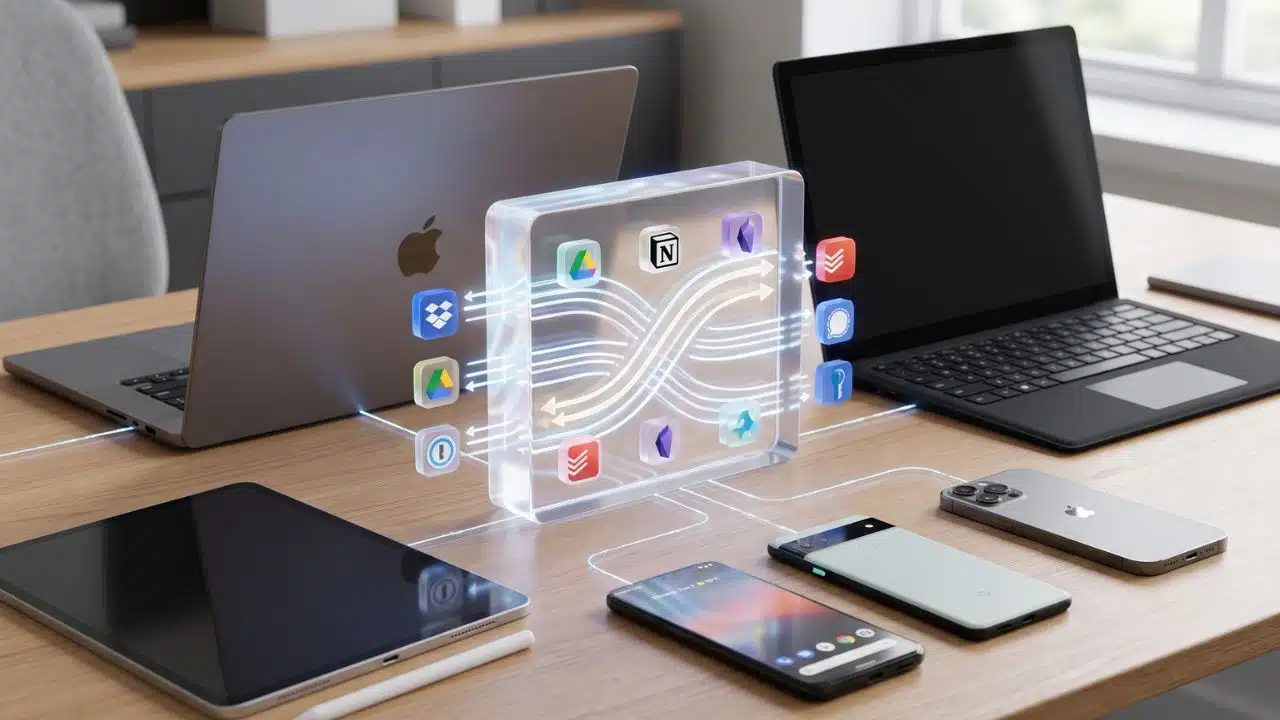
We’ve all been there. You start typing a brilliant idea on your Mac or Windows PC, only to realize later that you can’t easily pull it up on your Android phone. Or maybe you have a Windows desktop for work, an iPad for lounging, and an iPhone for everything else.
Living across different operating systems can feel like a constant digital tug-of-war. The tech giants want to keep you locked inside their walled gardens, making it artificially difficult to move your own data around. But you don’t have to settle for that.
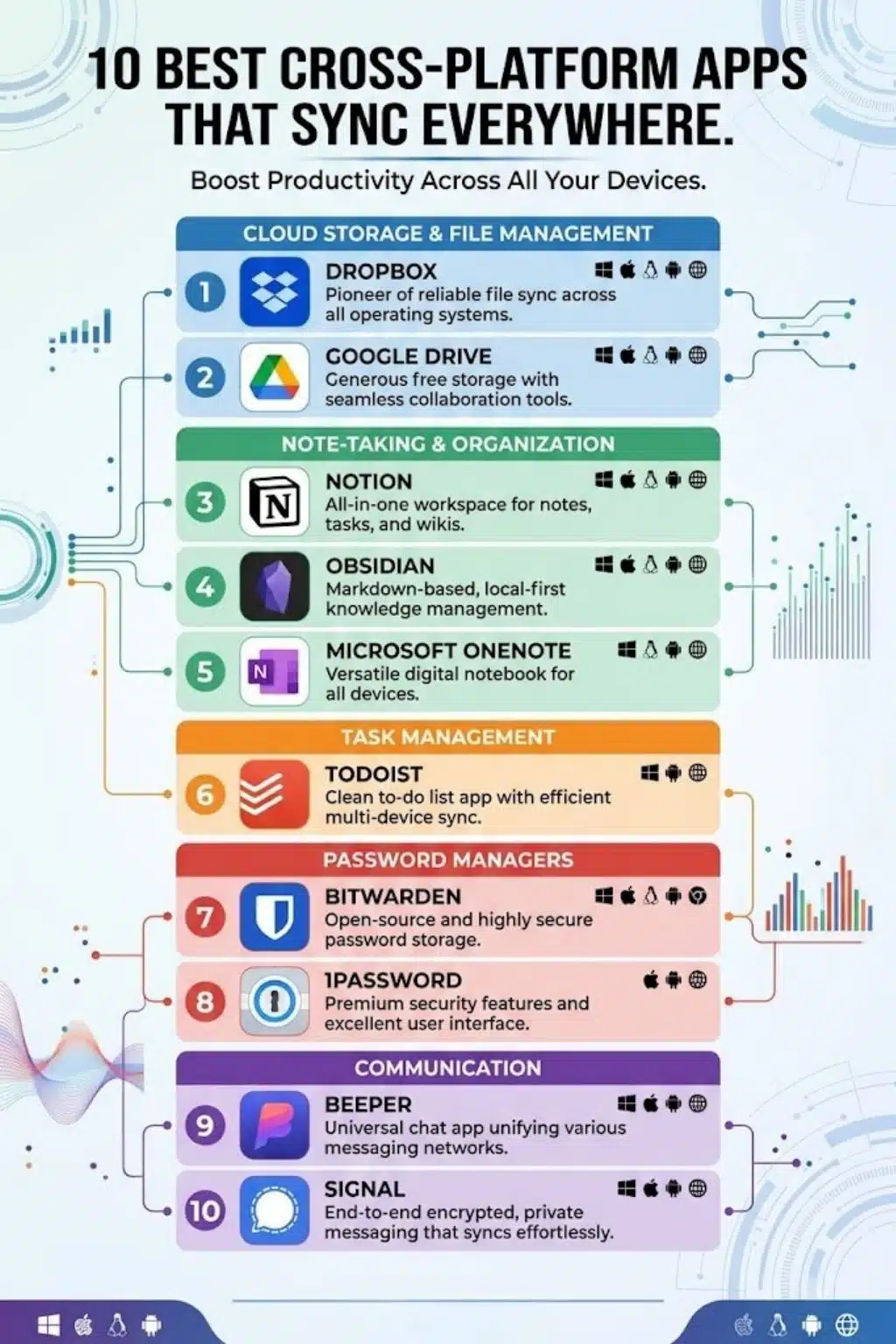
If you want a tech stack that works for you, regardless of the logo on the back of your device, you need software that plays nice with everyone. Here are the 10 best cross-platform apps that sync beautifully, reliably, and seamlessly across every major operating system.
Cloud Storage and File Management
Moving your digital life between devices shouldn’t feel like a risky game of email-to-yourself. The right cloud storage acts as an invisible, instantaneous bridge. Whether you are dealing with a few text documents or gigabytes of media, these tools ensure your files are exactly where you left them, waiting for you the second you unlock any screen.
1. Dropbox
- Works on: Windows, macOS, Linux, iOS, Android, Web
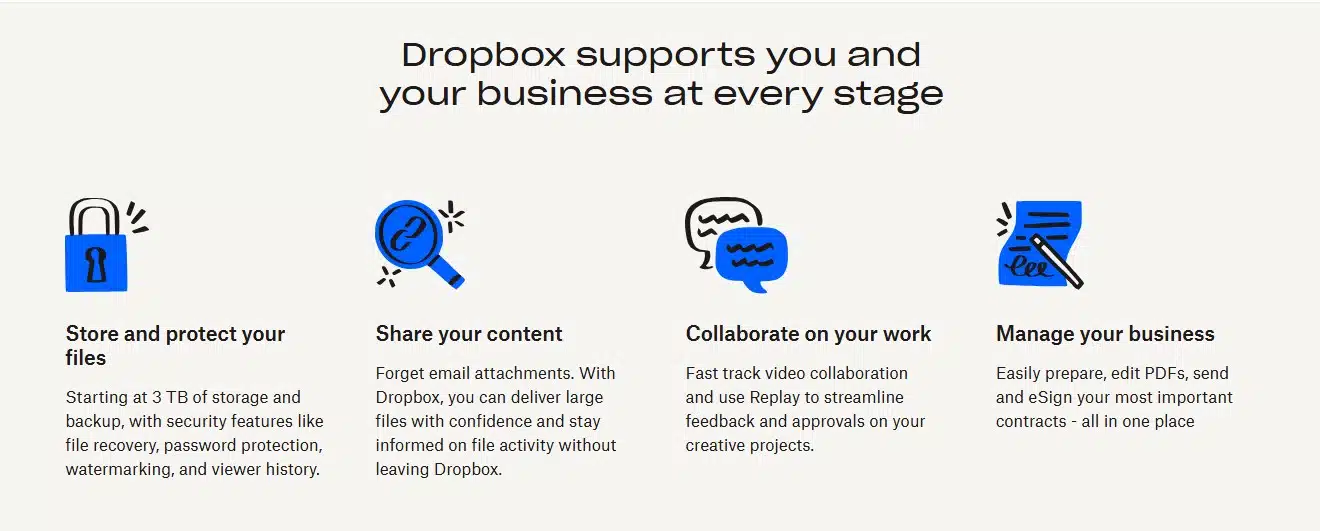
- When it comes to moving files between wildly different devices without a hiccup, Dropbox is still the undefeated champion. The secret sauce is its “block-level” syncing. Instead of re-uploading an entire 50MB file just because you changed one line of text, Dropbox only syncs the tiny block of data that was altered. This makes it lightning-fast, incredibly reliable, and a must-have if you frequently bounce between a Linux machine and an iPad.
2. Google Drive
- Works on: Windows, macOS, iOS, Android, Web
- If your daily life involves collaborating with other people, Google Drive is hard to beat. It isn’t just about cold storage; it’s built for real-time, active collaboration. You can start a Google Doc on your Android phone on the train, and watch the words appear on your Windows desktop the second you sit down at your desk. The sheer ubiquity of it makes it an essential bridge between different ecosystems.
Productivity and Note-Taking
Inspiration rarely waits for you to be perfectly positioned at your desk. You need a digital workspace that captures fleeting ideas on your phone and seamlessly expands them on your desktop without losing a single character of formatting. These apps ensure your brain is synced, no matter which ecosystem you are currently using.
3. Notion
- Works on: Windows, macOS, iOS, Android, Web
- Notion is less of a note-taking app and more of a digital Lego set for your brain. Whether you are building a personal wiki, a habit tracker, or a massive project management board, Notion keeps it all unified. Because it is a cloud-first platform, changes are merged constantly in real-time across all your active devices. It’s the ultimate all-in-one workspace for people who want their entire life organized in one accessible place.
4. Obsidian
- Works on: Windows, macOS, Linux, iOS, Android
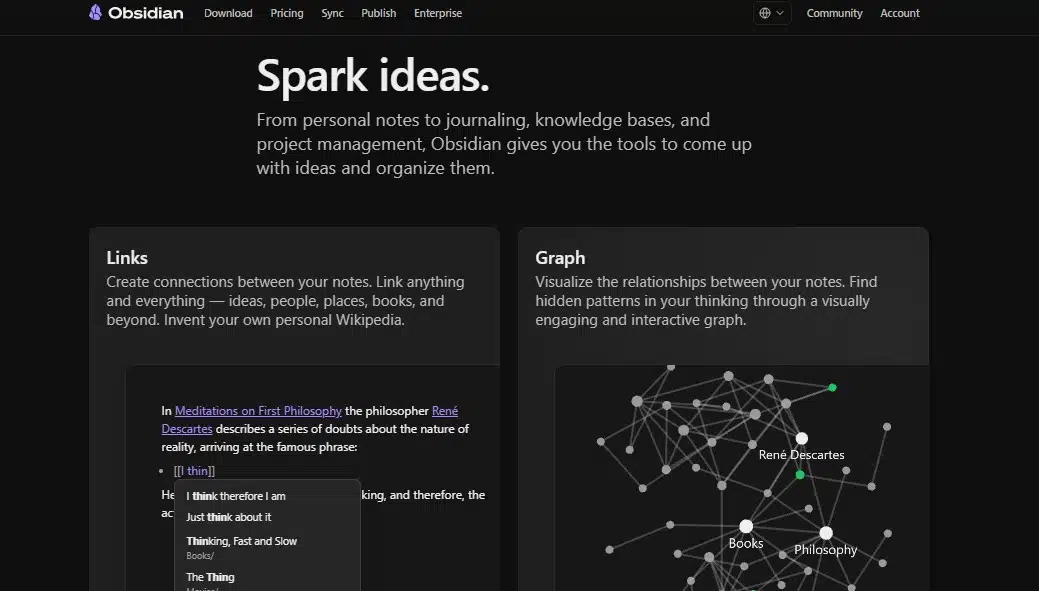
- Obsidian is the darling of the privacy-conscious productivity world. Unlike Notion, Obsidian is “local-first.” Your notes are stored as plain text files directly on your device, meaning no company can ever lock you out of your own brain. To get that sweet cross-device magic, you can use their official encrypted Sync service, or sync your files using third-party cloud folders. It’s wildly fast, future-proof, and deeply customizable.
5. Microsoft OneNote
- Works on: Windows, macOS, iOS, Android, Web
- Don’t let the Microsoft name fool you into thinking this is a Windows-only club. OneNote offers incredibly robust apps for Mac, iOS, and Android. It mimics the feel of a physical binder with tabs and pages, making it perfect for students and visual thinkers. It syncs in the background via OneDrive, meaning you can sketch an idea with an Apple Pencil on your iPad and instantly drop it into a presentation on your PC.
Task and Time Management
A to-do list is useless if it’s trapped on a device you left at home. True productivity requires an omnipresent system that nudges you to stay on track, adapting to whatever screen is currently in front of you. A reliable cross-platform task manager ensures nothing slips through the cracks of your fragmented hardware.
6. Todoist
- Works on: Windows, macOS, Linux, iOS, Android, Web, Smartwatches
- Todoist is the gold standard for getting things done across multiple devices. Its standout feature is its natural language processing, you can type “water the plants every Sunday at 9am” and it instantly creates the scheduled task. Even better, it has a brilliant offline cache. If you check off a task while on an airplane without Wi-Fi, Todoist remembers it and quietly syncs the exact moment you reconnect to a network.
Security and Passwords
Convenience should never come at the expense of your digital safety. The best cross-platform security tools ensure you can access your most sensitive logins instantly on any device, without ever exposing your master vault to the public web.
7. Bitwarden
- Works on: Windows, macOS, Linux, iOS, Android, Web, all browsers
- Password managers are only useful if they are available at the exact moment you need to log in. Bitwarden is an open-source powerhouse that offers an incredibly generous free tier. Because it’s open-source, it’s heavily vetted by the security community. It syncs your encrypted vault perfectly across every obscure browser and operating system combination you can throw at it.
8. 1Password
- Works on: Windows, macOS, Linux, iOS, Android, Web
- If you want premium, deeply integrated security, 1Password is the top-tier choice. While many apps just use lazy web wrappers for their desktop versions, 1Password builds native apps for each platform. This means it seamlessly hooks into Windows Hello on your PC, TouchID on your Mac, and FaceID on your iPhone, making your cross-platform security feel completely effortless.
Communication
We are constantly bouncing between group chats, client messages, and family threads. Instead of juggling a half-dozen apps that drain your battery and fracture your attention, these tools unify your conversations. They break down the barriers between operating systems so you can keep the conversation flowing naturally.
9. Beeper
- Works on: Windows, macOS, Linux, ChromeOS, iOS, Android
- Message fragmentation is the worst part of modern tech. Your family uses WhatsApp, your friends use Telegram, and your coworkers use Slack. Beeper fixes this by acting as a universal inbox aggregator. It securely bridges all your different chat networks into one single application. Being able to natively answer a WhatsApp message from your iPad or a Linux desktop is a massive game-changer.
10. Signal
- Works on: Windows, macOS, Linux, iOS, Android
- Maximum privacy usually comes at the cost of convenience, but Signal proves it doesn’t have to. Known globally as the gold standard for secure, end-to-end encrypted messaging, Signal allows you to link your desktop and mobile devices securely. Messages are pushed independently to each of your linked devices, ensuring that your private conversations stay private, no matter which screen you are looking at.
At a Glance: The Cross-Platform Sync Champions
| App | Best Used For | Sync Style |
| Dropbox | Heavy-duty file management | Block-level cloud sync |
| Google Drive | Live document collaboration | Real-time cloud sync |
| Notion | Unified workspaces & wikis | Real-time database sync |
| Obsidian | Privacy-first knowledge bases | Local-first text files |
| OneNote | Free-form digital notebooks | OneDrive background sync |
| Todoist | Universal task tracking | Cloud sync with offline cache |
| Bitwarden | Open-source password security | Encrypted vault sync |
| 1Password | Premium native security | Secret Key encrypted sync |
| Beeper | Consolidating messy chat apps | Unified network bridging |
| Signal | Maximum privacy messaging | Independent E2EE device sync |
Beyond the Ecosystem: Building a Tech Stack That Travels With You
Tech giants desperately want you locked into their exclusive ecosystems, but true digital freedom comes from building a setup that works for you, regardless of the logo on your hardware.
By choosing platform-agnostic apps, you reclaim ownership of your workflow. You get the freedom to use a Mac for creative work, a Windows PC for heavy lifting, and an Android phone on the go, all without sacrificing seamless synchronization. Ultimately, your tech should reduce friction, not create it. Ditch the messy workarounds and choose tools that gladly cross digital borders.
Frequently Asked Questions About the Best Cross-Platform Apps
1. Why do some apps sync instantly while others take a few minutes?
It all comes down to how the app is built. Apps like Notion use real-time database syncing, which requires a constant internet connection to push changes instantly. Apps like Obsidian or OneNote often rely on background syncing or local-first architecture, batching your changes and uploading them in intervals to save battery and processing power.
2. Are cloud-synced apps safe for my private data?
Most reputable apps use standard encryption in transit (while moving your data) and at rest (on their servers). However, if you are storing highly sensitive information, look for apps that offer end-to-end encryption (E2EE), like Signal or Bitwarden. With E2EE, only your specific devices hold the keys to unlock the data; the company hosting it couldn’t read it even if they wanted to.
3. Does cross-platform sync drain my phone battery?
It can, especially if an app is poorly optimized and constantly checking for new files. However, modern operating systems tightly control background activity. To save battery, ensure apps are set to sync over Wi-Fi only, or turn off “background app refresh” for tools you only need to sync when you actively open them.
4. Can I use these apps completely offline?
It depends entirely on the software architecture. “Local-first” apps like Obsidian and Todoist are fantastic offline; they let you work without the internet and will simply push all your changes up to the cloud the second you get a signal. “Cloud-first” apps like Notion require an active connection for most of their heavy lifting, though they do offer limited offline caching.
5. Which is better for syncing: local-first or cloud-first?
Neither is inherently better, it’s entirely about your personal workflow. Cloud-first is best if you collaborate with others in real-time or frequently switch devices and need everything instantly updated. Local-first is better if you travel frequently, have spotty internet, or prioritize maximum privacy and ownership of your files over instant collaboration.