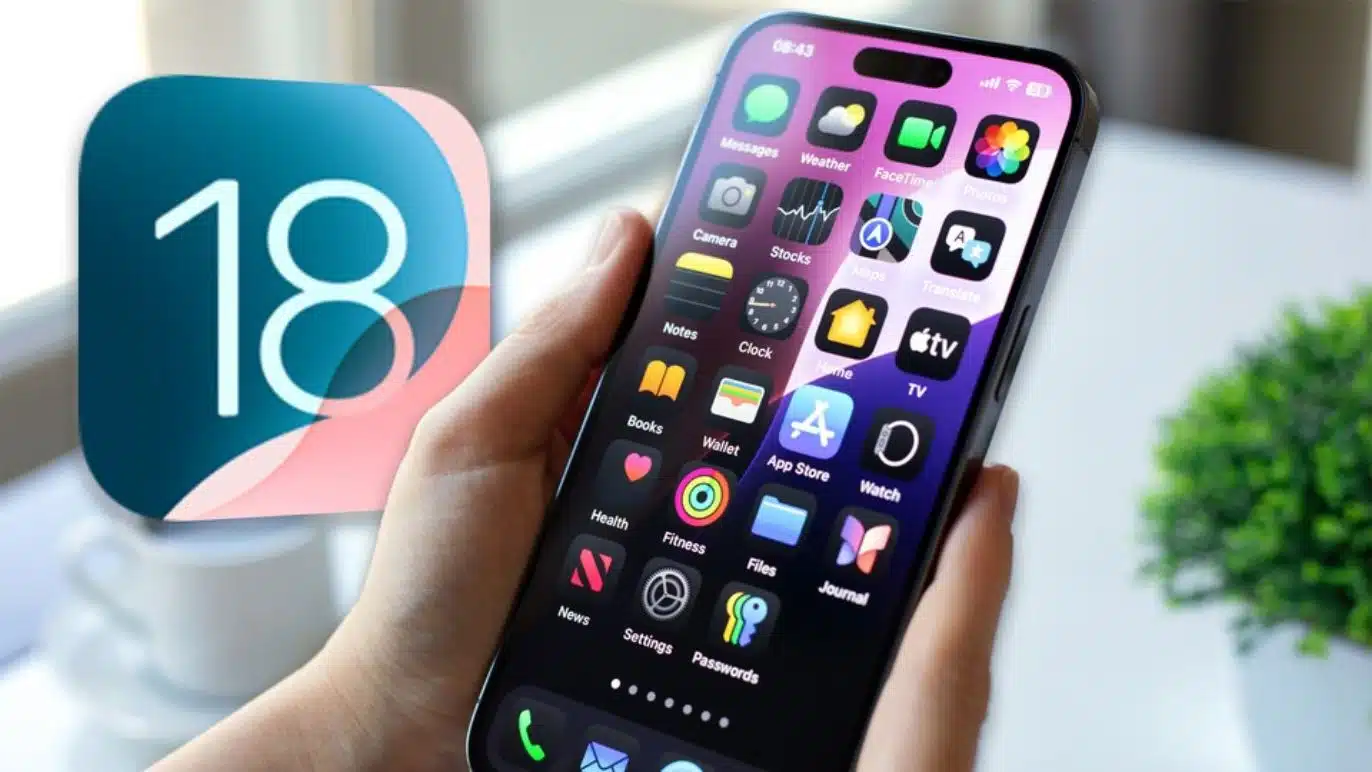
Apple has recently taken a controversial step by blocking security updates for users who remain on iOS 18, effectively forcing millions of iPhone owners to upgrade to iOS 26 or risk exposure to critical security vulnerabilities. This move has sparked widespread debate among users, cybersecurity experts, and tech enthusiasts, as Apple prioritizes security over backward compatibility.
The Security Crisis Behind the Decision
Apple’s decision comes amid a surge in sophisticated cyberattacks targeting older iOS versions. According to recent reports, two zero-day vulnerabilities—security flaws unknown to the public until exploited—have been actively exploited by hackers in “extremely sophisticated attacks”. These vulnerabilities, particularly in the WebKit engine, could allow attackers to access sensitive data, bypass security measures, and execute malicious code remotely. The U.S. Cybersecurity and Infrastructure Security Agency (CISA) has even issued an emergency update warning, mandating federal employees to upgrade by January 5, 2026.
The vulnerabilities patched in iOS 26.2 are not available for iOS 18, despite some users reporting that the latest patch (iOS 18.7.3) is visible for older devices, such as the iPhone XS. However, for most devices capable of running iOS 26, Apple is now only offering security updates through the newer OS version, effectively blocking access to critical fixes for those who choose to stay on iOS 18.
How Apple Is Forcing the Upgrade
Apple’s approach involves both technical and user-experience tactics. Devices that support iOS 26 are now shown iOS 26.1 or iOS 26.2 as the only available updates in the Settings app. The option to update to the latest iOS 18 version is no longer visible, even if the user attempts to manually check for updates. This is part of Apple’s broader strategy to ensure all users benefit from the latest security patches and features, as older versions become increasingly vulnerable to exploits.
Stopping the signing of older iOS versions is a well-established practice. When Apple stops signing a particular version, users can no longer downgrade to that version, even if they want to roll back after an update. This measure is designed to prevent users from reinstalling outdated, insecure versions that could be exploited by hackers or used for jailbreaking.
User Reactions and Concerns
Many iPhone users have voiced frustration and concern over Apple’s decision. Some users, particularly those with older devices, prefer to stay on iOS 18 due to performance reasons, compatibility with certain apps, or personal preference. For these users, the forced upgrade can feel like a loss of control over their own devices.
Others argue that Apple’s move is necessary given the severity of the threats. Cybersecurity experts warn that continuing to use outdated software exposes users to significant risks, including data theft, privacy breaches, and potential device compromise. The U.S. government’s emergency update directive underscores the seriousness of the situation, with federal agencies treating the update as a critical security measure.
The Technical Details of the Vulnerabilities
The two zero-day vulnerabilities addressed in iOS 26.2 are particularly dangerous because they allow attackers to bypass fundamental security controls. The first vulnerability, CVE-2025-XXXX (details withheld by Apple for security reasons), is a WebKit flaw that can be exploited to access sensitive information or execute arbitrary code on a device. The second vulnerability relates to a flaw in the operating system’s handling of certain types of web content, which could allow attackers to circumvent Content Security Policy and download malicious files without user consent.
These vulnerabilities are not theoretical—they are actively being exploited in the wild. Security researchers and government agencies have reported that sophisticated attackers, including state-sponsored groups, are leveraging these flaws to target high-profile individuals, businesses, and government agencies. The only effective mitigation is to upgrade to iOS 26.2, which patches these vulnerabilities and introduces additional security measures.
What This Means for Users
For users with devices capable of running iOS 26, the message is clear: upgrade now to protect your device and data. Those who delay or refuse the update risk being left exposed to ongoing attacks, with no security patches available for iOS 18. Apple’s support documentation confirms that security updates for iOS 18 are now limited to devices that cannot upgrade to iOS 26, such as older models that are not compatible with the newer OS.
For users with older devices that cannot run iOS 26, Apple continues to provide security updates for iOS 18. However, these updates are becoming less frequent, and the security of these devices is diminishing as time goes on. Eventually, even these devices will reach end-of-life, at which point they will no longer receive any security updates, leaving them vulnerable to new threats.
The Broader Implications
Apple’s decision highlights a broader trend in the tech industry: the increasing importance of timely security updates and the challenges of maintaining backward compatibility. As cyber threats become more sophisticated, companies are forced to prioritize security over user convenience, often at the cost of backward compatibility and user choice.
This approach has both benefits and drawbacks. On one hand, it ensures that the vast majority of users are protected from the latest threats. On the other hand, it can alienate users who prefer older versions for performance or compatibility reasons, and it raises questions about user autonomy and the right to choose which software to run on one’s own devices.
Expert Opinions and Recommendations
Cybersecurity experts universally recommend that users upgrade to the latest available version of iOS. The risks of staying on an outdated version far outweigh any perceived benefits, especially given the active exploitation of known vulnerabilities. Apple’s move, while controversial, is seen as a necessary step to protect users from increasingly sophisticated cyber threats.
Experts also advise users to enable automatic updates, use strong passwords, and enable two-factor authentication to further enhance their security. For organizations and government agencies, the recommendation is even more urgent, with many mandating immediate updates for all devices.
The Future of iOS Updates
Looking ahead, Apple is likely to continue this strategy of pushing users to the latest OS versions to ensure maximum security. As new threats emerge, the company will likely release emergency updates and restrict access to security patches for older versions, further incentivizing users to upgrade.
This trend is not unique to Apple. Other tech companies, including Microsoft and Google, have adopted similar approaches to ensure that users are protected from the latest threats. However, Apple’s ecosystem, with its tightly controlled software distribution and device compatibility, makes this approach particularly effective—and sometimes controversial.
Final Words
Apple’s decision to block security updates for iOS 18 users is a stark reminder of the ongoing battle between security and user choice in the digital age. While the move is necessary to protect users from active cyber threats, it also raises important questions about user autonomy and the right to choose which software to run on one’s own devices. For now, the message is clear: upgrade to iOS 26.2 to stay safe, or risk being left vulnerable to increasingly sophisticated attacks.