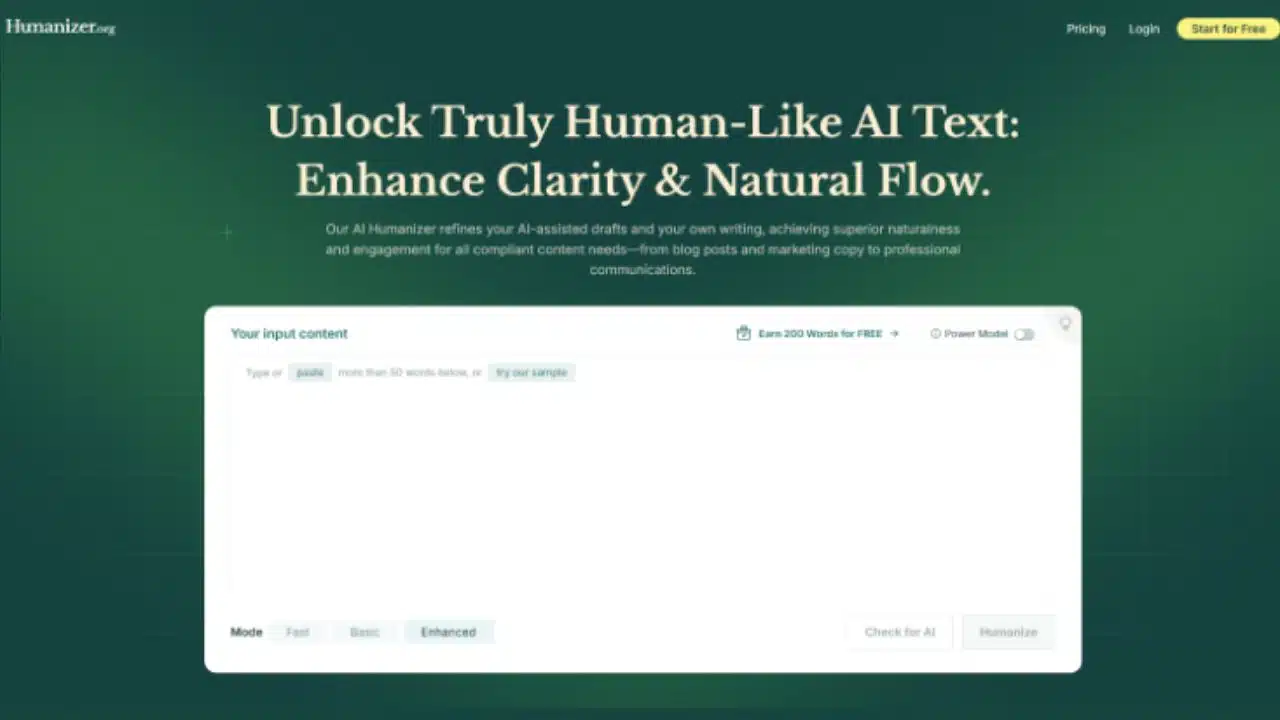
In the crowded space of AI-writing tools, Humanizer.org claims to be the ultimate AI humanizer—promising to humanize AI text, evade AI detectors, and remain plagiarism-free. This independent review examines whether those claims hold up in practice.
What Is Humanizer.org?
Humanizer.org bills itself as a sophisticated AI humanizer that transforms machine-generated drafts—essays, articles, marketing posts—into text that sounds genuinely human. The goal is to humanize AI text so well that platforms like Turnitin, GPTZero, and Originality.ai can’t detect its automated origins.
Key marketing claims:
- Three modes of humanization: Fast, Basic, Enhanced
- Built-in AI detection checks for major detectors and watermark removal
- Over 50 languages supported
- Free tier with roughly 200 words, with paid plans for heavier use
Core Features Reviewed
Three Humanizer Modes
- Fast: minimal adjustments, quick turnaround.
- Basic: deeper paraphrasing and restructuring.
- Enhanced: maximum rewriting to bypass AI detectors.
These tiers cater to different needs—from casual blog posts to high-stakes academic writing.
Integrated AI Detection
After processing, readers can check the revised text against AI-detectors within the platform itself. Humanizer.org claims to bypass Turnitin, GPTZero, Copyleaks, ZeroGPT, and Content at Scale.
Multilingual Support
The tool supports over 50 languages, including English, French, Japanese, Spanish, Mandarin, etc.
Simplicity of Use
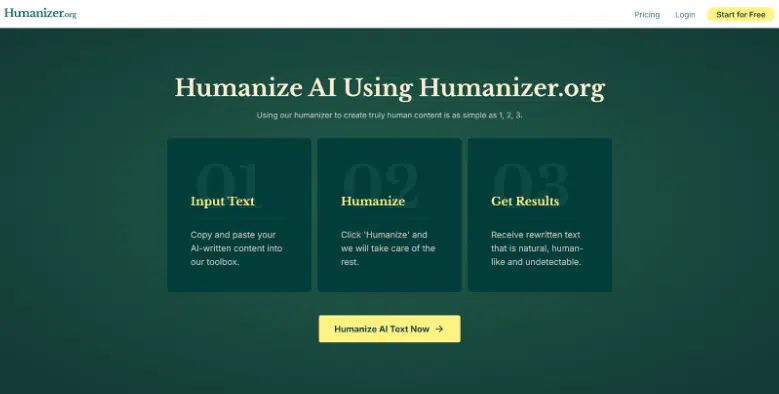
Aesthetically uncluttered, users paste text, pick a mode, click “Humanize,” and get results in seconds.
Performance Analysis
Blog-Style Content
Sites like iLounge and AIKnowZone tested the tool and reported it performed “incredibly well” to evade detectors in blog-style copy. One reviewer called it “one of the best tools” for making AI content undetectable.
Academic Essays
Contrastingly, independent tests by RewriterPro.ai flagged Humanizer.org as inconsistent on academic essays—GPTZero still detected 47 % AI, and Originality.ai marked it 100 % AI. They concluded it’s unreliable for formal writing.
Ethical & Technical Checkpoints
Machine learning research (e.g. DAMAGE study) documents how humanizers can successfully defeat AI detectors but may distort semantics. Paraphrasing evasion tactics also lower detection rates dramatically—often without compromising meaning.
Strengths
- Highly effective at transforming blog or marketing content to avoid AI detection
- Simple, user-friendly interface—paste, select, click
- Broad language support and flexible bypass modes
- Built-in scanner saves time compared to copying into separate tools
User Sentiment
On Reddit (r/WritingWithAI), users report mixed experiences with AI humanizers in general:
“ai checkers don’t exist… it is impossible to ever claim that … text could never have been produced by a human.”
“I use Rephrasy.ai … tested many and got really upset.”
These anecdotes suggest AI-detectors and humanizers are both unreliable and often gameable.
Technical Insights—Why Humanizer.org Works
- Modern AI detectors rely on statistical patterns—perplexity, log-likelihood—so paraphrasing changes those metrics
- Humanizer.org applies layered paraphrasing, altering structure, syntax, and phrasing to dodge detection
- However, semantic drift can occur—meaning may subtly shift
Who Is Humanizer.org Best For?
- Bloggers, content marketers, SEO writers: wanting polished, human-sounding copy
- Casual academic users: perhaps usable for drafts, but not recommended for high-stakes submissions
- Multilingual creators: especially those managing content in different languages
Not ideal for:
- Critical formal writing: research papers, reports, or theses—risk of being flagged
- Ethical use cases: students needing original work
Final Verdict
Humanizer.org is a capable AI humanizer that can humanize AI text and circumvent many AI detectors—especially in informal or marketing contexts. It’s user-friendly, supports multiple languages, and has built-in detection scanning.
However:
- Academic performance is hit-or-miss—inconsistent results and detection still possible
- Aggressive rewriting may hurt meaning or fluency
- Ethical concerns loom, particularly for academic submission without original effort
For casual and business-facing content, it’s a handy tool—just verify results in context. For formal use or critical work, rely on your own rewriting and reserve humanizers for polishing stages only.
Recommendations
Use Humanizer.org When:
- Drafting SEO articles, blog posts, or marketing copy
- Working in 50+ languages
- You want a quick interface plus detection check
Avoid or Use with Caution When:
- Preparing academic essays, journal submissions, or policy documents
- You need to preserve nuance and meaning accurately
- You’re uncomfortable with potential academic integrity issues
Humanizer.org fits neatly into the toolkit of modern SEO specialists and content professionals—it’s straightforward, versatile, and mostly effective for blog and marketing writing. Still, it’s not magic; academic use demands caution, and even casual users should double-check results and monitor meaning retention.