
Smart home technology is a game-changer in human-space relations in the digital age. All it takes is some basic know-how, and now even those who know little about technology can benefit from having a home connected to the internet. This is a simple approach to building a smart home ecosystem to the most basic level for everyone in this guide.
Getting the Knack of the Smart Home
To get started on setup and look for home gadgets for sale, you will first need to understand the basics of smart home technology. At its heart are machines linked either in a common hub or by a home network, allowing user control through a smartphone or by voice. Understanding these fundamentals can make the first working setup a lot easier.
Devices Requisite
Choosing the right devices is the building block of any smart home system. Security, energy management, and entertainment are common things that you would want to improve upon and start assisting with. These smart devices can be anything from smart lights or thermostats to cameras or speakers. Research into features and compatibility ensures that the selected devices slot seamlessly into the intended ecosystem.
Opting for a Central Hub
An essential component of a smart home is a hub, which acts as the brain for the whole system and controls the communication between smart devices. There are standalone hubs and smart speaker-integrated hubs. Picking a hub requires considering ease of use, compatibility, and scalability. This decision plays an important role in both the performance and usability of the whole system.
Easy to Install and Configure
Most smart devices are made to be installed easily by users. The hardware is usually low-power and low-tech, only needing a power source and a Wi-Fi signal. Properly following the manufacturer’s instructions aids a smooth setup process. Taking time and care at this stage will avert complications further down the line.
Configuring the System
Configuring them for best performance comes after devices are physically installed. It usually involves downloading companion apps and linking each device to the central hub. The applications walk their users through initial setup to customize the settings to the user-specific preferences.
Leveraging the Power of Voice Assistants
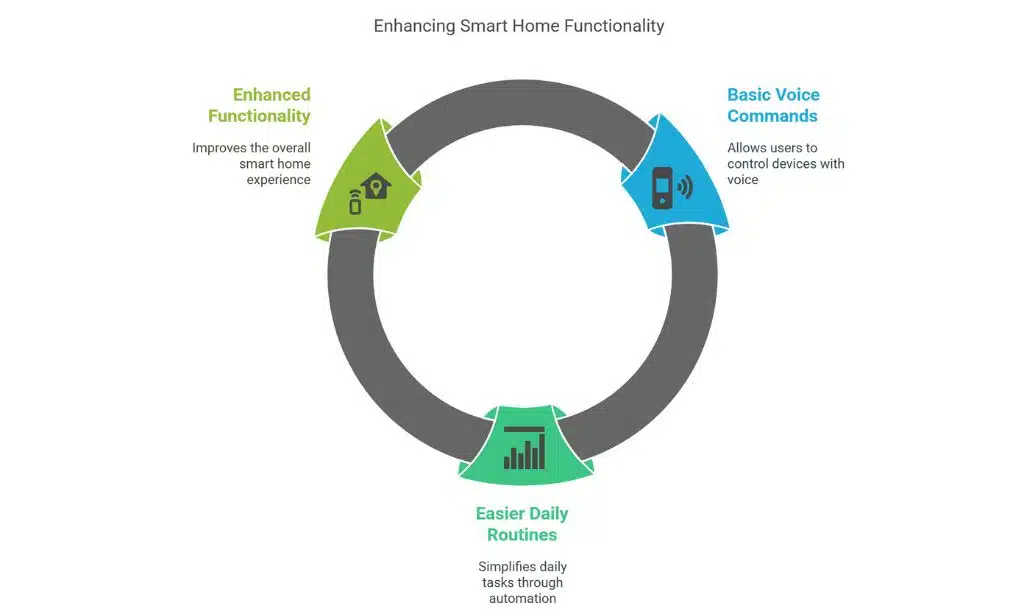
The voice assistant is an important part of the smart home experience. Basic voice commands provide users with control over devices and easier daily routines. Integrating a voice assistant into your system is only a couple of steps and will dramatically enrich the entire smart home’s functionality and characteristics.
Improving Security Capabilities
Most people are not surprised that security is a priority when designing a smart home. Security cameras, motion sensors, and smart locks enhance the home from the inside out against any threat. By keeping device firmware up to date and using strong passwords with different passwords for each gadget, security is guaranteed, allowing the owner to enjoy peace of mind.
Energy Efficiency and Automation
Smart homes are another domain where automation brings significant energy savings. Scheduling lights or thermostats to turn on and off, taking advantage of sensors that monitor whether a room is occupied, and readjusting the settings accordingly will help lower utility bills. Such automated functions offer convenience and help minimize the environmental impact.
Expanding the System
As you get used to the smart home ecosystem, the idea of adding more devices becomes appealing. Slowly adding compatible gadgets ensures continued integration and use. Understanding the latest in technology makes better sense for expansion purposes in the future.
Common Problems and Solutions
Although smart home gadgets are as basic as they have ever been, problems do occur now and then. Issues commonly arise in terms like disconnection or the device not working. It only goes from rebooting devices, testing internet access, and viewing the manufacturer’s support pages. Catching little problems early on will keep small issues from becoming big ones.
Conclusion
Creating smart home systems shouldn’t be a big deal, especially when you have little technical experience. With the right device and the right way to set things up, anybody can experience the joys of a connected home. With this technology evolving further, the best strategy to fully benefit from smart living is to educate yourself and be flexible.