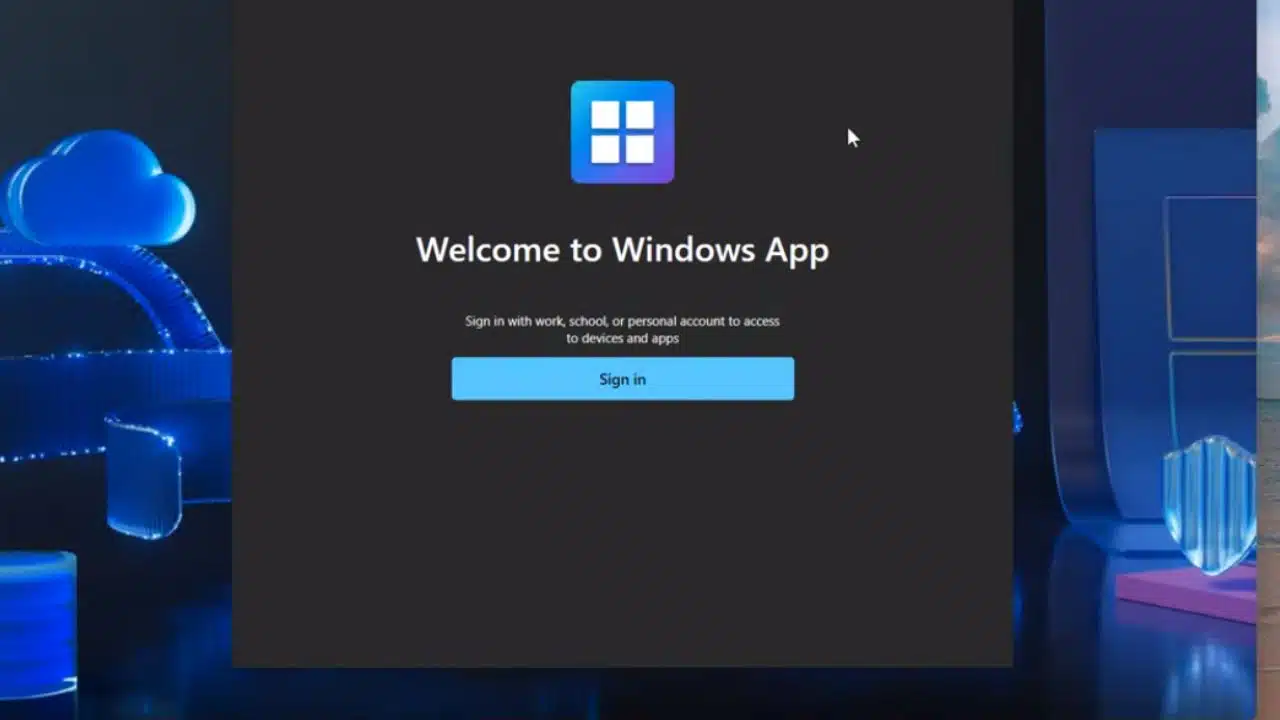
Microsoft Launches Windows App to Remotely Access PCs from iOS, Android, and Other Devices

Microsoft Windows App Remote Access Launch

Microsoft recently announced the launch of its new Windows app that allows remote access to Windows PCs and cloud-hosted desktops from iPhones, iPads, Android devices, and more.

The app enables secure remote connectivity to devices running Windows 365, Azure Virtual Desktop, and personal remote desktops.

Announced at Microsoft Ignite 2023 Conference

The Windows app launch was unveiled by Microsoft at its Ignite 2023 conference for IT professionals and developers. The app is now available in preview form for iOS, Windows, macOS, the web, and select other platforms.

The Windows app presents a unified experience for remotely connecting to various Windows environments like Windows 365 cloud PCs and company-hosted virtual desktops. Users can access remote desktops and even individual remote apps through the app.

Key Features Offer Flexible Remote Access

The Windows app provides several key capabilities for seamless remote access including:

  • Access cloud or local remote PCs from anywhere with an internet connection.
  • Launch apps directly from the Windows App Launcher without full remote desktop.
  • Easy setup of remote PC connections right within the app.
  • Support for using multiple monitors while remoted into a PC.
  • Secure encrypted connections to safeguard sensitive company data.
  • Universal platform support across devices like iPhones, iPads, and Android.

How to Use the Windows App?

Using the Windows app involves three simple steps:

  1. Download the app from the store on your device.
  2. Configure the remote PC or virtual desktop to allow connections.
  3. Add a remote connection or workspace through the app and connect.

Benefits for Remote Workers

The Windows app delivers significant benefits for remote employees by enabling:

  • Access to work desktops and files from anywhere with phone or tablet.
  • Increased productivity when traveling or out of office.
  • A consistent and seamless remote work experience across devices.
  • Enhanced security versus public PCs in shared spaces.
  • Reduced hardware costs by relying on virtual desktops.

Future Improvements on the Roadmap

The Windows app will no longer see new feature updates for older Windows-only versions. Microsoft recommends users transition to the new multi-platform Windows app for the full experience going forward.

The company hints that Android support, currently still in preview, will formally launch soon. Other enhancements like streaming remote desktop video to devices and using mobile device cameras as webcams are also on the horizon.

As remote work evolves, Microsoft is positioning the Windows app as an essential tool for accessing enterprise environments and cloud PCs from anywhere. The unified approach helps simplify the fragmented remote work landscape for end users.



Subscribe to Our Newsletter

Related Articles

Top Trending

Localize digital marketing for South Asian markets
How to Localize Digital Marketing for South Asian Markets
design partner program
What Is a Design Partner Program and How to Run One
Teaching Alphabets to Children at Home
How to Teach the ABCs at Home Without a Classroom
FAQ page for AEO
10 Questions Your FAQ Page Should Answer for AEO
How to Run a Content Audit Step by Step

Technology & AI

design partner program
What Is a Design Partner Program and How to Run One
imaginelab.art review
ImagineLab.art Review: Features, Use Cases, Strengths, and Who It Is For
SaaS metrics
MRR, ARR, and NRR Explained: The SaaS Metrics Investors Actually Read
Cohort Analysis
What Is Cohort Analysis and How to Read One [Beyond the Blended Average]
Best Cross-Platform Apps
10 Best Cross-Platform Apps That Sync Everywhere

GAMING

Complete Guide on Game Programgeeks
Game Programgeeks: A Complete Guide on PC, Game Dev, and Tech
Online Color Game Philippines
Online Color Game Philippines: What Every Beginner Should Know Before Playing
Ways to Reduce Game Development Costs
12 Ways Studios Cut Game Development Costs
NFT game development cost
How Much Does NFT Game Development Cost? A Realistic Budget Breakdown
Reasons Why You No Longer Need the Best Roblox AI Scripter
Forget Best Roblox AI Scripter: 10 Reasons Why You No Longer Need It

Business & Marketing

Choosing the Right Heat Sealer for Your Packaging Line
Container Hire in Melbourne A Practical Guide for Builders and Businesses
Container Hire in Melbourne: A Practical Guide for Builders and Businesses
Tie Down Straps 101 A Practical Guide to Securing Your Load
Tie Down Straps 101: A Practical Guide to Securing Your Load
Low Minimum Order Merchandise
Big Impact, Small Batch: The Strategic Power of Low Minimum Order Merchandise
A side-by-side illustration exposing link building myths by contrasting budget lost on spammy backlinks with long-term SEO growth to help marketers protect their investment.
Stop Wasting Money: 10 Link Building Myths Ruining Your ROI

EdTech & E-Learning

Teaching Alphabets to Children at Home
How to Teach the ABCs at Home Without a Classroom
What Is Number Sense
What Is Number Sense and How Do Kids Develop It?
Best VR and AR Apps for Education
9 Best VR and AR Apps for Education
Orthographic Mapping
What Is Orthographic Mapping? Why Words Stick: A Practical Guide
Best Study Apps for Exam Preparation
10 Best Study Apps for Exam Preparation

Software & Apps

Payment Gateways for SaaS Startups in South Asia
10 Best Payment Gateways for SaaS Startups in South Asia
imaginelab.art review
ImagineLab.art Review: Features, Use Cases, Strengths, and Who It Is For
Best Cross-Platform Apps
10 Best Cross-Platform Apps That Sync Everywhere
I Compared 13 AI Video Generators for Ecommerce Product Videos
Best Study Apps for Exam Preparation
10 Best Study Apps for Exam Preparation