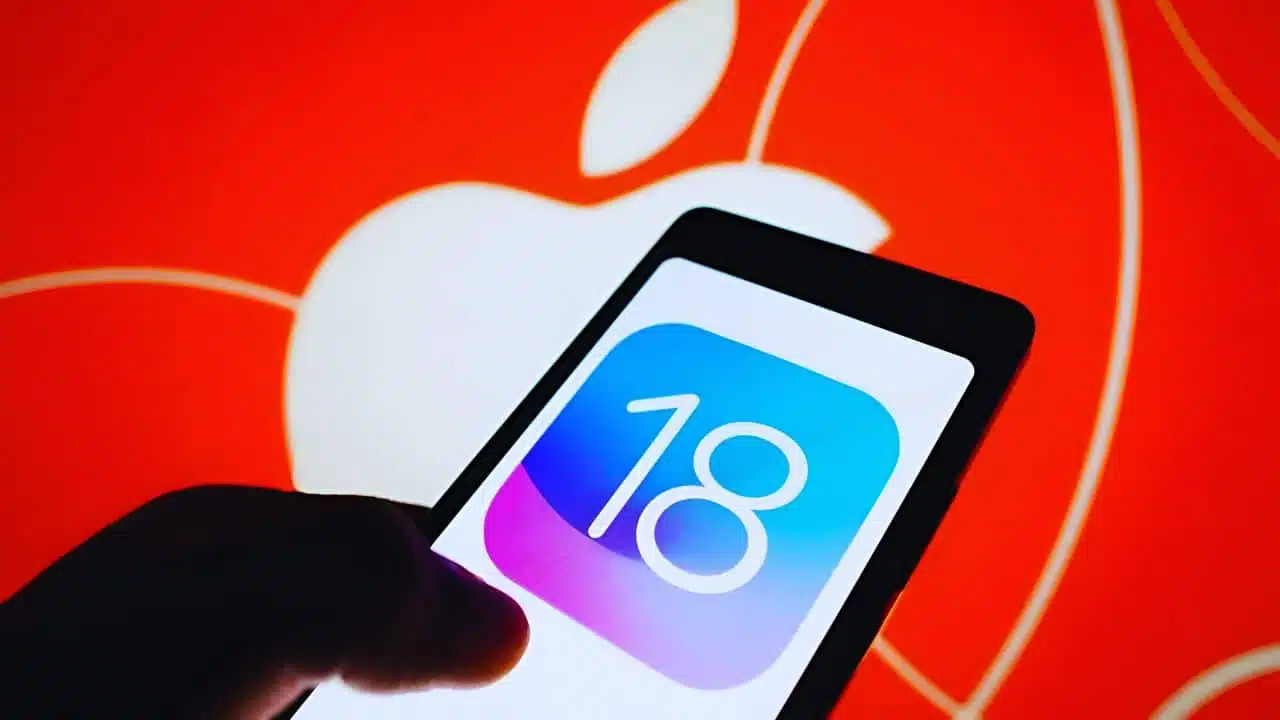
Apple is gearing up to release its new iOS 18 software update later today, and it’s packed with exciting features and improvements for your iPhone. This free update promises more customization options for your home screen and settings than ever before. Here’s everything you need to know about the iOS 18 release, including its launch time, standout features, and the devices that will support it.
When Can You Download iOS 18?
Apple hasn’t confirmed the exact release time for iOS 18, but if we look at past launch schedules, we can predict when the update will be available globally:
- 6 PM in the UK
- 10 AM Pacific Time / 1 PM Eastern Time
- 7 PM in most of Europe
- 10:30 PM in India
- 1 AM (September 17) in China and Singapore
Keep an eye on your iPhone’s settings for the update notification if you’re eager to get it right away.
What’s New in iOS 18?
While the headline feature, Apple Intelligence—a suite of generative AI tools—won’t be available at launch, iOS 18 is still loaded with other exciting new features. Here’s what you can expect from this major update:
Customization for Icons and Home Screen
- Tint App Icons: You can now tint your app icons with a single color to match your home screen or any preferred shade.
- Automatic Dark Mode Icons: Icons can automatically switch to a darker look when dark mode is on.
- Flexible Layout: You’ll have more freedom to place apps and widgets anywhere on the home screen, without the rigid grid.
Redesigned Control Center
- Multiple Control Pages: Swipe through different pages in the Control Center, such as main controls, smart home, and media playback.
- Custom Controls: Third-party apps can create their own custom controls in a new controls gallery.
- Rearrange Icons: You can rearrange the layout and resize the icons for controls.
- Customizable Lock Screen Controls: Replace the default camera and flashlight icons with your preferred custom controls on the lock screen.
Messages Improvements
- Schedule Messages: Set your messages to be sent at a later time.
- Emoji Tapbacks: React to messages with any emoji.
- Text Formatting: Add bold, italics, and underlines to your messages.
- Animated Text Effects: Send messages with animations for added flair.
- Satellite Messages: Send encrypted messages via satellite when there’s no mobile signal.
Redesigned Photos App
- Unified View: A single view grid places your recent photos at the top.
- Automatic Organization: Photos are now automatically organized into collections, such as trips, people, and pets.
- Carousel View: There’s a new carousel view that highlights featured and favorite photos.
- Screenshots Filter: You can filter out screenshots and view them by month or year.
Additional Noteworthy Features
- Tap-to-Cash Payments: Send payments between friends and family via the Wallet app.
- Game Mode: Experience higher frame rates and improved AirPods audio on iPhone during gameplay.
Apple Intelligence and Other AI Features
The highly anticipated Apple Intelligence, which includes advanced generative AI tools, will not launch with iOS 18 today. Features like AI-generated emojis (or Genmoji), email summarization and rewriting, priority notifications, and the ability to erase objects from photos will gradually roll out in future updates.
- iOS 18.1: Expected to roll out in October, with some of these AI features.
- iOS 18.2: Genmoji might not arrive until December.
- Spring 2025: The new and improved Siri—which promises more natural language skills—won’t be available until next spring.
Supported iPhones
iOS 18 will be compatible with the following iPhones:
- iPhone 15, 15 Plus, 15 Pro, 15 Pro Max
- iPhone 14, 14 Plus, 14 Pro, 14 Pro Max
- iPhone 13, 13 mini, 13 Pro, 13 Pro Max
- iPhone 12, 12 mini, 12 Pro, 12 Pro Max
- iPhone 11, 11 Pro, 11 Pro Max
- iPhone XS, XS Max, XR
- iPhone SE (2nd generation or later)
Preparing for iOS 18: Download Size and Backup
Before you download iOS 18, make sure you have enough storage space. If it’s similar to the iOS 17 update, you’ll need anywhere between 5 GB and 17 GB of free space, with the average being around 8 GB. To check your storage, go to Settings > General > iPhone Storage and consider deleting old apps or photos you no longer need.
How to Back Up Your iPhone
It’s always a good idea to back up your iPhone before downloading a major update. You can either back up your data to iCloud or your computer.
Backing Up to iCloud:
- Connect to Wi-Fi.
- Go to Settings > [Your Name] > iCloud.
- Tap iCloud Backup and toggle the switch to turn on automatic backups.
- Tap Back Up Now if you want to force a manual backup.
To view backups, go to Settings > [Your Name] > iCloud > Manage Account Storage > Backups.
Backing Up to a Computer:
- On a Mac (macOS Catalina or later): Use Finder to back up your iPhone.
- On a Windows PC or macOS Mojave or earlier: Use iTunes.
Both methods involve connecting your iPhone via USB and following prompts to complete the backup.
Should You Wait Before Installing iOS 18?
Some users may prefer to wait a few weeks before downloading the new update. As with previous releases, iOS 18 may have bugs or cause battery issues, especially on older iPhones. Waiting for a patch can help ensure a smoother experience.
iPadOS 18 and Other Apple Device Updates
Alongside iOS 18, Apple will also release iPadOS 18, macOS Sequoia, and watchOS 11 today. All these updates are expected to go live at the same time, which is 6 PM in the UK. This is a slight change from previous years, where Mac software updates typically came a week after iPhone and iPad updates.
Stay tuned for more news on Apple’s upcoming features and enjoy exploring all that iOS 18 has to offer!