Listen to the Podcast:
Every year, it becomes more and more difficult to pass the exam. If in the past, there were many different ways to use cheat sheets, and various devices that allowed you to write off, but today it does not work. Especially if the training is distance learning, then it is generally difficult for students to resist the orders. But still, during the demonstration of exams, students get to write off.
In the era of the pandemic and total lockdown, our lives have changed radically. The whole world has moved into the digital space: large corporations hold important meetings via video, millions of people work remotely and even students take exams sitting at home on the couch. The winter session is taking place right now. For those who are preparing for everything last night, we have the recommendation to buy cheap essay made of special material. We tell you how to cheat on an online exam.
P.S. Let’s say right away that we do not recommend writing off. After all, you need the knowledge first of all!
Choose a place with low lighting
Choose in advance a place in the room where the light is not very good, but at the same time, it is not very dark. Remember that in order to be admitted to the exam, the teacher must make sure that you are in front of him. Therefore, we advise you to check the place the day before the exam. If in the process the teacher asks you to move to another place where the light is better, we have prepared several arguments for you. “My computer is running low quickly, and the socket is only here” or “I would love to move to another room, but my parents work there.” Your teacher will definitely not be able to answer anything to this.
Headphones
The most proven and easiest way. For it, you will only need a friend who will kindly agree to help you pass the exam. The scheme is the same as in a regular exam: a friend will dictate a ticket to you over the phone. Just remember that you should not turn to the teacher on the side where you have an earpiece. In general, this method is most suitable for those with long hair, you can easily hide an earphone behind them. If you have a micro-earpiece at your disposal, then you don’t have to worry at all, but we advise you to be careful with Airpods.
Depict third-party noise
The most radical way to write off the exam (we warn you right away, it may not work). Ask someone close to make a noise with tools, pretending to repair. Ideally, the teacher will ask you to turn off the sound.
Put on your glasses
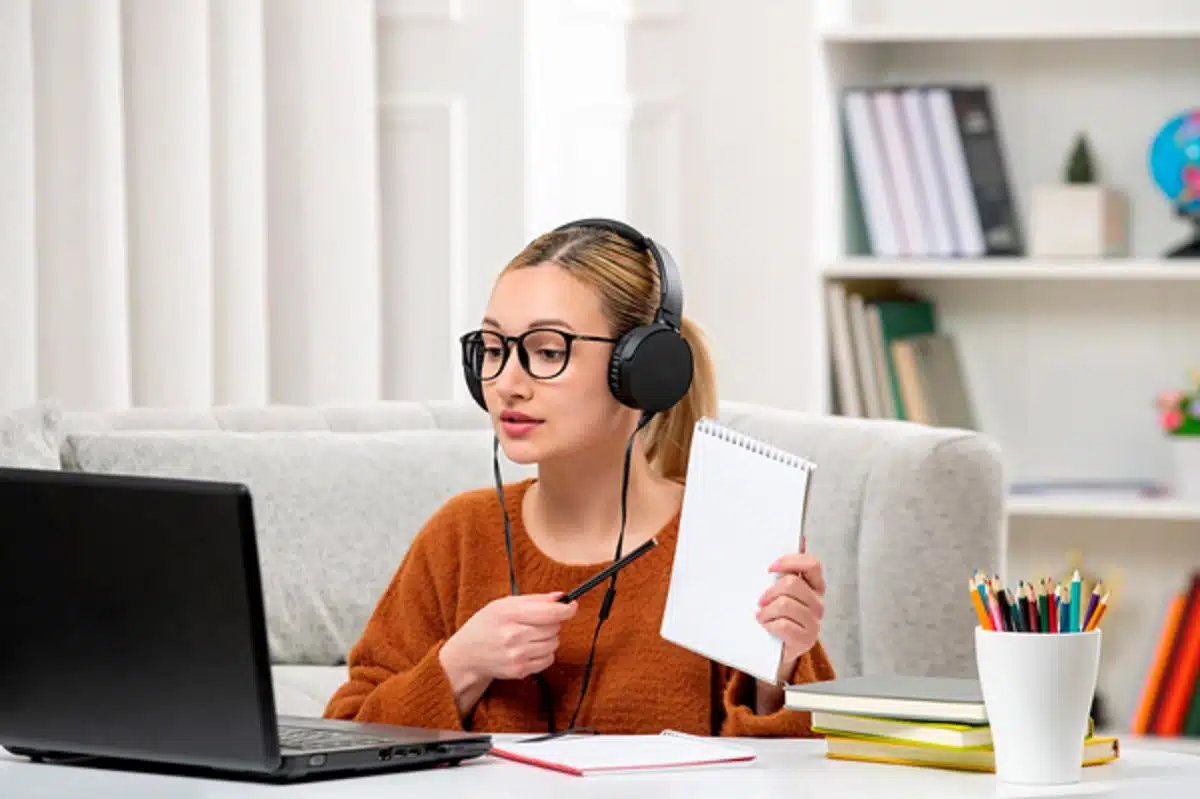
Of course, we are not talking about sunglasses, you will definitely be asked to take them off. Many students wear glasses with translucent lenses. What’s the point? But here’s the thing: the glare from the computer is reflected in the glasses, and because of this, it’s almost impossible to see where you’re looking. Of course, we do not recommend shamelessly looking in the other direction at all, so you will definitely be “burned” (don’t even doubt it), but you can look away a little. If the teacher asks you to take off your glasses, just say that these are special glasses for the computer and a doctor prescribed them for you. The teacher will not object to such an argument.
Fuzzy image
To degrade the quality of the video from your camera, stick several layers of matte tape on it or glue transparent plastic, just don’t overdo it, lies should be in moderation. So the inspector will not be able to track exactly where you are looking. Therefore, you can easily put ready-made tickets near the computer and safely write them off. If the teacher has any questions about your camera, just say that you have an old computer and you can’t do anything.
Write cheat sheets
Cheat sheets are not only a lifesaver during the exam, but they also train memory perfectly. While you are writing them (preferably in several copies), something will remain in your head. By the way, most teachers are very loyal to cheat sheets, some even advise them to write and directly admit that they do not scold them for using them. You just need not be arrogant.
Useful signs
Student folklore contains a lot of signs that, according to the firm conviction of almost all students, work almost perfectly. For example, at night you need to stick an expanded test card out of an open window, say: “Freebie, come!”, close the test card, and do not open it until the exam. Often in such examples, the left side appears. It is recommended to stand with your left foot and pull the ticket with your left hand while standing on your left foot. At the same time, you can hold on to a tree with your right hand – this is also one of the signs. And the main thing is not to lose your presence of mind. Even if the exam is passed unsatisfactorily, professional life does not end there. And sometimes it’s just beginning.