Your cold emails probably aren’t failing because of the copy. Not at first. When a B2B campaign dies, the cause is usually duller: messages sliding into spam, a per-seat bill that tripled after two hires, or lead credits that expired before anyone touched them.
Choosing cold email software for B2B outreach comes down to three questions. How many emails will you send each month? How many people will send them? And do you need LinkedIn steps inside the same sequence?
Below are 10 tools worth your money, with prices taken from vendor pricing pages and recent pricing audits from August to October 2026. You’ll also see the costs that never show up on the sticker.
Quick Answer: Which Cold Email Tool Fits Your Team?
Solo founders sending real volume should start with Instantly or Smartlead. Teams that want email and LinkedIn in one flow should look at LemList or SalesForge. No lead list yet? Apollo’s free plan is the cheapest way to test.
The table shows entry prices on monthly billing, since that’s what you’ll pay while testing (yearly plans run roughly 17% to 33% cheaper).
| Tool | Starts at (monthly) | How it bills | Best fit |
|---|---|---|---|
| Instantly | $47 | Flat, by volume | Solo senders scaling up |
| Smartlead | $39 | Flat, by volume | Agencies with many inboxes |
| lemlist | $69 | Workspace or per user | Personalized email plus LinkedIn |
| Apollo.io | Free | Per user plus credits | Data and sending in one place |
| Saleshandy | $41 | Flat, by volume | Budget teams needing lead data |
| Woodpecker | About $35 | By emails sent | Small teams, careful senders |
| Reply.io | $59 per user | Per user | SDR teams using calls and LinkedIn |
| Hunter | Free | By credits | Freelancers and short lists |
| Snov.io | $39 | Credits plus recipients | Data heavy, low volume |
| Salesforge | $48 | By active contacts | Email plus LinkedIn on a budget |
Look hard at the “How it bills” column. That one line will matter more in month six than any feature on this page.
What Separates Good Cold Email Software for B2B Outreach From Bad
Three things. Deliverability first, billing model second, data third.
Deliverability means built-in warmup, inbox rotation (spreading sends across many mailboxes), and provider matching, so Gmail inboxes send to Gmail and Outlook to Outlook. Without that, nothing else on the feature list counts.
So what does “working” look like? Instantly’s 2026 benchmark report, built on billions of emails sent during 2025, put the average reply rate at 3.43%, with the top 10% of senders above 10.7%. The same data showed 58% of replies come from the very first email. A tool that helps you write one sharp opener beats a tool that promises a 12-step sequence.
The 10 Best Cold Email Software for B2B Outreach
1. Instantly
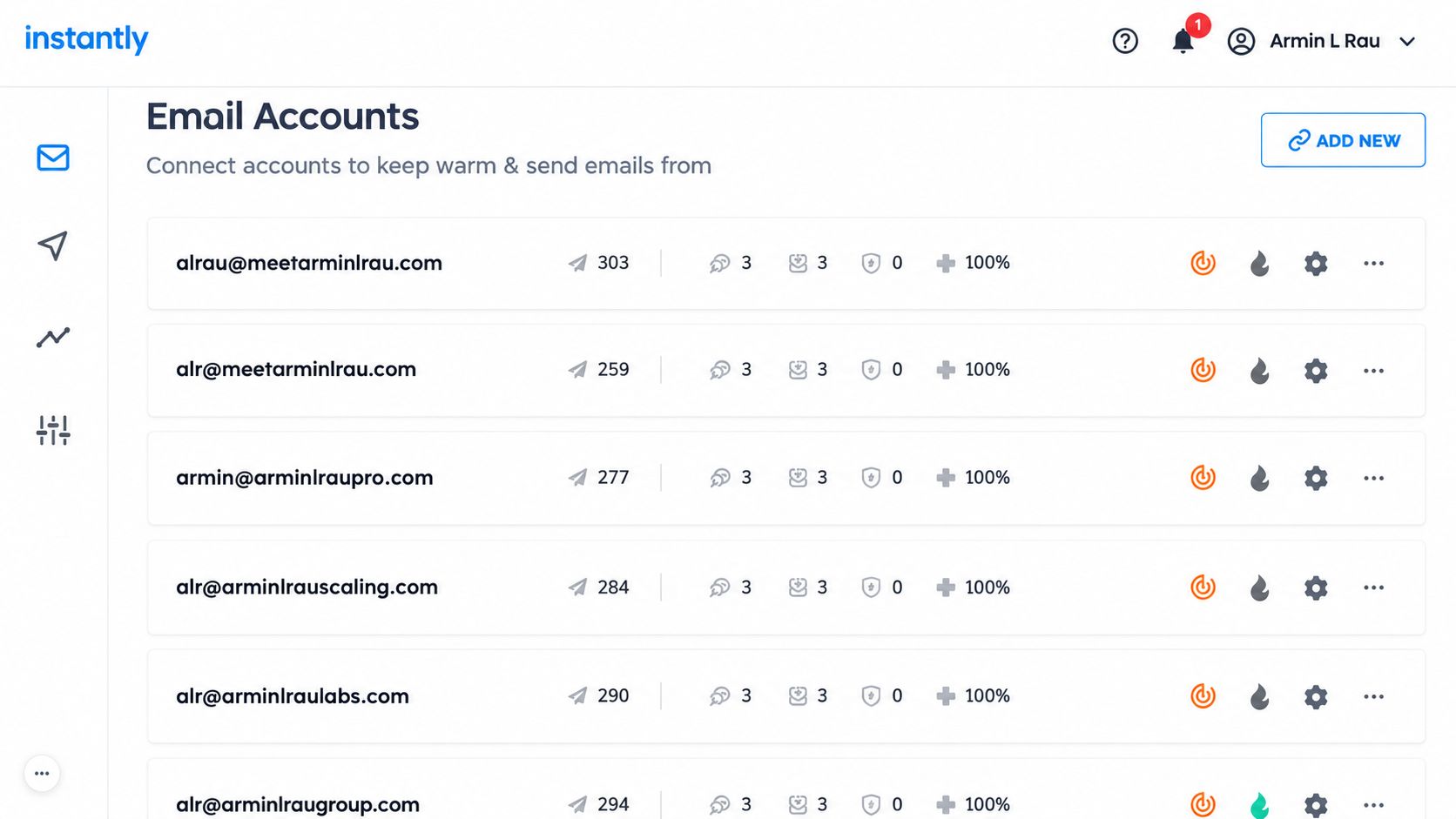
Instantly is the default starting point on r/coldemail, and for good reason. The Growth plan costs $47 a month ($37.60 billed yearly) and includes unlimited email accounts and unlimited warmup, so connecting your 15th inbox costs nothing extra.
Here’s the catch: sending and lead data are two separate bills. The lead database runs on its own credits plan. Growth also caps you at 5,000 emails a month, which one busy SDR can burn through in a week.
Long-term users raise one recurring complaint. Several Reddit threads report open rates dropping 30% to 40% after leaning on Instantly’s shared warmup pool. The common workaround? Keep the platform, switch the shared pool off, and warm new inboxes slowly.
2. Smartlead
If you ask anyone who runs cold email for clients, Smartlead comes up first. Plans run $39 (Base, 6,000 sends), $94 (Pro), $174, and $379 a month, with 17% off yearly. Every plan includes unlimited email accounts.
Agencies like it for account level inbox rotation and tighter warmup control. The Reddit consensus is pretty steady: Smartlead wins for high volume and multi-client work, and Instantly wins on simplicity.
The downside is setup. Smartlead rewards people who understand DNS records and mailbox limits (and punishes people who don’t). Budget separately for mailboxes and list verification, too.
3. lemlist
Lemlist rebuilt its pricing in May 2026, and email-only teams came out ahead. The email plan costs $69 a month ($55 yearly) for the whole workspace, with unlimited users and 50,000 emails a month. Multichannel costs $109 per user ($87 yearly) and adds LinkedIn, calls, and SMS.
Its real strength is personalization: custom images, conditional steps, and a 650M+ lead database. lemwarm warmup comes included on every plan.
Watch the per-user math on Multichannel. Five reps on monthly billing means $545 a month before a single data credit. For high-ticket deals with short target lists, that’s often fair. For volume plays? Not even close.
4. Apollo.io
Apollo is a data company that also sends email. That’s the honest way to see it.
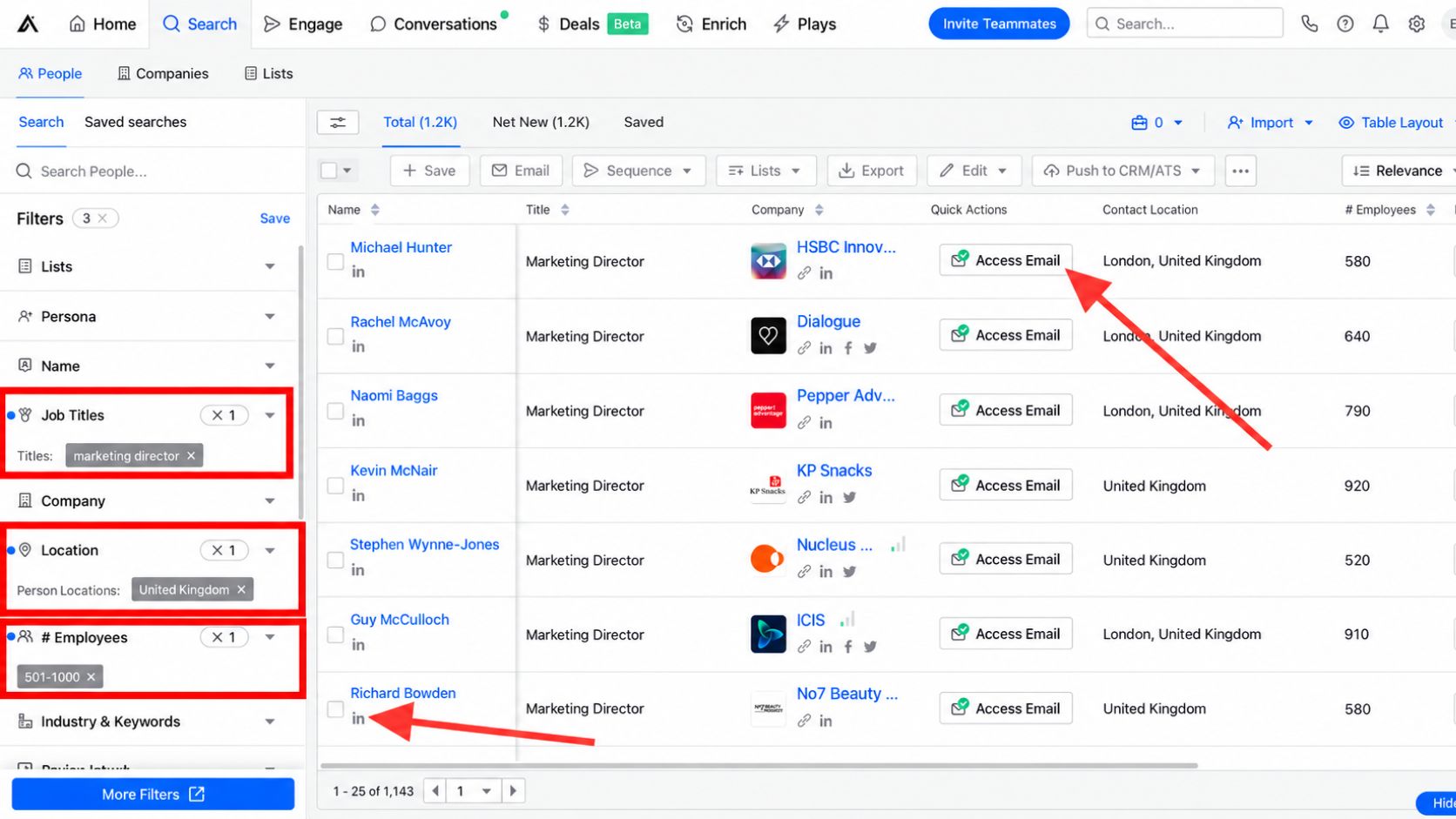
There’s a real free plan, and paid seats start at $49 per user per month billed yearly. Credits reset each billing cycle and don’t roll over, so unused data just vanishes. Free accounts can only connect Gmail inboxes.
Most beginners make the mistake of running everything through Apollo. The pattern Reddit operators suggest is simpler: pull and verify leads in Apollo, then send through a dedicated tool like Smartlead or Instantly. Some reviewers also complained in early 2026 that a single email export now eats several credits, so track your burn rate in month one.
5. Saleshandy
The budget pick that doesn’t feel cheap. Starter costs $41 a month ($34 yearly) for 6,000 emails, 2,000 active prospects, and 1,500 lead finder credits. Pro jumps to $99 for 100,000 emails and 10 users.
Every plan includes unlimited mailboxes and warmup, and since August 2026, the lead database sits inside the same plan instead of a second subscription.
Small warning. The starter is one seat, so your second rep pushes you to Pro.
6. Woodpecker
Woodpecker is the careful sender’s tool. Plans scale by emails sent and start around $35 a month, with unlimited email accounts, unlimited email verification, three warmups, and unlimited team members. Yearly billing saves 33%.
It won’t win on flashy AI. It wins on guardrails, like adaptive sending and provider matching, that stop new users from torching a domain. LinkedIn steps need the Multichannel plan, and the trial ends at 14 days or 500 emails, whichever comes first.
7. Reply.io
Reply.io suits SDR teams that live on the phone and LinkedIn as much as email. Email volume starts at $59 per user ($49 yearly), and multichannel costs $99 per user ($89 yearly).
Then there’s Jason, the AI SDR, from $500 a month. Skip it until your manual sequences already book meetings. An AI agent can’t fix a weak list or offer; it just fails faster.
8. Hunter
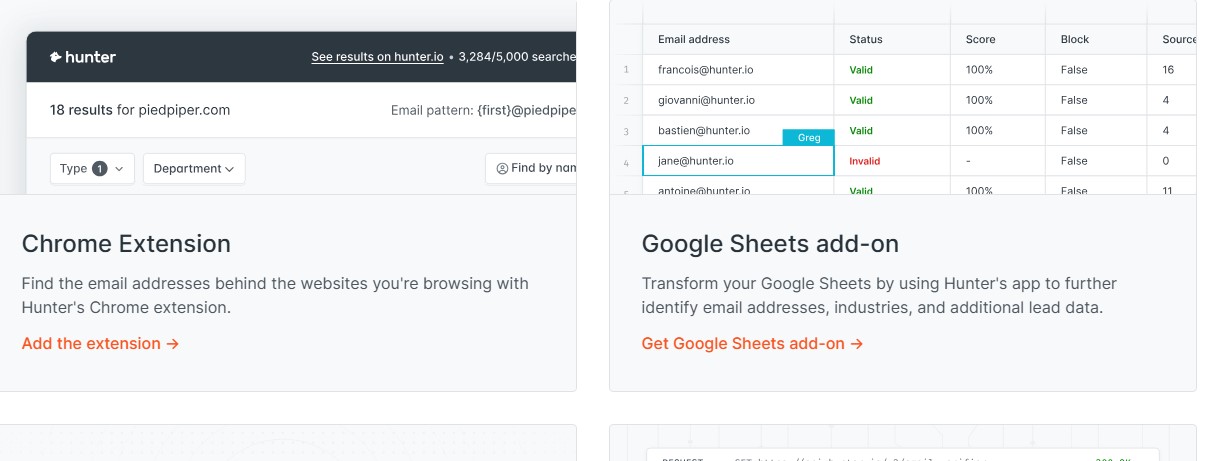
Hunter started as an email finder, and that’s still its best feature. The free plan gives you 50 credits and one mailbox. Starter costs $49 ($34 yearly) for 2,000 credits and three mailboxes.
Great for a freelancer emailing 100 handpicked prospects. Not built for scale.
9. Snov.io
Snov.io leans toward data. Starter costs $39 a month for 1,000 credits and 5,000 recipients, plus a basic CRM. LinkedIn automation costs extra per slot, so the “all in one” label gets expensive fast.
10. Salesforge
The newer name in Reddit threads. Pro costs $48 a month ($40 yearly) for 1,000 active contacts, 5,000 emails, unlimited mailboxes, and Warmforge warmup. Growth costs $96 and adds LinkedIn senders, A/B testing, and API access. Pro allows only one user, so treat it as a solo plan.
The Real Price: Costs Nobody Puts on the Sticker
The subscription is often half your bill. Here’s the rest.
- Sending domains and mailboxes: Never send cold email from your main company domain. Saleshandy’s own infrastructure option lists mailboxes at $2.99 to $3.99 each per month plus $14 a year per domain, with three mailboxes per domain recommended. Ten inboxes across four domains adds roughly $35 to $45 a month.
- Expiring credits: Apollo credits don’t roll over. lemlist credits do, as long as you stay subscribed. Ask before you buy.
- Seat creep: Per-user pricing looks cheap with one rep and ugly with eight.
Now the gimmicks. “Unlimited” usually means unlimited under a fair use policy, and both Apollo and Saleshandy say so in their own fine print. AI SDR upgrades priced around $400 to $600 a month are hard to justify for small teams. Spend that money on clean data and a second sending domain instead.
Setup Rules That Matter More Than the Tool
Even the best cold email software for B2B outreach can’t rescue a sloppy setup.
Google and Yahoo have required SPF, DKIM, and DMARC for bulk senders (roughly 5,000 emails a day) since February 2024, plus one-click unsubscribe and a spam complaint rate under 0.3%. Microsoft added similar rules for Outlook.com, Hotmail, and Live addresses on May 5, 2025. Treat these as your floor, even at low volume.
In the US, CAN-SPAM covers B2B email too. Use honest subject lines, include a real postal address, and honor opt-outs within 10 business days. The FTC’s maximum penalty is $53,088 per violating email.
Warm new domains for four to six weeks and keep bounces under 2%. Smaller lists win as well: Belkins data shows campaigns under 50 recipients average a 5.8% reply rate, against 2.1% for lists over 500. Learn how to segment your email list for better conversions, and review these common outreach email mistakes before your first send.
Final Thoughts
Don’t buy on features. Buy on the billing model and deliverability, then check the hidden costs.
For most solo founders, Instantly or Smartlead is the right first piece of cold email software for B2B outreach. Pick Lemlist or Reply.io when LinkedIn and calls matter, and Apollo when you have no data yet. Start on monthly billing, run one 30-day test with real numbers, and commit yearly only after replies show up. Then put the tool to work with these cold outreach tactics for SaaS growth.
Frequently Asked Questions (FAQs)
What is the best cold email software for B2B outreach?
No single winner. Smartlead and Instantly lead for high-volume email, LeMList and Reply.io for multichannel, and Apollo when you need lead data built in.
Is cold email legal for B2B in the US?
Yes, if you follow CAN-SPAM: honest subject lines, a postal address, and a working opt out. EU prospects fall under GDPR, which is stricter.
How many cold emails can one inbox send per day?
New inboxes should start at 5 to 10 a day during warmup. A common community rule of thumb is 30 to 50 per inbox per day after that; grow by adding inboxes, not by pushing one harder.
Is there free cold email software?
Apollo and Hunter both offer permanent free plans. They’re fine for testing, but limits run out quickly.
What is a good cold email reply rate?
The average sits around 3.4%. Anything above 5.5% puts you in the top quarter of senders.