Your calendar is full, but the proposal still needs reviewing, and another hiring decision has slipped. Chief of Staff Calendar Management addresses that gap by connecting your schedule to the work that actually requires your attention.
Start with priorities and scheduling authority. Without those agreements, even a carefully organized week can unravel under incoming requests. These 10 strategies build from those foundations to the daily checks that keep commitments workable.
1. Anchor Chief of Staff Calendar Management to Business Priorities
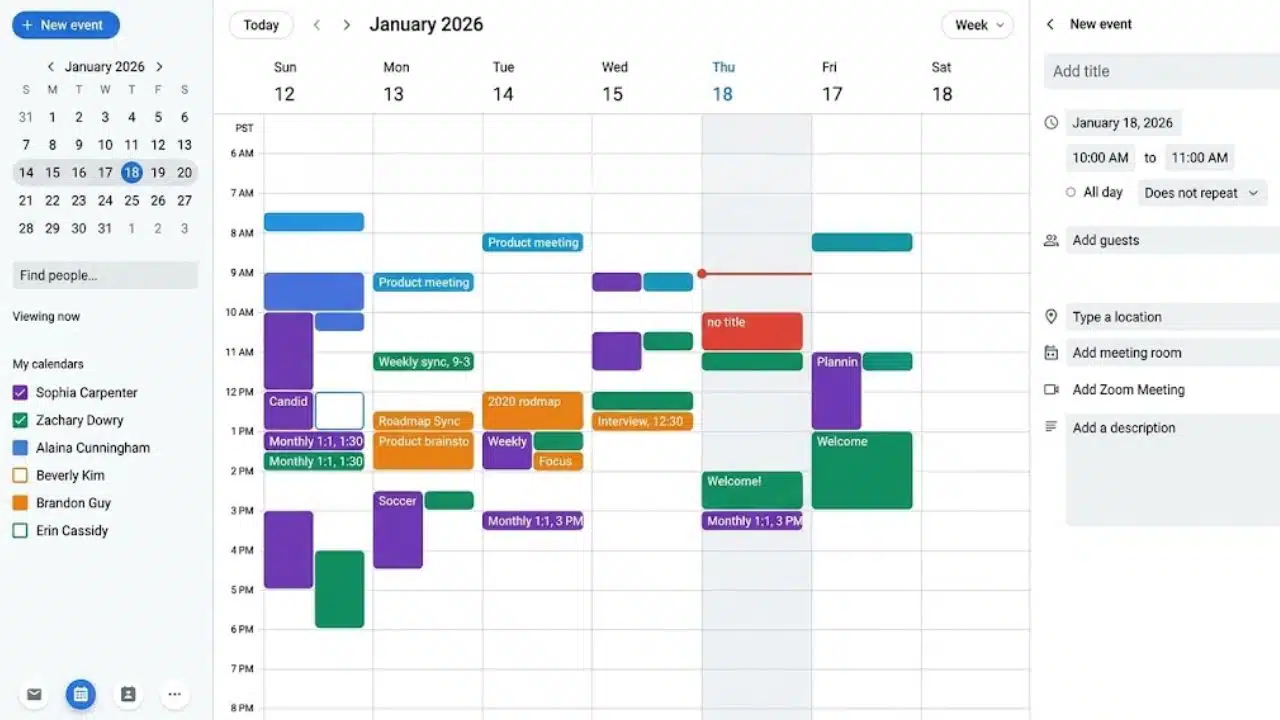
Identify a few outcomes that need your attention this month. Three is a useful starting point: perhaps hiring a finance leader, addressing customer retention, and preparing a board decision.
Look at the next two weeks. Where is the time to review candidates, examine customer feedback, or challenge the board proposal? Put that work on the calendar before accepting more routine updates.
If there is no room, decide what can move, be delegated, or stop. Naming priorities without making those trade-offs leaves the scheduler guessing.
2. Agree on Who Can Say Yes, Move Meetings, and Decline
Delegating scheduling without delegating judgment creates an approval queue. Write a short agreement covering what the calendar owner can handle independently.
For example:
- Routine internal updates can move within the week.
- Board commitments require consultation before rescheduling.
- Unclear requests go back for clarification.
- Customer escalations need a reason the executive is required.
Assign a backup for absences. Where a chief of staff and executive assistant share responsibility, specify who resolves priority conflicts and who updates invitations. Job titles alone do not settle that question.
3. Make Meeting Requests Explain the Need for Your Time
“Quick catch-up” gives the scheduler little basis for a decision. Ask for the purpose, necessary attendees, intended outcome, and deadline.
“Choose between two suppliers before Friday; finance will bring a recommendation” is enough to assess the request. It may warrant executive attendance, a delegated decision, or a written response.
If you delegate, give the representative clear decision limits. Requiring them to relay every question back creates another delay. Keep this proportionate. Mentoring and sensitive conversations can deserve time without a formal decision agenda; they still need a clear purpose.
4. Protect Work Blocks With Named Deliverables
“Review proposal before Thursday’s decision” explains what a work block protects. For confidential matters, keep the visible title neutral and record details in a restricted document.
Try a 60- or 90-minute block for demanding work, adjusting it to the task and your working preferences. These are starting experiments, not universal prescriptions. Avoid placing difficult analysis immediately after overnight travel simply because the space is available.
Chief of Staff Calendar Management also requires a recovery rule: when essential work is displaced, reschedule it while rearranging the day. During an emergency, do that once the immediate situation is contained.
5. Budget for the Time Around the Meeting
A one-hour presentation may require preparation, travel, setup, and follow-up. Scheduling only the presentation understates the commitment.
For an important customer meeting, reserve briefing time beforehand and a short window afterward to assign actions. Agree on who supplies the briefing and when; protected preparation time is wasted if the materials arrive late.
Use buffers where there is real friction: changing buildings, testing equipment, or moving from a difficult personnel discussion into an all-hands meeting. A standard gap between calls will not account for every situation. Check meals and travel separately.
6. Give Recurring Meetings a Review Date
Recurring invitations can outlive their purpose. Give temporary meetings an end date and ongoing ones a review point. At that review, examine what recent sessions accomplished. Could an update move to a shared document? Does the frequency match the pace of decisions? Could fewer people attend?
Avoid blanket cuts. A regular one-to-one may provide coaching or surface concerns absent from status reports. Change the meeting based on its function, not simply because it occupies a recurring slot.
7. Plan Across Time Zones and Travel Days
A standing meeting across New York, London, and Singapore can repeatedly burden the same colleagues. Rotate inconvenient hours where feasible and check local holidays.
Google Calendar supports event-specific time zones and displays events in local time. Check each participant’s hour on the actual meeting date, including upcoming occurrences around daylight-saving changes. Automatic conversion does not make the resulting time convenient.
Travel deserves its own calendar space: transfers, check-in, arrival logistics, and a realistic margin before the next commitment. A flight’s landing time is not someone’s availability for a client call.
8. Match Calendar Permissions to the Scheduling Role
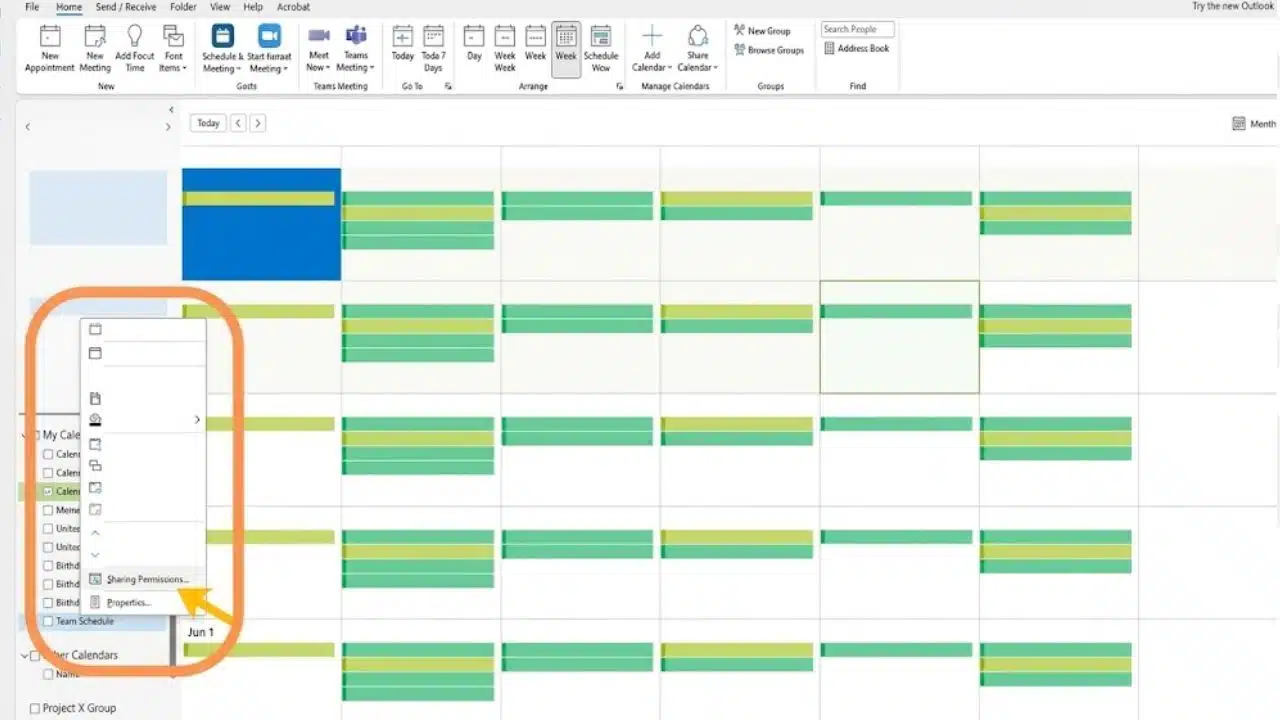
Google Calendar separates availability-only visibility from permissions to edit events or manage sharing. Workplace administrators can restrict sharing. A scheduler who needs to edit appointments may not need authority to share the calendar further.
Outlook delegation requires an eligible Microsoft 365 work or school account or Exchange Online; personal Outlook.com accounts do not offer it. In new Outlook and Outlook on the web, editor and delegate access cannot be granted outside your organization. Check this before arranging access for an external assistant.
Review private-event permissions separately. Outlook can allow delegates to see private items, so a private label should not replace checking access. Keep sensitive details out of broadly visible titles.
9. Leave Capacity for Exceptions—and Define an Emergency
Try reserving an unassigned half-hour on a volatile day, then adjust after reviewing actual demand.
Agree on what can interrupt protected work. An active outage requiring executive authority may qualify; “someone senior asked” needs more explanation. Identify the consequence of waiting and what accepting the request would displace.
Give colleagues a clear route for escalating something genuinely urgent. Otherwise, a protected calendar can become a barrier to necessary decisions. When reserve time goes unused, apply it to a task already identified.
10. Check Tomorrow’s Logistics and Next Week’s Priorities
Check tomorrow’s meeting links, rooms, preparation materials, and unresolved clashes. Then use a separate weekly review to ask:
- Did priority work receive enough attention?
- Which commitments repeatedly overran?
- Whose meetings kept getting displaced?
- What spilled into evenings?
Compare the schedule with what happened; an unchanged invitation does not prove a meeting took place.
Chief of Staff Calendar Management improves through specific adjustments: restore a canceled one-to-one, shorten an update, or bring preparation forward. Color coding is useful only if it helps you spot and act on these patterns.
When the Executive Overrides the System
Scheduling rules can unravel when an executive accepts requests through side conversations. Record those commitments promptly and name the trade-off. If a lunch displaces hiring preparation, agree where the preparation goes. An assistant cannot protect priorities while lacking authority to question changes.
Repeated exceptions call for a conversation about expectations, not another layer of calendar rules.
Final Thoughts
Begin Chief of Staff Calendar Management with the next two weeks. Protect time for one neglected priority and agree on what can move to accommodate it.
Review the result after a week. If the same work keeps slipping, resolve that conflict before adding more scheduling rules. The calendar should make commitments achievable and their costs visible.
Frequently Asked Questions (FAQs)
Should every task go on the calendar?
No. Keep smaller tasks in a task list and reserve calendar space for appointments, deadlines requiring action, and work needing protected time. Filling the day with tiny task blocks can make rescheduling unnecessarily laborious.
How should tentative meeting holds be handled?
Label them clearly, assign someone to confirm them, and set a release deadline. If several alternative slots are held, remove the unused ones as soon as a time is agreed.
What should happen when an executive joins only part of a meeting?
Agree on their attendance window with the organizer and place the relevant discussion within it. Provide context beforehand so the group does not spend that limited time repeating the earlier conversation.