
The reason I started looking for something else was simple. I wanted to know which blog posts brought in readers last week, and GA4 made me click through four screens to find out. Then a report told me some numbers were hidden because the audience was too small.
That is the honest problem with GA4. It is free, it is powerful, and it is built for people who run ad campaigns, not for people who run websites. The reports assume you know what a “key event” is. The data model changed from what most of us learned. And once you add a cookie banner, ad blockers, and short data retention on the free tier, the numbers you keep are thinner than they look.
So I went through the current crop of Google analytics alternatives and sorted them by who they actually serve. Some are simpler. Some are more powerful. A couple are free forever. Only one or two are true replacements, and I will be clear about which.
What I Look For in Google Analytics Alternatives
Before the list, here is the short version of my checklist. It saves a lot of trial installs.
- Setup under ten minutes. One script tag, or a WordPress plugin. If I need a data engineer, it is not a small-site tool.
- Numbers I trust without a manual. Visitors, pages, sources, and conversions. If I have to look up what a metric means every time, the tool is working against me.
- No cookie banner required. Cookieless tools skip a whole legal headache and usually count more of your traffic.
- A price that grows slowly. Pageview pricing is predictable. Event pricing can double after one viral post.
- An export button. If I cannot pull my data out, I do not own it.
One more thing: pick your metrics before you pick your tool. If you have not settled that, our breakdown of the analytics metrics that actually matter for SEO content is worth reading first. Half of the frustration people blame on GA4 is really a metrics problem.
1. Matomo: The Closest Thing to a Full Replacement
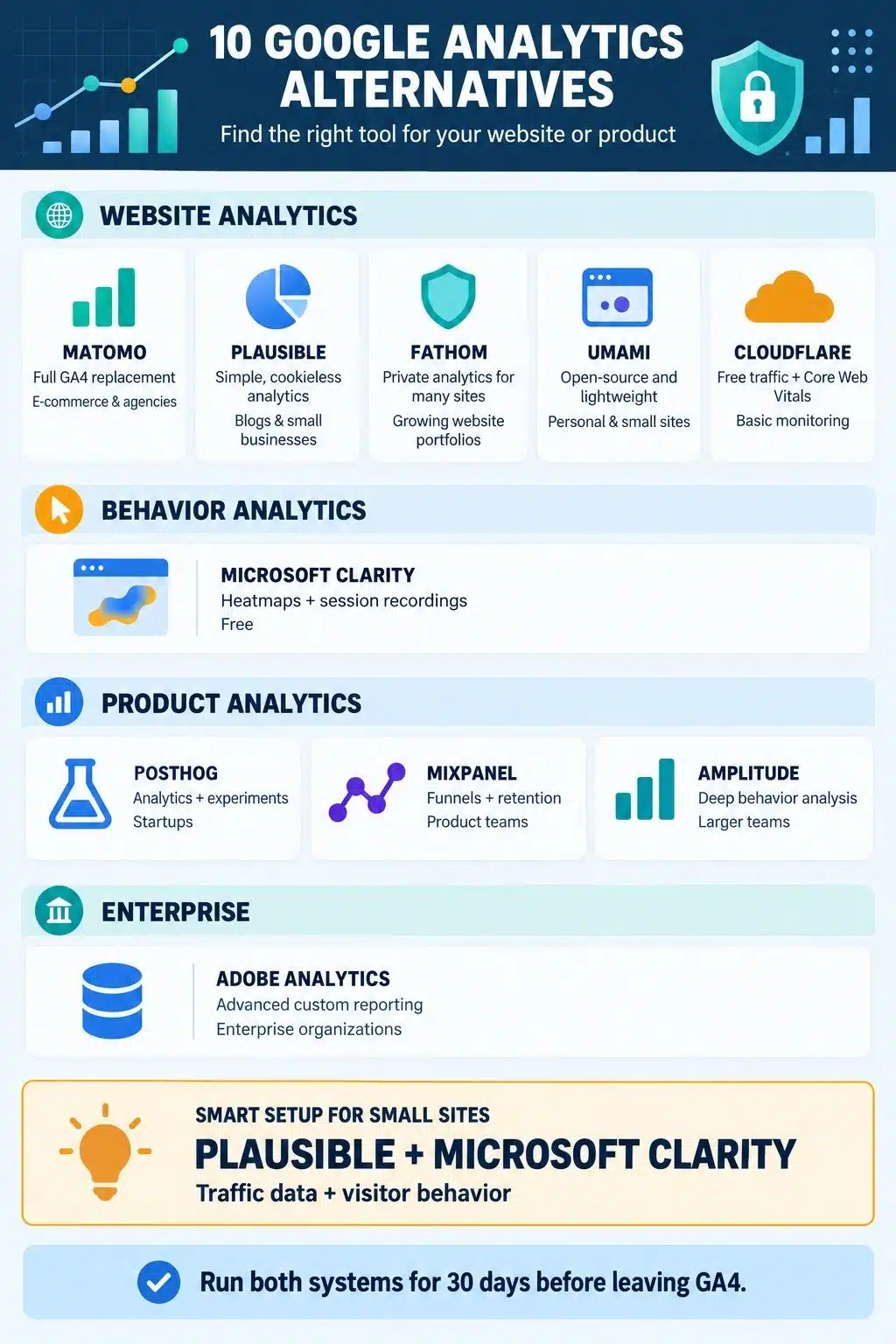
If your goal is to swap out Google Analytics and lose nothing, Matomo is the tool to look at first. It covers the same ground GA4 does and then some: visitor logs, goals, ecommerce tracking, funnels, heatmaps, session recordings, A/B testing, and custom reports.
You can run it two ways. The self-hosted version is free to download and install on your own server, which means the data sits on hardware you control. Or you can pay for Matomo Cloud, which starts at roughly €29 a month and includes the premium features that self-hosted users buy separately.
Two things to watch. First, Matomo Cloud bills on hits, not pageviews. A hit is any tracked action, so a pageview, a download, an outbound click, and a site search all count. On an event-heavy site you can burn through a 50,000-hit plan with far fewer than 50,000 visitors. Do the math before you pick a tier.
Second, self-hosting is only free in the money sense. You are now responsible for the server, the database, updates, and backups. On a busy site the database gets large fast. If nobody on your team wants that job, pay for the cloud version and move on.
The interface also feels dated next to the newer tools. I do not mind it, because everything is where you expect it. But if you came here looking for something prettier than GA4, Matomo is not that.
Who should pick it: e-commerce sites, agencies handling client reporting, and anyone with a legal reason to keep visitor data in a specific country.
2. Plausible: The One I Recommend to Most Small Sites
Plausible is the answer for people who want one page that tells them everything. Traffic over time, top pages, top sources, countries, devices, and goals. That is the whole dashboard, and it fits on a single screen.
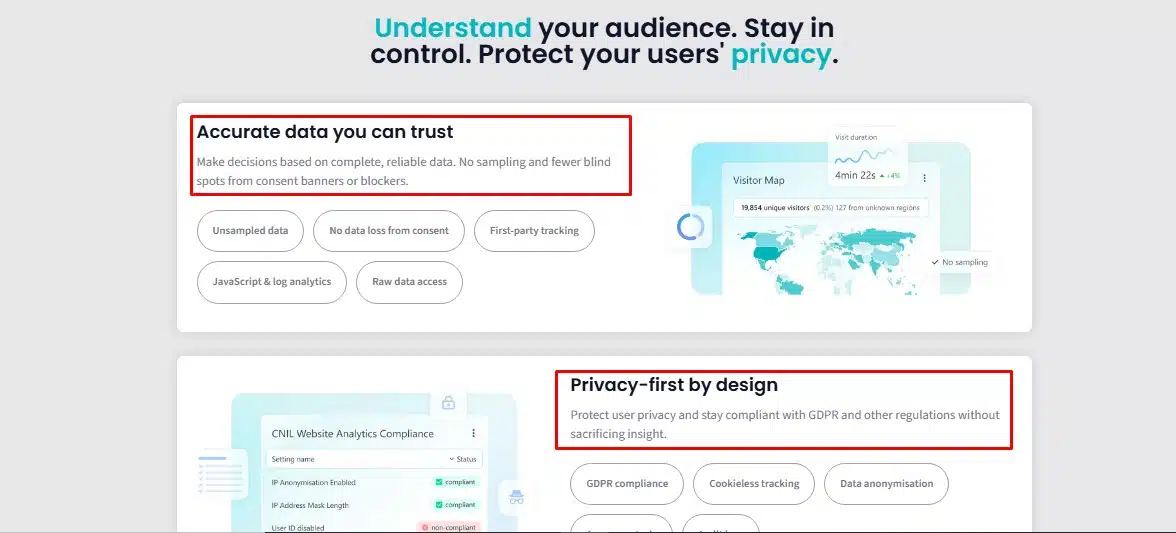
The script is tiny, under 1KB, so it does not drag your page speed down. It uses no cookies and stores no personal identifiers, which means no consent banner in most cases. The company is based in the EU and hosts there, which matters if your legal team has opinions about US data transfers.
Pricing starts around $9 a month for a low traffic tier, and it scales with pageviews. There is no permanent free plan, though there is a 30-day trial and an open-source version you can host yourself.
The honest limitation: Plausible is deliberately shallow. There is no session replay, no heatmap, and no cohort analysis. If your question is “which post is working,” it answers in three seconds. If your question is “why did this user abandon checkout on step two,” you need something else running alongside it.
I also like that you can make the dashboard public. Sharing a live stats link with a client or a writer beats exporting screenshots every month.
3. Fathom Analytics: Simple, Fast, and Priced for Growth
Fathom sits in the same category as Plausible, and people argue about the two constantly. The practical difference is where the pricing starts. Fathom’s entry plan is $15 a month but covers a much larger pageview allowance, and every plan includes a stack of sites rather than charging per domain. If you run several small sites, that math often lands in Fathom’s favor.
Fathom keeps your full history for as long as you stay a customer, filters out bots, and includes event and revenue tracking on every plan instead of gating them behind a higher tier. Uptime monitoring comes along for the ride.
It is also Canadian-owned with EU data handling options, which some buyers care about and others do not.
Choosing between Fathom and Plausible mostly comes down to traffic volume and whether you want the funnels. Plausible puts on its business tier. Both are good. Neither will surprise you badly.
4. Microsoft Clarity: Free, and It Answers a Different Question
Clarity is not really an alternative to Google Analytics. It is the thing you run next to one. And it costs nothing, at any traffic level, with no paid tier waiting to ambush you.
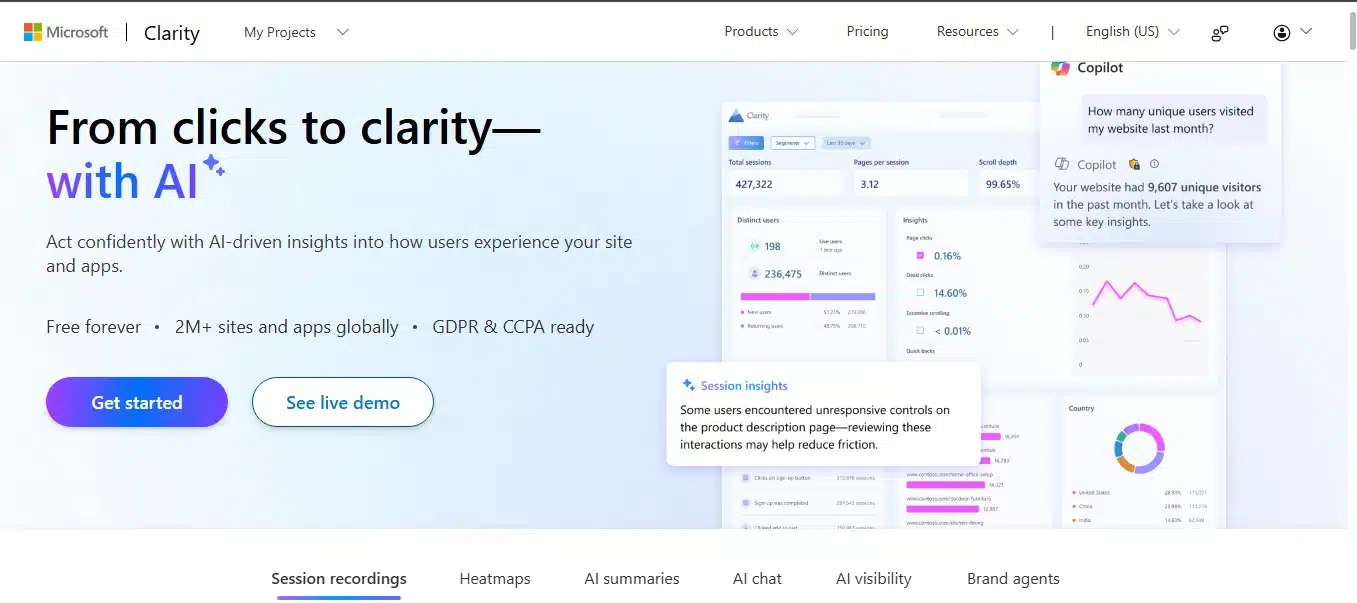
What you get is behavior, not counts: session recordings, click and scroll heatmaps, and automatic flags for rage clicks and dead clicks. That last part is the reason I keep it installed. It surfaces the moments where a real person got annoyed at your page, which no traffic chart will ever show you.
Recent versions added AI summaries so you can ask questions in plain language instead of watching hours of replays. If that side of analytics interests you, we covered the wider shift toward AI-driven performance analytics in more detail.
Three caveats. Clarity uses cookies, so it does not get you out of a consent banner. Recordings are kept for a limited window, not forever, so save the important ones. And Microsoft’s terms give the company latitude over the behavioral data you send. Free has a price, and here the price is data.
5. PostHog: For Teams Who Track a Product, Not a Blog
PostHog bundles product analytics, session replay, feature flags, surveys, and experiments into one tool. For a startup, that replaces three or four separate subscriptions.
The free tier is generous, around a million events a month plus a few thousand replays, and the whole thing is open source if you would rather run it yourself. Events cost fractions of a cent after that, which sounds harmless until you instrument a chatty app and find out how many events a single session fires.
This is a developer’s tool. Setup means deciding what an event is, naming it consistently, and cleaning up the mess six months later when three people named the same action three different ways. If you are tracking a blog, this is far too much machinery. If you are tracking signups, activation, and churn, it is the best value in the category.
6. Mixpanel: Funnels and Retention Without the Setup Pain
Mixpanel does one job better than almost anything else: showing you where people drop out of a flow and whether they come back. Build a funnel in a minute, see a retention curve without writing SQL, and hand the dashboard to a product manager who will actually use it.
Pricing moved to an event-based model, and the free allowance is large enough that plenty of early-stage products never pay. The published number has changed more than once in the past two years, so check the current figure rather than trusting any article, including this one.
Where it gets weak is depth. Experimentation and advanced behavioral modeling are thinner than Amplitude’s, and if your product fires a lot of events per session, the bill climbs faster than you expect. Model your event volume before you commit to a year.
7. Amplitude: Deep Behavior Data for Bigger Teams
Amplitude is what you graduate to when Mixpanel stops answering your questions. It goes deeper on behavioral analysis, has stronger governance for teams where twelve people are all creating events, and includes experimentation and feature flags.
The free Starter plan is real and reasonably generous for an early product. The problem is the jump after it. Paid tiers move quickly into custom quotes, and published contract data puts typical mid-size deals well into five figures a year.
Pick Amplitude if you have a data team and a product with enough users that the analysis pays for itself. Skip it if you are still checking whether people read your pricing page.
8. Umami: The Cheapest Way to Own Your Data
Umami is open source under an MIT license, cookieless, and light. Self-host it and your only cost is the server, which for a small site can run on the cheapest tier your host sells. There is also a hosted plan if you want someone else to handle updates.
Recent releases added session replay and heatmaps, which makes it a rare one-tool option for a small site that wants both traffic numbers and a rough behavior picture. Those features are much thinner than what Clarity gives you, so treat them as a bonus rather than a reason to switch.
The dashboard is clean and the learning curve is close to zero. What you give up is depth: no serious e-commerce reporting, no attribution modeling, and limited documentation on the hosted plan’s limits. For a personal site, a portfolio, or a small business site, it is hard to beat on cost.
9. Cloudflare Web Analytics: Free, Basic, Already There
If your site already runs through Cloudflare, this one is a single toggle away. It is free, cookieless, needs no consent banner, and reports Core Web Vitals alongside basic traffic, which is a useful pairing when you are chasing page speed.
The limitation that decides it for most people: reports cap how many rows you can see. Top pages, top referrers, and top countries all stop at a short list. On a site with a handful of pages, that is fine. On a site with hundreds, you are looking through a keyhole.
Treat it as a free second opinion on your traffic and your speed numbers, not as your main system.
10. Adobe Analytics: Only If Someone Else Is Paying
Adobe Analytics belongs on this list for completeness. It is genuinely powerful, built for enterprise data teams, and priced by custom quote with no public number anywhere.
If you work somewhere that already runs Adobe Experience Cloud, you are probably using it and did not choose it. If you do not, nothing about this tool is aimed at you. Move along.
A Quick Side-by-Side
Prices below were checked in September 2026 and change often, so confirm on the vendor’s own page before you buy. The column that matters most is the last one.
| Tool | Free option | Starting price | Best fit |
|---|---|---|---|
| Matomo | Yes, self-hosted | About €29/mo cloud | Full GA4 replacement, e-commerce |
| Plausible | Trial only | From $9/mo | Blogs and small business sites |
| Fathom | Trial only | From $15/mo | Multiple sites, higher traffic |
| Microsoft Clarity | Yes, unlimited | Free | Heatmaps and session replay |
| PostHog | Yes, generous | Usage-based | Startups and product teams |
| Mixpanel | Yes | Usage-based | Funnels and retention |
| Amplitude | Yes, limited | Custom after free tier | Larger product teams |
| Umami | Yes, self-hosted | Low-cost cloud | Personal and small sites |
| Cloudflare | Yes | Free | A free second opinion |
| Adobe Analytics | No | Custom quote | Enterprise only |
Read that table sideways, not down. Most people do not need one tool from this list. They need one traffic tool and one behavior tool, which is why the Plausible-plus-Clarity combination shows up on so many small sites.
Mistakes I See When People Move Off GA4
The switch itself is easy. The mess comes after.
- Deleting GA4 on day one: Run both for at least a month. Every tool counts differently, and you need a baseline before you start making decisions on new numbers.
- Panicking when traffic looks higher: It usually will be. Privacy-first tools are not blocked as often as Google’s script, so they catch visitors GA4 was quietly missing. Your traffic did not jump. Your measurement got closer to honest.
- Forgetting the historical data: Universal Analytics data was removed by Google in 2024, and GA4 has its own retention limits on the free tier. Export what you care about now into a spreadsheet before it becomes someone else’s problem.
- Assuming the tool fixes reporting: A cleaner dashboard does not tell you what a good month looks like. Decide which three numbers you report on before you install anything.
- Picking a plan for today’s traffic: Look at your worst-case month, not your average one. Event-priced tools are where this bites hardest.
Final Thoughts
Most people asking about Google analytics alternatives do not need a more powerful tool. They need a smaller one that answers a question in five seconds instead of five clicks. For a blog or a business site, start with Plausible or Fathom, add Microsoft Clarity for free, and you have covered the traffic side and the behavior side for under twenty dollars a month.
If you need everything GA4 does and cannot give up any of it, Matomo is the only real one-for-one swap on this list. If you are tracking a product rather than a set of pages, PostHog or Mixpanel is the right lane, and the choice between them comes down to whether you want the extras bundled in.
Whatever you pick, install it before you cancel anything. Run the old and the new side by side for a month, compare what each one tells you, then decide. The best alternative to Google Analytics is the one you will actually open on a Monday morning.