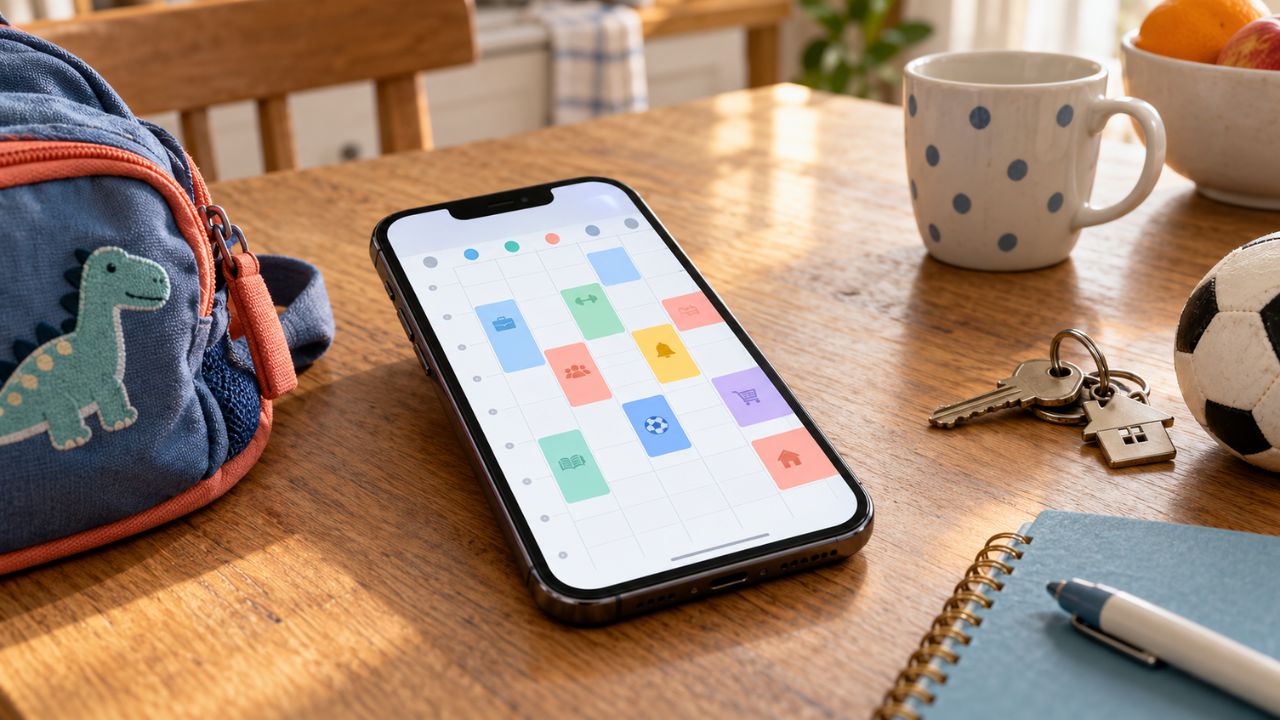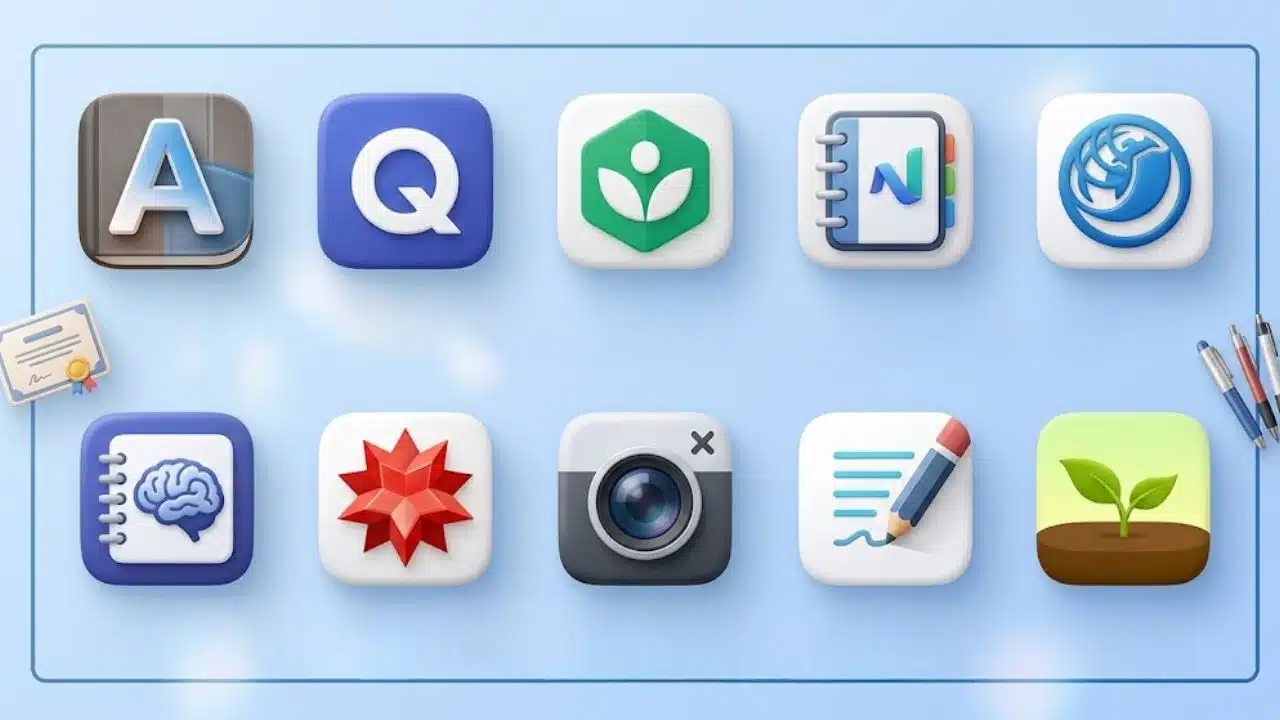
Students often waste valuable revision time configuring complex study setups instead of actually learning. The best study apps for exam preparation solve distinct learning bottlenecks—whether that is active recall (Anki, Quizlet), complex problem-solving (NotebookLM, Wolfram Alpha), or distraction control (Forest).
Because no single tool handles every stage of revision, this guide prioritizes apps by their impact across a standard exam cycle. High-yield active recall and practice tools appear first, followed by structural note-taking and distraction-blocking utilities.
How the Best Study Apps for Exam Preparation Were Ranked
The ranking considers what each app contributes to revision, how widely it can be used, its learning curve, platform or plan restrictions, and whether a free version provides meaningful value.
| App | Most Useful For | Main Limitation |
| Anki | Long-term memorization | Requires careful setup |
| Quizlet | Quick flashcards and sharing | Study limits vary by plan |
| Khan Academy | Free concept review | Does not match every syllabus |
| NotebookLM | Revising from personal sources | AI output needs checking |
| UWorld | High-stakes exam questions | Expensive and specialized |
| RemNote | Connecting notes and flashcards | Advanced tools are paid |
| Wolfram|Alpha | STEM problem analysis | Full working steps require Pro |
| Photomath | Help with individual math problems | Easy to use passively |
| Goodnotes | Handwritten and PDF revision | Platform and plan restrictions |
| Forest | Reducing phone distraction | Does not teach content |
What Most App Lists Get Wrong
A large flashcard collection or colour-coded notebook can create the feeling of progress without testing whether anything can be recalled.
Research on learning techniques has consistently treated practice testing and distributed practice, which spreads revision across multiple sessions, as stronger approaches than relying on rereading or highlighting alone. That does not make highlighting useless. It means a highlight should eventually become a question, explanation, flashcard, or problem to solve.
1. Anki: The Strongest Option for Long-Term Recall
Anki is the best overall choice for memory-heavy subjects. It schedules flashcards according to how well the student recalls them, bringing difficult material back sooner and delaying cards that have become easier.
That suits medical terminology, legal rules, vocabulary, anatomy, formulas, and other courses with a high factual load. Cards can include images, audio, video, and scientific notation.
The desktop software, AnkiWeb syncing, and AnkiDroid are free. At the time of writing, the official US AnkiMobile app for iPhone and iPad costs $24.99 as a one-time purchase. Regional prices differ.
Its weakness is setup. Cards containing full paragraphs are slow to review and difficult to grade honestly. Anki works better when each card tests one clear idea.
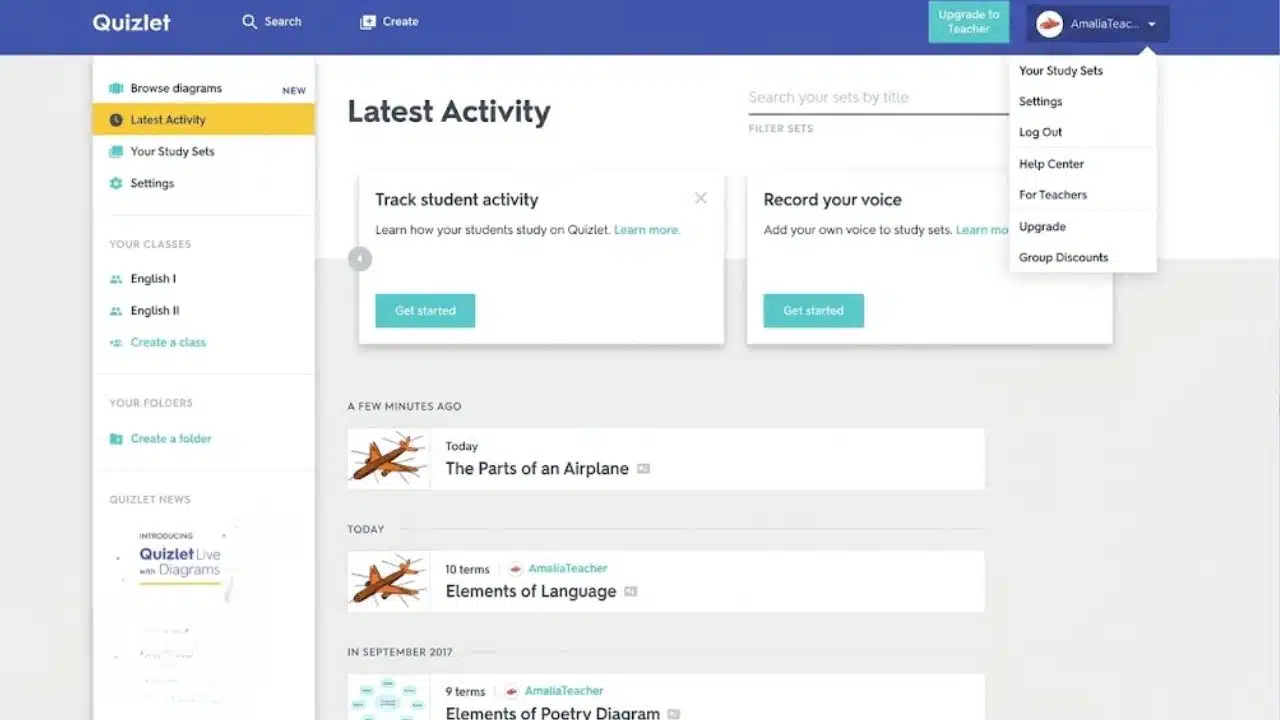
Quizlet is less demanding than Anki. Students can create a set quickly, import terms, share material with classmates, and turn cards into written or multiple-choice practice.
Its paid structure needs attention. Current US annual pricing lists Quizlet Plus at $35.99 and Plus Unlimited at $44.99. The lower paid tier still limits practice tests, Learn rounds, and textbook solutions. Offers and prices may vary by country.
Quizlet is the better first choice for a short course or shared class revision. For a multi-year medical or language-learning system, Anki offers more control. Whichever platform is used, public decks should be checked for outdated or incorrect answers.
3. Khan Academy: Best Free Option for Weak Concepts
Flashcards help students remember information they understand. They are much less useful when the underlying idea is still unclear.
Khan Academy addresses that problem with free lessons, videos, exercises, quizzes, and unit tests covering mathematics, science, economics, computing, and other subjects. Its official digital SAT preparation is developed with the College Board, although full-length SAT practice tests are taken through the Bluebook app.
The main limitation is curriculum fit. A student outside the United States may need to find the relevant topic rather than follow an entire course in order. Local syllabuses and past papers should remain the final reference.
4. NotebookLM: Best for Studying From Your Own Material
NotebookLM is useful when revision materials are spread across lecture slides, PDFs, readings, notes, websites, and recordings. It can turn selected sources into study guides, flashcards, quizzes, mind maps, and Audio Overviews.
Its answers can point back to the supplied material, which makes checking easier than it is with a general chatbot. A focused notebook containing the syllabus and trusted course material usually produces more relevant results than a folder filled with loosely related web pages.
Source grounding does not guarantee accuracy. Generated questions, formulas, definitions, and marking details still need checking. Personal-account access also depends on local age and country rules, while school-managed accounts may require administrator approval. Some mobile features differ from the desktop version.
5. UWorld: Serious Practice for Specific High-Stakes Exams
UWorld is a group of exam-specific products, not a general study subscription. Its coverage includes areas such as the SAT, ACT, AP, MCAT, USMLE, NCLEX, CFA, accounting, pharmacy, and US legal examinations.
The question banks, explanations, performance reports, and subject-specific tools can be valuable when the product closely matches the exam. They are much harder to justify for an ordinary semester test.
Prices, access periods, assessments, resets, and apps differ by product. Before paying, students should confirm three details:
- The product matches the current version of the exam.
- The subscription lasts long enough for the planned schedule.
- There is enough time to review explanations, not merely finish questions.
UWorld is a serious purchase, not a useful precaution to buy and leave unopened.
6. RemNote: When Notes and Flashcards Belong Together
RemNote removes the need to take notes in one app and rebuild them as cards somewhere else. Notes can become basic, cloze, multiple-choice, concept, or image-occlusion flashcards.
The free plan includes unlimited notes, flashcards, and synced devices, but only three annotated documents, five image-occlusion cards, and one handwritten document. At the time of writing, Pro costs $8 per month when billed annually and adds broader document annotation, an exam scheduler, handwriting tools, and additional AI usage.
It makes sense for a long, content-heavy course. Adopting its full system a few days before an exam is more likely to become a formatting project than a revision strategy.
7. Wolfram|Alpha: Better for Investigating STEM Problems
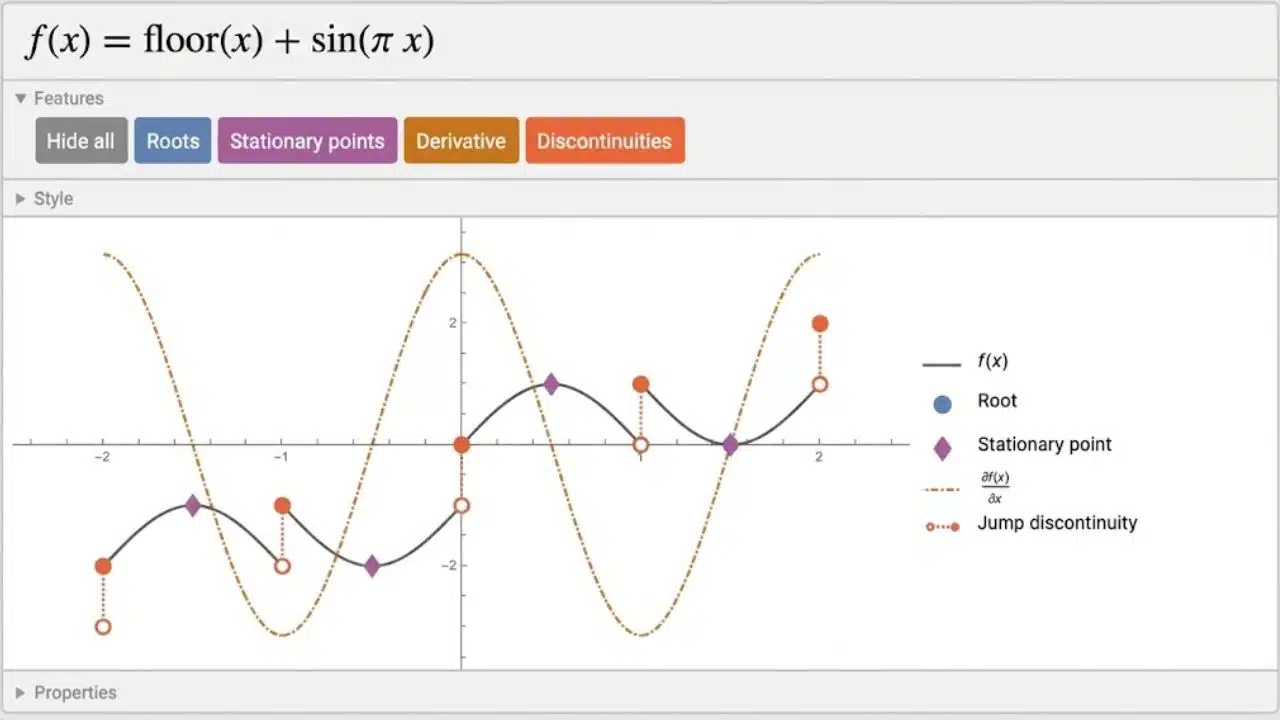
Wolfram|Alpha can examine equations, functions, units, statistics, chemistry queries, and other computational problems. It is most useful for finding where a solution went wrong or comparing different methods.
The free account does not include the full step-by-step experience. Current US student pricing lists Pro at $9.99 monthly or $60 annually, with regional differences possible.
Students should attempt the problem before entering it. Reading a complete solution can make a method look familiar without proving that it can be reproduced independently.
8. Photomath: Quick Help With a Stubborn Math Step
Photomath reads supported problems through a phone or tablet camera and provides solution steps across subjects ranging from arithmetic to calculus. The free version includes machine-generated steps, while Photomath Plus adds deeper explanations, hints, and visual tutorials.
It is helpful for checking one confusing step, not for planning a complete mathematics revision programme. The app also requires a stable internet connection.
The main risk is obvious: scanning every problem before attempting it turns a learning tool into an answer service. Solve first, scan second, and then redo the problem without looking.
9. Goodnotes: A Practical Fit for Handwritten Revision
Goodnotes is strongest when revision involves handwriting, diagrams, lecture slides, worked calculations, or annotated PDFs. Students who mainly type plain notes may not gain enough to justify changing systems.
Its free plan currently allows up to three notebooks, three text documents, three whiteboards, three folders, and 100 MB of storage. It does not include cross-platform syncing.
Study Sets can convert material into flashcards, while Smart Learn schedules spaced reviews. Those features remain iOS-only, despite the wider Goodnotes service being available on Android, Windows, and the web. Anyone moving between an iPad and a non-Apple device should check the exact syncing rules before purchasing a plan.
10. Forest: Useful When the Phone Is the Problem
Forest turns a focus session into a growing virtual tree and can track study time, run group sessions, and restrict distracting apps.
The core version is free. The old one-time Pro purchase is no longer offered to new users, while Forest Plus adds a custom allowlist, broader scheduled controls, extra soundscapes, and more detailed analytics. App-blocking behaviour differs between Android and iOS because each platform handles permissions differently.
Forest ranks last because it cannot improve weak notes or test knowledge. It is worth considering when phone use repeatedly interrupts revision. A student who already leaves the phone in another room probably does not need it.
Final Thoughts
Most students should begin with one recall tool and one reliable source of practice. Anki or Quizlet can handle memory work, while course questions, official past papers, Khan Academy, or an exam-specific question bank can reveal what still needs attention.
Add another app only when it fixes a problem the current setup cannot solve. That might be NotebookLM for scattered material, Wolfram|Alpha for difficult calculations, or Forest for distraction.
The best study apps for exam preparation should reduce friction and improve recall, accuracy, or timed performance. If an app mainly creates more organizing, transferring, and formatting, it is probably getting in the way of studying.
Frequently Asked Questions
How many study apps should a student use?
Two or three are usually enough. One can support learning or recall, another can provide realistic practice, and a third may help with a specific problem such as distraction or PDF annotation. Multiple apps doing the same job usually create duplicate material.
What is the best free combination?
Khan Academy and Anki provide a strong starting point on supported platforms. One explains concepts, while the other schedules recall. Students will still need syllabus-aligned questions and official past papers.
Are AI-generated flashcards reliable?
They are useful as drafts. Every generated card should be compared with the original material, especially when it contains a formula, technical definition, quotation, or exam rule.
When is a paid study app worth buying?
Paying makes sense when the upgrade provides something genuinely necessary, such as an exam-aligned question bank, sufficient document capacity, detailed solution steps, or cross-device access. A discount is not valuable if the app does not fit the study plan.
Can study apps replace official past papers?
No. Past papers expose timing problems, command words, mark allocation, and the difficulty of moving between topics under pressure. Apps can support preparation, but students still need practice in the real exam format.