

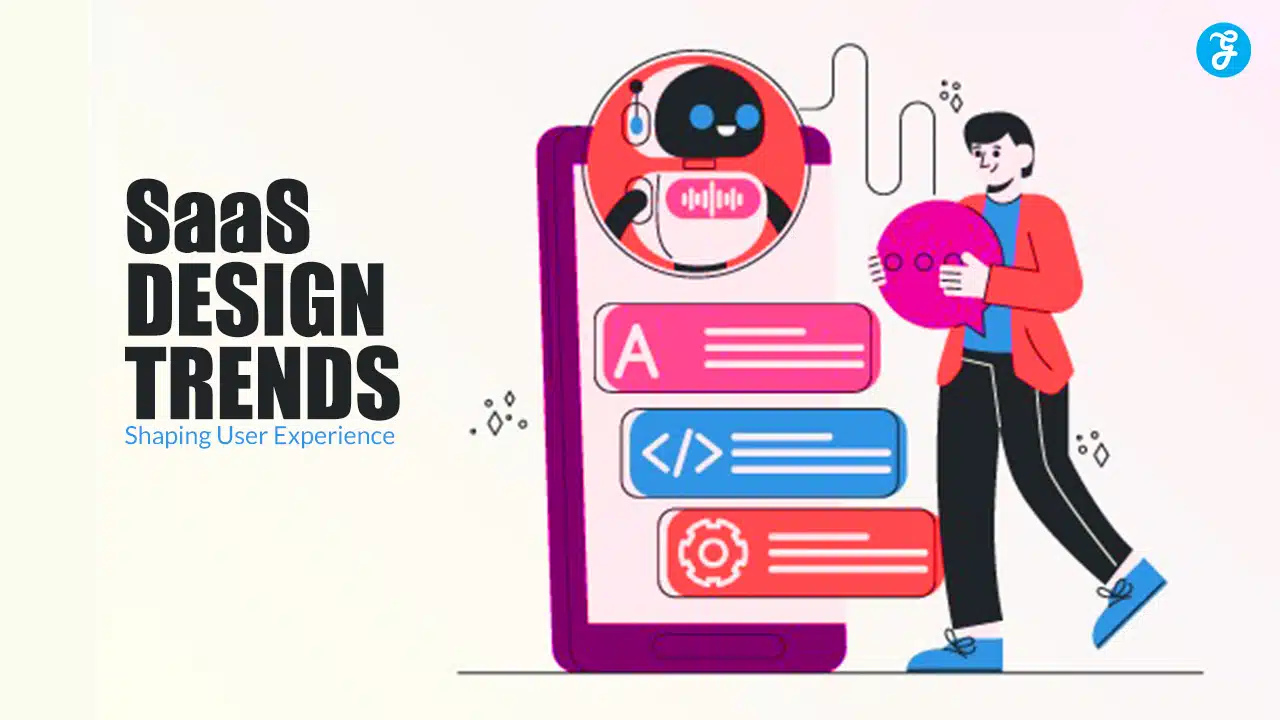
In the competitive world of Software as a Service (SaaS), delivering a seamless and intuitive user experience (UX) is essential for retaining customers and maintaining business growth.
As more companies embrace cloud-based services, the expectations for engaging and functional design are higher than ever.
Businesses are constantly looking for innovative ways to enhance the usability, efficiency, and aesthetics of their SaaS platforms to provide users with a superior experience.
In this detailed guide, we explore 9 cutting-edge SaaS design trends that are transforming user experience.
By incorporating these trends, businesses can meet the evolving needs of their users, increase engagement, and drive long-term customer satisfaction.
Why SaaS Design Matters for User Experience?
The design of a SaaS platform is more than just its visual appearance.
It encompasses usability, functionality, navigation, and how the software interacts with its users.
A well-designed SaaS platform not only makes complex tasks simpler for users but also creates a seamless experience that promotes engagement and loyalty.
In an era where customer experience is a key differentiator, SaaS businesses must prioritize thoughtful and user-centered design to stay ahead of the competition.
The need to offer effective, enjoyable, and highly functional experiences is what drives the trends influencing SaaS design today, from accessibility improvements to personalization and AI integration.
Let’s dive into the most impactful design trends that are shaping SaaS products and improving UX.
Key SaaS Design Trends Enhancing User Experience
These nine SaaS design trends are not only driving innovation but also redefining how users interact with cloud-based software.
Each trend is focused on improving engagement, functionality, and overall user satisfaction.
1. Minimalist and Clean Interfaces
One of the most enduring design trends in SaaS platforms is the shift towards minimalist and clean interfaces.
This trend focuses on stripping away unnecessary elements to create a streamlined user interface (UI) that is easy to navigate and visually appealing.
In a minimalist design, every element has a purpose and users are not overwhelmed with clutter or distractions.
Minimalist designs often feature ample white space, simple typography, and intuitive layouts that make it easy for users to find what they need.
This approach enhances usability by making complex tasks feel more manageable.
For SaaS platforms, a clean and straightforward interface reduces cognitive load and helps users focus on the core functions of the software.
2. AI-Powered Personalization
Personalization is becoming a key aspect of SaaS design, with artificial intelligence (AI) playing a central role in delivering customized user experiences.
AI-powered personalization allows SaaS platforms to tailor the user interface and experience based on individual preferences, behaviors, and usage patterns.
This can include personalized content recommendations, dynamic dashboards, or adaptive navigation.
By leveraging AI, SaaS platforms can provide a more engaging and relevant experience for each user, helping them achieve their goals faster.
Personalization can also improve customer retention, as users are more likely to stick with a platform that adapts to their needs over time.
As AI technology continues to evolve, expect to see even more sophisticated personalization features in SaaS design.
3. Microinteractions and Feedback Loops
Microinteractions are subtle design elements that provide users with feedback and guidance as they interact with a SaaS platform.
These tiny interactions, such as button animations, hover effects, or progress bars, may seem small but have a significant impact on user experience.
Microinteractions give users instant feedback, making the software feel more responsive and intuitive.
For example, when a user completes a task or submits a form, a subtle animation or message can provide confirmation that their action was successful.
These feedback loops build trust between the user and the software, ensuring that users know their input has been acknowledged.
Well-designed microinteractions enhance usability by providing real-time feedback, improving navigation, and adding a layer of delight to the user experience.
4. Dark Mode and Theme Customization
Dark mode has gained massive popularity across digital platforms, including SaaS applications.
Offering a dark theme option enhances the user experience by reducing eye strain, especially in low-light environments, and improving battery life for mobile and laptop users.
Many SaaS platforms are now incorporating dark mode as a standard feature, allowing users to switch between light and dark themes based on their preferences.
In addition to dark mode, theme customization is another trend gaining traction.
Users appreciate the ability to personalize their experience by selecting color schemes, fonts, or layout styles that best suit their needs.
Theme customization not only improves user comfort but also strengthens engagement by offering a more tailored and flexible experience.
5. Mobile-First Design Approach
With mobile devices becoming the primary way people access the internet, SaaS platforms are increasingly adopting a mobile-first design approach.
This trend ensures that SaaS applications are optimized for mobile devices from the ground up, with responsive layouts, touch-friendly interfaces, and fast-loading elements.
Mobile-first design goes beyond simply shrinking the desktop interface for smaller screens.
It involves creating a user experience that feels natural and intuitive on smartphones and tablets, with features like swiping, tapping, and simplified navigation.
For SaaS businesses, a mobile-first design approach ensures that users can access and interact with the platform on any device, leading to a more consistent and seamless experience across all screen sizes.
6. Advanced Data Visualization
Data visualization has always been a critical component of SaaS platforms, especially for industries that rely on analytics, reporting, and performance tracking.
However, modern SaaS design is taking data visualization to new heights with advanced and interactive visual elements.
Instead of static charts and graphs, SaaS platforms are incorporating dynamic data visualizations that allow users to manipulate and explore data in real-time.
Interactive dashboards, heat maps, and drill-down options enable users to gain deeper insights from their data, improving decision-making and user satisfaction.
Effective data visualization not only makes complex information more digestible but also enhances the overall functionality of SaaS platforms by allowing users to engage more meaningfully with the data.
7. Voice User Interface (VUI)
Voice user interfaces (VUI) are becoming an exciting trend in SaaS design, allowing users to interact with software through voice commands rather than traditional inputs like keyboards and mice.
As voice recognition technology improves, VUI is being integrated into SaaS platforms to enable hands-free operation and enhanced accessibility.
VUI can be particularly useful for productivity tools, customer support, and project management platforms, where users may want to perform tasks quickly without navigating through menus.
By offering voice-enabled functionality, SaaS platforms can streamline workflows and provide users with a more intuitive and efficient way to interact with the software.
8. No-Code and Low-Code Design Tools
The rise of no-code and low-code development platforms is revolutionizing SaaS design, allowing users to build and customize software without needing deep technical expertise.
No-code and low-code tools provide drag-and-drop interfaces and pre-built components, making it easier for users to create customized workflows, forms, and automations.
These tools empower non-developers to contribute to the design and functionality of SaaS platforms, fostering creativity and innovation.
For small businesses and startups, no-code and low-code platforms are particularly valuable, as they reduce development costs and allow for rapid prototyping and iteration.
This trend is making SaaS design more accessible and flexible than ever before.
9. Enhanced Accessibility Features
Accessibility is an increasingly important focus in SaaS design, as businesses aim to create platforms that are inclusive and usable for all users, regardless of physical or cognitive abilities.
Enhanced accessibility features, such as screen reader compatibility, keyboard navigation, and high-contrast modes, are becoming standard in modern SaaS platforms.
By prioritizing accessibility, SaaS companies can ensure that their products comply with regulations like the Web Content Accessibility Guidelines (WCAG) and provide a positive experience for users with disabilities.
This not only improves the user experience but also opens up the platform to a broader audience, increasing customer loyalty and satisfaction.
Conclusion
The SaaS design landscape is evolving rapidly, with new trends emerging that prioritize user experience, engagement, and functionality.
From AI-powered personalization to advanced data visualization and accessibility improvements, these design innovations are shaping the future of SaaS platforms.
By adopting these trends, businesses can create software that is not only visually appealing but also intuitive, efficient, and tailored to the needs of their users.
For SaaS companies, staying ahead of these design trends is essential for maintaining a competitive edge and delivering exceptional user experiences.
By incorporating these cutting-edge design elements, SaaS platforms can enhance customer satisfaction, drive user retention, and foster long-term growth in a rapidly changing market.































