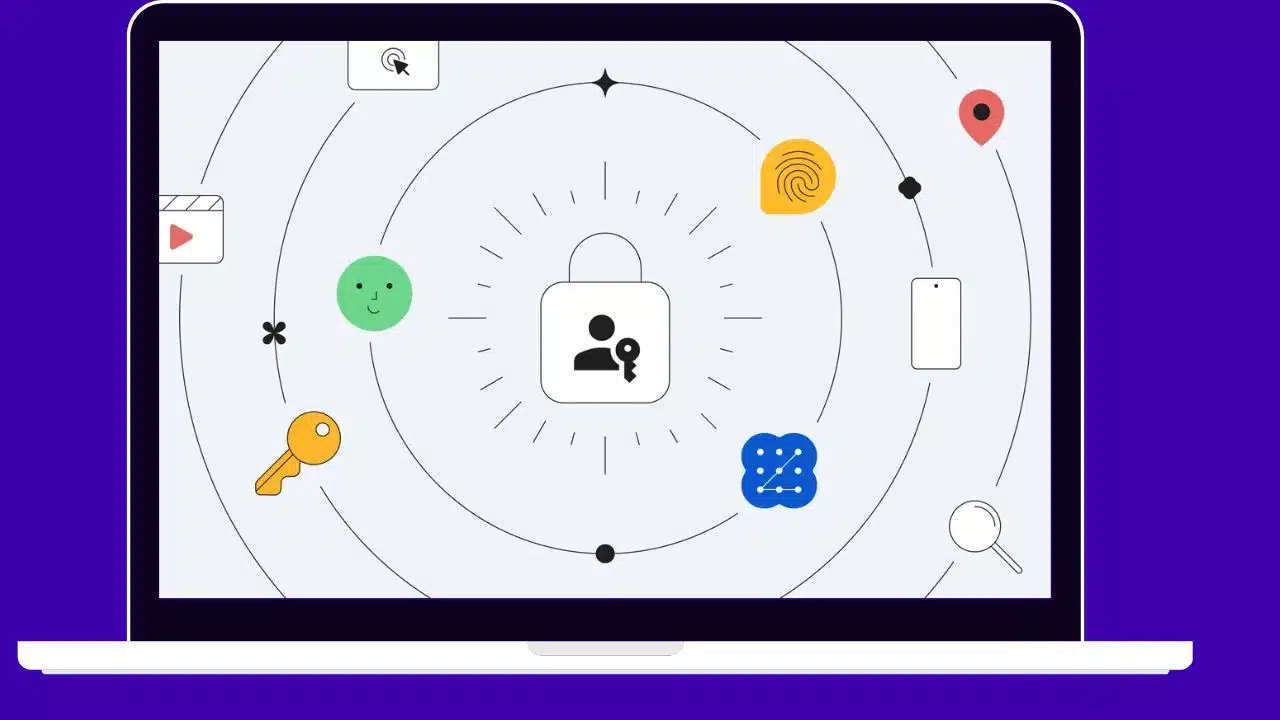
Google Rolling Out Passkeys as Default Login for User Accounts

Google Default Passkeys Login User Accounts

Google has started automatically prompting users with personal accounts to enable passkeys for logging in instead of passwords. Passwords will still work in contexts not yet supporting passkeys.

Built on the WebAuthn standard, passkeys utilize biometrics or PINs for local device authentication versus memorized secrets. This makes them more secure and convenient than passwords.

Read More: Google Assistant Gets AI Boost

Google has been expanding passkey experiments over the past year across its products. It enabled personal account passkey access for all users in May, but required opting in manually. Now, passkeys will be prompted by default.

How Do Passkeys Improve Login Security?

Passkeys are generated through creating a unique pair of cryptographic keys for each account or website. One key resides on the server, while the other remains on your local device for login.

This separation means one leaked password cannot compromise multiple accounts. Local authentication like biometrics replaces typed secrets, preventing phishing.

Users don’t have to memorize passwords either. Passkeys act somewhat like password managers integrated natively into devices and operating systems.

Google’s Previous Passkey Rollout Steps

Over the past year, Google added passkey support in products like Chrome and Android as part of WebAuthn standards adoption.

In May 2022, it enabled passkeys for all personal Google accounts but required manually enabling. Few users opted in without prompts.

Now, Google is prompting every user to switch to passkeys for enhanced login security. Users can still revert to passwords in settings if preferred.

Wider Passkey Adoption Needed for Replacement of Passwords

For passkeys to fully replace passwords, wider adoption across operating systems, browsers, and websites is required. But progress is accelerating.

Apple adopted passkeys in iOS 16 and macOS Ventura. Microsoft added support in Windows 11 and Edge. The FIDO Alliance and W3C standardize specifications.

Google prompting passkeys by default for billions of account holders will help drive ubiquitous usage. Other tech giants are likely to follow suit.

Passkey Benefits Beyond Security for Users

Beyond increased security, passkeys offer improved convenience for users over passwords.

Passkeys eliminate the need to memorize unique complex secrets for every account. Users only need to recall one authentication method like a fingerprint.

Logging in via biometrics or PIN codes is also much faster than typing passwords, especially on mobile. Passkeys save users time and hassle.

Potential Hurdles to Overcome in Passkey Switch

Some challenges remain in totally replacing passwords with passkeys. Users may struggle recovering passkey access if devices are lost.

Phishing risks still exist via fake login prompts. Browser extension and old device compatibility needs improvement.

But technology giants and standards bodies are actively working to smooth the transition and address weaknesses.

Passkeys Lay Foundation for Passwordless Future

Passkeys represent a paradigm shift in account security and accessibility. Google embracing them for all users pushes the passwordless future closer.

Other influential companies doubling down on passkey support will eliminate more barriers to the transition away from outdated passwords.

Widely used open standards like WebAuthn guarantee passkeys work across different products and platforms for a seamless experience. Google’s move signals passwords’ beginning of the end.

Conclusion

With its passkey prompt rollout, Google takes a monumental step in phasing out passwords for securing online accounts. Passkeys powered by biometrics offer improved security, convenience, and accessibility over passwords for users. As more technology providers add support, passkeys cement their position as the definitive password replacement and bring the passwordless future closer to reality.



Subscribe to Our Newsletter

Related Articles

Top Trending

Monster Hunter Wilds Co-Op
How To Play With Friends In Monster Hunter Wilds Co-Op Guide
Who Is The Joker
Who is the Joker? The Ending of Alice in Borderland Explained [No Spoilers]
How to Add Friends in Monster Hunter Wilds
What Is Teen Banking
What Is Teen Banking: The Race To Capture The Gen Alpha Market [The Next Big Thing]
How To Build And Sell Micro-SaaS Tools
How To Build And Sell Micro-SaaS Tools With Zero Experience [Beginner's Guide]

Fintech & Finance

What Is Teen Banking
What Is Teen Banking: The Race To Capture The Gen Alpha Market [The Next Big Thing]
How to Conduct a SaaS Audit Cutting Bloat in Q1 2026
How To Conduct A SaaS Audit: Cutting Bloat In Q1 2026
The Evolution of DAOs Are They Replacing Corporations
The Evolution Of DAOs: Are They Replacing Corporations?
How Regular Credit Score Tracking with Bajaj Markets Helps Prevent Loan Rejection
What Travel Insurance From a Credit Card Usually Covers
Travel Insurance Benefits: What Your Card Actually Covers In 2026

Sustainability & Living

Net-Zero Buildings
Net-Zero Buildings: How To Achieve Zero Emissions [The Ultimate Pathway to a Greener Future]
Fusion Energy
Fusion Energy: Updates on the Holy Grail of Power [Revisiting The Perspective]
Tiny homes
Tiny Homes: A Solution to Homelessness or Poverty with Better Branding?
Smart Windows The Tech Saving Energy in 2026 Skyscrapers
Smart Windows: The Tech Saving Energy in 2026 Skyscrapers
The Environmental Impact of Recycling Solar Panels
The Environmental Impact Of Recycling Solar Panels

GAMING

Monster Hunter Wilds Co-Op
How To Play With Friends In Monster Hunter Wilds Co-Op Guide
How to Add Friends in Monster Hunter Wilds
monster hunter wilds support cross-platform
Is Monster Hunter Wilds Cross-Platform? PC, PS5, And Xbox Compatibility
monster hunter wilds release
When Did Monster Hunter Wilds Release? Launch Date And Update History
monster hunter wilds monster list
Monster Hunter Wilds Monster List: Every Large Monster & Variant

Business & Marketing

How to Conduct a SaaS Audit Cutting Bloat in Q1 2026
How To Conduct A SaaS Audit: Cutting Bloat In Q1 2026
Managing Gen Alpha Interns What Leaders Need to Know
Managing Gen Alpha Interns: What Leaders Need To Know
The Evolution of DAOs Are They Replacing Corporations
The Evolution Of DAOs: Are They Replacing Corporations?
leadership skills in 2026
10 Leadership Skills You Must Master in 2026
Billionaire Wealth Boom
Billionaire Wealth Boom: Why 2025 Was The Best Year In History For Billionaires

Technology & AI

How To Build And Sell Micro-SaaS Tools
How To Build And Sell Micro-SaaS Tools With Zero Experience [Beginner's Guide]
Compute Sovereignty
The Silicon Sovereignty: How the 2026 Global AI Accord Redefines Geopolitical Power
Low-Fi Authenticity
The 2016 Renaissance: Why Gen Z is Swapping AI Precision for "Low-Fi" Authenticity
AI Productivity Tools
10 AI-Powered Productivity Tools to Try in January 2026
zero-water data centers
The “Thirsty” Cloud: How 2026 Became the Year of Zero-Water Data Centers and Sustainable AI

Fitness & Wellness

Mental Health First Aid for Managers
Mental Health First Aid: A Mandatory Skill for 2026 Managers
The Quiet Wellness Movement Reclaiming Mental Focus in the Hyper-Digital Era
The “Quiet Wellness” Movement: Reclaiming Mental Focus in the Hyper-Digital Era
Cognitive Optimization
Brain Health is the New Weight Loss: The Rise of Cognitive Optimization
The Analogue January Trend Why Gen Z is Ditching Screens for 30 Days
The "Analogue January" Trend: Why Gen Z is Ditching Screens for 30 Days
Gut Health Revolution The Smart Probiotic Tech Winning CES
Gut Health Revolution: The "Smart Probiotic" Tech Winning CES