

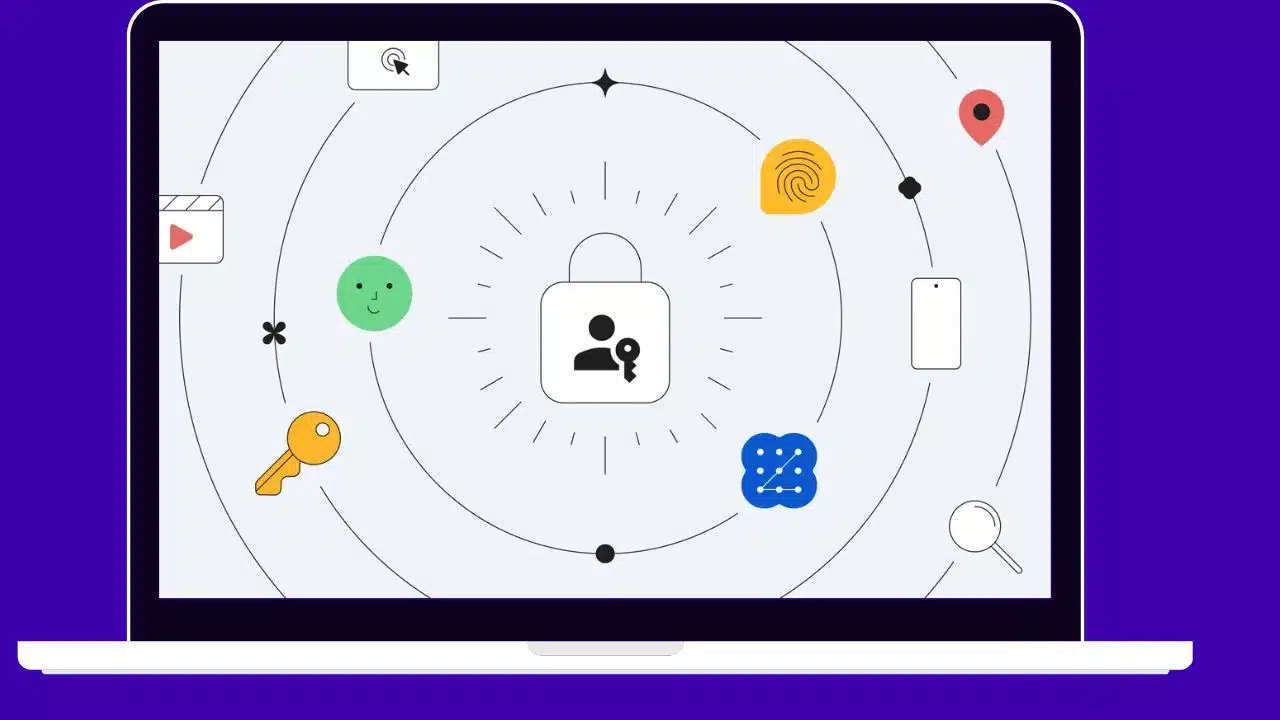
Google has started automatically prompting users with personal accounts to enable passkeys for logging in instead of passwords. Passwords will still work in contexts not yet supporting passkeys.
Built on the WebAuthn standard, passkeys utilize biometrics or PINs for local device authentication versus memorized secrets. This makes them more secure and convenient than passwords.
Read More: Google Assistant Gets AI Boost
Google has been expanding passkey experiments over the past year across its products. It enabled personal account passkey access for all users in May, but required opting in manually. Now, passkeys will be prompted by default.
How Do Passkeys Improve Login Security?
Passkeys are generated through creating a unique pair of cryptographic keys for each account or website. One key resides on the server, while the other remains on your local device for login.
This separation means one leaked password cannot compromise multiple accounts. Local authentication like biometrics replaces typed secrets, preventing phishing.
Users don’t have to memorize passwords either. Passkeys act somewhat like password managers integrated natively into devices and operating systems.
Google’s Previous Passkey Rollout Steps
Over the past year, Google added passkey support in products like Chrome and Android as part of WebAuthn standards adoption.
In May 2022, it enabled passkeys for all personal Google accounts but required manually enabling. Few users opted in without prompts.
Now, Google is prompting every user to switch to passkeys for enhanced login security. Users can still revert to passwords in settings if preferred.
Wider Passkey Adoption Needed for Replacement of Passwords
For passkeys to fully replace passwords, wider adoption across operating systems, browsers, and websites is required. But progress is accelerating.
Apple adopted passkeys in iOS 16 and macOS Ventura. Microsoft added support in Windows 11 and Edge. The FIDO Alliance and W3C standardize specifications.
Google prompting passkeys by default for billions of account holders will help drive ubiquitous usage. Other tech giants are likely to follow suit.
Passkey Benefits Beyond Security for Users
Beyond increased security, passkeys offer improved convenience for users over passwords.
Passkeys eliminate the need to memorize unique complex secrets for every account. Users only need to recall one authentication method like a fingerprint.
Logging in via biometrics or PIN codes is also much faster than typing passwords, especially on mobile. Passkeys save users time and hassle.
Potential Hurdles to Overcome in Passkey Switch
Some challenges remain in totally replacing passwords with passkeys. Users may struggle recovering passkey access if devices are lost.
Phishing risks still exist via fake login prompts. Browser extension and old device compatibility needs improvement.
But technology giants and standards bodies are actively working to smooth the transition and address weaknesses.
Passkeys Lay Foundation for Passwordless Future
Passkeys represent a paradigm shift in account security and accessibility. Google embracing them for all users pushes the passwordless future closer.
Other influential companies doubling down on passkey support will eliminate more barriers to the transition away from outdated passwords.
Widely used open standards like WebAuthn guarantee passkeys work across different products and platforms for a seamless experience. Google’s move signals passwords’ beginning of the end.
Conclusion
With its passkey prompt rollout, Google takes a monumental step in phasing out passwords for securing online accounts. Passkeys powered by biometrics offer improved security, convenience, and accessibility over passwords for users. As more technology providers add support, passkeys cement their position as the definitive password replacement and bring the passwordless future closer to reality.




























