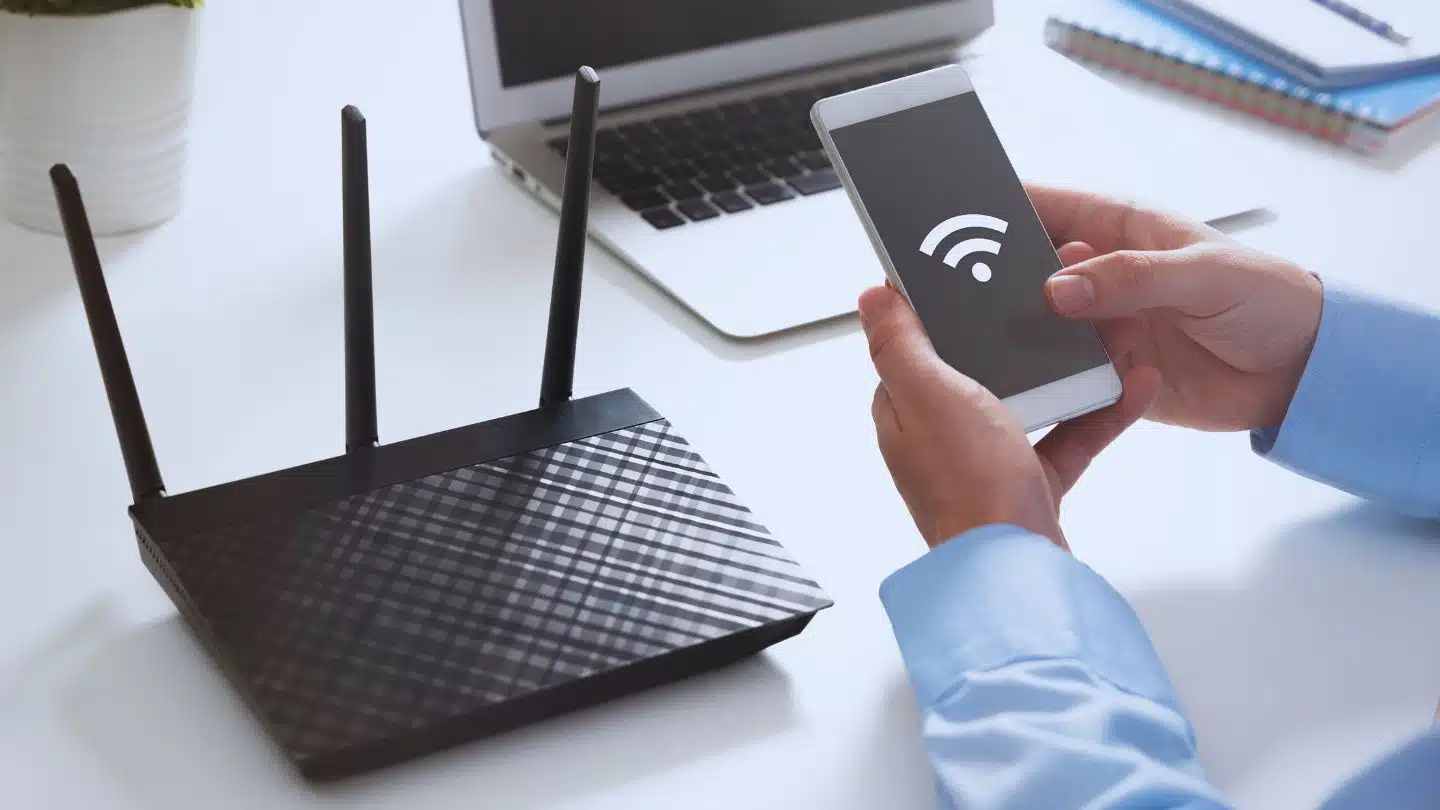
Routers are indispensable in today’s digital age, forming the core of our internet connectivity. Whether for streaming, working remotely, or gaming, a properly configured router ensures a seamless online experience. However, many people overlook key aspects of router configuration, leading to slower speeds, security risks, and unnecessary frustration.
This article delves deeper into six common router configuration mistakes that users make, explores the reasons behind them, and offers actionable advice to fix or avoid these errors. By addressing these issues, you can protect your network, boost performance, and enjoy uninterrupted connectivity.
What Is Router Configuration and Why Is It Important?
Router configuration refers to setting up a router to manage your internet connection and network efficiently. A router serves as the bridge between your devices and the internet, distributing traffic and ensuring security. Configuration involves customizing settings, such as encryption protocols, channel selection, and firewall rules, to optimize the router for your specific needs.
Neglecting proper configuration can leave your network vulnerable to cyber threats, degrade performance, and limit the functionality of connected devices. Thus, understanding common mistakes and how to fix them is crucial for anyone managing a Wi-Fi network.
1. Using Default Login Credentials
The Problem
Most routers come with default credentials, such as “admin” and “password,” which are often printed on the device or found online. These credentials are rarely changed by users.
Why It Matters:
Default credentials are well-known to hackers, who use them to gain unauthorized access. Once they have control, attackers can redirect traffic, install malware, or steal sensitive data.
How to Avoid This Mistake:
- Change the Admin Username and Password Immediately: Upon setting up your router, log into the admin panel (usually accessible through an IP address like 192.168.1.1) and update the credentials.
- Use Complex Passwords: A strong password includes a mix of uppercase and lowercase letters, numbers, and special characters. Avoid using names or simple phrases.
- Enable Two-Factor Authentication (2FA): Many modern routers support 2FA, adding an extra layer of security by requiring a code sent to your phone or email during login.
2. Forgetting to Update Router Firmware
The Problem
Firmware updates are essential for improving router performance, patching vulnerabilities, and adding new features. Unfortunately, many users ignore or are unaware of these updates.
Why It Matters:
Outdated firmware makes your router susceptible to known vulnerabilities. Cybercriminals can exploit these gaps to compromise your network or launch attacks on connected devices.
How to Avoid This Mistake:
- Check for Updates Regularly: Visit the router’s admin interface or the manufacturer’s website to find firmware updates.
- Enable Automatic Updates: Some routers allow automatic firmware updates, ensuring you never miss critical patches.
- Schedule Updates During Off-Peak Hours: Firmware updates may temporarily disrupt your internet connection, so schedule them at times when network usage is low.
3. Incorrect Wi-Fi Security Settings
The Problem
Many users stick with outdated encryption protocols like WEP (Wired Equivalent Privacy) or use no security settings at all.
Why It Matters:
Weak encryption exposes your network to unauthorized access. Hackers can intercept data or use your connection for malicious activities, which could also result in legal liabilities.
How to Avoid This Mistake:
- Upgrade to WPA3 Encryption: WPA3 provides robust protection and should be enabled in your router’s wireless security settings. If WPA3 is unavailable, opt for WPA2.
- Turn Off WPS: Wi-Fi Protected Setup (WPS) simplifies device connections but introduces security vulnerabilities.
- Use a Strong Wi-Fi Password: Set a unique password for your Wi-Fi network, making it challenging for outsiders to guess.
4. Not Configuring Guest Networks
The Problem
Allowing guests to access your primary WiFi network without restrictions can lead to security and bandwidth issues.
Why It Matters:
Guests may unintentionally introduce malware or access shared files and sensitive devices on your network. Additionally, guest usage can consume bandwidth, slowing down your internet.
How to Avoid This Mistake:
- Enable a Separate Guest Network: Most routers support a dedicated guest network, which isolates guest devices from your main network.
- Restrict Guest Permissions: Configure the guest network to limit access to shared folders, printers, or other devices.
- Monitor Usage: Use Quality of Service (QoS) settings to cap bandwidth for guests, ensuring your primary activities remain unaffected.
5. Poor Network Optimization
The Problem
Failing to optimize the router’s settings often leads to slower speeds, weak signals, and frequent disconnections.
Why It Matters:
Suboptimal network performance disrupts streaming, gaming, and video conferencing, frustrating users. It can also result in unfair bandwidth distribution among devices.
How to Avoid This Mistake:
- Use Dual-Band or Tri-Band Routers: Modern routers with dual-band or tri-band capabilities can separate devices between different frequencies (e.g., 2.4 GHz and 5 GHz), reducing congestion.
- Choose the Right Wi-Fi Channel: Tools like Wi-Fi analyzers can identify the least crowded channel in your area, improving connectivity.
- Enable QoS Settings: QoS prioritizes bandwidth for specific applications or devices, ensuring smoother performance for activities like streaming or gaming.
6. Ignoring IP Address Conflicts
The Problem
IP address conflicts occur when two devices are assigned the same IP address, causing one or both devices to lose internet access.
Why It Matters:
IP conflicts disrupt connectivity, often requiring time-consuming troubleshooting to resolve.
How to Avoid This Mistake:
- Enable DHCP: Dynamic Host Configuration Protocol (DHCP) automatically assigns unique IP addresses to devices, preventing conflicts.
- Reserve Static IPs for Key Devices: Assign static IPs to essential devices like printers or servers through the router’s admin interface.
- Regularly Review IP Assignments: Periodically check your router’s settings to ensure there are no overlapping IP addresses.
Additional Tips for Maintaining Router Health
- Reboot Your Router Occasionally: Restarting clears temporary memory and improves performance.
- Position the Router Strategically: Place it in a central, elevated location, away from physical obstructions or electronic interference.
- Enable Firewall Settings: Built-in router firewalls block unauthorized access and protect your devices.
Table: Comparison of Wi-Fi Security Protocols
Wi-Fi security protocols have evolved significantly to address emerging threats and enhance network protection. The table below provides a comparison of the key Wi-Fi security protocols as of 2024:
| Security Protocol | Year Introduced | Encryption Method | Key Length | Security Level | Current Usage |
| WEP (Wired Equivalent Privacy) | 1997 | RC4 | 64-bit or 128-bit | Weak | Deprecated; not recommended |
| WPA (Wi-Fi Protected Access) | 2003 | TKIP (Temporal Key Integrity Protocol) | 128-bit | Moderate | Largely obsolete |
| WPA2 (Wi-Fi Protected Access II) | 2004 | AES (Advanced Encryption Standard) | 128-bit or 256-bit | Strong | Widely used; standard for many devices |
| WPA3 (Wi-Fi Protected Access III) | 2018 | AES-GCMP (Galois/Counter Mode Protocol) | 192-bit or 256-bit | Very Strong | Increasing adoption; recommended for new devices |
Key Points:
- WEP: Introduced in 1997, WEP was the first Wi-Fi security protocol but was found to have significant vulnerabilities, leading to its deprecation.
- WPA: Developed as an interim solution to address WEP’s weaknesses, WPA implemented TKIP but still had security limitations.
- WPA2: Established in 2004, WPA2 became the standard for Wi-Fi security, utilizing AES encryption for enhanced protection.
- WPA3: Launched in 2018, WPA3 offers improved security features, including individualized data encryption and protection against brute-force attacks.
As of 2024, WPA3 is recommended for new devices and networks due to its advanced security capabilities. However, WPA2 remains prevalent, especially in environments where device compatibility is a concern. It’s advisable to upgrade to WPA3 where possible to ensure optimal security.
Conclusion
A router’s performance and security depend heavily on its configuration. By addressing common mistakes such as using default credentials, ignoring firmware updates, or neglecting guest network setups, you can significantly enhance your network’s reliability and safety. Regularly updating your settings and staying informed about new router technologies ensures optimal performance.
Invest time in learning how to configure your router properly—it’s a simple step with long-lasting benefits for your internet experience.