Due to software glitches or connectivity issues, many users face issues while casting the Oculus at times. It can be frustrating, but there are ways to make the issue go, which you can do on your own. So, what to do with the Oculus Casting not working issue?
If your Oculus casting is not working, make sure you are using the proper account for the device and that your WiFi connectivity is solid. You also have to check the compatibility of the casting device with your Oculus and make sure all the devices are updated. Restarting the devices also helps with resolving minor glitches.
If you want to know more about these solutions in detail, keep reading. We have discussed all the troubleshooting steps for your convenience.
Why Is Oculus Casting Not Working?
There are several reasons why you can face the issue of casting. Here are the common reasons:
- It can occur if you are not using the proper account for proper casting devices.
- If your Oculus model is not compatible with the casting device
- The Oculus and the casting device are connected to the different WiFis.
- Your router’s firmware is outdated.
- If the Oculus or the casting device does not get a good WiFi signal
- The mobile phone device does not have the Oculus app.
- The Oculus software or the software of your casting device is outdated.
- If there are any technical glitches or temporary hiccups in your Oculus or casting device.
- Bluetooth is also required for the casting. If there is a Bluetooth connectivity issue with the casting device and your Oculus headset.
In the next segment, we will discuss how to deal with these reasons.
Troubleshooting Oculus Casting Not Working
[Video Credit: @Streamstronaut]
As there are several reasons, the troubleshooting steps are also multiple. So, you have to troubleshoot step by step and find out the main reason for the problem. Follow the steps given below one by one until the issue is resolved and you can cast your Oculus.
Step 1: Check the Device and Account
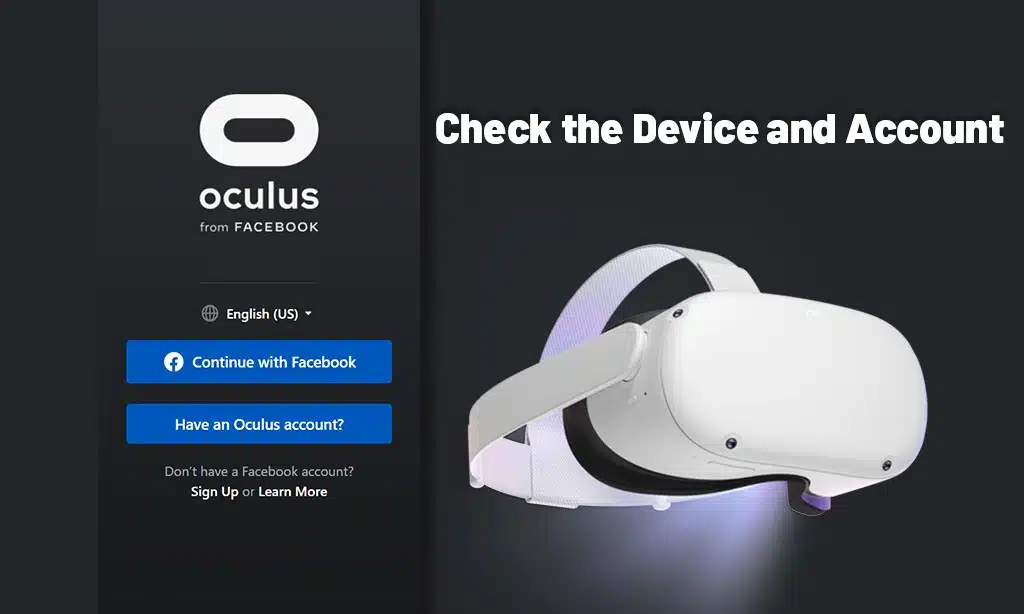
If you are trying to cast the Oculus on a mobile device, you have to ensure you only use the primary account for this. If you use any secondary account, you will face Oculus Quest 2 not casting to phone or iPhone issues.
Obviously, for playing one of the most hyped games like Robolox, you may want to cast to bigger screens. However, if you are trying to cast from web browsers or Chromecast devices, you can use secondary accounts. You can also use the primary accounts for these devices.
Also, no matter what device you are using for casting, you must install the Oculus app on your mobile device. And then you have to pair your Oculus headset with this app.
Step 2: Verify Device Compatibility
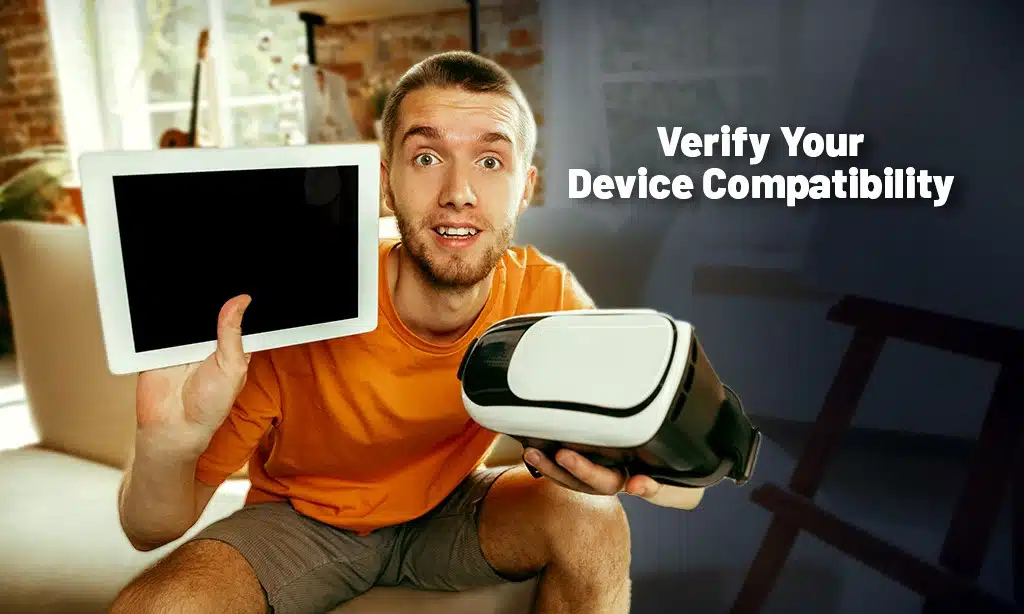
All the models of Oculus may not support all the devices you want to cast. For example, Oculus Quest 2 is compatible with Chromecast Ultra and Google TV. Obviously, Oculus Quest Pro, as one of the coolest gadgets in today’s time, requires a terrific device to match it.
So, if your Oculus Quest is not casting to TV, the TV might not be compatible with your headset.
You have to read the manufacturer’s guidelines to make sure your Oculus model matches the compatibility of your casting device.
Step 3: Check the WiFi
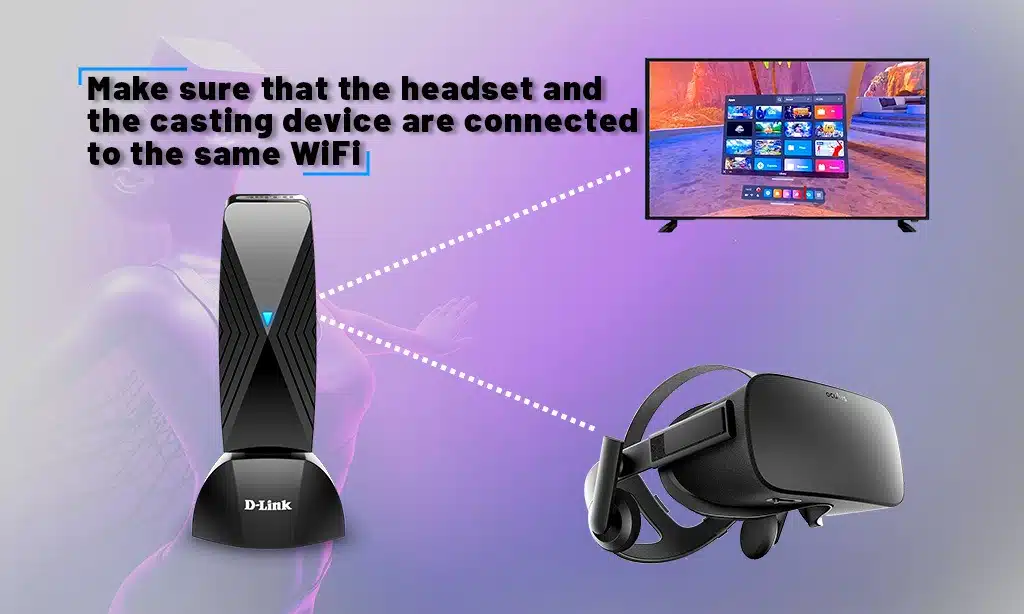
While casting the Oculus with a Wi-Fi network, you must make sure that the headset and the casting device are connected to the same WiFi. If not, the casting won’t work.
After making sure this is done, unplug your router, keep it like this for 30 seconds, and reconnect again. It will resolve temporary hiccups with your router. Make sure the router is connected to the internet by noticing the LED indicators.
Also, make sure you are using an upgraded router that is compatible with the Oculus device and that the router’s firmware is up-to-date.
Furthermore, try placing your router in an optimal place in your home, where the casting device, your phone, and your headset all get a good WiFi range.
Step 4: Check the BlueTooth Connectivity
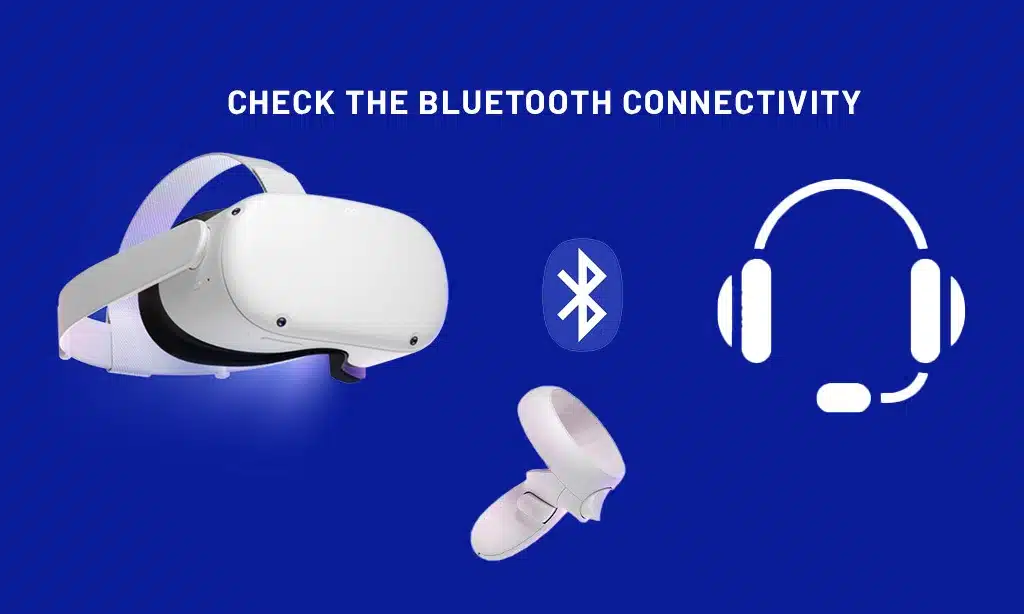
Although the Oculus uses WiFi to connect to video data and to communicate with the mobile app, it also uses Bluetooth. So, you have to make sure the Bluetooth connection is on.
Step 5: Restart the Devices
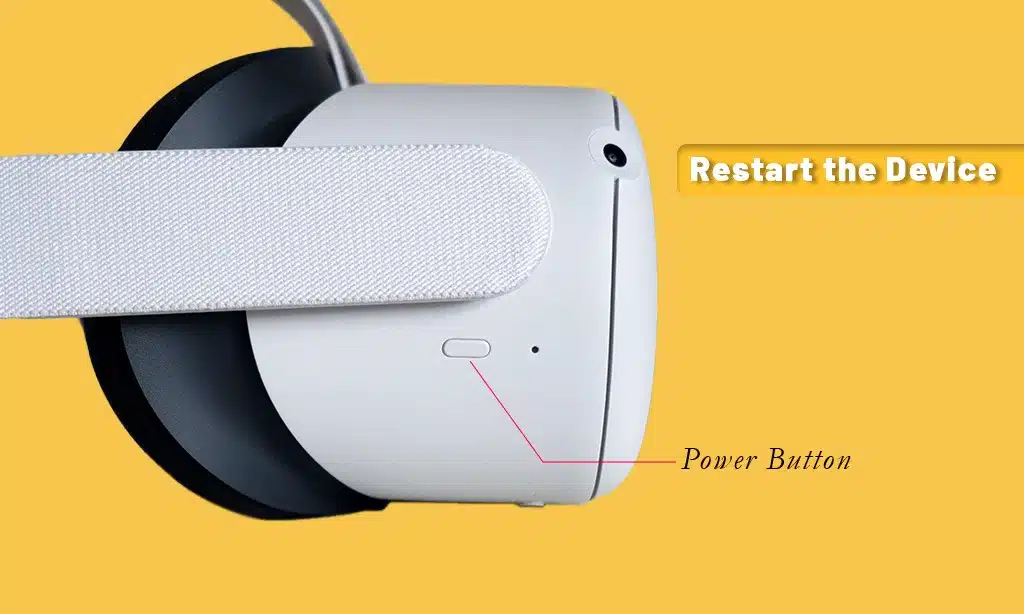
Restart all the devices involved in the casting, one by one. Start with your Oculus headsets, your phone, and finally, the casting device you are using. The restart helps get rid of temporary glitches in the devices.
If you are not sure how to restart your Oculus headset, follow the instructions given below.
- There is a “Power Button” on the side of the Oculus headset. Find the button and press it. Hold the button for a few seconds.
- After a few seconds, you will notice a menu on the screen saying, “Select Restart to reboot your device.”. Select the option, and your headset will restart.
Step 6: Ensure Software Update
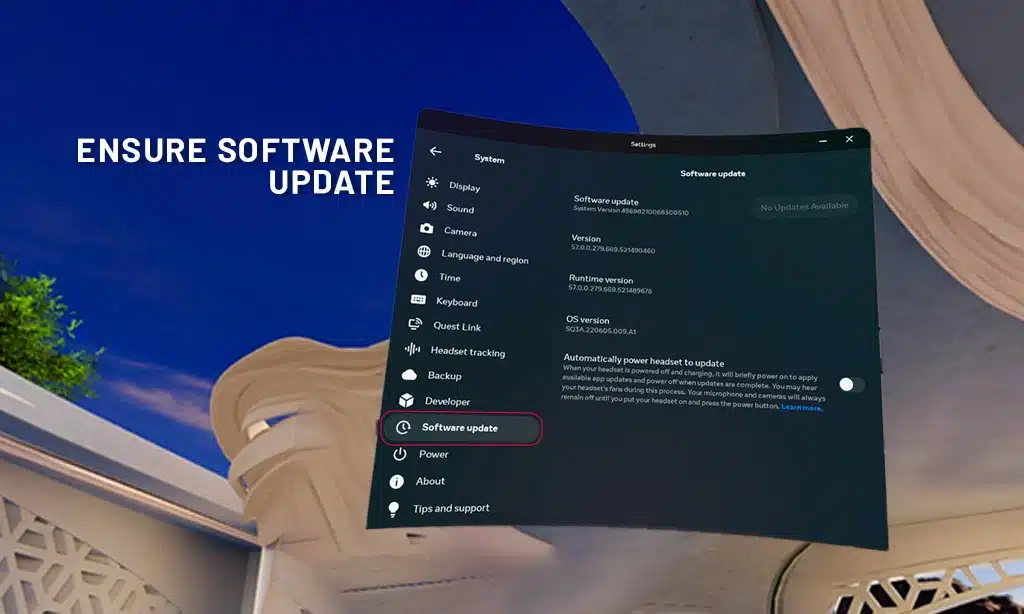
Check if there is any new update available for your phone, headset, or the device you are trying to use. If available, upgrade the software, restart the devices, and try to cast again.
To check and install a new update in Oculus, follow the instructions given below.
- First, ensure your headset is on and connected to Wi-Fi.
- From your right controller, press the Oculus button. It will open the menu bar. Access the Settings icon, then navigate to System.
- Choose Software Update.
- Now check if there are any new updates. If a new update is available, install it.
Step 7: Try Screen Mirroring
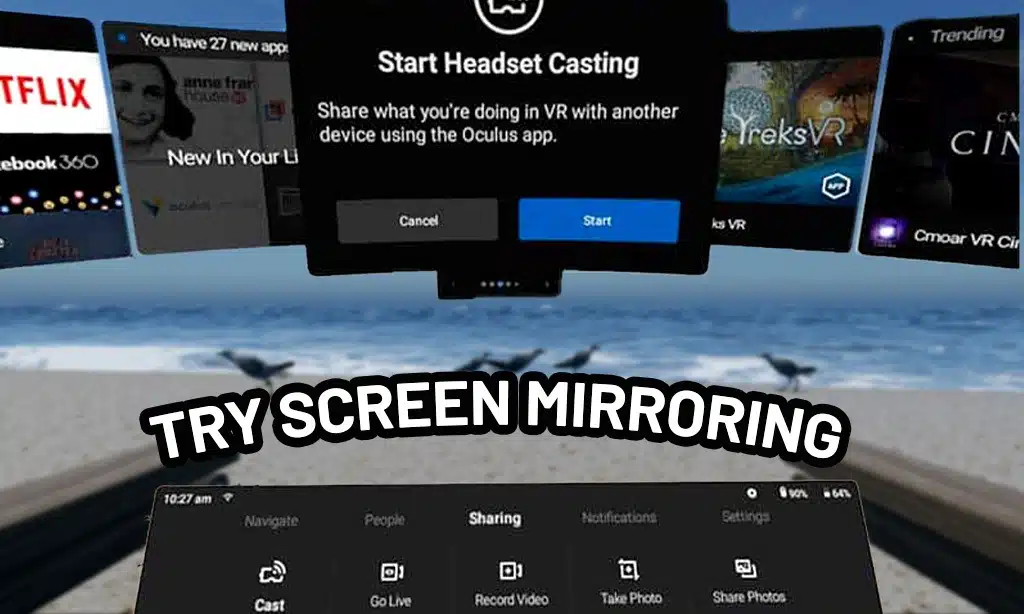
Some devices support screen mirroring, which is an easy way to connect your Oculus with the casting device. If your casting device supports mirroring, try using it.
Here’s a note. As the company name has changed from Facebook to Meta, Oculus headsets are now renamed Meta as well. So, while casting, you may see the name Meta Quest or Meta Quest 2 instead of Oculus. So, don’t be confused.
These steps should be able to resolve your Oculus casting not working issue. I bet after fixing the thing all by yourself, you feel proud and think you should try for a job in Metaverse, right? Indeed, you should be proud, as it can be a frustrating job.
Frequently Asked Questions (FAQs)
Looking to learn something more on the topic of Oculus casting not working? Here are some FAQs for you.
Why does my Oculus stop casting?
Your Oculus will stop casting if it loses a WiFi connection or if there are too many devices connected to the network. It can also happen if you try to cast and record at the same time or exit or minimize the Oculus App.
Why is my Oculus acting up?
Your Oculus can act up when the cable connection of the headset to mobile or computer devices is not securely connected. Secure the cable properly. Also, temporary glitches with the software can cause that. If you restart the Oculus, the problem should go away.
Can I cast Oculus on TV?
Yes, you can cast Oculus on TV by using both primary and secondary accounts. However, you have to see the manufacturer’s guidelines to make sure your Oculus is compatible with the model of the TV you are trying to cast.
Takeaway
Here ends the discussion on the Oculus casting not working issue. I hope this helped you resolve the casting problem. Now it’s time to relax and enjoy.
If you have other queries about Oculus, you can read our article: Meta Quest vs Oculus Quest 2.
Now, it’s time to say goodbye. Have a great day!