Listen to the Podcast:
You may have encountered a temporary hold issue if you’re interested in this article. The case is Google has the right to block small amounts of money in its users’ accounts for a while. There’s nothing wrong with that, as it’s a reasonable security measure that helps Google fight fraudsters.
And the service needs a little time to ensure that the user’s card is valid and that they have enough money on their balance to make a purchase. And since knowledge removes any fears about a particular topic, this article will tell you everything you need to know about Google temporary hold.
Few Words About Google Pay
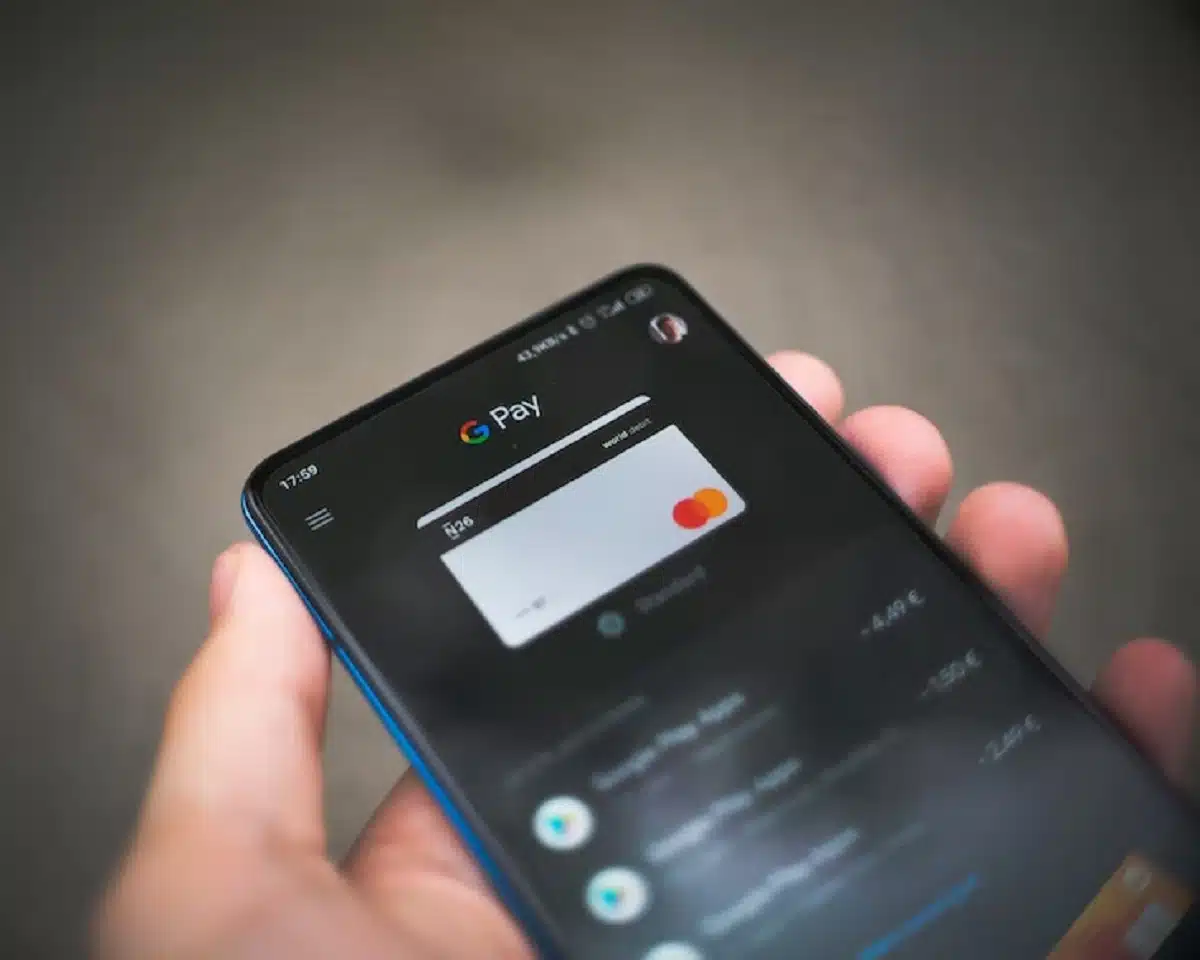
Google Pay works on the NFC platform (a wireless data transmission technology that allows information to be exchanged between devices at a distance of up to 10 cm). After linking a bank card, the user can make payments in terminals designed for contactless payment. In addition, high data security is ensured by a biometric authentication system.
For items purchased from Google, the payment in your account begins with Google * and ends with the name of the Google service or other descriptor. For example, this record might have a Google temporary hold descriptor, which we’ll discuss further.
What is Google Temporary Hold
Google temporary hold indicates payments are waiting to be confirmed. So this notification disappears immediately after the transfer is completed. Often the message appears in an abbreviated form, as mentioned above, but it does not affect its meaning. For example, this message can indicate a zero charge, which keeps credit card activity information up to date.
If a zero payment error occurs, the user will receive a notification that they need to update their account or bank card data. Consider that Google’s temporary hold may hang for quite an extended period (up to 10 workdays). The delay may be due to additional verification or the need for confirmation from the recipient to complete the transaction.
In case of a dispute, the money will be returned to the bank account belonging to the sender. Usually, this situation is resolved quickly. However, the transaction can be disputed if the money was debited by mistake and the user did not make any transfers. However, Google Pay has various designations that allow users to track all activity by linking a bank card.
How Does It Work in Practice?

To give you a better idea of what you should do when you see a Google temporary hold notification on your smartphone screen again, let’s look at cases of people (real names were replaced with fake ones) who have already encountered this issue. Programmer Jack Heads tried to make a transaction after linking his bank card to Google Pay, but the money was not debited from his account for some reason.
So he contacted the support service when the message Google temporary hold appeared on his smartphone. After he explained the situation to the manager, the payment went through in 15 minutes. So you can also always contact the support team if needed. In addition, you can take help from the experts at the consulting service Howly, who have rich experience with Google temporary hold, which guarantees you a quick solution to this problem.
Another case is from the real estate agent Sally Dove who paid at a terminal via Google Pay, but the payment couldn’t get through. And, as you may have guessed, a Google temporary hold notification came to her device. So she decided to go to support.google.com to find out the problem. And in a few minutes, Sally realized that the cause of the delay was the wrong bank account details.
After correcting the information, the transaction went through immediately. So always make sure your data is entered correctly. But even if you make a mistake in them, it is elementary to fix that. The above cases show that users remember the name of the transfers they make regularly using Google Pay. The company positions a Google temporary hold transaction as an incomplete payment pending confirmation.
And this transaction is temporarily suspended until the user takes specific actions. The payment is considered processed, and if the procedure for sending the money is followed, the inscription disappears. But, of course, there are cases when the transfer hangs up for a long time, as we said before. But it often happens due to optional checks or waiting for a response from the recipient of the money.
It is also essential to know that disputes provoke a refund to the sender’s account. Any conflicts can be settled in a dialogue with the service provider. Special mention should be made of situations where the user did not make the payment. The transaction can be disputed by applying for a refund. The wrongly deducted funds will be returned to the owner.
The Transaction Did Not Happen, But the Notification Appeared
Finally, the last thing worth mentioning is the situation where the transaction did not happen, but the notification appeared. Linking a bank card to Google Pay allows you to use your finances to pay for goods and services or to replenish your personal or game account. The whole process looks as follows. First, the system sends a request to the user’s card.
The money remains untouchable, and there is a zero charge with a Google temporary hold notification. Thus, the confirmation of the bank card activity is carried out. It is important to remember that if the system does not get a response, the user is notified of an urgent update of the card account information.
If the bank product activity has expired, the problem can be solved by attaching a new card. But unfortunately, it is impossible to stop the system requests, which happen automatically. Nevertheless, your money is safe, which is the most important thing.
Summing Up
Google Pay is an electronic payment system designed specifically for smartphones and other portable Android devices. Many users have questions related to the designation of transfers and transactions. And a Google temporary hold tells you that a payment is pending confirmation.
This notification will disappear as soon as the transfer is processed. In case of problems, it is worth checking the correctness of the attached bank details and contacting the Google Pay support service or experts at the Howly website.