I have used Avast, Bitdefender, McAfee, Norton, Windows Defender, and a few lesser-known apps. Many of them got stuck or caused problems while I worked in Adobe Creative Cloud apps or ran my work time tracker. Worse, when a serious trojan showed up, the popular names did not give me enough help to remove it. So I did my own research to find the best antivirus and endpoint protection tools for people who need their PC to stay fast, stable, and clean.
This list is the result. It mixes home antivirus apps with business endpoint tools, since the right pick depends on how much help you need.
What I Looked For This Time
I judged the best antivirus and endpoint protection tools on four points:
- Low system impact. Heavy scans and false alarms are common reasons antivirus apps clash with creative tools and time trackers.
- Recent lab results. I checked the August 2026 home Windows results from a major German test lab and the 2025 awards from a leading Austrian lab.
- Real help with trojans. That means strong cleanup, file rollback, or real people who step in.
- Fair pricing. I noted first-year deals and renewal prices where I could find them.
One lesson came early. Time trackers watch what you do on screen, and some antivirus apps mistake that for spyware. One time tracker, Memtime, even tells users to add its folders to their antivirus exclusion list. Adobe also says antivirus software can stop its apps from installing.
Quick Comparison of the Best Antivirus and Endpoint Protection Tools
Here is how the best antivirus and endpoint protection tools on my list compare at a glance. Prices are list prices at the time of writing.
| Tool | Best for | Starting price |
|---|---|---|
| ESET Home Security | Light, quiet protection | $49.99 per year, 1 device |
| Bitdefender Total Security | Top detection at a low first-year price | $59.99 first year, 5 devices |
| Malwarebytes Premium | Trojan cleanup | About $47.99 per year, 3 devices |
| Microsoft Defender | Free protection and small offices | Free; $3 per user per month for business |
| Huntress Managed EDR | Human help around the clock | $8.99 per endpoint per month |
| SentinelOne Singularity | Undoing ransomware damage | $69.99 per endpoint per year |
| CrowdStrike Falcon Go | Small teams with up to 100 devices | $59.99 per device per year |
| Sophos Intercept X | Ransomware rollback for businesses | Quote from partners |
| G DATA Total Security | Support you can reach any time | $49.95 per year, 1 device |
| Norton 360 Deluxe | One big suite for a family | $124.99 first year, 5 devices |
The 10 Best Antivirus and Endpoint Protection Tools on My List
Of the best antivirus and endpoint protection tools below, the first four are home apps, the next four protect work devices, and the last two are home suites.
1. ESET Home Security
ESET is the one I would try first if creative apps or trackers keep freezing on you. It is known for being light, and its gamer mode holds back popups and updates while an app runs full screen. That helps during long exports.
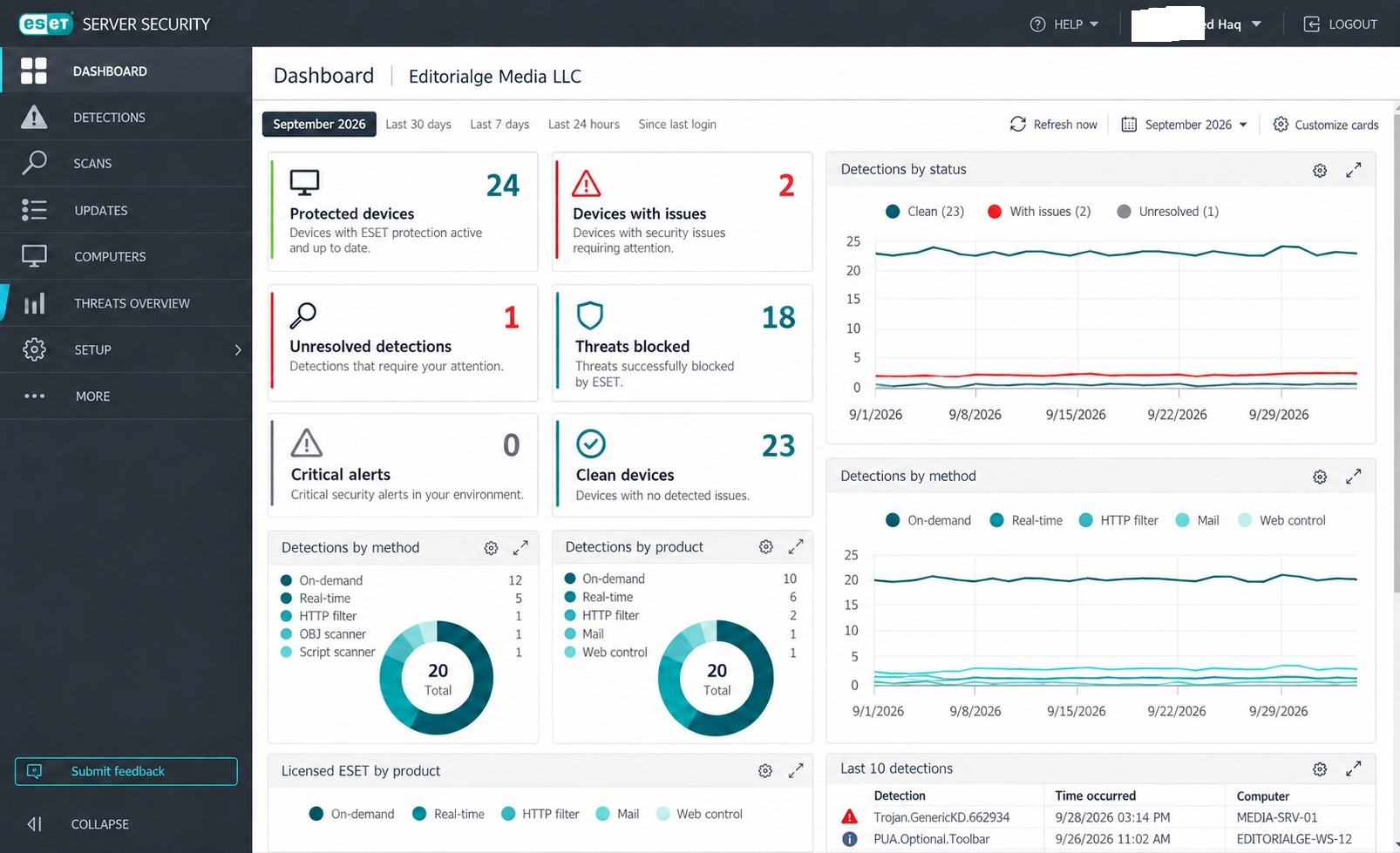
It scored full marks for protection, speed, and usability in the August 2026 German lab test. It was also named Top Rated by the Austrian lab for 2025. Among the best antivirus and endpoint protection tools, it strikes the best balance between safety and staying out of the way. Businesses can get the same engine through ESET PROTECT.
Pros: light on resources, few false alarms, strong lab scores
Cons: the many advanced settings can confuse beginners.
2. Bitdefender Total Security
Bitdefender was one of the apps I used before, and it is back here for a simple reason: its detection is hard to beat. It got full marks in the August 2026 lab test and a 2025 Top Rated award.
The first year costs $59.99 for 5 devices. There is also a free version with basic real-time protection. That makes Bitdefender one of the best antivirus and endpoint protection tools for value. Mac users can compare it with other picks in our guide to the best antivirus for Mac.
Pros: excellent detection, low first-year price
Cons: big renewal price jump
3. Malwarebytes Premium
This is the tool I wish I had when the trojan hit. Malwarebytes is famous for cleaning up infections that other apps miss. The free version scans and removes threats, but it has no real-time protection. Premium adds always-on protection for about $47.99 a year on three devices, and you can try it free for 14 days.
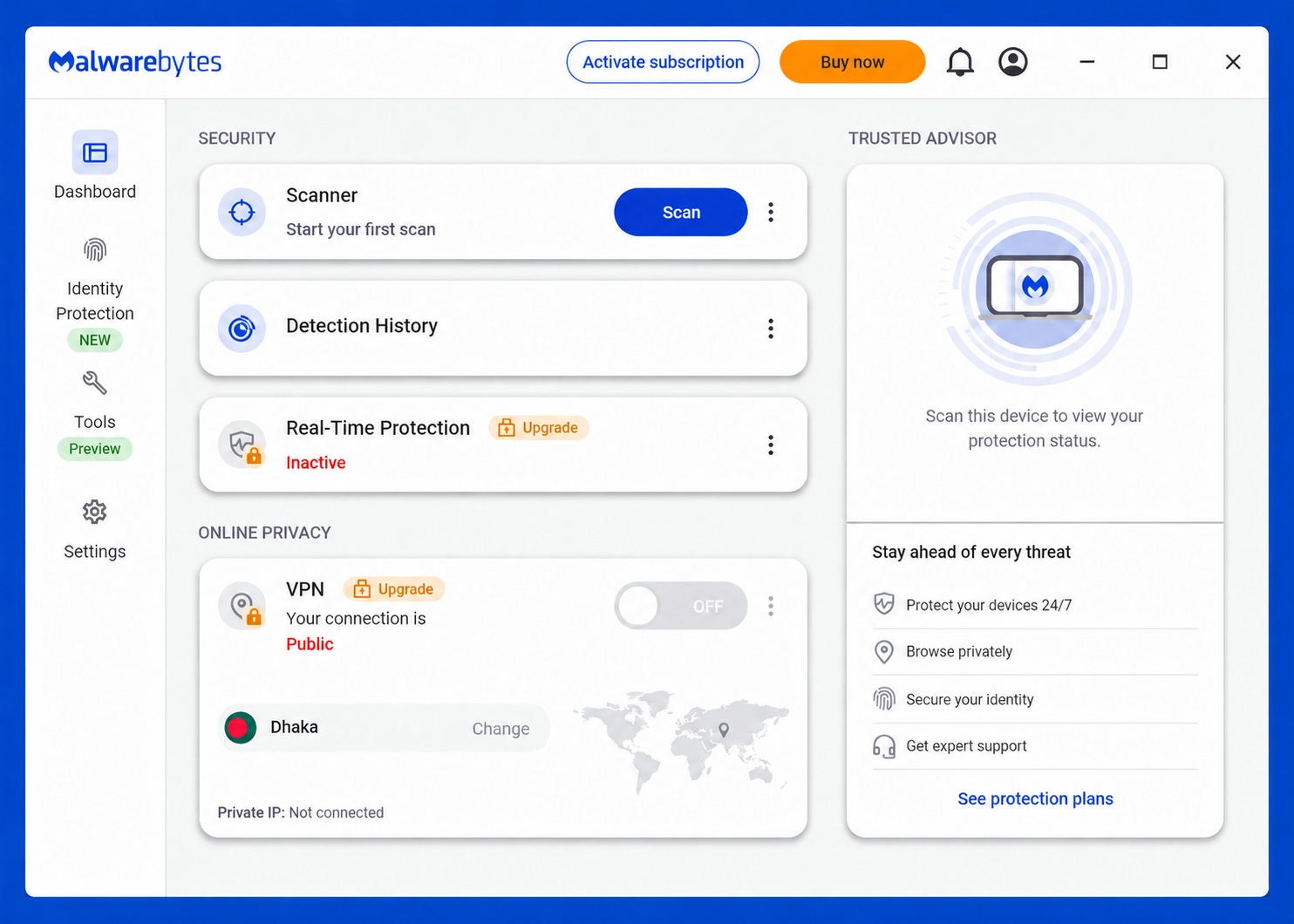
It also scored full marks in the August 2026 lab test. Many people run the free scanner next to their main antivirus as a second opinion, which earns it a spot among the best antivirus and endpoint protection tools. If you think a bad link caused your infection, read what to do after clicking a phishing link.
Pros: great at removing trojans, useful free scanner
Cons: the free version will not stop threats before they run.
4. Microsoft Defender
Windows Defender comes free with Windows 10 and 11, and I used it too. It earned a Top Product badge in August 2026, but it scored a little lower on speed than the leaders.
One setting is worth knowing. A feature called controlled folder access can block apps like Photoshop from saving files to protected folders. If that happens, add the app to the allowed list instead of turning off protection.
For small businesses, Defender for Business costs $3 per user per month for up to 300 users. It adds automatic attack disruption and automated cleanup. It is one of the best antivirus and endpoint protection tools for teams already paying for Microsoft 365. Our guide to endpoint security for remote work explains how to set it up for staff who work from home. For more no-cost options, see our list of the best free cybersecurity tools.
Pros: free, already installed, strong business version
Cons: slightly heavier on system speed than the top apps
5. Huntress Managed EDR
My biggest complaint was being left alone with a nasty trojan. Huntress fixes exactly that. Its managed EDR includes a human security team that watches your devices 24/7, looks into threats, and helps remove them.
The list price is $8.99 per endpoint per month. Buying direct needs at least 50 seats, so small offices usually buy through an IT provider instead. For firms that handle private client files, see our list of cybersecurity tools for law firms. When the question is who helps you at 2 a.m., Huntress is one of the best antivirus and endpoint protection tools you can pick.
Pros: real people respond to threats, and that team is included in the price.
Cons: 50-seat minimum for direct buyers
6. SentinelOne Singularity
SentinelOne stands out for rollback. On Windows, it saves protected snapshots of your files, so after a ransomware attack you can restore files and settings to a clean point. Rollback works best on Windows and is limited on Mac and Linux.
The Core plan starts at $69.99 per endpoint per year, usually on a one- to three-year contract. For a small business that fears losing work files, it belongs among the best antivirus and endpoint protection tools.
Pros: strong file rollback on Windows
Cons: you still need outside backups, and higher plans need a sales call.
7. CrowdStrike Falcon Go
Falcon Go brings a big-name endpoint tool to small teams for $59.99 per device per year on up to 100 devices.
On July 19, 2024, a faulty CrowdStrike update crashed millions of Windows computers around the world. The company has since changed how it releases updates, but that day showed the risk of deep system access. Even so, it ranks among the best antivirus and endpoint protection tools for small teams that want strong detection.
Pros: affordable entry plan, strong threat detection
Cons: the 2024 outage still worries some buyers.
8. Sophos Intercept X
Sophos Intercept X includes CryptoGuard, which spots ransomware encrypting files and puts the original files back. It is sold through partners, so you need a quote. It is one of the best antivirus and endpoint protection tools for offices that already work with an IT provider.
Pros: solid ransomware recovery
Cons: no simple public price
9. G DATA Total Security
G DATA is a German company that offers support around the clock, 365 days a year. That point matters to me after my trojan troubles. Total security costs $49.95 a year for one device and includes a firewall, ransomware protection, and backups. It also won a 2025 Top Rated award from the Austrian lab. For people who want a home app with real support, it is one of the best antivirus and endpoint protection tools to check.
Pros: support any time of day, 30-day money-back guarantee
Cons: less known in the US than bigger brands
10. Norton 360 Deluxe
Norton was one of my earlier apps. Its lab results are excellent: full marks in August 2026, plus a 2025 gold award for real-world protection. Norton 360 Deluxe costs $124.99 for the first year on 5 devices, with a VPN and 50 GB of cloud backup for Windows.
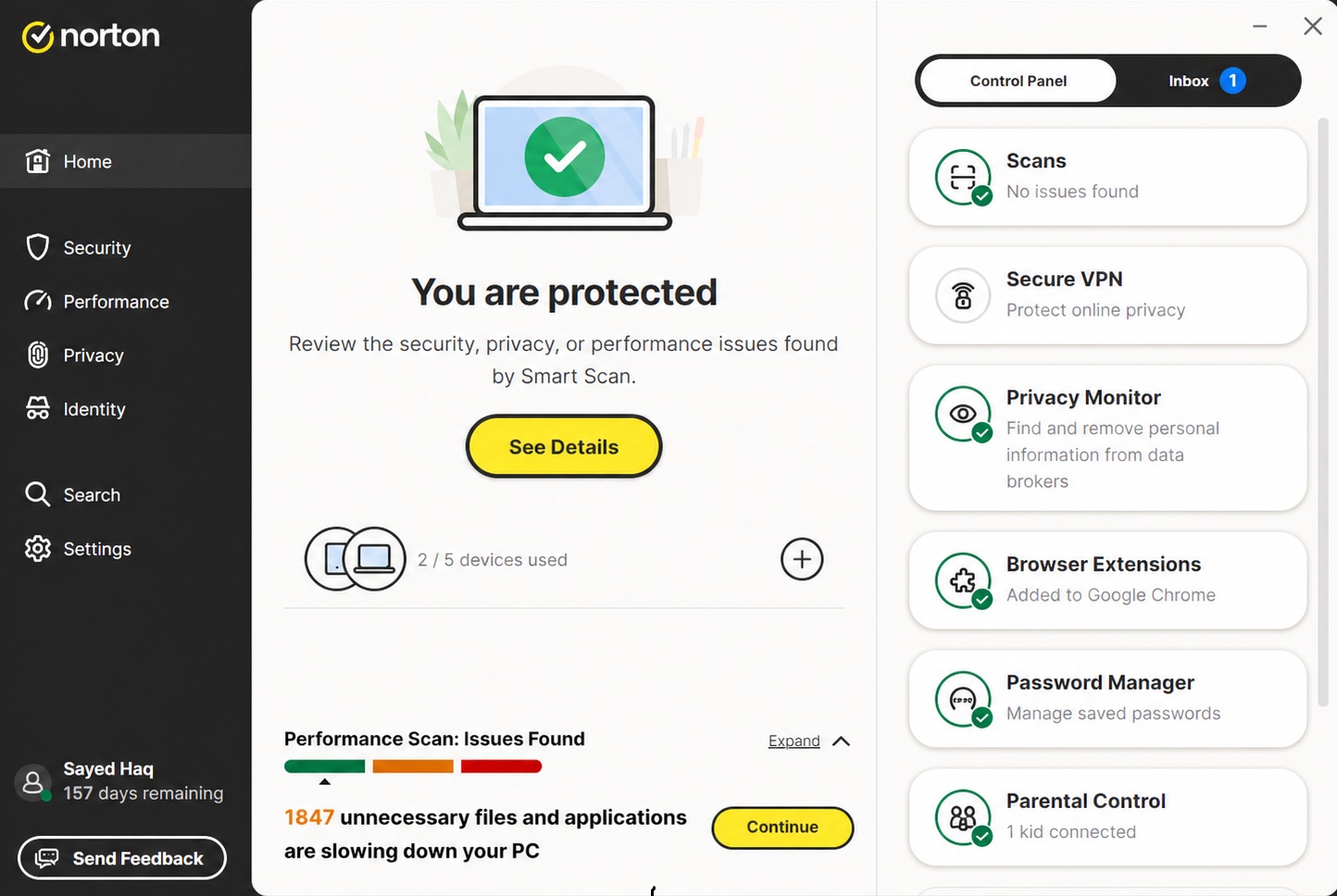
Its Virus Protection Promise offers removal help from a Norton expert. Test that support early, before you depend on it. As a family suite, it still earns a place among the best antivirus and endpoint protection tools.
Pros: top lab scores, many extras in one app
Cons: big suite, renewal price can go up
Before You Switch, Try This
Many conflicts can be fixed without changing apps. These steps are worth trying first, and they apply to all of the best antivirus and endpoint protection tools above:
- Run only one real-time antivirus. Two at once fight each other and slow your PC.
- Add exclusions for your time tracker and Adobe apps from their trusted install folders.
- Schedule full scans for times when you are not working.
- Turn protection back on after any install that asked you to pause it.
You may also wonder about Kaspersky. It scores well in lab tests, but US sales and updates stopped on September 29, 2024, so it is not an option for US readers.
Final Thoughts
If your apps keep freezing, start with ESET. If a trojan keeps coming back, scan with Malwarebytes, and think about Huntress if you run a small business and need real people on call. The best antivirus and endpoint protection tools are the ones that protect you without getting in the way of your work. Pick one, set your exclusions on day one, and test the support before you ever need it.