Have you ever searched for an 8tshare6a software download and stopped because something felt off? That pause is a good instinct. As of July 2026, I could not verify a publisher listing for 8tshare6a on Microsoft, Apple, GitHub, or Ubuntu, so any installer, spec sheet, or pricing page tied to this name should be treated as unverified.
I’m going to walk you through the safest way to check the file, inspect the installer, and decide whether it belongs on your computer at all.
The honest answer is simple: there are no verified official system requirements for 8tshare6a software right now. That means numbers like exact RAM, disk space, or installer size may look helpful, but they do not help much until you can confirm who made the software and how it is distributed.
| What to verify | What a trustworthy product usually shows | What you should do |
|---|---|---|
| Publisher identity | A real company name, release notes, support details, and a consistent product description | If those basics are missing, stop before you download |
| Windows install readiness | A signed installer, a clear publisher name, and no unexplained SmartScreen warning | Keep Microsoft Defender and SmartScreen turned on |
| macOS install readiness | An identified developer, a signed app, and notarization | Do not bypass the gatekeeper for an unknown file |
| Ubuntu install readiness | A package from App Center, Snap, or another known source, plus SHA-256 or GPG verification for direct downloads | Prefer repository installs over random archives |
| Security claims | Specific documentation for encryption, updates, and privacy | Treat claims like AES-256, batch transfers, and cloud sync as unproven until verified |
If you only want the practical takeaway, here it is: the real requirement is not a certain amount of memory. The real requirement is a publisher you can verify.
- If a page lists exact specs but no company name, that is a red flag.
- If different pages describe 8tshare6a as completely different products, that is another red flag.
- If the site offers Windows, macOS, and Linux builds with no changelog or signature details, treat the download as high risk.
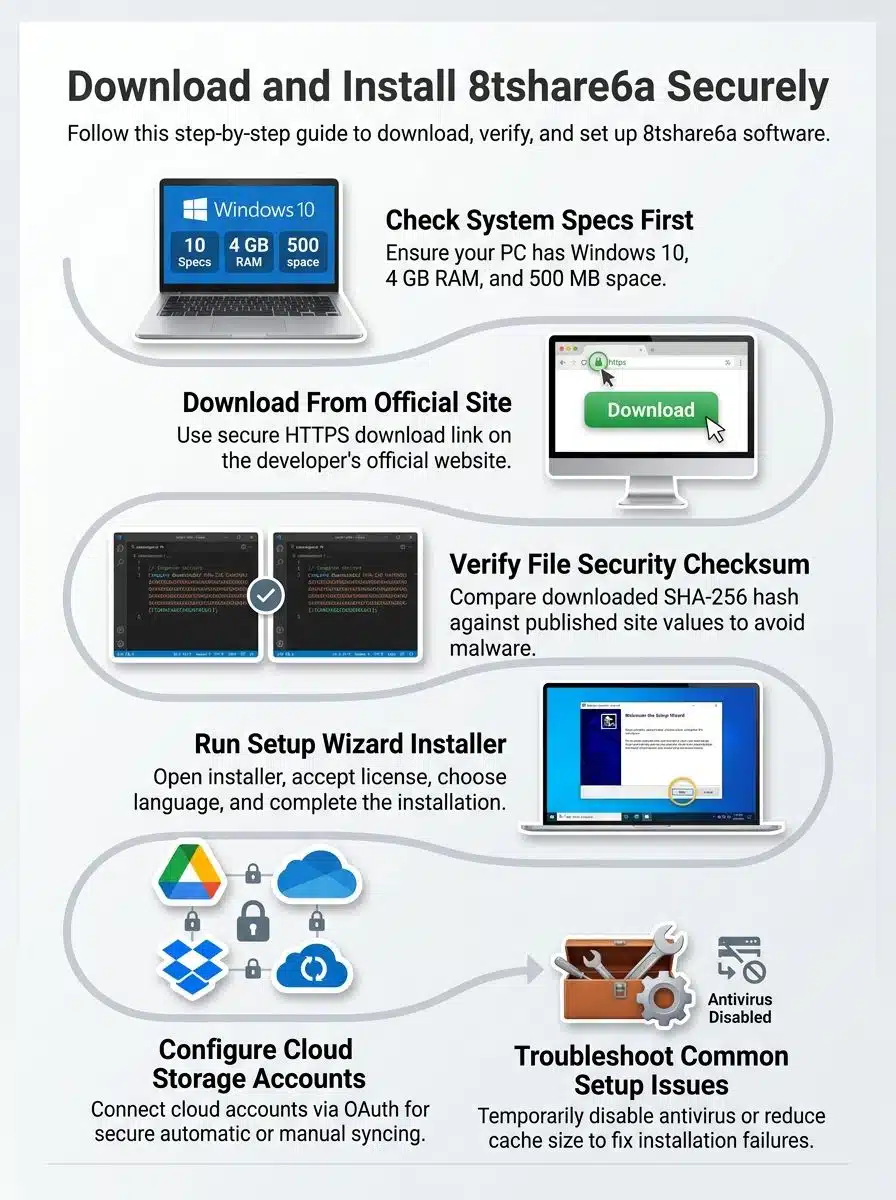
If you still want to inspect a claimed 8tshare6a software download, use a verification-first process. It adds a few minutes, and it can save you from installing adware, broken packages, or a fake tool.
I would not assume there is one. My July 2026 checks did not surface a verified official site or developer profile, which is the biggest warning sign in this guide.
Before you trust any download link, look for four basics: a real publisher name, a version history, a support or privacy page, and a checksum or signature published next to the installer. If a page skips those and pushes you straight to a big download button, close it.
- Good sign: the same publisher name appears on the download page, in the installer, and in support material.
- Bad sign: one page calls it a file manager, another calls it an AI compressor, and a third calls it a cloud backup app.
- Very bad sign: the site hides the exact version number or release date.
How to pick the right file for Windows, macOS, or Ubuntu?
Start with the file type, not the sales pitch. A real Windows installer is usually an .exe or .msi, a Mac installer is often a .dmg or .pkg, and Ubuntu software usually arrives as a .deb, Snap package, AppImage, or source archive.
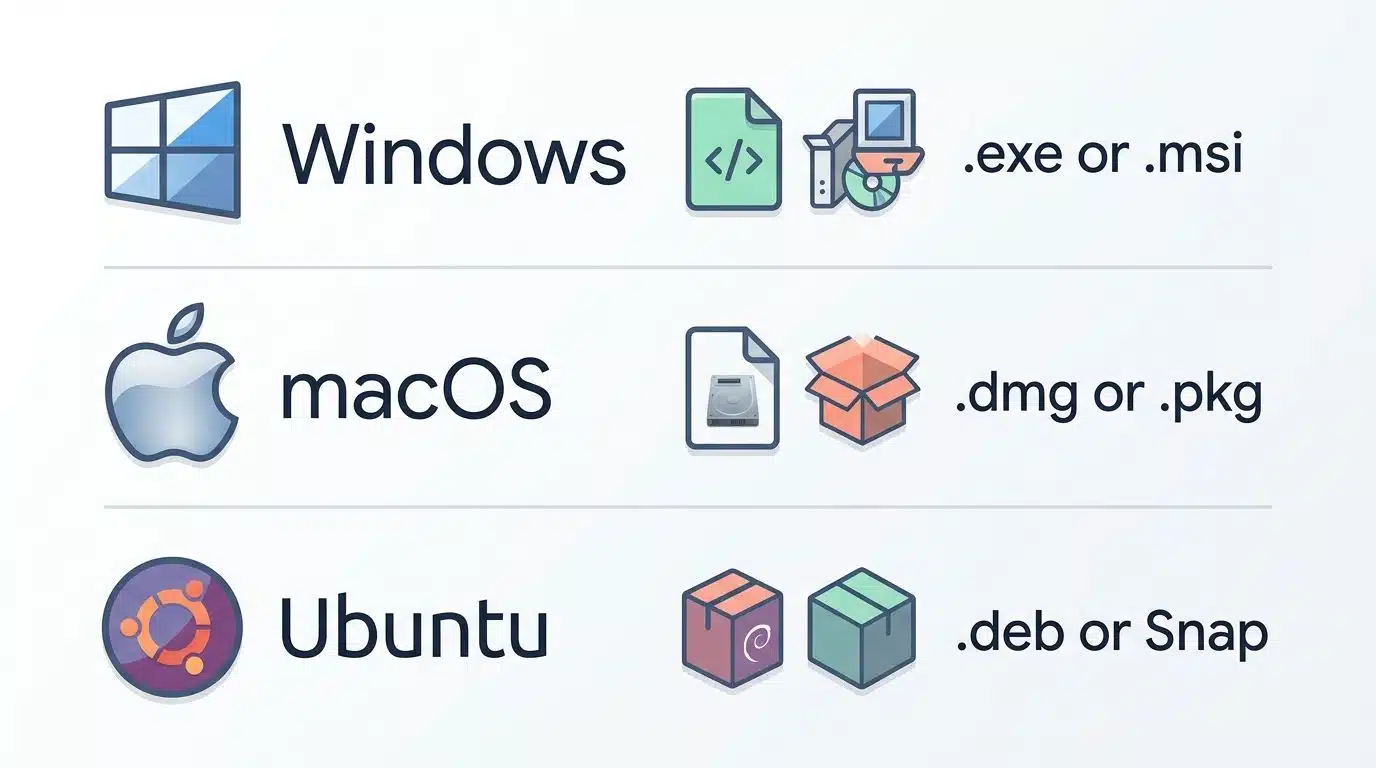
If one page offers the same generic archive for every operating system, be careful. Legit software usually publishes separate builds because Windows, macOS, and Linux do not handle installation, permissions, and signatures the same way.
| Platform | Typical file type | Check before opening |
|---|---|---|
| Windows | .exe or .msi |
Publisher name, SmartScreen result, and a Microsoft Defender scan |
| macOS | .dmg or .pkg |
Identified developer message and no warning about an unverifiable app |
| Ubuntu | .deb, Snap, or AppImage |
Repository source, SHA-256 value, and ideally a signed checksum file |
How to verify the file security with a checksum?
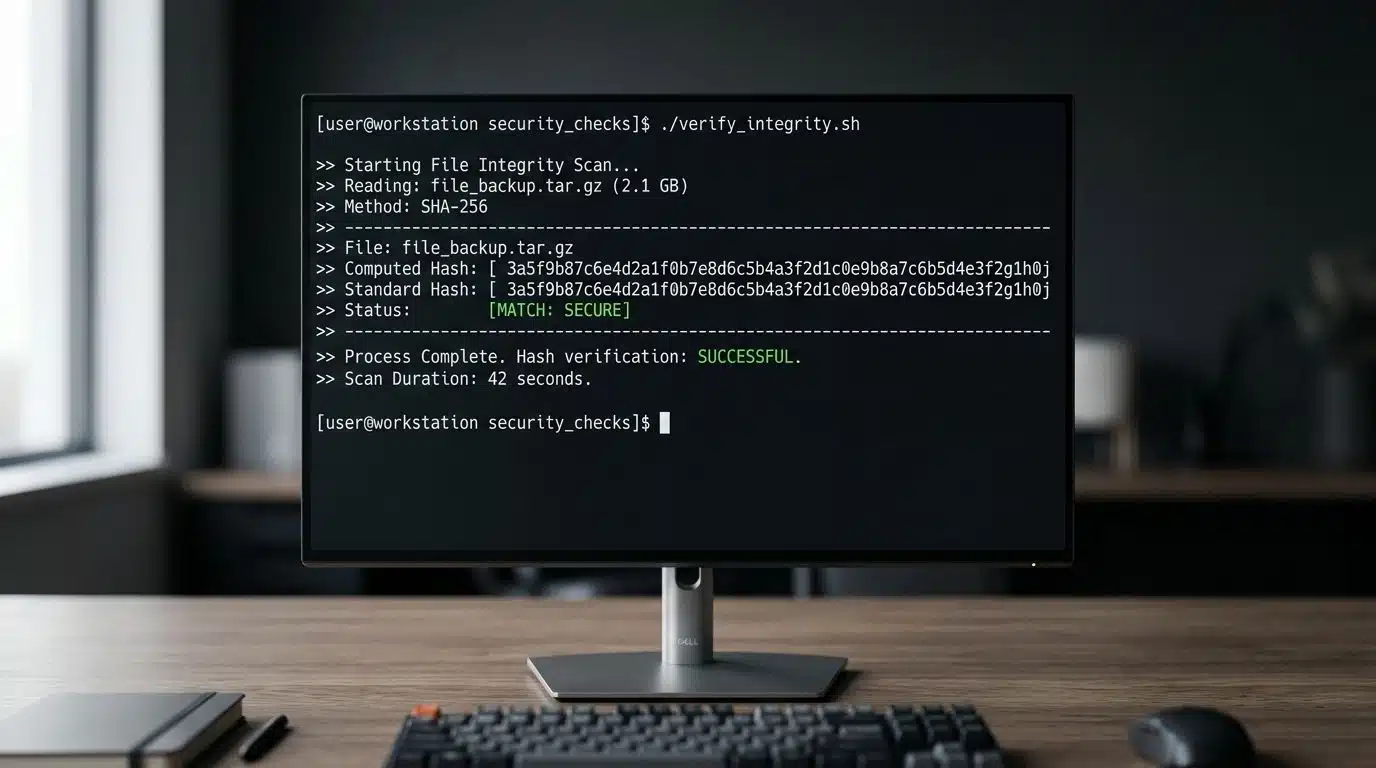
Use SHA-256 as your main file hash check. Microsoft now recommends SHA-256 over older hashes like MD5 when possible, and Ubuntu’s verification guides use SHA-256 plus GPG signatures to confirm a file has not been altered.
- Download the installer, but do not open it yet.
- Write down the exact file name and file size.
- Find the published SHA-256 value on the same page as the installer. If a page publishes only MD5, treat that as weak assurance.
- Create your own local SHA-256 hash and compare it character by character.
- If the two values do not match exactly, delete the file and download it again, or stop completely.
- After the hash matches, run an antivirus scan before opening the installer.
Windows: certutil -hashfile "C:\Path\To\File.exe" SHA256macOS: shasum -a 256 ~/Downloads/File.dmgUbuntu: sha256sum File.deb
On Windows, Microsoft Support also makes it easy to right-click a file and scan it with Microsoft Defender. That is worth doing every time you download software from a source you do not fully trust.
If the publisher is still unverified, the safest setup is no setup at all. Delete the installer and use a known file sharing or file management tool instead.
If you need to test the file for work, research, or incident response, do it in a controlled environment. A spare device, a virtual machine, or a non-admin account gives you a much safer starting point.
- Back up important files or create a restore point before you do anything else.
- Verify the SHA-256 hash, then scan the file with antivirus.
- Open the installer and read every prompt slowly. Do not rush past optional toolbars, startup entries, or “recommended” extras.
- Skip broad file associations on first launch. A legitimate app can work without taking over every folder type right away.
- Leave auto-start and background sync off until you trust the software.
- Do not connect OneDrive or Dropbox during first launch unless you can verify the developer behind the app.
- Check whether the app creates a normal uninstaller, a clear install folder, and a visible publisher name.
- Only after those checks pass should you consider turning on cloud sync, batch processing, or folder automation.
If an unknown app asks for cloud access before you even trust the installer, treat that as a stop sign.
That warning matters because cloud permissions can be broad. Microsoft Graph permissions, such as Files.ReadWrite allowing an app to read, create, update, and delete the signed-in user’s files, and Dropbox’s OAuth flow issues a token the app can keep using later. In plain English, linking storage is not a cosmetic step; it is a real access decision.
The same caution applies to flashy security claims. AES-256 is a real encryption standard defined by NIST, but a website saying “AES-256 encryption” does not prove the installer is safe, signed, or built by a real publisher.
Most problems here are not classic install bugs. They are trust problems showing up as warnings, blocked launches, checksum mismatches, or strange permission requests.
| Problem | What it usually means | Safest fix |
|---|---|---|
| SmartScreen warning on Windows | The file has poor reputation, unknown reputation, or matches a known unsafe pattern | Pause, verify the publisher, scan the file, and delete it if trust is still unclear |
| macOS says the developer cannot be verified | The app is unsigned, not notarized, or tied to an unclear publisher | Do not override Gatekeeper unless you have independent proof the file is legitimate |
| Checksum mismatch | The file is corrupted, incomplete, or altered | Delete it and download again; never install a mismatched file |
| Ubuntu dependency or package errors | The package may not match your release, or it may come from a weak third-party source | Prefer App Center, Snap, or a trusted repository, then repair broken packages only if the source is legitimate |
| Cloud sync prompts appear immediately | The app wants broad account access before trust is established | Cancel the request and review permissions before trying again |
| No uninstaller or odd startup behavior | The program may be poorly built or unwanted | Remove it, scan the system, and review startup apps and scheduled tasks |
Windows and macOS warnings are useful signals, not minor annoyances. Microsoft says SmartScreen warns when a downloaded app is known to be unsafe or lacks enough reputation, and Apple says unsigned or unnotarized apps can expose your Mac and personal information to malware.
If you are on Ubuntu, be extra careful with third-party repositories. Ubuntu’s own documentation warns that outside repositories can lower your system’s security and create package conflicts, so they are a poor fit for an unknown tool like this.
If a legitimate package from a trusted source does break on Ubuntu, a practical repair command is sudo apt install -f --reinstall package-name. I would use that only after I was sure the package itself was worth keeping.
Final Words
A careful 8tshare6a software download process starts with one question: can you verify who made the software?
Right now, that answer is unclear, so the safest move is to avoid the installer, keep SmartScreen, Gatekeeper, or Ubuntu verification tools on, and use known software for file sharing, file transfers, or file organization instead.
If you still inspect a sample, check the file hash, scan it with antivirus, and refuse cloud sync until the publisher proves they are real.
8tshare6a is a file management application; it gives core file management and local tools, and it adds cloud storage integration and offline mode so it can work without internet. It is a productivity software, and it will work for most users.
Download the new software from the official site, run the installer, and follow the installation steps until the first launch. The installer creates desktop shortcuts, and the app runs on Windows computers, Mac computers, and Android devices as a mobile app.
Key features of 8tshare6a include dual-pane file transfers, batch file operations, batch renaming, data compression, and media conversion; it also supports drag and drop and PDF file handling for dozens of formats. The program supports workflow tools, FTP, shortcut creation, and system optimization.
4. Is there a free version and what is the pricing?
A free tier is available; the free version includes basic file management and may limit some tasks to 100 files. Paid tiers use a subscription business model at 4.99 per month, or you can buy a lifetime option for 42.
8tshare6a can work without internet, so user data by default stays local on your computer file and folder unless you enable cloud integration, which uses a server computer or cloud storage. Use a strong password, watch RAM and computer hardware load, and only connect cloud services you trust.
6. What are good alternatives, and who should use this software?
If you want open-source software or other 8tshare6a software alternatives, try Midnight Commander or similar file managers, or use Google Docs for document storage and simple sharing. 8tshare6a is a good fit for users who need fast file transfers, batch processing, a tidy workflow, and core file management on a file on your laptop; it plays nice with productivity tools and can help with software development tasks.