
Imagine starting your workday without a stressful commute, dressed in comfortable clothes, and steps away from your favorite coffee mug. Sounds appealing, right? Welcome to the world of home offices! Whether you’re a freelancer, a remote worker, or someone who occasionally brings work home, having a well-designed home office can be a game-changer for your productivity and job satisfaction.
But here’s the catch – working from home isn’t always as easy as it sounds. Distractions lurk around every corner, from that pile of laundry calling your name to the allure of your cozy bed. That’s where this guide comes in. We’re about to dive into 25 practical, easy-to-implement tips that will transform your home office into a productivity powerhouse. From choosing the perfect spot in your home to maintaining a healthy work-life balance, we’ve got you covered.
So, are you ready to create a home office that not only looks great but also boosts your efficiency and well-being? Let’s get started!
Setting Up Your Space
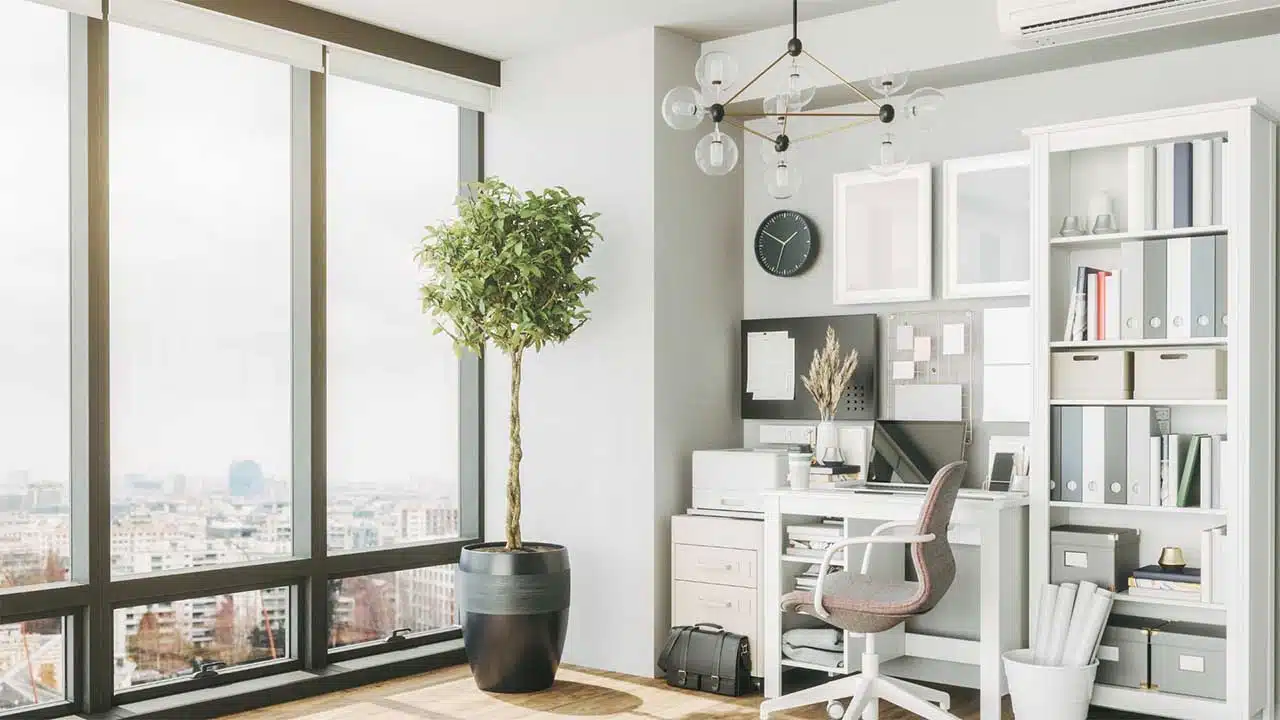
- Choose the right location: Your home office location can make or break your productivity. Look for a quiet spot away from the hustle and bustle of your home. A spare room is ideal, but if that’s not possible, get creative! A corner of your bedroom, a nook under the stairs, or even a converted closet can work wonders. The key is to find a space where you can focus and separate your work life from your home life.
- Invest in a good desk: Your desk is the foundation of your home office. It’s where the magic happens! When choosing a desk, consider your work style and available space. If you have room, an L-shaped desk can provide ample workspace. For smaller areas, a compact writing desk might be perfect. And don’t forget about standing desks! They’re great for your health and can boost your energy levels. According to a 2018 study in the International Journal of Workplace Health Management, using a sit-stand desk can increase productivity by up to 46%.
- Get a comfortable chair: You’ll likely spend hours in your office chair, so make it count! Look for a chair with good lumbar support, adjustable height and armrests, and a comfortable seat. Remember, a good chair is an investment in your health and productivity. The right chair can help prevent back pain, improve posture, and keep you comfortable throughout the day.
- Ensure proper lighting: Lighting can make a huge difference in your work environment. Natural light is best – it boosts mood and productivity. If possible, position your desk near a window. But don’t stop there! Layer your lighting with a combination of ambient (general) lighting, task lighting (like a desk lamp), and accent lighting. This creates a well-lit, visually interesting space that’s easy on the eyes.
- Control the temperature: Ever tried to work when you’re too hot or too cold? It’s not fun, and it’s definitely not productive. The ideal temperature for productivity is between 68-77°F (20-25°C). If your home office tends to run hot or cold, consider a small fan or space heater to keep things comfortable.
Organizing Your Workspace
- Keep your desk clutter-free: A cluttered desk can lead to a cluttered mind. Adopt the “touch it once” rule – when you pick up a document, deal with it immediately instead of putting it in a “to-do” pile. Use trays or folders to organize papers, and make it a habit to clear your desk at the end of each day.
- Use vertical space: When floor space is at a premium, think vertically! Install floating shelves above your desk for books and supplies. A pegboard can be a stylish and functional way to keep frequently used items within reach. Wall-mounted file holders are great for keeping important documents organized and off your desk.
- Create a filing system: Whether you prefer digital or physical files (or a combination of both), a good filing system is crucial. For physical documents, invest in a small filing cabinet or use a portable file box. Label folders clearly and file documents regularly. For digital files, create a logical folder structure on your computer and use descriptive file names. Consider cloud storage solutions like Google Drive or Dropbox for easy access and backup.
- Manage cables: Nothing ruins the look of a sleek home office quite like a tangle of cables. Use cable ties or clips to keep cords neat and tidy. Cable management boxes can hide power strips and excess cord length. For a really clean look, consider drilling a hole in your desk for cables to pass through.
- Set up a charging station: Designate a specific spot to charge your devices. This could be a drawer with built-in charging ports or a stylish charging dock on your desk. Not only does this keep your workspace tidy, but it also ensures your devices are always ready when you need them.
Tech and Tools
- Invest in a good computer: Your computer is the heart of your home office. Whether you prefer a desktop for power or a laptop for flexibility, make sure it can handle your workload without frustrating delays. Consider factors like processing speed, memory, and storage when choosing a computer. If your budget allows, a solid-state drive (SSD) can significantly speed up your computer’s performance.
- Use a second monitor: A second screen can be a game-changer for productivity. It allows you to spread out your work, compare documents side-by-side, and reduce the need for constantly switching between windows. According to a study by Jon Peddie Research, using dual monitors can increase productivity by up to 42%.
- Get a quality headset: For video calls and focus time, a good headset is invaluable. Look for one with noise-cancelling features to block out background noise. If you’re on calls frequently, consider a wireless headset for freedom of movement. Some popular options include the Jabra Evolve 75 or the Bose QuietComfort 35 II.
- Consider ergonomic accessories: Small changes can make a big difference in your comfort and health. An ergonomic keyboard and mouse can help prevent wrist strain. A footrest can improve your posture and reduce pressure on your lower back. If you wear glasses, consider computer glasses with blue light filtering to reduce eye strain.
- Use productivity apps: The right software can supercharge your productivity. Time-tracking apps like RescueTime can help you understand how you’re spending your time. Project management tools like Trello or Asana can keep you organized. And focus apps like Forest can help you stay on task by gamifying the process of avoiding distractions.
Creating a Productive Atmosphere
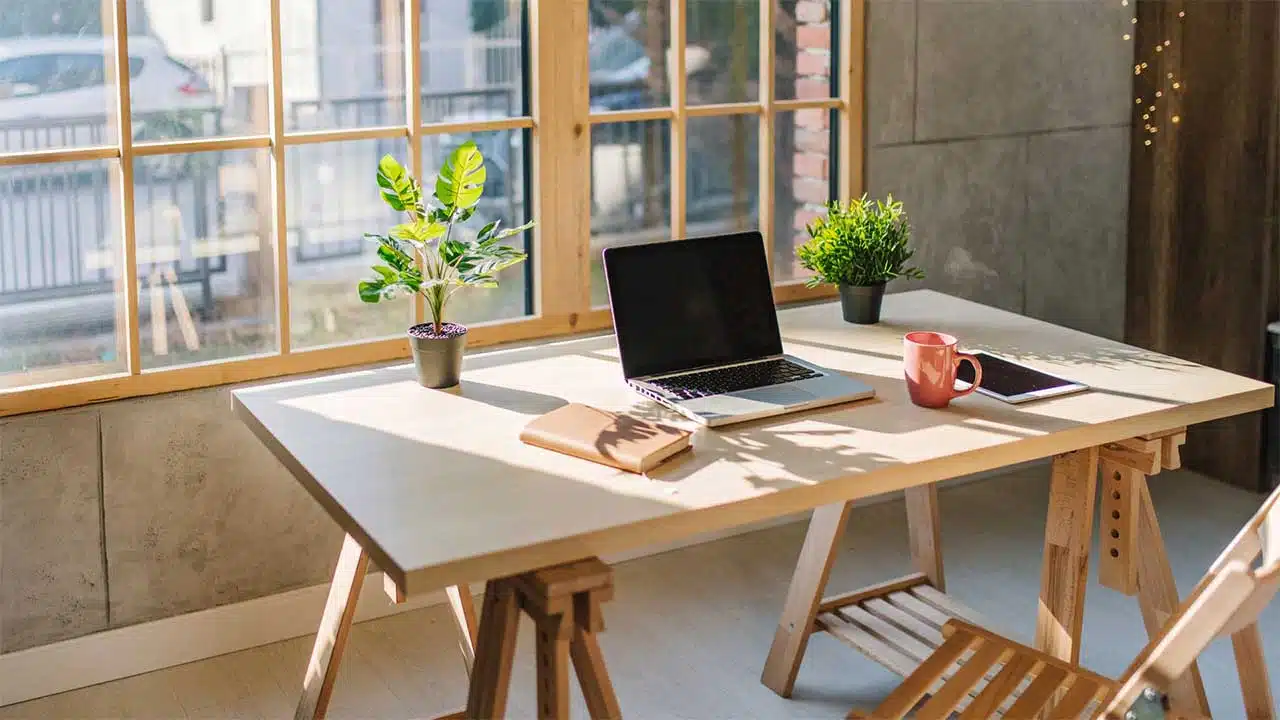
- Add some greenery: Plants aren’t just pretty – they can actually improve your work environment. They purify the air, reduce stress, and can even boost productivity. A study by the University of Exeter found that plants in the workplace can increase productivity by 15%. Easy-care options for your home office include snake plants, pothos, and ZZ plants.
- Use color psychology: The colors in your workspace can affect your mood and productivity. Blue is calming and can help with focus, while yellow can boost creativity and optimism. Green is associated with balance and growth. Consider incorporating these colors through paint, artwork, or accessories.
- Minimize noise: A quiet environment is crucial for concentration. If your home office is in a noisy area, consider soundproofing options like weatherstripping around doors or acoustic panels on walls. White noise machines or apps can also help mask distracting sounds.
- Personalize your space: Your home office should reflect your personality and make you happy to be there. Add personal touches like family photos, artwork you love, or items that inspire you. Just be careful not to go overboard – too many decorations can become distracting.
- Keep it clean: A clean workspace is a productive workspace. Make it a habit to tidy up at the end of each day. Dust regularly, wipe down surfaces, and don’t forget to clean your tech devices. A clean environment not only looks better but can also help prevent the spread of germs.
Maintaining Work-Life Balance
- Set clear work hours: When your office is at home, it can be tempting to work around the clock. Resist this urge! Set specific work hours and stick to them. This helps create a boundary between your work life and personal life, which is crucial for preventing burnout.
- Take regular breaks: The Pomodoro Technique suggests working for 25 minutes, then taking a 5-minute break. This can help maintain focus and prevent fatigue. During your breaks, step away from your desk – stretch, grab a healthy snack, or take a quick walk.
- Create transition rituals: Develop habits that signal the start and end of your workday. This could be as simple as changing into “work clothes” in the morning and back into casual wear at the end of the day. Or you might start your day with a cup of coffee at your desk and end it by shutting down your computer and turning off your office light.
- Stay connected with colleagues: Working from home can be isolating. Make an effort to stay connected with your coworkers. Schedule regular video check-ins, participate in virtual team-building activities, or set up a digital water cooler chat. Maintaining these social connections can boost morale and job satisfaction.
- Make time for movement: It’s easy to become sedentary when working from home. Make a conscious effort to incorporate movement into your day. This could be a morning yoga session, a lunchtime walk, or simply standing up and stretching every hour. Regular movement can improve your energy levels, mood, and overall health.
Latest Home Office Trends and Statistics (2023-2024)
| Trend/Statistic | Data | Source |
|---|---|---|
| Remote Work Adoption | 58% of American workers have the opportunity to work from home at least one day a week | McKinsey & Company, 2022 |
| Productivity in Home Offices | 77% of remote workers report being more productive when working from home | CoSo Cloud, 2023 |
| Standing Desk Usage | 60% increase in standing desk purchases since 2019 | Ergotron Workplace Survey, 2023 |
| Video Conferencing | 78% of corporate companies use video calling software daily | Owl Labs State of Remote Work, 2023 |
| Home Office Investment | Average spend on home office setup: $572 | National Association of Home Builders, 2023 |
| Mental Health Impact | 69% of remote workers experienced burnout symptoms while working from home | Monster.com Survey, 2023 |
| Ergonomic Awareness | 85% of remote workers are more aware of ergonomics since working from home | American Chiropractic Association, 2023 |
| Green Offices | 67% of remote workers have plants in their home office | Bloomscape Workplace Wellness Report, 2023 |
| Noise Concerns | 41% of remote workers cite noise as their biggest distraction at home | JLL Worker Preference Barometer, 2023 |
| Future of Remote Work | 97% of workers want to work remotely, at least some of the time, for the rest of their careers | Buffer State of Remote Work, 2023 |
Note: These statistics represent the most recent data available as of 2023-2024. Trends in remote work and home office setups continue to evolve rapidly.
Takeaway
Creating a productive home office is a journey, not a destination. It’s about finding what works best for you and continually refining your space and habits. The 25 tips we’ve explored are your toolkit for this journey – use them, adapt them, and make them your own.
Remember, the goal isn’t perfection. It’s about creating a space that supports your work, nurtures your well-being, and helps you achieve your professional goals. Your home office should be a place where you feel motivated, focused, and comfortable.
As you implement these tips, pay attention to what makes the biggest difference for you. Maybe it’s the ergonomic chair that banishes back pain, or the second monitor that streamlines your workflow. Perhaps it’s the simple act of adding a plant to your desk that brightens your day.
The beauty of a home office is that it’s yours to customize. So take these tips, mix in your personal style, and create a space that not only boosts your productivity but also brings you joy. After all, when you love your workspace, work becomes a little more lovable too.
Now, armed with these strategies, you’re ready to transform your home office into a hub of productivity and creativity. Here’s to your success, comfort, and work-from-home happiness!