You know how the front door is the one place you want simple routines, but you also want real control when life gets busy? That tension is exactly why 13 Smart Locks U.S. Homeowners Swear By (Pros & Cons) has become a go-to topic for people who want better home security without turning their entryway into a science project.
Smart locks can solve the everyday headaches, lost keys, rushed handoffs to guests, and that “did I lock the door?” moment, while giving you tighter access control and cleaner remote monitoring.
In market research summarized by Grand View Research, the global smart lock market was estimated at about $2.77 billion in 2024, with North America holding roughly 39.5% of market revenue share in 2024. That growth tracks with what homeowners keep asking for: keyless entry, clearer activity logs, and smoother smart home integration.
Below, you’ll get a plain-English breakdown of how smart locks work, the real pros and cons, and a practical comparison of 13 popular options so you can pick with confidence.
What Are Smart Locks?
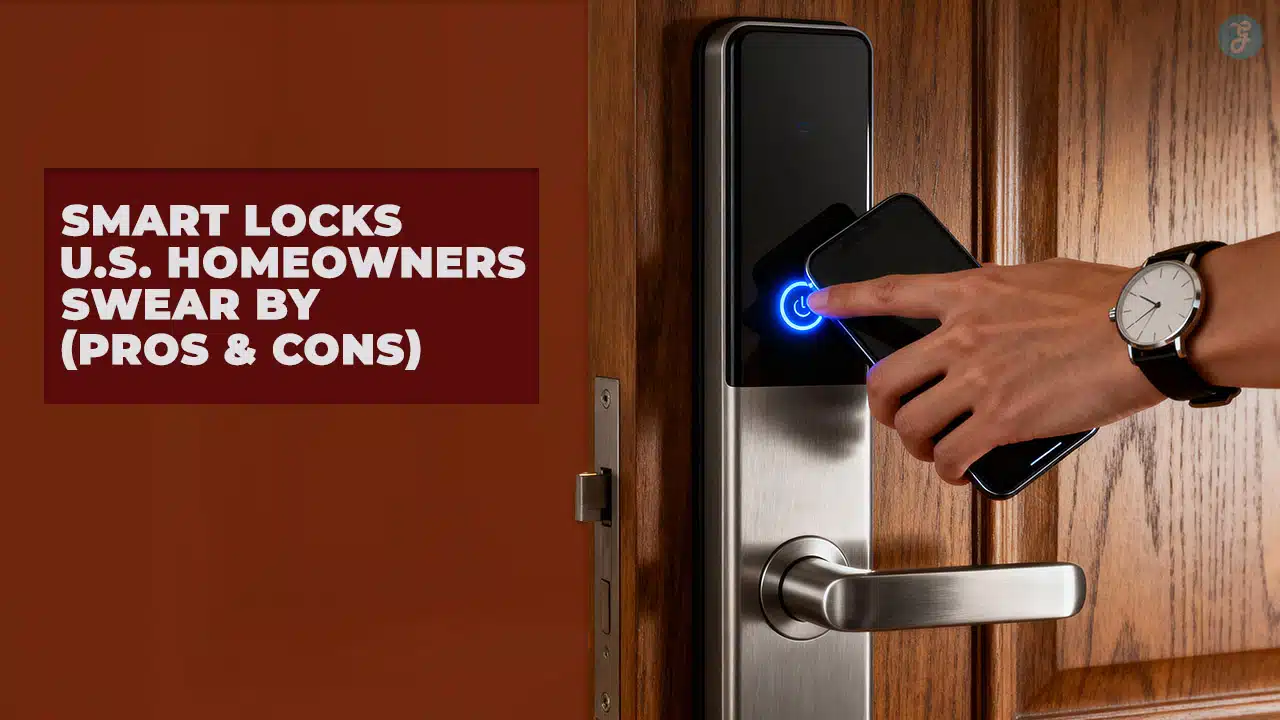
A smart lock is a door lock that can lock and unlock without a traditional key being the only control. Instead, you use a phone app, a keypad PIN, a fingerprint reader, a tap-to-unlock feature (NFC), or a smart home platform.
The two big categories are retrofit locks and replacement locks. A retrofit smart lock typically replaces only the interior thumbturn side of your deadbolt, while a replacement lock swaps the full deadbolt (interior and exterior).
- Retrofit smart locks: Keep your existing exterior hardware and keys, often the best choice for renters and anyone who wants a subtle look.
- Full deadbolt replacements: More feature options (keypad, fingerprint, NFC), but you commit to that lock’s keyway and exterior design.
- Lever smart locks: Great for side doors, garage entries, and home offices where you have a latch but no deadbolt.
Before you buy, make sure your door prep matches typical U.S. hardware sizing. A door manufacturer guide from Sun Mountain Door lists common specs like a 2-1/8 inch bore diameter and 2-3/8 inch or 2-3/4 inch backset, which is why most mainstream smart locks fit “standard” doors with minimal fuss.
One more term worth knowing is the ANSI/BHMA grade. BHMA explains that Grade 1 is the highest performance level, followed by Grade 2 and Grade 3. In practice, a higher grade is a useful signal if you’re choosing a lock for a high-traffic entry door.
Why Homeowners Are Switching to Smart Locks
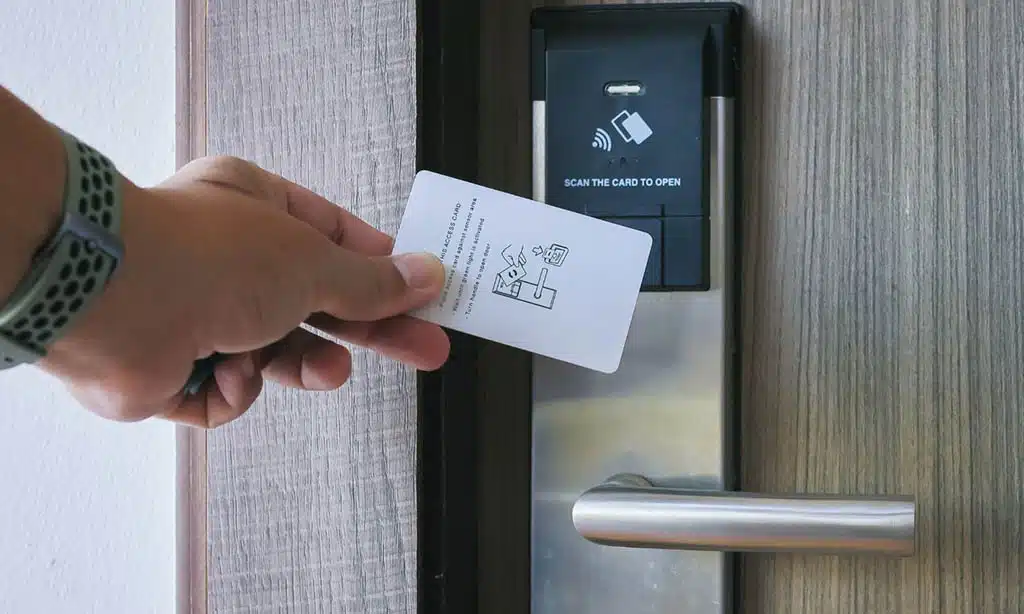
Smart locks are growing because they turn a single physical object, your key, into a set of flexible permissions you can manage in minutes. That’s a major upgrade for everyday lock management.
- Cleaner handoffs: Give a house sitter or cleaner a code that works only on Tuesdays, then delete it.
- Less “key sprawl”: No more copying keys or wondering who still has one.
- Proof, not guesses: Activity history gives you a clearer picture of what happened and when.
- Better routines: Pair locking with lights, alarms, and cameras for a more complete home automation setup.
If you use short-term rentals, manage a busy household, or want more visibility than a traditional deadbolt can offer, smart locks are one of the fastest ways to upgrade both convenience and monitoring.
The Pros of Smart Locks
Convenience: keyless entry and remote access
This is the headline benefit. You stop treating access like a physical object, and start treating it like a setting you can control.
- PINs for everyday use: Great for kids and guests who do not want an app.
- Auto-lock timers: Helpful when you want the door to secure itself after a set period.
- Remote lock checks: A quick status check beats turning the car around.
- Code capacity matters: If you host often, look for higher code limits. For example, Schlage says the Encode Plus can store up to 100 user-generated codes, while Kwikset’s Halo Touchscreen product page notes up to 250 user codes.
Enhanced security: stronger habits, better visibility
A smart lock does not magically make a weak door strong, but it can improve day-to-day security habits. It also gives you visibility that a mechanical lock cannot.
- Unique codes per person: You can remove access for one person without rekeying.
- Lockout protection: Many locks offer low-battery warnings and emergency power options (like USB-C) so you can still get in.
- Physical performance still matters: BHMA’s grade system is built around performance benchmarks, with Grade 1 as the highest level. If your front door gets heavy daily use, prioritize build quality, not just app features.
Integration: smoother smart home routines
If you already use a smart home platform, a lock can become the trigger for routines like “unlock the door, turn on entry lights.”
If you’re trying to reduce Wi-Fi dependence on battery devices, Matter-over-Thread is worth a close look. An Allegion explainer notes Thread is designed for reliability and energy efficiency, which is why it’s often positioned as a better fit for battery-powered devices like locks than Wi-Fi.
Temporary access: codes and schedules that match real life
Temporary access is where smart locks feel genuinely modern. You can set a code for a contractor, limit it to work hours, and remove it the moment the job is done.
- One-time codes: Useful for short visits and deliveries.
- Scheduled codes: Perfect for regular help like dog walkers or cleaners.
- Higher code limits: If you manage multiple guests, look for locks built for lots of codes. Schlage’s CES 2025 announcement for the Arrive notes support for managing up to 250 codes in the Schlage app.
The Cons of Smart Locks
Tech dependency: Wi-Fi, hubs, and the “what if it’s down?” problem
Some locks work best with Wi-Fi. Others need a hub or bridge for true remote access. Either way, you should plan for offline reality.
- Remote control may require extra gear: A lock can be smart locally over Bluetooth, but still need a hub for away-from-home control.
- Matter trade-offs: Some locks offer both app features and Matter support, but you may need to choose one mode to keep certain features.
- Always keep a fallback: If you choose a keyless-only lock, be honest about your tolerance for troubleshooting.
Battery maintenance: it is simple, but it is real
Battery life depends on your door alignment, how often you lock and unlock, and which radio is doing the work (Wi-Fi tends to drain faster than lower-power options).
- Shorter battery examples: A Tom’s Guide review notes the August Wi-Fi Smart Lock is rated for about 3 to 6 months on two CR123 batteries.
- Longer battery examples: Wyze lists the Lock Bolt v2 at up to 8 months of battery life, and eufy lists the Smart Lock C34 at up to 8 months based on typical usage (about 10 unlocks per day).
Security and privacy: great products still need smart setup
A smart lock is only as strong as your setup habits. Treat it like a small computer on your front door.
- Use unique credentials: Strong, unique passwords for your lock account and your Wi-Fi.
- Turn on multi-factor authentication: If the app offers it, use it.
- Prefer local storage where possible: Some products emphasize local storage for codes and fingerprints. For example, Wyze states that Lock Bolt data like codes and fingerprint data are stored locally on the lock.
Cost: higher upfront price, plus optional extras
Smart locks range from budget-friendly to premium, and extras can add up (keypads, bridges, modules, installation help).
- Budget examples: TP-Link’s Tapo DL100 launched at $69.99 (per reporting in 2025), and Wyze lists the Lock Bolt v2 at $79.98.
- Mainstream examples: Kwikset’s Halo Select is positioned around $279 at major retailers, and Schlage discussed a $199 price point for the Arrive in CES 2025 coverage.
13 Smart Locks U.S. Homeowners Swear By (Pros & Cons): Top Picks
If you want the fastest way to narrow your choices, start with the table, then skim the short notes under each model.
| Smart lock | Type | Best for | Notable detail to check |
|---|---|---|---|
| Schlage Arrive Smart WiFi Deadbolt | Deadbolt replacement | First-time smart lock users | Schlage announced up to 250 codes in app management |
| Schlage Encode Plus | Deadbolt replacement | Apple Home Key households | Schlage says up to 100 user-generated codes |
| Yale Assure Lock 2 | Deadbolt replacement | Modular smart home setups | Pick the right module (Wi-Fi, Z-Wave, Zigbee, Matter where offered) |
| Yale Approach Lock with Wi-Fi + Keypad | Retrofit (deadbolt adapter) | Renters and “keep my keys” households | Bridge or nearby power needs for some remote features |
| Aqara Smart Lock U100 | Deadbolt replacement | Fingerprint + Apple Home Key | Aqara lists 50 fingerprints, up to 75 passwords, local AES encryption |
| Schlage Encode Smart WiFi Lever | Lever replacement | Side doors, garage entries, offices | Verify your door prep and handedness before ordering |
| Kwikset Halo Touch (Fingerprint) | Deadbolt replacement | Fast fingerprint entry with a key backup | Kwikset lists up to 50 users and up to 100 fingerprints |
| Kwikset Halo Select | Deadbolt replacement | Future-proofing with Matter options | Matter vs app feature trade-offs may apply |
| Wyze Lock Bolt v2 | Deadbolt replacement | Budget-friendly fingerprint + Wi-Fi | Wyze lists $79.98 price and up to 8 months battery life |
| TP-Link Tapo DL100 | Deadbolt replacement | Lowest-cost Wi-Fi option | Battery estimates depend on Wi-Fi vs Bluetooth usage |
| eufy Smart Lock C34 | Deadbolt replacement | Family-friendly access options | eufy lists up to 8 months battery life on 8 AA batteries |
| August Wi-Fi Smart Lock (retrofit) | Retrofit (deadbolt adapter) | Keeping your exterior hardware | Tom’s Guide notes 3 to 6 months battery life on CR123 batteries |
| Level Lock+ | Deadbolt replacement (discreet design) | Minimalist look with tap-to-unlock style use | Plan for more frequent CR2 battery changes if range boost is used |
Schlage Arrive Smart WiFi Deadbolt
If you want a straightforward Wi-Fi smart lock, this is positioned as Schlage’s “easy upgrade” option. Schlage’s CES 2025 announcement tied Arrive to the updated Schlage Home app and stated it would be available in late spring 2025, so it’s one to check if you prefer a familiar brand and app-driven access control.
- Pros: Simple Wi-Fi approach, code management, good ecosystem fit for many homes.
- Cons: Timing and exact feature set can vary by model and app updates.
Schlage Encode Plus
This is a strong pick for Apple households that want tap-style entry and solid app controls. Schlage’s support documentation says the Encode Plus can store up to 100 user-generated codes, which is plenty for most families and frequent guests.
- Pros: Clean user experience, strong code capacity, excellent for Apple-focused homes.
- Cons: Higher cost than budget locks, and you still need to keep batteries fresh.
Yale Assure Lock 2
Yale’s Assure line is popular because it gives you multiple configurations, keyed or key-free, touchscreen or keypad, and different connectivity modules depending on the ecosystem you want.
- Pros: Flexible product line, easy to match to your preferred smart home technology.
- Cons: Choice overload is real, make sure you buy the exact module you need for your setup.
Yale Approach Lock with Wi-Fi + Keypad
This is the renter-friendly style many people want, keep your current keys working, add smart control on the inside. WIRED has highlighted the Approach as a top pick because it keeps the exterior looking “normal” while still giving you smart features and a keypad option.
- Pros: Minimal door changes, keeps your existing key, good for apartments and rentals.
- Cons: Some features can depend on a bridge and nearby power.
Aqara Smart Lock U100
If you like fingerprints and Apple-friendly access, Aqara made the U100 very easy to shop for. Aqara’s product announcement says it recognizes up to 50 fingerprints, supports up to 75 passwords, and stores sensitive access data locally with AES encryption.
- Pros: Strong access options (fingerprint, keypad, key), great for structured access control.
- Cons: To get the most out of automations and remote control, many households end up adding the brand’s hub.
Schlage Encode Smart WiFi Lever
Lever locks are underrated. They can be the best upgrade for a garage-to-house door or side entry where you want a code, but you do not have a deadbolt.
- Pros: Better fit for latch-only doors, solid for everyday traffic.
- Cons: You need to confirm door handing and prep before you buy.
Kwikset Halo Touch (Fingerprint)
This is a practical “family door” lock: fingerprints when your hands are full, a keypad when needed, and a physical key backup. Kwikset’s product info for Halo Touch notes up to 50 users and up to 100 fingerprints.
- Pros: Fast entry, strong household usability, good user experience for kids and guests.
- Cons: Fingerprint performance depends on clean sensor contact and consistent finger placement.
Kwikset Halo Select
If you want a lock that is thinking ahead, Halo Select is a notable option. In coverage of Halo Select’s launch, the lock was positioned as a Matter-over-Thread capable model, and it’s commonly priced around the high-$200 range at major U.S. retailers.
- Pros: Flexible connectivity options, modern user interface, strong smart home direction.
- Cons: Some advanced features can change depending on whether you run it in app mode or Matter mode.
Wyze Lock Bolt v2
For a low-cost entry into fingerprint smart locks, Wyze is hard to ignore. Wyze lists the Lock Bolt v2 at $79.98, with up to 8 months of battery life, and it emphasizes that data is stored locally on the device.
- Pros: Strong value, built-in Wi-Fi, good privacy posture for the price.
- Cons: Do not expect premium hardware feel at budget pricing.
TP-Link Tapo DL100
This is a budget pick that still offers Wi-Fi, which is unusual at the price. Reporting in 2025 put the lock’s launch price at $69.99, plus it includes an emergency USB-C power option, which is a practical “save” when batteries die at the wrong time.
- Pros: Very approachable cost, Wi-Fi without a separate bridge, straightforward installation.
- Cons: Fewer premium features, no fingerprint reader.
Eufy Smart Lock C34
eufy positions the C34 as a multi-access family lock. eufy states the Smart Lock C34 can deliver up to 8 months of battery life on 8 AA batteries based on typical use (about 10 unlocks per day), which is helpful if you hate frequent battery swaps.
- Pros: Strong battery life claim, multiple unlock methods, solid daily usability.
- Cons: Larger battery packs can mean a bulkier interior unit.
August Wi-Fi Smart Lock (retrofit)
If you want to keep your existing exterior hardware, August-style retrofits still make sense. A Tom’s Guide review notes the August Wi-Fi Smart Lock uses two CR123 batteries and is rated for 3 to 6 months of battery life, which is the trade-off for a smaller retrofit unit with Wi-Fi built in.
- Pros: Keeps your existing keyway, very clean exterior look, solid for apartments.
- Cons: Shorter battery life than many AA-powered replacements.
Level Lock+
Level is for people who want the door to look normal. You get smart functionality without the big “smart lock block” on the inside.
- Pros: Minimalist look, good fit for design-forward homes.
- Cons: Some users report faster battery drain when features like extended range are enabled, so plan your battery routine.
Comparing Smart Locks: Features and Benefits
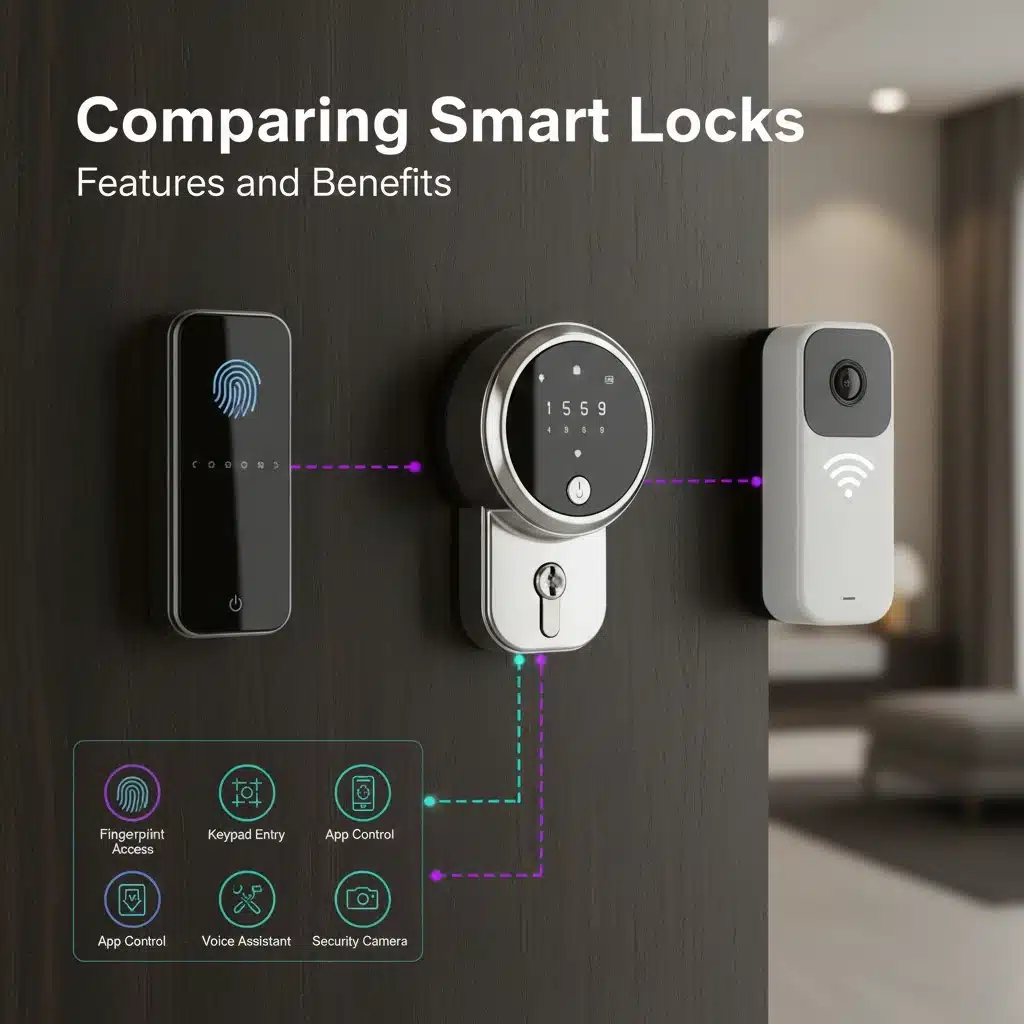
If you want to buy the right lock the first time, compare these five features before you get pulled into marketing claims.
- Connectivity: Wi-Fi (easy remote access), Bluetooth (simple and lower power), Z-Wave or Zigbee (hub-based), Matter-over-Thread (efficient and interoperable when your home supports it).
- Access methods: Key backup, keypad, fingerprint, NFC tap-to-unlock, app control.
- Code and user limits: If you host, the difference between 20 codes and 250 codes is the difference between “manageable” and “constant cleanup.”
- Battery life: Compare realistic claims and think about your usage, not someone else’s.
- Physical quality signals: Check for ANSI/BHMA grading or certification details when available.
| If you care most about… | Prioritize | Examples from this list |
|---|---|---|
| Fast guest management | High code limits, scheduling tools, clear logs | Schlage Arrive, Kwikset Halo Touchscreen, Schlage Encode Plus |
| Keeping current keys | Retrofit designs | Yale Approach, August Wi-Fi Smart Lock |
| Family-friendly entry | Fingerprint + keypad + key backup | Kwikset Halo Touch, Aqara U100, Wyze Lock Bolt v2 |
| Future-proof smart home tech | Matter compatibility, Thread support where applicable | Kwikset Halo Select (platform support can vary by mode) |
Are Smart Locks Right for Your Home?
For most readers, the decision comes down to three things: how many people need access, how often you share access, and how much you care about remote monitoring.
If you want an easy answer, use this quick filter.
- You should strongly consider a smart lock if: you share access often, manage guests, or want reliable door status checks.
- Start with a retrofit if: you rent, want to keep your existing keys, or prefer a subtle exterior.
- Start with a replacement if: you want a keypad, fingerprint, or NFC tap-to-unlock built into the exterior side.
- Keep a mechanical backup plan if: you travel often or hate troubleshooting. A physical keyway or an emergency power option reduces stress.
Finally, treat installation like part of security. A smart lock motor will struggle if your door is misaligned. Fix the door fit first, then add the smart lock, and you’ll usually get better battery life and a better user experience.
Takeaways
Smart locks can make home security feel simpler day to day, while giving you better access control, cleaner monitoring, and fewer key-related headaches.
The best pick is the one that fits your door, matches your smart home, and has a battery life you can live with.
If you want a clean shortlist to work from, come back to 13 Smart Locks U.S. Homeowners Swear By (Pros & Cons) and choose your top two based on access method, installation style, and how you plan to manage guests.
FAQs on Smart Locks U.S. Homeowners Swear By (Pros & Cons)
1. What are smart locks, and why do U.S. homeowners trust the 13 Smart Locks U.S. Homeowners Swear By (Pros & Cons)?
Smart locks are connected locks that let you lock and unlock doors with a mobile app, keyless entry code, or remote service. Many U.S. homeowners like the 13 models for their ease, added security, and smart home fit.
2. Are smart locks safe, what are the pros & cons for security and privacy?
Smart locks can boost security, when you use strong passwords, keep the mobile app updated, and protect your home Wi-Fi network. A common con is that some models can be hacked or fail if you ignore software updates or weak settings.
3. How long do smart locks run on battery, and what care do they need?
Most door locks run months to a year on battery, it varies by use and features. Check battery levels in the mobile app, swap batteries before they die, and follow the maker’s installation and maintenance tips.
4. How do I pick the right model for my home, considering compatibility and installation?
Match the lock to your door, your smart home hub, and the wireless protocol you use, like short-range wireless or a common wireless protocol. Think about pros and cons, such as ease of install, app quality, and whether the lock works with your home Wi-Fi network and other devices.