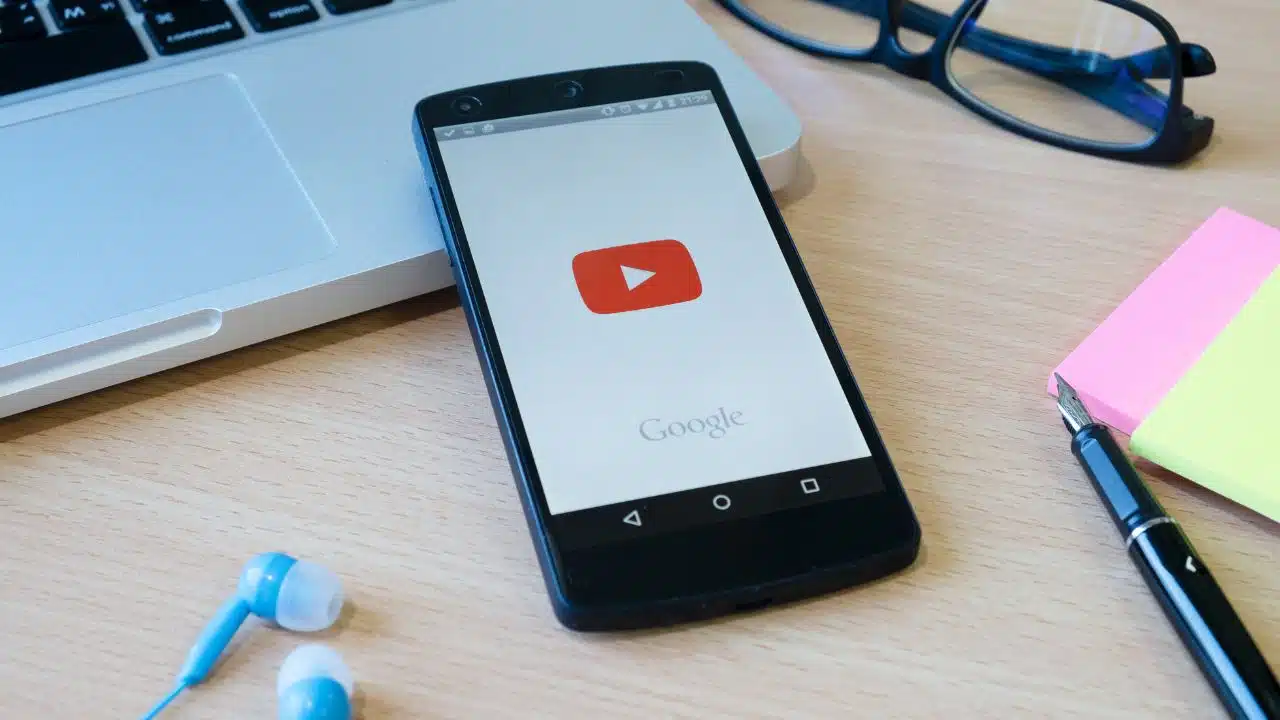
Short-form videos have become very popular. Many people want to save these videos for later. But, what’s the best way to do it?
Reliable converter tools are key for downloading videos in formats like MP4 or MP3. The right tool ensures your videos are ready when you need them.
We’ll look at the top tools for saving short videos. You’ll learn what makes a converter great. We’ll cover important features like ease of use and video quality.
Why Download YouTube Shorts?
YouTube Shorts are becoming more popular, and people need a good YouTube Shorts downloader. This is because they want to watch these short videos offline or build their own video collection.
Benefits of Saving Content for Offline Use
There are many reasons to save YouTube Shorts for later. You can watch them without the internet, which is great for traveling or places with bad connections. It also helps save your data, which can lower your phone or internet bills.
Having your favorite Shorts saved means you can watch them anytime, even without the internet. This is super helpful for people with tight schedules or who often can’t get online.
Enhancing Your Video Library
Downloading YouTube Shorts also helps grow your video collection. With a YouTube Shorts downloader, you can pick and save videos you love. This is great for creators who want to study or share popular Shorts.
Also, converting these Shorts to MP4 lets you watch them on many devices. This makes it easy to enjoy your favorite videos anywhere.
Understanding Formats: MP4 vs. MP3
It’s important to know the difference between MP4 and MP3 when saving YouTube Shorts. You can choose to save it as a video or audio file, based on your needs.
What is MP4 and Its Advantages?
MP4 is a versatile video format that holds both video and audio. It’s great for saving YouTube Shorts if you want to keep the video quality. The benefits of MP4 include:
- Video and Audio Combined: MP4 files have both video and audio, making them easy to manage as one file.
- Wide Compatibility: Most media players and devices support MP4, so you can play your videos anywhere.
- Quality Retention: MP4 videos can keep their original quality if downloaded from a reliable source, offering a great viewing experience.
To convert YouTube Shorts to MP4, use a YouTube Shorts to MP4 converter. It makes the process easy and ensures your videos look great.
The Benefits of MP3 Formats
MP3 is an audio-only format ideal for those who only want the audio from YouTube Shorts, like music or podcasts. The benefits of MP3 include:
- Smaller File Size: MP3 files are smaller than MP4 because they only have audio, making them easier to store.
- Audio Quality: MP3 offers good audio quality for casual listening, even though it’s a compressed format.
- Portability: MP3 files are very portable and can be played on almost any device that supports audio.
If you want to convert YouTube Shorts to MP3, a YouTube Shorts to MP3 converter is a simple way to save just the audio.
Best Tools to Convert YouTube Shorts
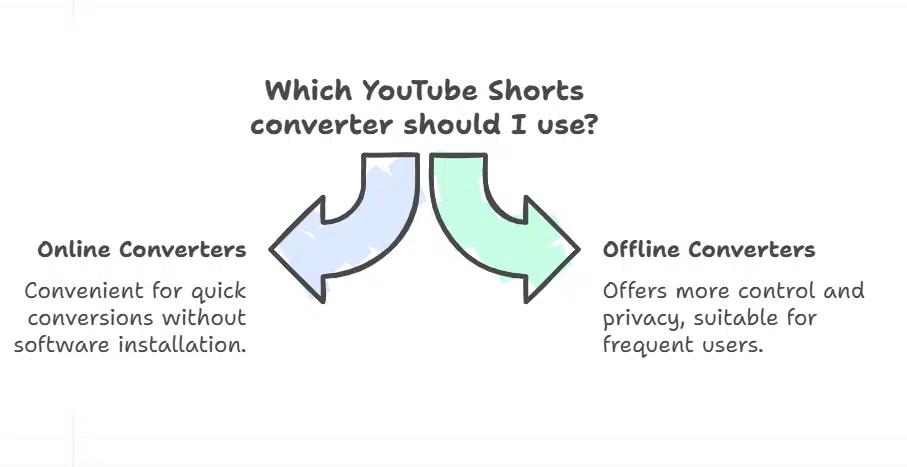
Looking for the best YouTube Shorts converter? You’ll find many options online and offline. As YouTube Shorts grow in popularity, people want easy ways to download and convert them into MP4 or MP3.
Online Converters to Try
Online converters are great for converting YouTube Shorts without software. ClipConverter and Online-Convert are top picks for their simplicity and quality. They support formats like MP4 and MP3, so you can pick what you need.
Online converters are free and easy to use from your browser. But, they might have limits, like how many times you can convert per day or the quality of the video.
- ClipConverter: Offers many formats and an easy conversion process.
- Online-Convert: Has advanced settings for custom conversions.
Software Options for Desktop
For a more powerful solution or for converting many files, desktop software is a good choice. 4K Video Downloader and Freemake Video Converter are top picks for their quality and features.
Desktop software usually offers better quality and more control over the conversion. You can even convert many files at once. But, it requires downloading and installing, which might not appeal to everyone.
“Using desktop software for video conversion gives you more control over the output quality and format.”
— TechReview
- 4K Video Downloader: Known for its high-quality downloads and ease of use.
- Freemake Video Converter: Offers a wide range of formats and advanced conversion options.
Step-by-Step Guide to Downloading Shorts
Want to save YouTube Shorts for later or convert them to MP3? We’ve got you covered. Downloading your favorite Shorts is easy, using online converters or software tools.
Using an Online Converter
Online converters make downloading YouTube Shorts simple without software. Here’s how:
- Copy the URL of the YouTube Short you want to download.
- Visit a trusted online converter site, like ClipConverter or Online-Convert.
- Paste the URL into the field and pick your format (MP4 or MP3).
- Hit “Convert” or “Download” to start the process.
- After it’s done, save the file to your device.
Downloading with Software Tools
For a more powerful option or to download many Shorts, software tools are better. Here’s how:
- 4K Video Downloader: Great for downloading YouTube videos and Shorts. It supports many formats and offers high-quality downloads.
- Freemake Video Downloader: Versatile tool for downloading YouTube Shorts in formats like MP4 and MP3.
To download with software tools:
- Download and install your chosen software.
- Copy the URL of the YouTube Short.
- Open the software, paste the URL, and choose your format and quality.
- Click “Download” to save the Short to your device.
| Tool | Type | Formats Supported | Ease of Use |
| ClipConverter | Online Converter | MP4, MP3 | Easy |
| 4K Video Downloader | Software | MP4, MP3, 4K | Moderate |
| Freemake Video Downloader | Software | MP4, MP3 | Easy |
Popular YouTube Shorts Downloaders
Downloading YouTube Shorts is easy with the right tools. There are many options, making it hard to choose the best. We’ll look at some top downloaders for saving Shorts in MP4 or MP3.
List of Top-Rated Applications
Many apps are known for their ease, speed, and quality. Here are some of the best YouTube Shorts downloaders:
- 4K Video Downloader: It’s known for high-quality downloads and is easy to use.
- YouTube Premium: It’s not just a downloader. It also offers ad-free videos and offline viewing.
- ClipGrab: This free, open-source downloader supports many video formats.
- Online-Convert.com: It has many conversion options, including YouTube Shorts to MP3.
These apps are popular for their reliability and quality.
Features to Look For
When picking a YouTube Shorts converter, consider these features:
- Ease of Use: The interface should be easy to use, making downloading and converting simple.
- Conversion Speed: Faster conversion means you can watch your videos sooner.
- Output Quality: Choose tools that keep the original quality of the video or audio.
- Additional Features: Some converters have extra features, like batch downloading or audio extraction.
Thinking about these points helps you find the Best YouTube Shorts converter for you.
How to Ensure Quality Video/Audio
Keeping the quality of YouTube Shorts high is important for everyone. When you download a YouTube Short, you want it to look and sound great. This lets you enjoy the content as the creators intended.
Tips for Maintaining High Quality
To ensure your YouTube Shorts downloads are top-notch, follow these tips:
- Choose the Right Converter: Pick a trusted YouTube Shorts converter that supports high-quality downloads. Look for ones that let you choose the video quality or resolution.
- Select Appropriate Formats: Decide between MP4 for videos and MP3 for audio-only. Some converters offer various formats, so pick the best one for you.
- Check the Converter’s Settings: Some tools let you tweak the output quality. Play with these settings to get the best quality possible.
Common Pitfalls to Avoid
When downloading YouTube Shorts, watch out for these common mistakes:
- Avoid Low-Quality Converters: Not all converters are the same. Some might lower your download quality. Use well-reviewed and top-rated converters.
- Beware of Unnecessary Conversions: Converting a video too many times can hurt its quality. Try to keep conversions to a minimum to preserve the original quality.
- Be Mindful of File Size vs. Quality: High-quality videos can be very large. Find a balance between quality and file size based on your storage and viewing needs.
By following these tips, you can make sure your YouTube Shorts downloads are of the best quality. This will give you a better experience when watching them offline.
Legal Considerations for Downloading Content
Downloading YouTube Shorts involves legal aspects. It’s important to know the laws when using a YouTube Shorts converter. This ensures you’re not breaking any rules.
Copyright Issues
Copyright laws apply to YouTube Shorts downloads. Most Shorts are copyrighted, so sharing them without permission is illegal. It’s key to know what you can download legally.
Key Copyright Concerns:
- Reproducing copyrighted material without permission
- Distributing copyrighted content without authorization
- Displaying copyrighted work publicly without consent
Fair Use and Personal Use
Fair use and personal use are important in downloading YouTube Shorts. Fair use lets you use copyrighted material for certain reasons like education or criticism. Personal use means using it for non-profit reasons.
| Usage Type | Description | Legal Status |
| Fair Use | Using copyrighted material for criticism, commentary, or education | Generally considered legal |
| Personal Use | Using downloaded content for non-commercial, personal purposes | Often permissible, but can depend on jurisdiction and specific circumstances |
| Commercial Use | Using downloaded content for profit or business purposes | Typically requires permission from the copyright holder |
Respecting creators’ rights is crucial when downloading YouTube Shorts. Make sure your use is legal to avoid legal trouble.
Troubleshooting Common Download Issues
Most YouTube Shorts downloaders are easy to use. But, sometimes problems like download failures or slow speeds can happen. Knowing how to fix these issues is key for a smooth download experience.
Fixing Download Failures
Download failures can be annoying. But, they’re often simple to solve. A common reason is a shaky internet connection. Make sure your connection is strong.
Also, check if your YouTube Shorts downloader is up to date. Old versions might have bugs that stop downloads.
Common fixes include:
- Restarting the downloader or your device
- Clearing the cache of the downloader application
- Checking for any software updates for the YouTube Shorts downloader
As one expert notes,
“A stable internet connection and an updated downloader are key to successful downloads.”
Ensuring Connectivity and Speed
Slow download speeds can be caused by many things. This includes your internet provider’s speed and the downloader’s server load. Here are some tips to boost your speeds:
Optimizing your internet connection can make a big difference. You might want to switch to a faster plan or tweak your Wi-Fi. Also, choosing a YouTube Shorts downloader that supports multi-threaded downloads can speed things up by downloading files at the same time.
“Using a downloader that supports multi-threading can cut download times in half,” says a leading tech analyst.
By trying these tips, you can make downloading YouTube Shorts videos and converting them to MP3 much better. This way, you can enjoy your favorite content without any problems.
Conclusion: Choosing the Right Tool for You
Finding the best tool to download YouTube Shorts can be tough. There are many choices out there. Knowing what you need, like converting to MP4 or MP3, helps narrow down your options. This way, you can find the Best YouTube Shorts converter for you.
Key Considerations
When picking a YouTube Shorts converter, think about what you need. For videos, a YouTube Shorts to MP4 converter is perfect. For just the audio, a YouTube Shorts to MP3 converter is better. Also, look at how easy it is to use, the quality of the conversion, and any extra features.
Ethical Content Use
It’s important to respect creators’ rights when using YouTube Shorts. Make sure you’re using it for personal, not commercial, reasons. Always follow copyright laws and fair use rules.
FAQ
What is the best YouTube Shorts converter?
The best YouTube Shorts converter varies based on your needs. You might prefer online tools or desktop software. The quality you need also matters. Popular choices include ClipConverter online and 4K Video Downloader desktop software.
Can I download YouTube Shorts to MP3?
Yes, downloading YouTube Shorts to MP3 is possible. Use online converters or desktop software that supports MP3. These tools help extract the audio from YouTube Shorts.
Are YouTube Shorts downloaders safe to use?
Most YouTube Shorts downloaders are safe. But, pick tools from trusted sources to avoid malware. Always check reviews and ratings before downloading.
How do I convert YouTube Shorts to MP4?
Converting YouTube Shorts to MP4 is easy. Use online converters or desktop software. Just copy the YouTube Short’s URL, paste it into the tool, choose MP4, and start converting.
Is it legal to download YouTube Shorts?
Downloading YouTube Shorts might be legal for personal use. But, always respect the creator’s rights. Check YouTube’s terms and copyright laws.
Can I download YouTube Shorts without software?
Yes, you can download YouTube Shorts online without software. Use web-based converters that work directly in your browser.
What is the difference between MP4 and MP3 downloads?
MP4 downloads include video and audio. MP3 downloads are just audio. Choose MP4 for video, and MP3 for audio only.
How can I ensure the quality of downloaded YouTube Shorts?
For high-quality downloads, pick a reliable converter. Choose the right format and quality settings. Avoid over-compressing to keep the original quality.