Type your address into three home value sites and you may get three different prices. On one test home in Rochester, New York, listed at $399,000, the free estimates ranged from about $277,000 to $395,000.
The best online home valuation tools can give you a fast starting point, but each one uses different data and gets things wrong in different ways. This guide compares ten of them so you know which numbers to trust and which to take with care.
How Online Home Value Estimates Work
Almost all of the best online home valuation tools use an automated valuation model, often called an AVM. It is a computer program that looks at public records, past sales, tax data, and details like bedrooms and square footage.
What it cannot see matters just as much. An AVM does not know about your new kitchen, a leaky roof, or a busy road behind your yard. That is why estimates for homes that are not for sale are much less accurate. Zillow and Redfin both report median errors of about 2% for homes listed for sale, but around 7% or more for homes that are not. On a $400,000 house, 7% is $28,000.
Quick Comparison Table
Free tools are fine for a quick check. Paid tools make sense when you need reports for many homes.
| Tool | Cost | What you need to give | Best use |
|---|---|---|---|
| Zillow Zestimate | Free | Address | Quick first look |
| Redfin Estimate | Free | Address | Homes in active markets |
| Realtor.com | Free | Address; account for more | Comparing several AVMs |
| Chase | Free | Address | Adjusting home details |
| Bank of America | Free | Address | Ten year value history |
| RE/MAX | Free | Address | Seeing a value range |
| HomeLight | Free | Address, email, timeline | Matching with local agents |
| Ownerly | $1 trial, then paid | Account | Deeper property reports |
| HouseCanary | From $19 a month | Account | Investors and agents |
| Eppraisal | Free | Name, email, address | Agent follow up |
The 10 Best Online Home Valuation Tools
1. Zillow Zestimate
Zillow is the name most people know, and it sits at the top of most lists of the best online home valuation tools. The Zestimate covers most US homes and shows a ten-year value graph, recent nearby sales, and tax history. If you own the home, you can claim it and fix wrong details like bedroom count, which can change your estimate.
Accuracy depends a lot on whether the home is for sale. Once a home is listed, the Zestimate can use the asking price and listing details, so it gets much closer. For homes that are not listed, the error grows to about 7% or more.
Pros
- Free and fast, with no sign up needed for a basic estimate
- Strong coverage across the US
- You can update home facts to improve the number
Cons
- Much weaker for homes not for sale
- Can lag behind fast changes in a neighborhood
2. Redfin Estimate
Redfin pulls its data straight from local listing services, which helps it stay current in busy markets. Its accuracy for listed homes is close to Zillow’s, at roughly 2% median error in recent reports. For homes not for sale, it misses by about 7% to 8%.
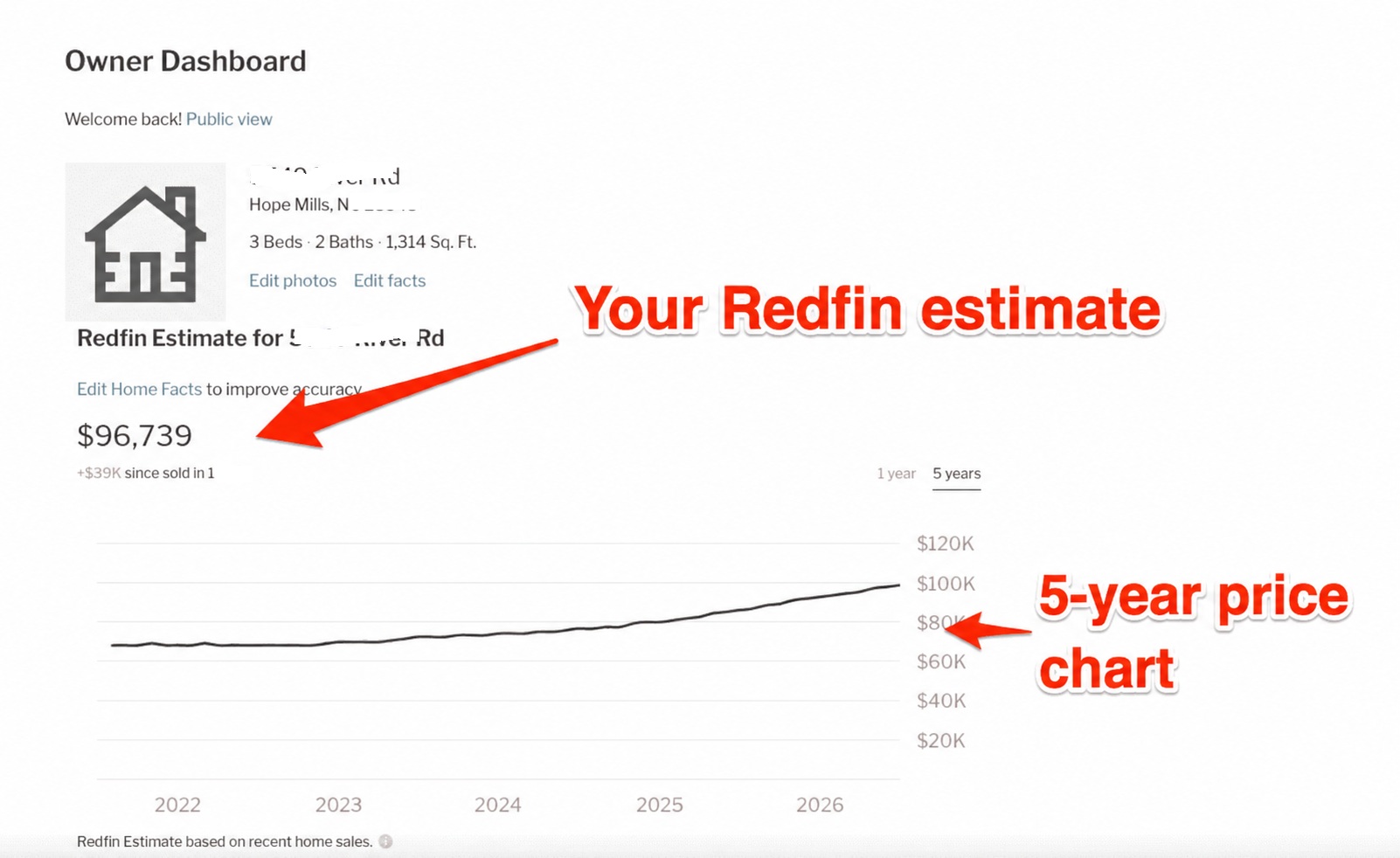
Redfin shows a map of nearby sales, which makes it easy to see why the estimate landed where it did. Like Zillow, it lets owners claim their home and correct facts. It is one of the best online home valuation tools to run side by side with Zillow, since both use different data paths.
Pros: Fresh listing data, clear map of comparable sales, free to use.
Cons: Weaker coverage in some rural areas, and it may push you toward a Redfin agent.
3. Realtor.com
Realtor.com does something useful that most rivals don’t. Instead of one number, it shows estimates from several data companies, such as Quantarium and Collateral Analytics, plus an average.
You get the average with just an address. To see each provider’s number and the owner dashboard, you need a free account. The dashboard tracks value over time and estimates how much cash you might walk away with after selling. Among the best online home valuation tools, this is the easiest way to compare models in one place.
- Pros: Several estimates at once, helpful seller tools
- Cons: Needs a login for the full view, and your edits don’t change the public estimate
4. Chase Home Value Estimator
Chase’s tool is free and asks only for an address. Its best feature is that you can adjust beds, baths, rooms, and square footage to see how changes affect the price. That is handy if your public records are out of date.
Some reviewers found old comparable sales and wrong room counts in its results, so check the details before trusting the number. It works well as a second or third opinion next to the other best online home valuation tools.
5. Bank of America Home Value Estimator
Bank of America shows a ten year value graph, a map of comparable homes, and features like garages, pools, and fireplaces. It is free and needs only an address.
Its numbers can run low, though. In one Bankrate test, it valued a $399,000 listing at about $277,000, far below every other tool. Use it as one data point among the best online home valuation tools, not as your final answer.
Pros
- Clean layout with useful home details
- Long value history
Cons
- Estimates can be far off in some areas
6. RE/MAX Home Value Estimator
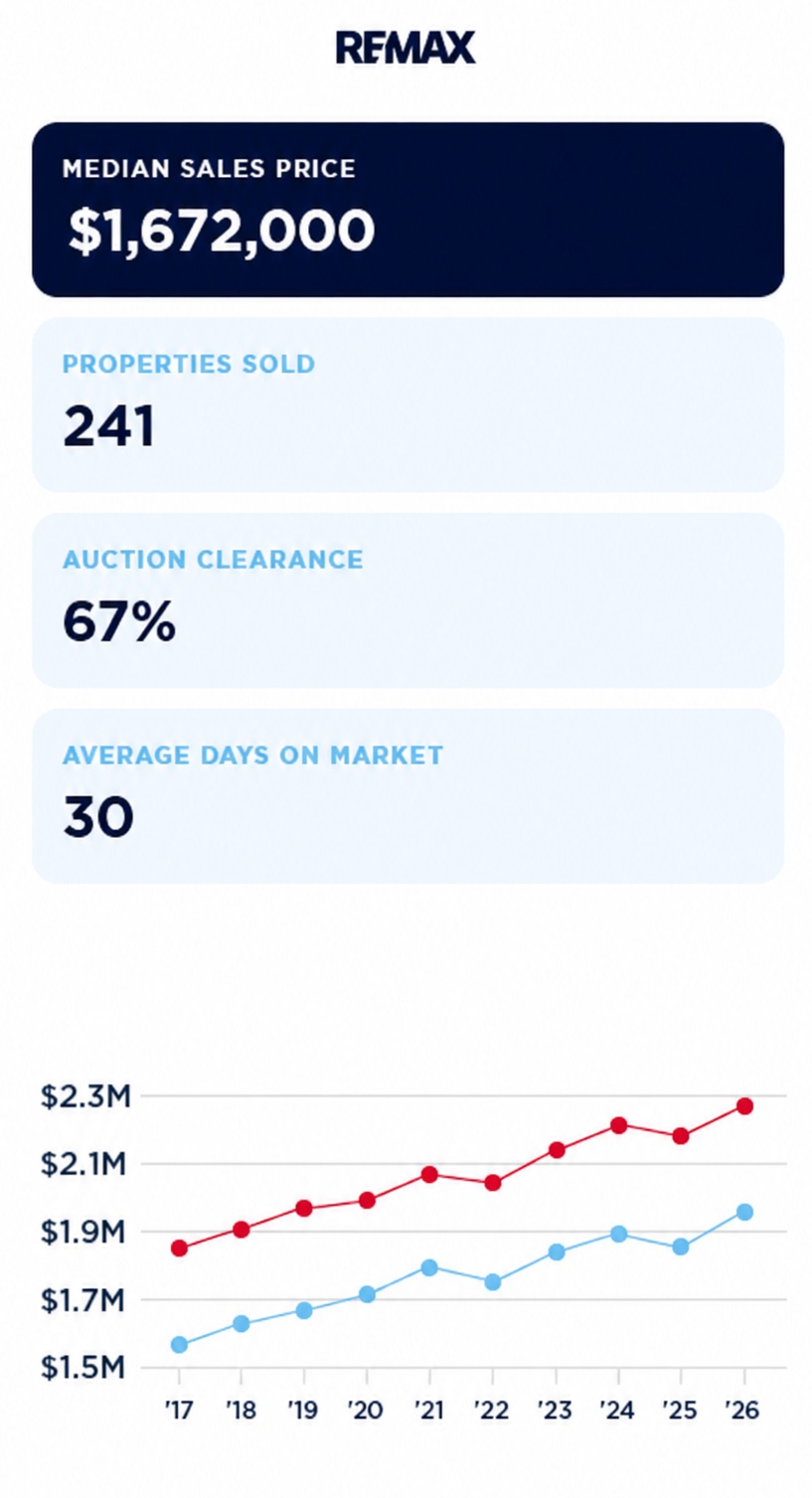
RE/MAX gives you a value range instead of a single number. Its data comes from sources that include Zillow and HomeJunction. A range is more honest than a single price, but it can be wide. In the same Bankrate test, the range ran from about $267,000 to $447,000.
Expect a RE/MAX agent to reach out after you use it.
7. HomeLight Home Value Estimator
HomeLight asks for more than most of the best online home valuation tools. You enter your address, home condition, selling timeline, and email, and the estimate arrives in about two minutes. You also get a list of top local agents.
The extra questions about condition can help, since most AVMs ignore it. Still, one reviewer found HomeLight gave the lowest or second lowest estimates in their tests. HomeLight is also a referral company, so the tool exists partly to connect you with agents.
Pros: Asks about condition, fast results, free.
Cons: Requires an email, may lead to sales calls, can run low.
8. Ownerly
Ownerly is a paid service that pulls together home value estimates, ownership records, and neighborhood data. It offers a $1 seven-day trial, then charges about $29.99 a month. Reviewers found its estimates close to Zillow and Redfin.
For most homeowners, this is hard to justify when free tools give similar numbers. It makes more sense for someone who wants property records and value data together, like a buyer researching several homes. Of all the best online home valuation tools here, it is the one most likely to charge you after you forget to cancel.
9. HouseCanary
HouseCanary is built for investors, lenders, and agents rather than casual homeowners. Plans start at $19 a month for Basic, $79 a month for Pro, and $199 a month for Teams. Single valuation reports cost about $7 to $12 depending on your plan.
You get detailed value reports, PDF exports, and more data than any free tool shows. If you buy rental property or flip homes, HouseCanary is one of the best online home valuation tools to pay for. If you just want to know what your own house is worth, it is more than you need.
- Pros: Detailed reports, built for repeat use
- Cons: No free tier listed, too much for most homeowners
10. Eppraisal
Eppraisal promises a free, detailed report, but it asks for your name, email, street, and ZIP code first. The report comes after contact with a local agent. There is little public data on how accurate it is.
It belongs on this list of the best online home valuation tools mainly as an extra opinion. If you don’t want an agent to call you, skip it.
Which Tool Should You Use?
The best online home valuation tools work best together. A single estimate can mislead you, but three or four that agree give you a solid range.
- Just curious about your value: Check Zillow, Redfin, and Realtor.com, then look at where they overlap.
- Selling in the next few months: Add one agent tool like HomeLight or RE/MAX, then ask a local agent for a comparative market analysis.
- Investing in property: HouseCanary is worth a look for its detailed reports. If you would rather invest without buying a whole house, see our guide to the best real estate crowdfunding platforms.
- Refinancing or getting a home equity loan: Your lender will order a real appraisal. Online numbers only help you guess what to expect.
What Online Estimates Usually Miss
Even the best online home valuation tools miss things a person would see in a walk through. Keep these in mind before you trust any number.
- Recent upgrades. A new roof or kitchen won’t show up unless you add it yourself.
- Condition problems. Water damage, old wiring, or foundation cracks lower value, but AVMs can’t see them.
- Energy upgrades. Solar panels and better insulation can raise value. Our article on green building in real estate investment explains why buyers pay more for them.
- Climate risk. Flood zones, wildfire risk, and rising insurance costs are starting to affect prices in some places. Read more on the impact of climate change on real estate.
- Unusual homes. Large lots, rural homes, and one-of-a-kind houses have few close matches, so errors are bigger.
Final Thoughts
The best online home valuation tools are a smart, free way to get a quick read on your home’s worth. Start with Zillow, Redfin, and Realtor.com, compare their numbers, and update any wrong home details on each site. If you are about to sell or borrow against your home, use that range to start a talk with a local agent or appraiser.