
Yes. Monster Hunter Wilds support cross-platform play, which means you can play together across PC (Windows), PlayStation 5, and Xbox Series X|S.
If you are trying to figure out whether you can hunt with friends on different systems, how matchmaking works, what you need to enable, and what limitations you should expect, I will walk you through it in plain terms.
What Cross-Platform Means In Monster Hunter Wilds
When I say “cross-platform” here, I mean cross-play.
- Cross-play means you and your friends can join the same quests and sessions even if you are on different platforms (PC, PS5, Xbox).
- It does not automatically mean cross-save, which is a separate feature where your progress carries between platforms. If you are buying on multiple platforms, do not assume your save transfers unless the game explicitly offers it.
So the core answer you care about is: Yes, you can co-op across platforms.
Which Platforms Are Compatible With Each Other
Here is the compatibility in the simplest way.
- PC (Windows) ↔ PS5: Compatible for online play
- PC (Windows) ↔ Xbox Series X|S: Compatible for online play
- PS5 ↔ Xbox Series X|S: Compatible for online play
If you are buying the game mainly to play with friends, your platform choice is not a barrier for co-op.
Do You Need A Specific Edition To Use Cross-Play
In most cases, cross-play is a standard online feature, not a special edition feature.
What matters more is this:
- You are on the same game version (fully updated).
- Your platform account is able to use online multiplayer (for example, console online subscription requirements can apply).
- You have cross-play enabled in the settings if the game lets you toggle it.
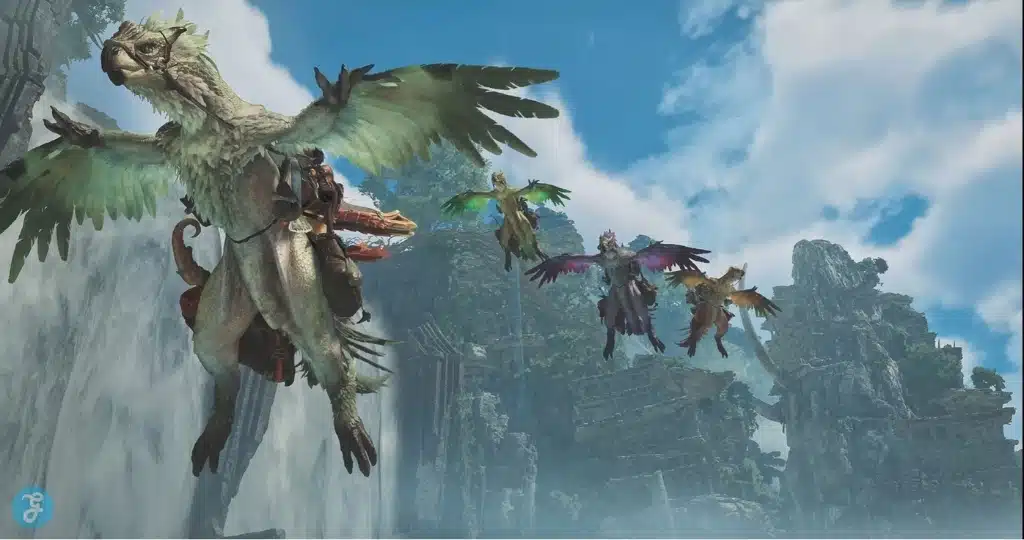
How Cross-Play Works In Real Multiplayer
Cross-play in a hunting game like Wilds usually shows up in three practical areas:
Matchmaking
If cross-play is enabled, the matchmaking pool becomes larger. That means:
- Faster queue times for popular quests
- Better odds of finding players for niche hunts
- More consistent group availability during off-hours
Private Sessions With Friends
If you want a controlled experience with your group, you will typically:
- Create a session or lobby
- Share a lobby ID or invite through the game’s friend system
- Join quests together from inside that shared space
SOS-Style Assistance
If you like “jump in and help” play, cross-play makes it easier for your SOS-style calls to be answered quickly, because more players are eligible to respond.
How To Enable Or Confirm Cross-Play Settings
I will keep this practical. Cross-play problems almost always come down to a few common points.
Step 1: Update Your Game
If you and your friend are not on the same patch version, you may not be able to join each other.
Step 2: Check Multiplayer Settings
Many modern games include a simple toggle such as:
- Cross-Platform Play: On or Off
If the option exists and it is off, you will only match with your own platform.
Step 3: Check Platform Privacy Settings
Even if the game supports cross-play, your console or account settings can block it. If you cannot join friends, check:
- Who can join your games
- Who can message or invite you
- Cross-network play permissions (on console)
Step 4: Try A Direct Join Method
If matchmaking is inconsistent, direct joining is usually more reliable:
- Join by session ID or lobby code
- Join from the in-game friends list
- Join via an invite sent inside the game
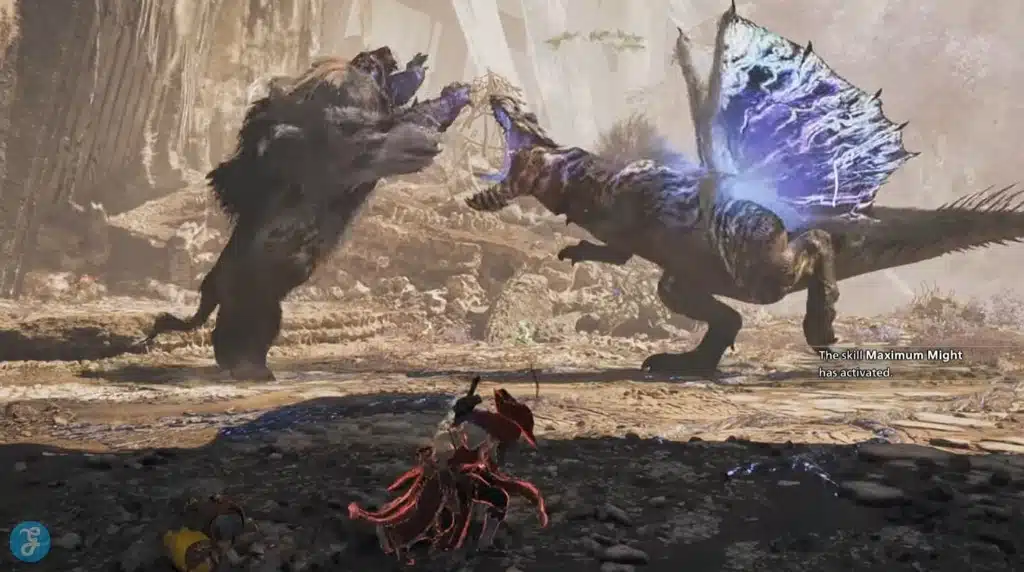
Can You Party Up With Friends Across Platforms Easily
You can, but you should expect one important difference compared to playing with friends on the same system.
Invites May Not Use Your Console’s Native Invite System
A PS5-to-PS5 invite is usually seamless through PlayStation’s UI. Cross-platform invites often rely more on:
- In-game lobby codes
- In-game friend lists
- In-game session IDs
So if you want the smoothest experience, get comfortable with the game’s own lobby system instead of relying on platform-native invites.
Does Cross-Platform Affect Performance Or Difficulty
Cross-play does not change monster difficulty by itself. The game’s scaling usually depends on party size, not platform.
That said, the player experience can feel different because of input and performance differences.
PC Players Can Have Higher Frame Rates
If someone is on a high-end PC with high FPS, they may react faster and track movement more smoothly. That can make dodging and aiming feel easier.
Console Players Have A More Standardized Setup
Console performance is more consistent across players. That can make the experience more predictable.
Keyboard And Mouse vs Controller
Monster Hunter gameplay is traditionally tuned around controller, but some players prefer mouse for camera control. In mixed-platform groups, you will see both styles.
None of this breaks balance, but it is worth knowing.
Voice Chat And Communication Across Platforms
This is where cross-platform co-op can feel “different” from same-platform co-op.
In-Game Voice Chat
If Wilds includes in-game voice chat, that becomes the easiest cross-platform solution. Everyone uses the same system inside the game.
Third-Party Voice Chat
Many cross-platform groups use:
- Discord on phone or PC
- Discord on console (if available in your setup)
- A separate call method outside the game
If you are planning regular co-op sessions, I recommend choosing one voice method and sticking to it. Mixed systems get messy fast.
Common Cross-Platform Issues And How You Fix Them
Here are the problems I see most often in cross-play games, and the fix mindset you should use.
You Cannot See Your Friend Online
What you do:
- Confirm both of you are online in the same region settings if the game has a region option
- Restart the game and reconnect
- Use a lobby code instead of the friends list
You Can See Them But Cannot Join
What you do:
- Confirm game versions match
- Confirm cross-play toggle is enabled
- Confirm privacy settings allow cross-network play
- Try joining through a lobby ID or session code
Matchmaking Takes Too Long
What you do:
- Make sure cross-play is enabled
- Try a more general matchmaking option if the game offers it
- Use SOS-style calls if you just want extra players quickly
You Get Disconnected Often
What you do:
- Use wired internet if possible
- Avoid background downloads
- Host on the most stable connection
- Recreate the lobby instead of trying to “push through” a broken session
Cross-Platform vs Cross-Progression
I want to be very clear here because it is the biggest confusion point.
Cross-Platform Play
You can play with friends on other systems.
Cross-Progression
Your save carries between platforms.
Monster Hunter Wilds being cross-platform does not automatically mean cross-progression exists. If you are switching from PS5 to PC later, you should treat it as a new purchase and a new save unless the game explicitly supports account-based saves.
Should You Turn Cross-Play On Or Off
If you mainly play with friends on other platforms, keep it on. If you only play solo, it still helps because:
- You get a bigger pool for SOS help
- You match faster in general
You might consider turning it off only if:
- You specifically want to play only with your platform community
- You are troubleshooting a matchmaking issue and want to test whether cross-play is the cause
For most people, leaving it on is the best move.
What This Means For You Before You Buy
If your main question is “Can I play with my friends?” here is the buy guidance I would give you.
- If your friends are split across PC, PS5, and Xbox, you can still play together.
- Choose your platform based on comfort, performance preference, and where you personally want to play.
- Do not buy a second copy on another platform expecting your progress to carry over, unless you confirm cross-save exists.
Wrap-Up
To sum up, yes, Monster Hunter Wilds support cross-platform across PC, PS5, and Xbox Series X|S, so you can hunt together no matter which of those systems you own.
If you tell me what your group is using (for example, you on PC and friends on PS5), I can also give you a tight “setup checklist” you can paste into your Discord or group chat so everyone joins the same lobby in minutes.